
Its been a real eo day here. I’ve been working on the review (expect that in a few days) but I keep getting pulled deeper and deeper into it.
This is how deep I got today:
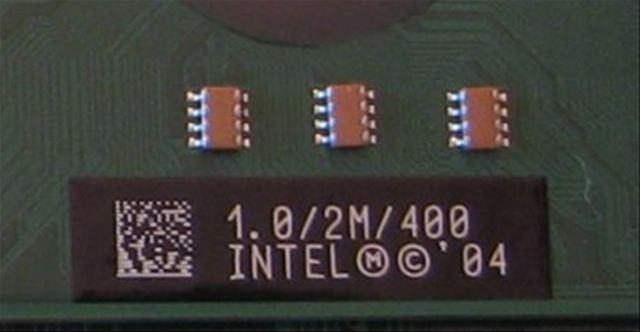
After a good few hours messing with the device I can honestly say that the warranty is invalid.
What did I find out though? Well, the reason for taking the device apart was to see exactly what audio solution was implemented. The Intel 915GMS has a 7.1 channel HD audio core but that’s only half the story when it comes to audio. I wanted to see what codec was used and to see it there was a possibility of getting a digital audio output.
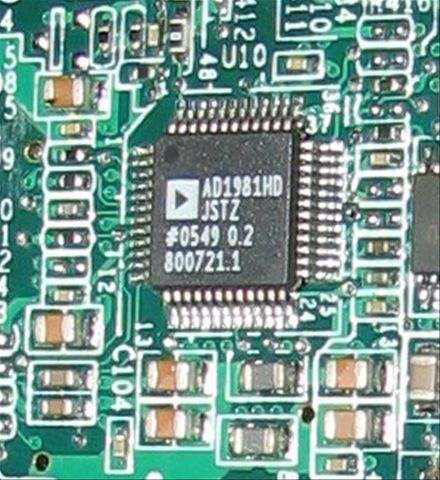
The good news is that the codec – an Analog Device 1981HD device – does have an SPDIF output. The bad news is that it was impossible for me to see if this was brought out to the docking port where one could mount a connector (on the docking station) to provide the output.
The 1981HD device is a reasonable quality device with equaliser (which doesn’t seem to be available through any of the included software) and stereo mic inputs. Sure enough, on the i7210 there are two mic inputs. One below the SRS button and the other to the left of the camera. I had suspected this before.
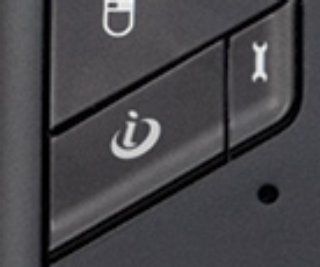
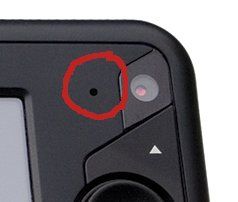
The included SoundMax filtering software uses these inputs to control noise filtering so it turns out that the i7210 has the same mic array as the Samsung Q1. That’s great news for Tablet Kiosk.
Other discoveries:
The case is quite hard to split apart although it should be possible for anyone to do. (At this point though, you’ve lost your warranty so don’t go crying to TK when it doesn’t work any more!)
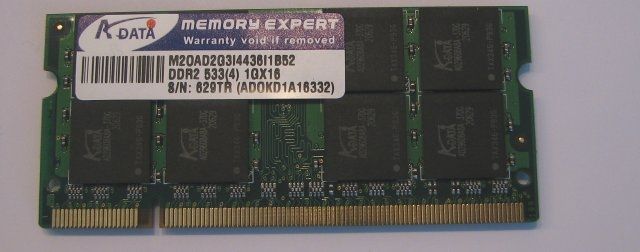
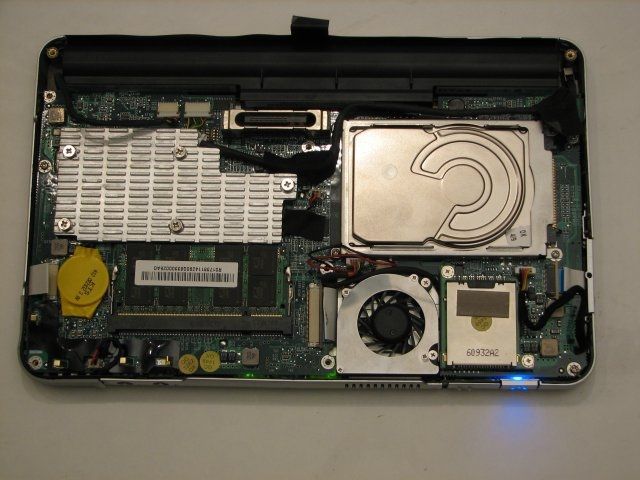
Inside, the memory is easily accessible:
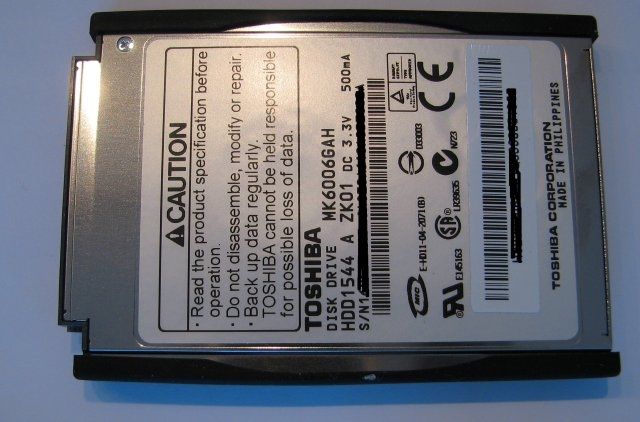
As is the 1.8″ HDD:
General soft-core naked images follow (click to enlarge. phnar! phnar!) starting with a cheeky look at the back-side, this is what you see when you strip the back naked. (OK i’ll stop now!) From here you can access the memory and HDD. The CPU is covered by the heatsink. This images was taken after I managed to put it all back together again. You can see the power-light on. That made me happy.
After about an hour of fiddling – you really shouldn’t try this – you get to flip the mainboard over for a full frontal. At this stage, I gave myself a 50:50 chance of ever being able to use it again!
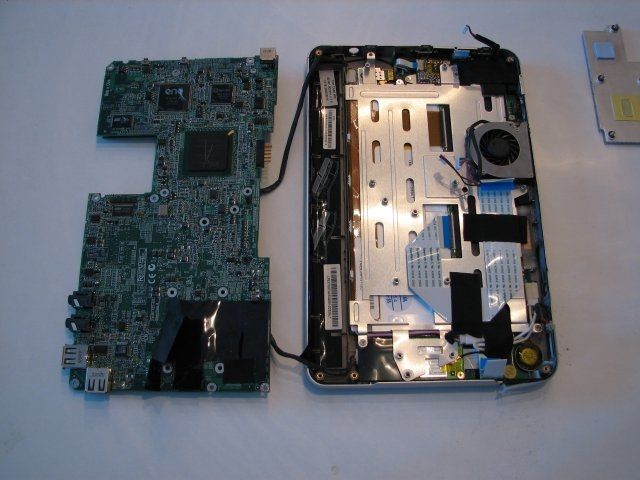
At this point you can remove some more screws and get see the USB modules all over the place. I don’t like this type of design. Why can’t someone use a decent, low-power integrated Wifi/BT chipset (there must be one out there.) and put it on the motherboard?
Here’s the Winbond USB Wifi module which is not even listed on their website. You haven’t got much chance of getting this running under Linux. I’ve tried!
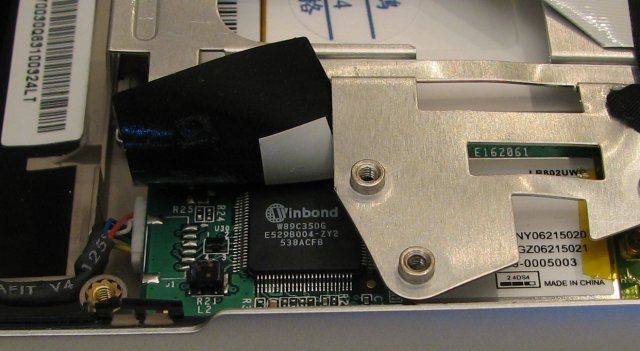
Then we have the audio codec. Somewhere on there is the SPDIF output.
And here’s our friend, the 915GMS chip that does the audio, graphics and a whole lot more that you’ll never get to use.
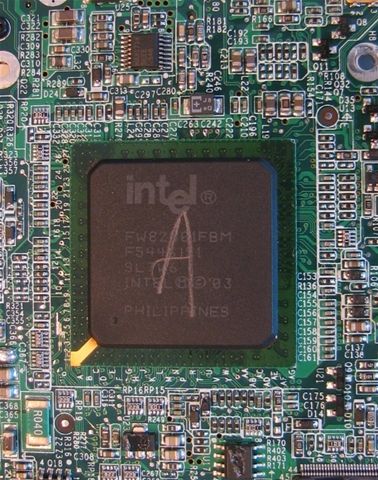
Yes, this part is rather under-utilised as it also supports PCI express (wouldn’t it be nice to have a docking station with a PCIe graphics card in it.)
There were more discoveries too. A lot of programs (including Linux) are reporting that the Ethernet interface is 1000mbps and not 100mbps as advertised. I don’t have any Gig-e switches here so I’m not able to test it but I’m sure someone out there reading this is going to run off now and test it. Its a Marvel Yukon Ethernet controller and it appears to be either located in the docking station. The quite exciting thing about this is that the Marvel Yukon controllers appear to be PCIexpress parts so that means (yes, you know what I’m thinking don’t you.) that PCIe appears on the docking port. Can you just imagine for a minute what you could enjoy with a PCIe enabled docking station.
High-power GPUs, video capture, TV, sat and cableTV cards, raid controllers and high-end sound cards.
What was that? Take it apart you say?….Oh what the heck.
[15 minutes later.. (yes the i7210 is still working!)]
Ladies and Gentlemen, please welcome the Marvel Yukon 88E8053 PCI-Express Gigabit Ethernet controller.
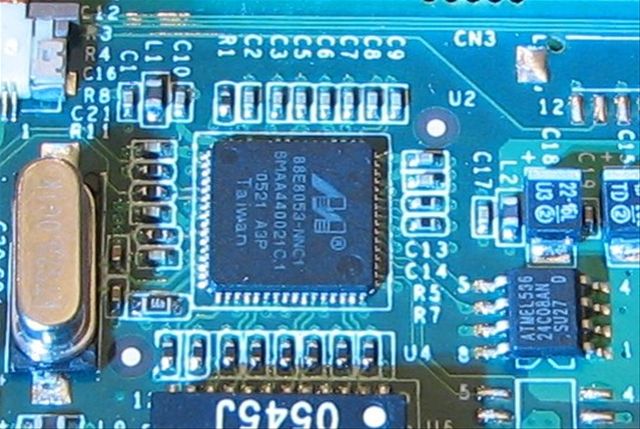
So after all that waffling above, it turns out that the docking solution is PCIe enabled after all.
Stereo noise canceling mic’s, a gigabit Ethernet port and a PCIexpress enabled docking port. Tablet Kiosk can you confirm all this?
If its true, here’s a request to ECS (who design and manufacture the device for TK) please can you make us a desktop docking station with 2 PCI-e slots, and an integrated PCIe (or even USB2.0) soundcard with SPDIF and 7.1 outputs? Many thanks. Oh and while you are at it, please improve that USB WiFi module. Thanks again!
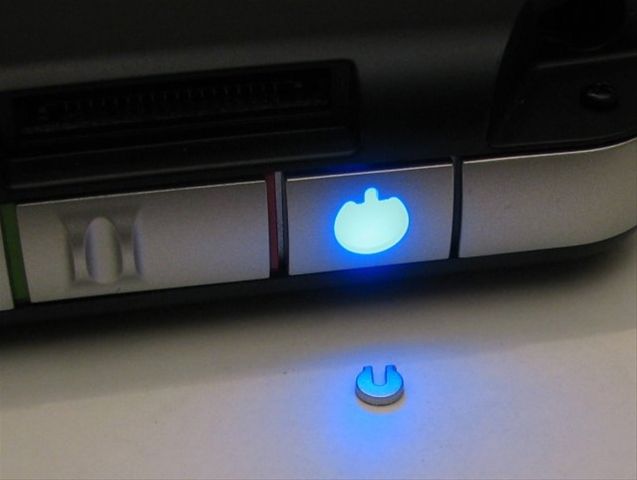
Finaly, there is one last very sad story to tell…
Regards
Steve / Chippy.










well it looks like the hardware guys will really like this article. Great coverage (or lack there of, wink! wink!) on the innerds of the EO.
Yep, the dock has a gigabit card in it. Makes it a flash to copy stuff over from my desktop with a crossover cable.
Interesting. I wonder if TK actually knew that!!
Thanks for the feedback Adam.
Steve
Here’s the Winbond USB Wifi module which is not even listed on their website. You haven’t got much chance of getting this running under Linux. I’ve tried!
Found a linux driver for the WinBond USB Wifi (89C35) at http://code.google.com/p/winbondport/
Wow. Thanks ‘anon’
Steve.