Welcome to 2017? This mini PC by GraalPhone reminds us of 2006!
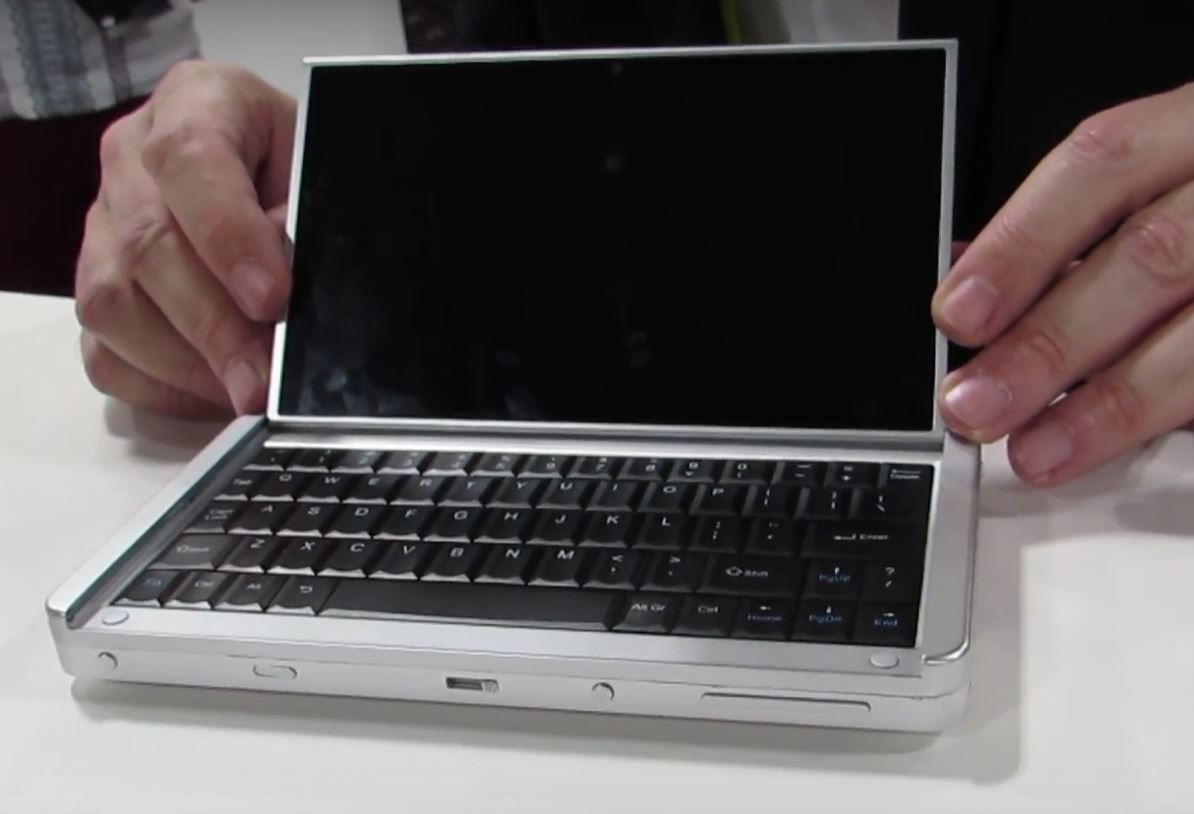
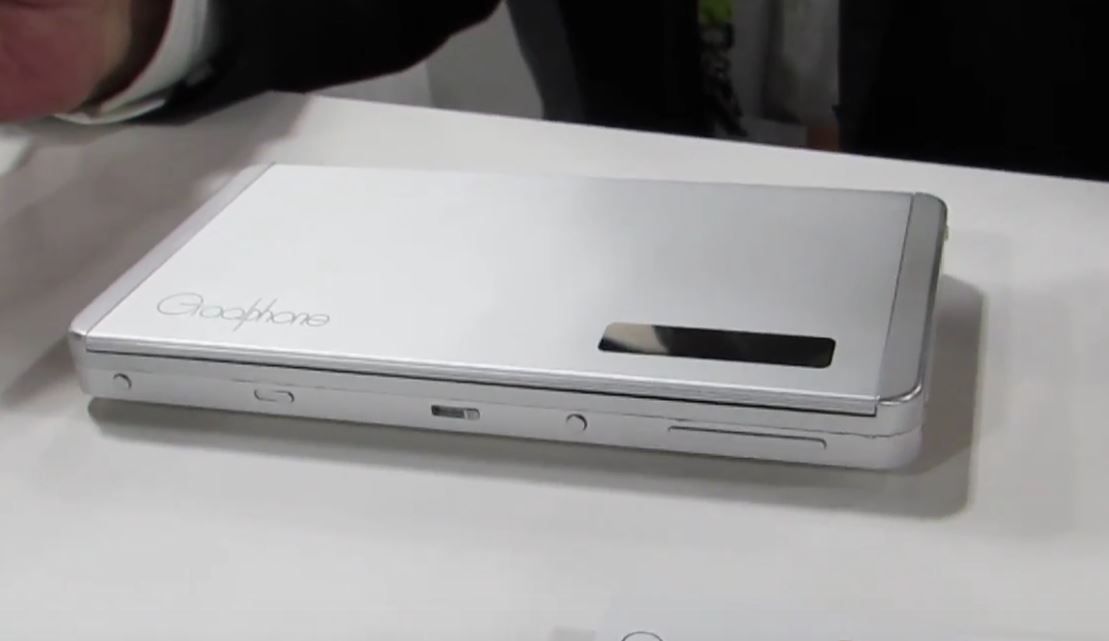
GraalPhone Concept
The idea of a multi-mode mobile PC is far from new but GraalPhone is taking a shot at building something that’s not only multi-mode but also multi-OS system. It’s something we would have been very excited about 10 years ago but given the number of failures in this multimode mobile PC market over the last 10 years it’s hard to get excited now. Having said that, we must now consider the smartphone-as-a-core option.
This ‘4 in 1’ design uses the smartphone as the core processing unit and the docking unit takes the form of a mini PC with keyboard and folding screen that allows mini laptop and tablet modes. Obviously the docking design could take multiple forms. The GraalPhone UMPC is at the concept stage and we suspect they’re at CES (thanks Brad) to find partners and funding. Anything and everything could change and even if GraalPhone are successful in finding a partner it’s going to take a year to get this to market.
GraalPhone Concept
Windows 10 with a Snapdragon 835 would be the obvious choice for this product. Continuum was created for these cross-over designs but as we know, Windows 10 isn’t exactly the consumers or the manufacturers first-choice in the mobile market. An Android / Chrome OS fusion could be interesting but GraalPhone are talking about a Windows / Android combination. That could be a recipe for failure if previous attempts are anything to go by.
With smartphone performance as it is, way ahead of entry-level Windows tablets and PCs, the only way forward is to consider the smartphone as the core processing and communications unit. Google and Android / Chrome OS have the best positioning for this although if Microsoft could get more traction in the Store, Windows 10 is designed from the ground-up for this. The question is, when companies can sell us a smartphone, tablet and laptop separately why would they combine it into one? It only means disruptive profit loss. Maybe there’s a chance here for a new startup.
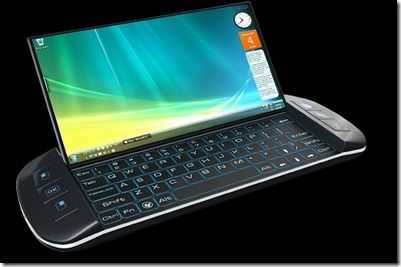
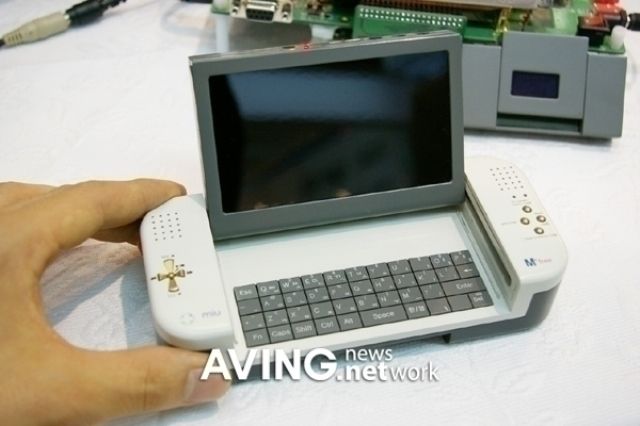
The design reminds me of something we saw 8 years ago in a design study found on the OQO forums.
Concept design from 2009
The OQO itself wasn’t much different in outward-looking design. Looking back over ten years ago we also find the HDPC aka ‘the ugly sofa.’
There are Chromebooks available that can run Android apps. Yup, apps that you usually get on your smartphone. Why would you run these apps on a laptop? Are there problems? How much does it cost? The answers below.
Google Play is coming to ChromeOS later this year and when it does Chromebooks will become truly offline capable, will leapfrog Windows laptops in some app categories and will have an app engine that could drive development of new types of ChromeOS products. I hope that by now you’ve heard the very exciting news that the Google Play Store, originally for Android smartphones and tablets, is coming to Chrome OS. The new, effectively virtualized, Android Marshmallow OS is likely to drive development of more widescreen / largescreen apps, boost development of advanced ChromeOS products and allow Chrome OS to be one of the first desktop operating systems that has wider support for the quickly growing segments of IoT, wearables, ‘flyables’, home automation, local transport, health and data analytics, areas that Windows 10 desktop and mobile are struggling with.
There will be limitations of course, and that’s what I want to walk through now.
Honor 5X price: $199 / €230. It’s a great phablet for very little money.
Fancy an LTE-equipped mobile internet device with octa-core CPU, full disk encryption, fingerprint reader, Microsoft Office apps, a good camera, GPS and full HD screen? Let’s throw in an electronic compass and a battery that will last over 10 hours while surfing or watching videos.
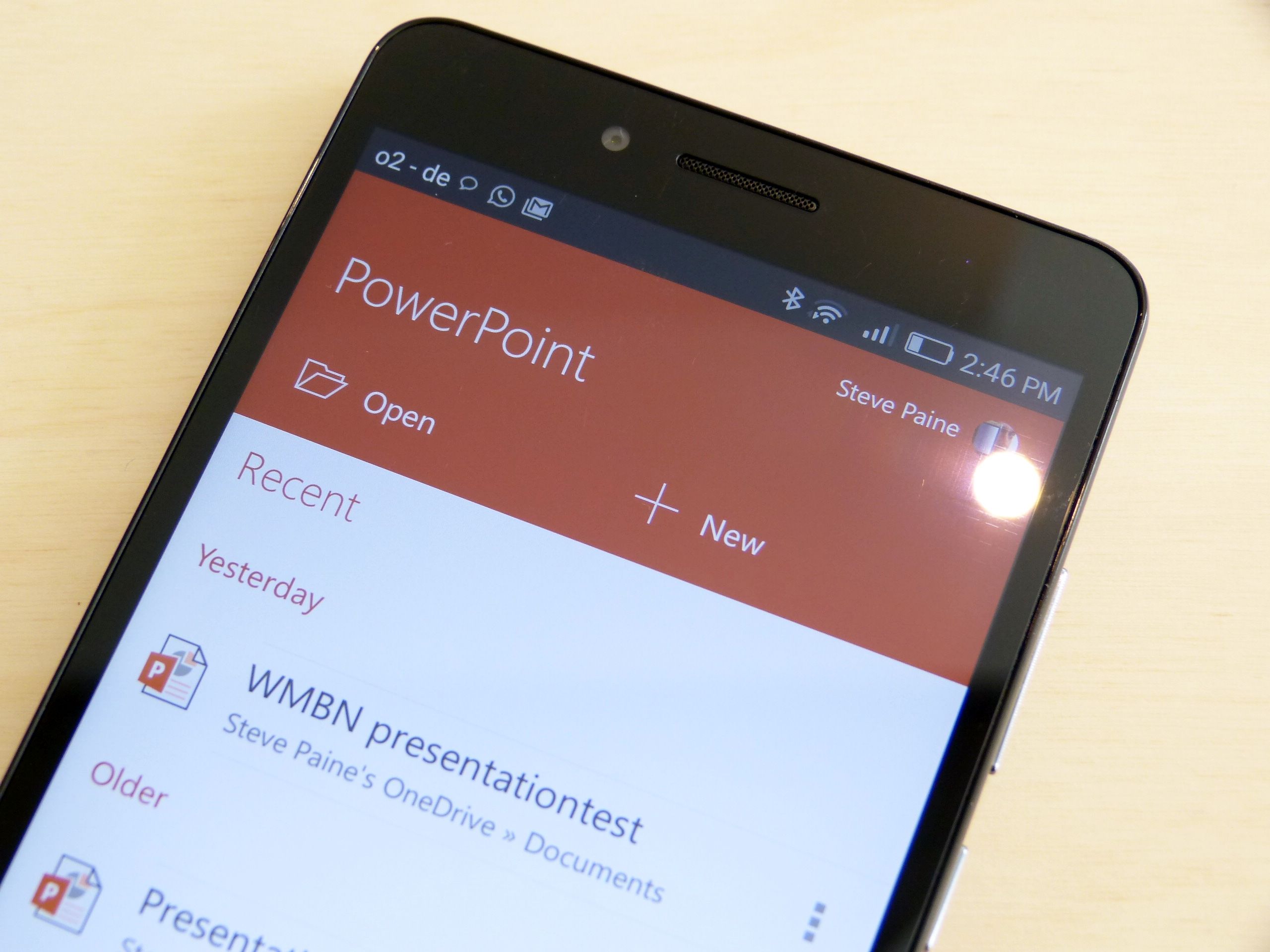
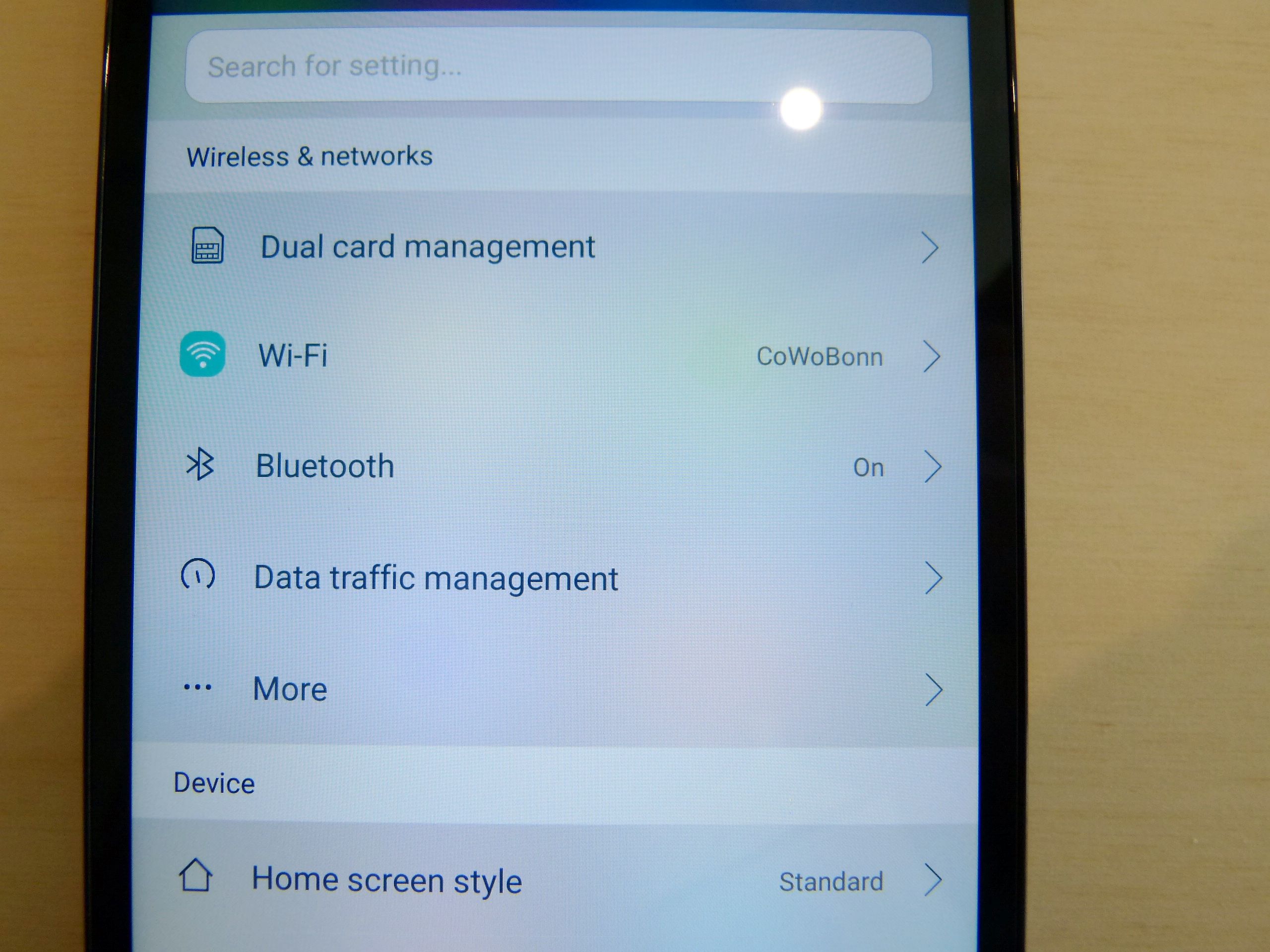
I’ve used the Honor 5X Android phablet / smartphone on and off over the last few weeks and over the last three days it’s been my one-and-only. If you haven’t got a phablet in your mobile computing lineup, here’s your chance because this is a bargain. Let me put into perspective how good this package is.
The Honor 5X costs $199. It loads full desktop web sites, on average, just four seconds slower than a current Core m5 tablet that costs over $1000. It’s not that much slower to load web pages than a $730 Samsung Galaxy S7 Edge. I’m surprised how powerful this mid-range Qualcomm Snapdragon 616 is in general usage although single-core tasks can take some time. The Sunspider 1.0.2 score is over 1400 ms.
Think like a 15-25 year old. The Honor 5X runs Snapchat, Musical.ly and Pinterest and supports wearables and IoT devices. Instagram and Spotify have fully developed apps for this platform and when it comes to imaging fun, there’s no comparison between this and a PC.
Now think productively. The Honor 5X runs Chrome, Office Mobile, has a great daylight camera, a fingerprint reader. Evernote, One Note, Wunderlist and all your favorite local applications (newpapers, public transport service, event apps etc.) are available. Here Maps for offline navigation. Microsoft authenticator for easier two-stage authentication. There’s a great WordPress app. Google Analytics. The full HD screen goes up to over 500 nits which is way, way more than your average 300 nit laptop.
$199 / €230
Yes I know it can’t run advanced video editing, photo and productivity apps. There’s zero chance for software developers and you can’t connect a keyboard, mouse and screen. But some of the features are beyond what you find on even a $1000 laptop. Why is a fingerprint reader and full disk encryption included in this crazy price and yet on a laptop these options cost $100 each?
FM radio. BT 4.1. IPS Full HD Screen. I can go on. Voice calling and dual-SIM support.
Phablets are old news, Chippy.
Yes, I know, but do you remember how much most of them are? The Galaxy Note 4 launched at 700 Euro and even now costs well over 400 Euro. The point is that phablets were expensive, but are now so cheap that if you haven’t got one you can now add it to your arsenal. The other point I want to make is that laptops in the consumer space clearly need a lot more integration and improvements in sensors and features. We don’t need to talk about the app-gap. There are now so many peripherals and products in the wearables, IoT and home automation space that don’t work on Windows that it’s just laughable. The Ultrabook and U-Series SoC did a lot for mobile PCs but more needs to be done.
Honor 5X overview review.
The Honor 5X is certainly not as fast as the Galaxy S7 Edge that I have here and the plastic screen looks like it will scratch easily but it would light the eyes of anyone buying it. It’s got features that were unthinkable in a $200 smartphone just a year ago. It’s value for money, and I love that. I enjoyed using it too. Watch the video below that shows the Honor 5X against the Samsung Galaxy S7 Edge.
I can confirm that the battery life is great (1.5-2 days) and that the screen is bright. Apps work quickly and smoothly and web pages load acceptably well, even with a full ‘desktop’ site load.
The camera is great in daylight, a lot more fun than a mobile PC and I felt confident that battery life would really last all day, even after testing timelapse video for an hour.
The camera is fast (1.5 seconds from locked,) fun and well-connected and that’s so, so important. It’s better than most people will need for sharing.
On the negative side the screen is plastic and difficult to keep clean. There’s no USB OTG or video-over-USB via MHL or Slimport. 2 GB RAM should be OK for most people but 3GB or more might be preferable if you’ve got a big set of apps you need to keep running. Low-light video and photography is terrible. Add the cost of a case, because it needs it.
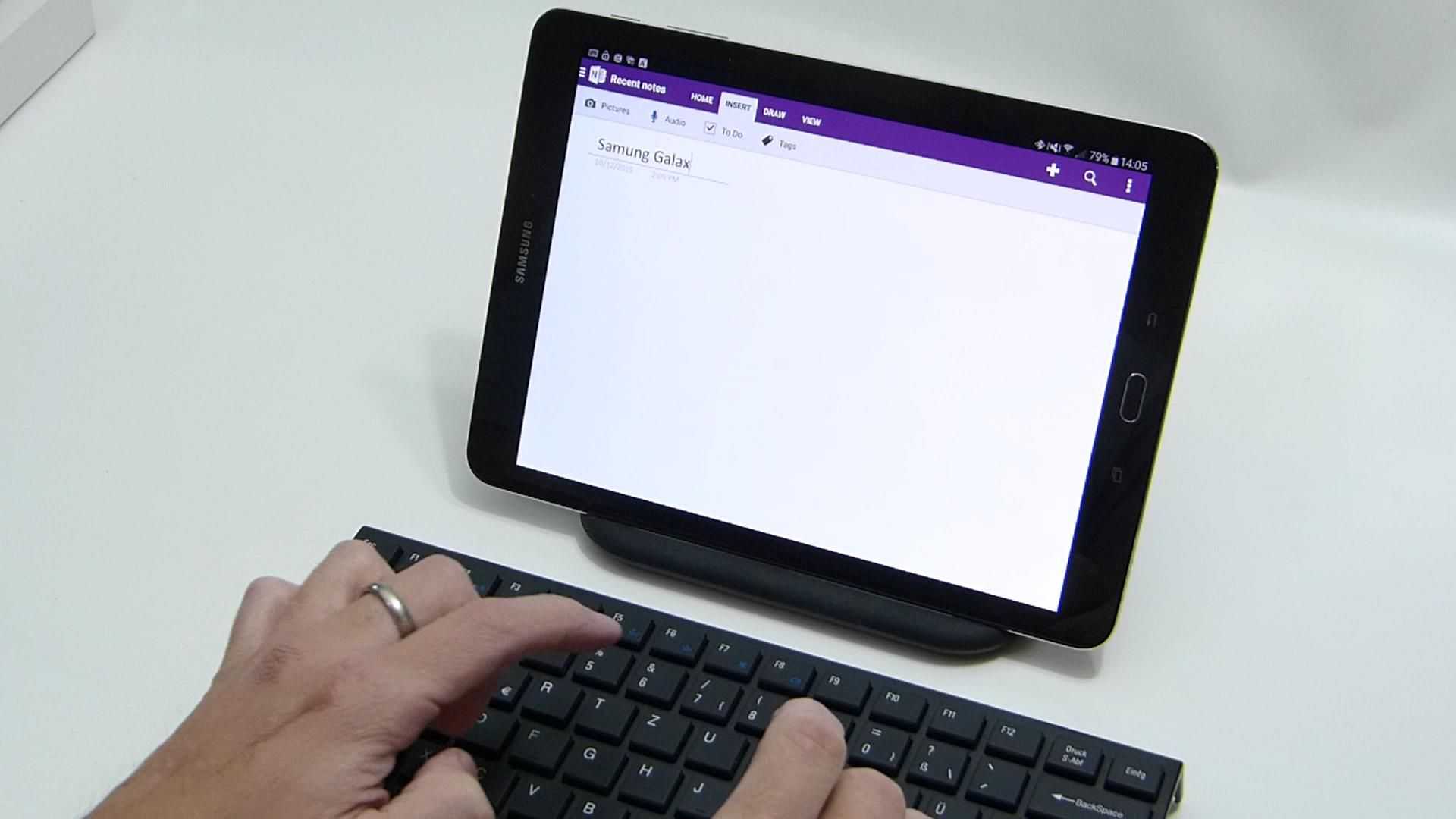
You could, if you so wish, connect a Bluetooth keyboard and get some text down but there are more comfortable ways to do that. This isn’t an ‘ultra mobile PC.’
The UI was fast and smooth but not buttery smooth as you’ll find it on the Samsung Galaxy S7. I was disappointed not to have Android 6 – Marshmallow brings some good privacy and permission features.
$200 / 230 € is an amazing price for this phone, phablet and mini-tablet. The Galaxy S7 might bring you a faster UI, a top-end camera and bragging rights but the Honor 5X saves you tons of money.
Check out the Honor 5X review from my colleagues at Notebookcheck and let me know if you’ve also picked up a low-cost phablet recently.
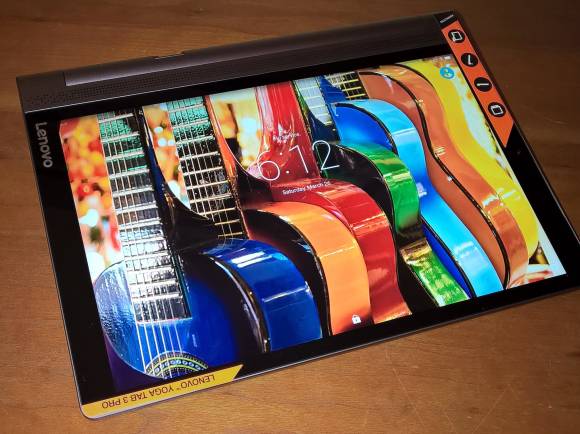
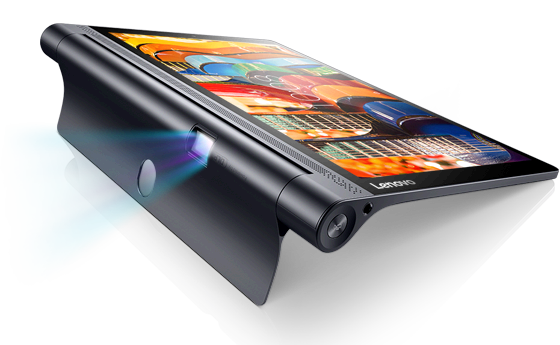
When the Lenovo Yoga Tab Pro 3 turned up I was excited to see the bright screen, long battery life figures, LTE and that projector, which of course no-one needs…but everyone can, somehow, justify. Here’s a summary review of this interesting and well-designed 10-inch Android tablet.
Yes the Lenovo Yoga Tab Pro 3 is the one with the projector that you’ve probably heard about already. This isn’t a laptop or 2-in-1 mind, despite the Yoga branding.
My daughter already loves the Yoga Tab Pro 3 more than the Samsung Gear VR now that she knows she can lie on her bed and watch Germany’s Next Top Model with and I’m finding it very useful as a test-bed for Android apps. The family watched Shaun The Sheep yesterday and despite it being only 480p resolution it’s fine for family entertainment. I did a few productivity tests too. It’s working out well across a number of scenarios.
As mentioned, there’s no keyboard included with the Yoga Tab 3 Pro so I connected a USB keyboard and mouse and used it for about an hour as a ‘PC.’ There’s no HDMI output (not even MHL over USB) so it’s not comfortable as a long-term desktop screen. 11.6-inches is the smallest screen I would recommend for productive mobile work.
There’s an Intel Atom X5 inside which drives good web-loading times using Chrome but Tweetdeck on as a tab seemed slow. Atom X5 on Windows tablets isn’t exactly speedy either so that’s no big surprise and an indicator that the Lenovo Yoga Tab 3 Pro isn’t a barrier-free web-worker.
As you know, however, there’s an app for almost everything you need to do on the ‘web’ and most of them are fast and efficient. It makes-up for the so-so raw Web experience and that’s not something you can say about Atom-based Windows tablets.
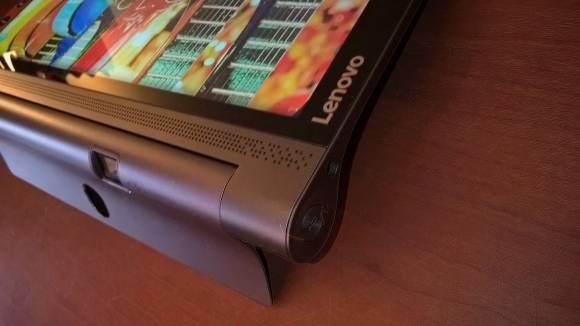
The ergonomics are good if you’re hand-holding. You’ve got a solid and comfortable gripping point (housing the battery, DLP projector and hinge) if you’re looking for a portrait mode reading pad and the stand works both in upright mode and as a kind-of landscape mode easel which works really well if you’re drinking a coffee at a table.
I resisted looking at the price until I could make an educated guess about its value and had 499 Euro in my head. That’s based on the style, LTE and projector. This model is actually 549 Euro with LTE. 429 Euro without the LTE ($499 in the USA.) Maybe we’ll see 499 offers soon though because the delta between the WiFi and LTE versions is more than it should be. A 50-80 premium is more like the going rate.
Lenovo Yoga Tab 3 Pro problems.
I’m a bit miffed that the Yoga Tab 3 Pro won’t pair with a Galaxy Gear S2 Classic 3G that I’m testing. Bluetooth 4.0 LE doesn’t seem to be supported. Periscope crashes on startup, the camera isn’t that good and it isn’t running the latest Marshmallow version of Android. There’s no fingerprint reader (Hey, if the Honor 5X can offer it at half the price, why can’t this Lenovo ‘pro’ tablet include it?) Yes, there are issues.
Rear projection on a frosted Window.
And how about that projector? It’s low resolution (480p) and weak (50 lumens. Office and home projectors are usually over 2000 lumens) but it’s a lot of fun. You can watch videos in a dark room without any problem but I’m not sure there are many other uses for it unless you’re looking for some creative way to project some advertising on a shop Window. I tried that and might run it on my studio windows overnight. The scheduled power-off feature will allow me to run videos on the frosted part of the Window for a few hours after dark.
The Lenovo Yoga Tab Pro 3 is an interesting tablet and if you’re looking for a 10-inch mobile device I advise you to take a closer look at it. The design is good and the screen is sharp and punchy. There’s a 23 Wh battery inside (some sites refer to a bigger battery capacity but I think that’s for the non-Pro version of this tablet that doesn’t have the projector) and my colleagues at Notebookcheck got over 9 hours in their WiFi surfing test (150 nits brightness.) There’s no MHL-over-USB (HDMI output via an adapter) but it’s OTG capable so you can connect keyboard, mouse and storage. Miracast is supported, there’s dual-band AC WiFi, GPS and compass too there’s an IP21 dust and splash resistant rating.
The projector doesn’t seem to take a huge amount of energy and might give you more battery life than on the screen. That surprised me.
Good design, quality screen, LTE and projector. IP21 protection, good speakers, great battery life and good performance. The Lenovo Yoga Tab 3 Pro LTE is a really interesting 10-inch Android tablet and I’d really love to have it as part of my ultra mobile PC kit.
Compared to Windows tablets there’s less flexibility at the OS level but a huge choice of apps the make up for it, including Office Mobile. Don’t expect laptop performance here because the Atom X5 isn’t much better than the 2014 Baytrail-T platform.
The price for the LTE version needs to come down a bit but if you do buy it at full price I doubt you’ll be regretting the purchase.
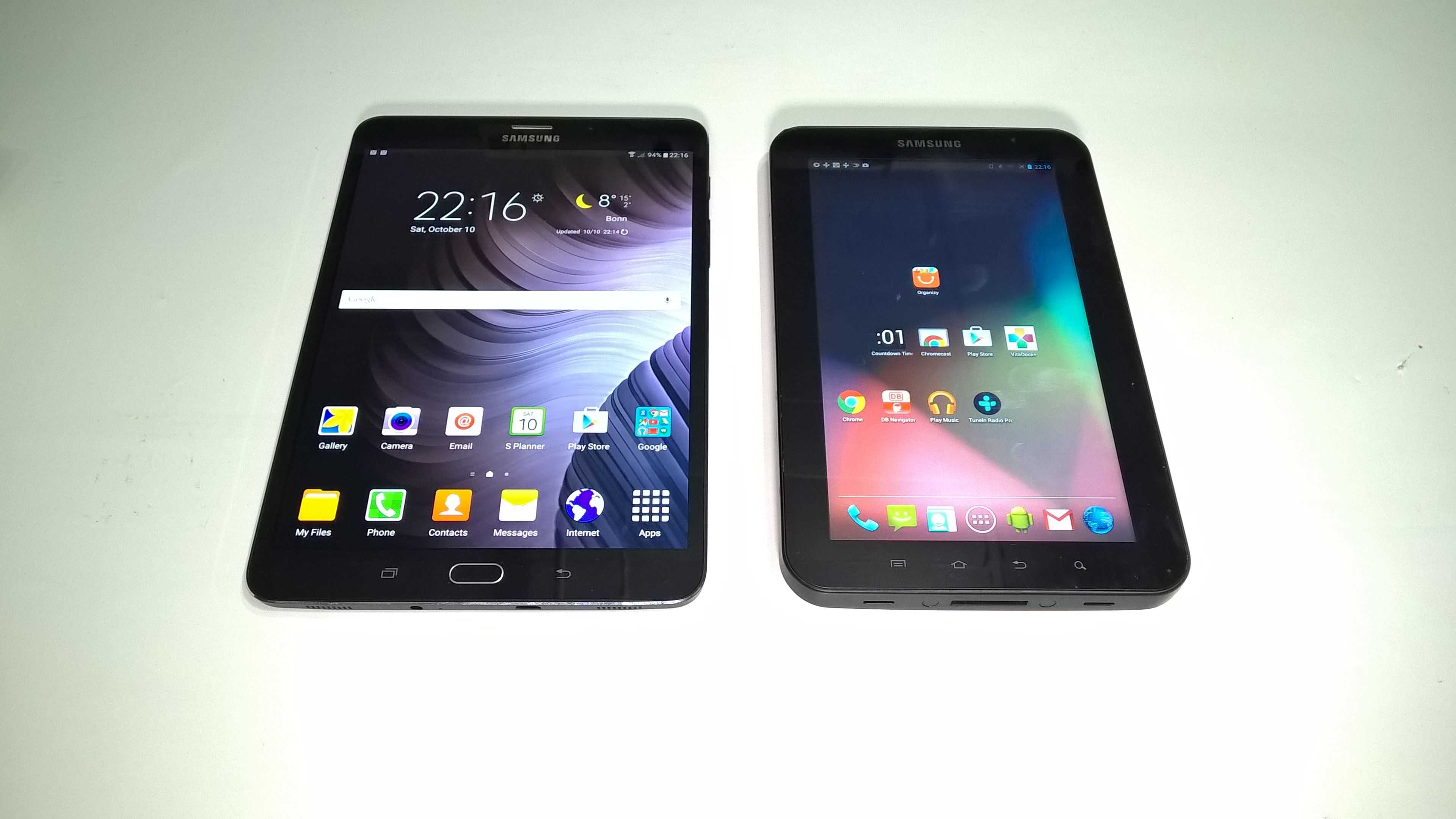
In Oct 2010 I was fortunate enough to get one of the first Galaxy Tabs in Europe. The review video (and live review video) was done quickly and has since amassed over 280000 views. Today I posted a video overview of the Galaxy Tab S2 (8.0 and 9.7-inch) and it’s incredible to see how much has changed. We are talking good productivity levels, fast ‘real’ web and high-end connectivity that beats most of the Windows tables out there. The LTE 32GB version launched for €500 in Europe but is already below €450 now. That sounds like a lot but I paid 799 Euros for the first 3G Galaxy Tab! It was worth it then because it was one of the first ‘mobile internet’ tablets that really worked for me but having tested the Galaxy Tab S2 I’m sure that I would get €450 of value out of it. Here’s a summary of why I think it’s one of the best options out there for most people. My video review for Notebookcheck is embedded below.
Samsung Galaxy Tab S2 8.0 next to the original Galaxy Tab from 2010.
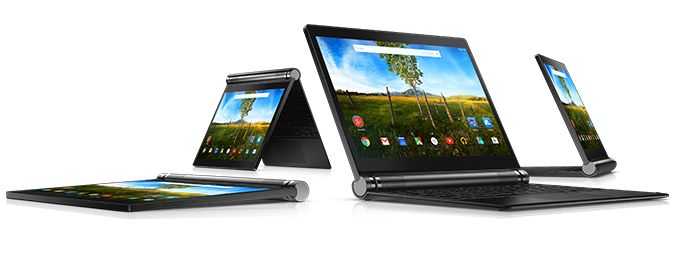
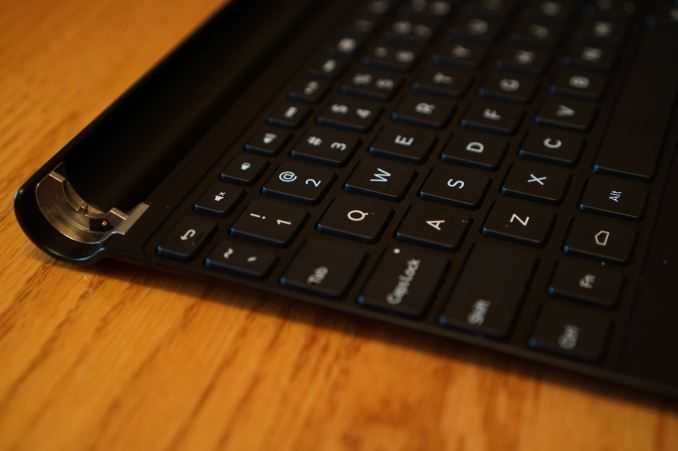
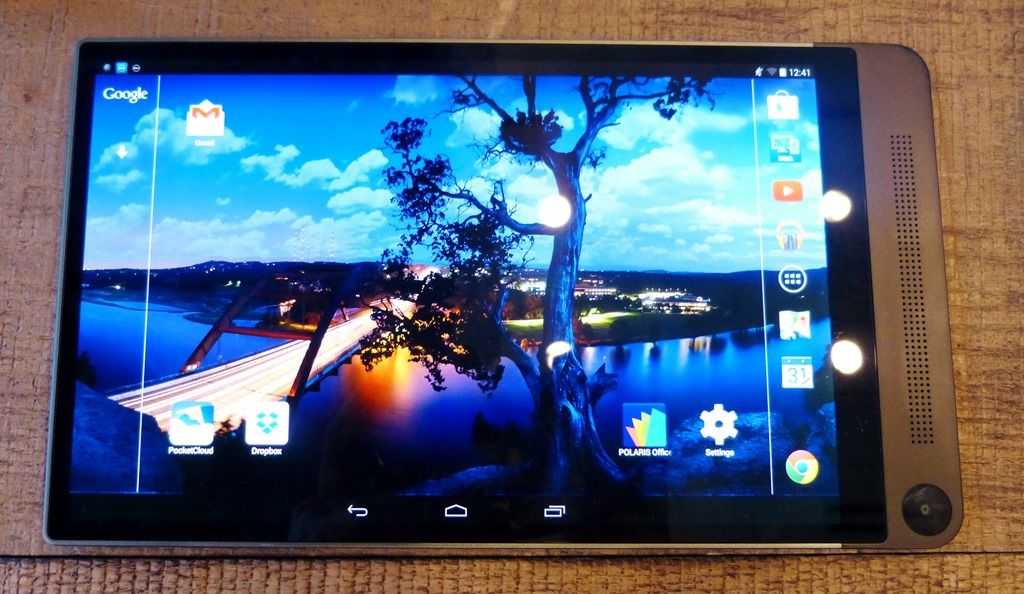
At 1063 grams, including keyboard, the Dell Venue 10 7000 is another Android 2-in-1 to consider for mobile productivity, if you can justify the price.
Back in 2010 I tried to put together a 1KG ‘rig’ that would serve mobile computing duties and in the test I had one of the first Android-based ‘smartbooks.’ The Toshiba AC100 was a really interesting product let down by an operating system and apps that didn’t support the laptop style of working. Move on to 2015 and we now have two good Android-based offerings and a range of Windows-based offerings. The choice has never been better. Unfortunately, while the Dell Venue 10 7000 is an extremely smart-looking dockable tablet, it costs $629.
Reviews have been favourable so far for the Dell Venue 10 7000 and it’s clear that Android 5 is better at supporting these form-factors than before. Some apps still don’t understand the concept of landscape mode but if we see more keyboard-based Android products in the future developers will be forced to move from portrait-only.
One of the key features of the Dell Venue 10 7000 is the screen. If it’s anything like the Dell Venue 8 7000, 2560 x 1600 OLEDs should really make a punch and bring some reasonable outdoor capabilities, which would be nicer if there was an LTE option. I agree that most of us can use our phones as temporary hotspots but if you want to be productive and independent of a smartphone battery (i.e. be able to work after 3pm without any worries!) then you need built-in cellular data capability; that’s what makes the Xperia Z4 Tablet so interesting.
The keyboard is getting praise. “Dell has taken the same build quality we saw last year and extended it to a modular design to support one of the best keyboards you can buy for an Android device today.” (Androidcentral) although it’s obviously more cramped than anything you’ll get on an 11.6-inch device.
Dell Venue 10 7000 keyboard.
Battery life looks to be around 6 hours which isn’t great for the weight and screen size. The similar, but Windows-based, Lenovo Yoga Tablet 2 10 offers more life from a charge and it only costs $349. If you really want a 2-in-1 tablet bargain, the original Acer Aspire Switch 10 is available for $219, which again highlights the big issue here. Dell need to knock the price down to $399 before the Venue 10 7000 gets really interesting. A $499 version with 64 GB and LTE would make it ultramobile. As it is, $629 is your starting price for this tablet and keyboard combo.
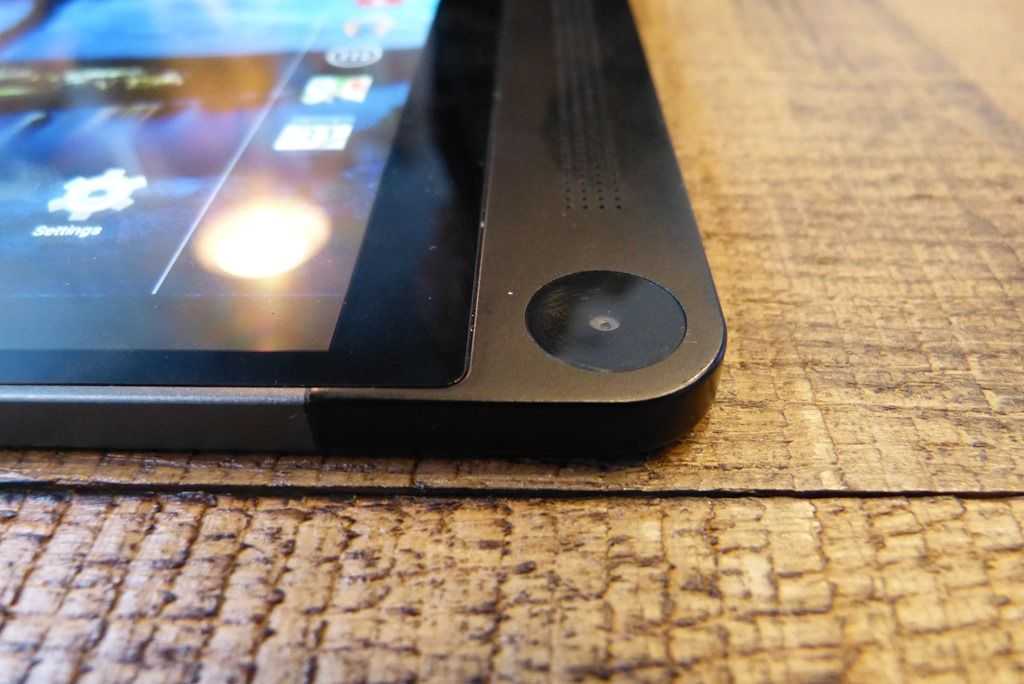
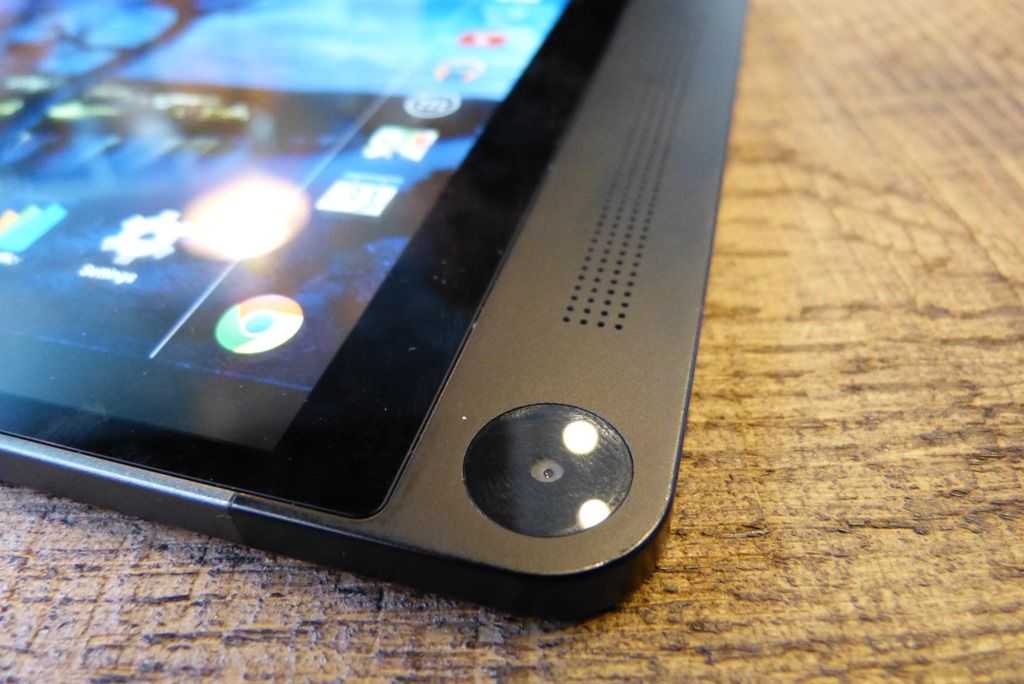
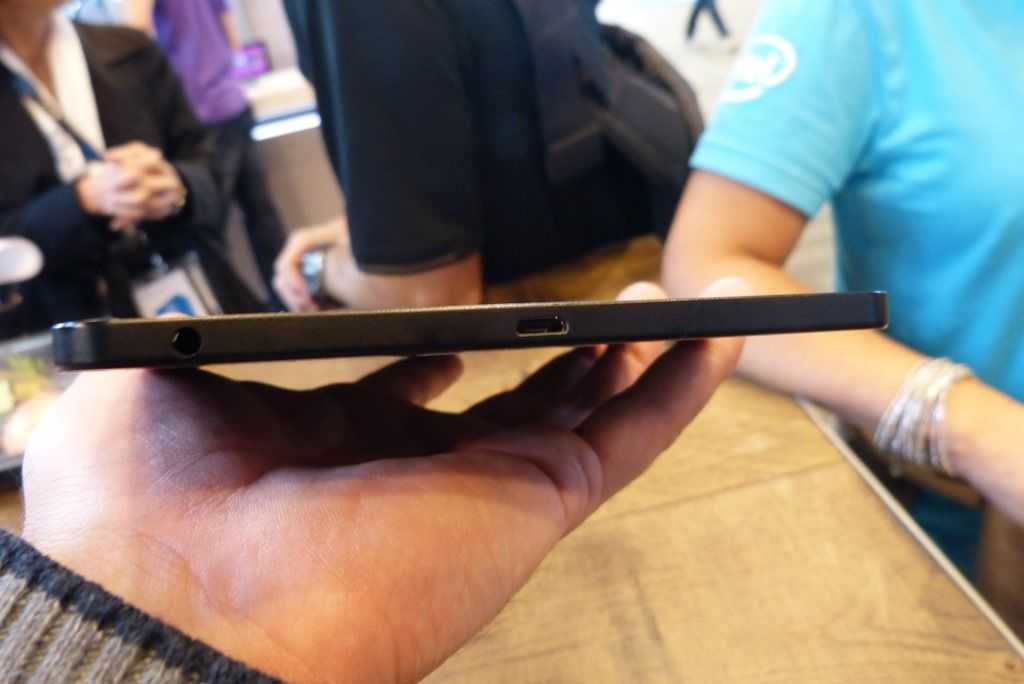
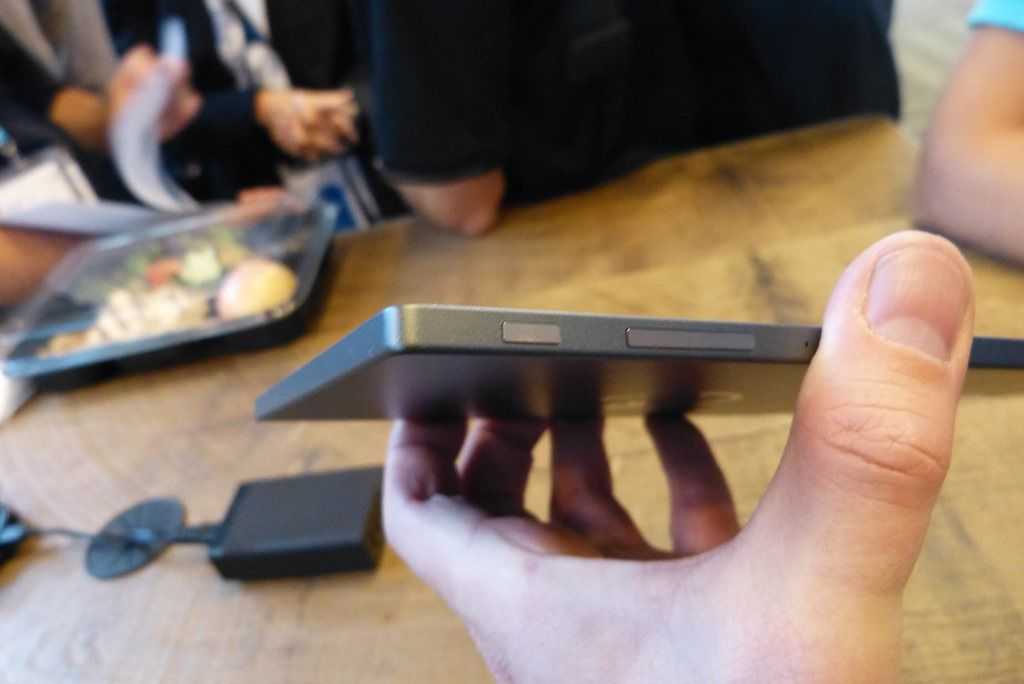
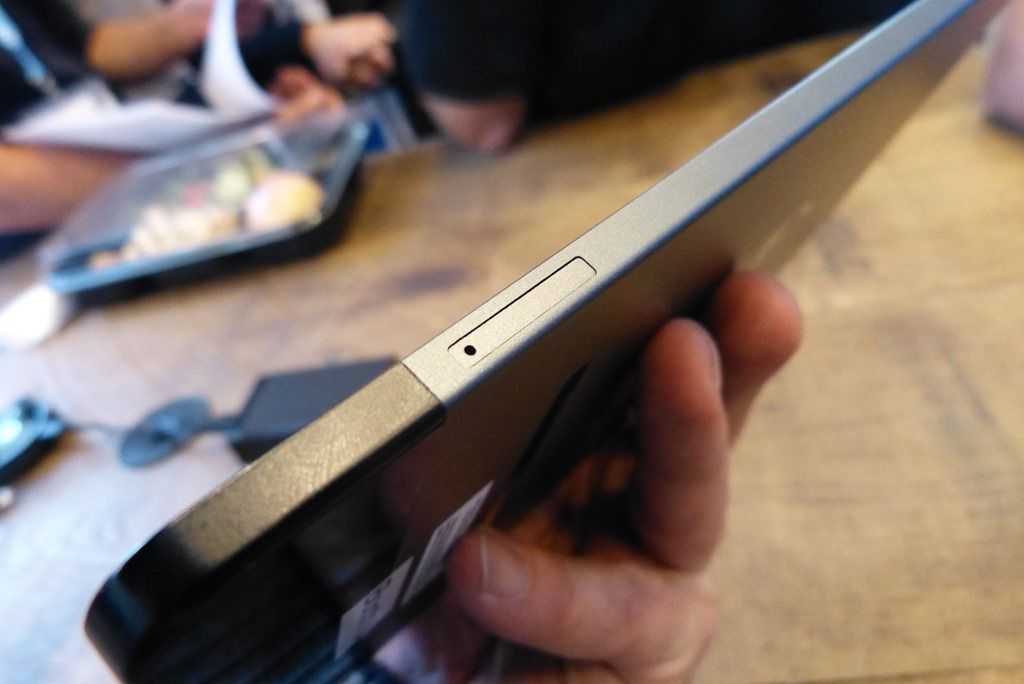
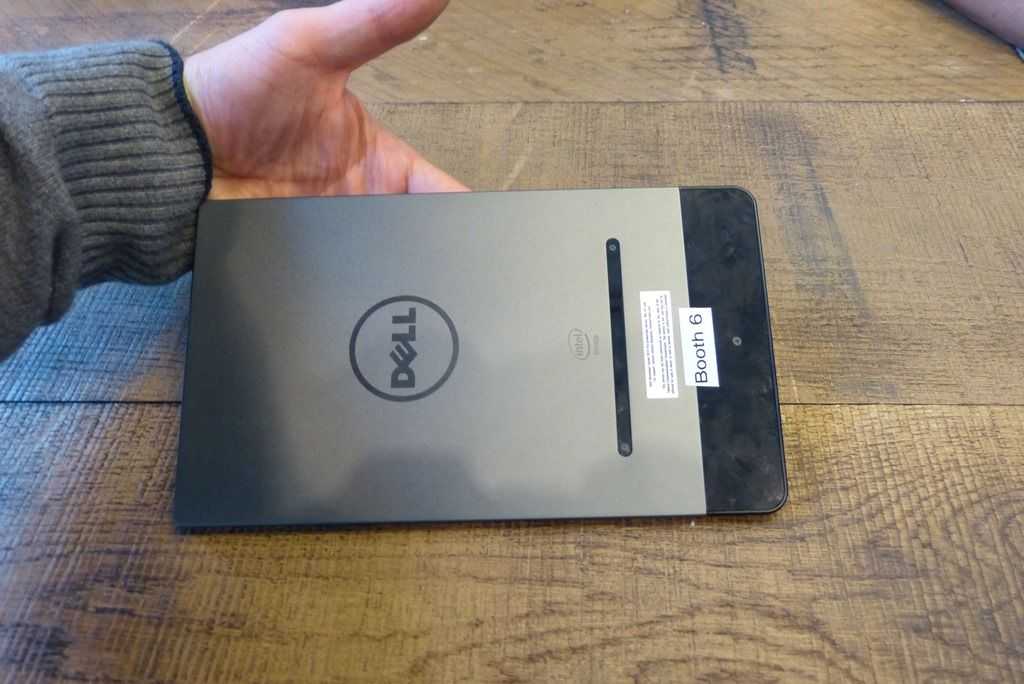
I was asked for my opinion on the price of the Dell Venue 8 7000 just after it was announced and all I could think of was the nice looking Lenovo Tab S8 which is very similar, for about $199. After handling the Dell Venue 8 7000 I now see a product worth much more than that. The amazing OLED 2K screen is punchy and sharp. The 6mm thin design is light and stylish and the 3 additional Realsense snapshot cameras offer some interesting options for photographers. In this video you’ll see some of those features being demonstrated.
After talking to a number of people about the Dell Venue 8 700 I know know the following.
It will be available in November.
There will be an LTE version. (Intel 7260)
It runs on Merrifield (Intel |Z35xx-series)
The screen is 2K resolution OLED
The base configuration will be 2GB RAM and 16GB storage
An SDK will be released but it’s looking like early 2015 before developers can create apps
Youll find out more in the video after the images…