Tag Archive | "battery life"

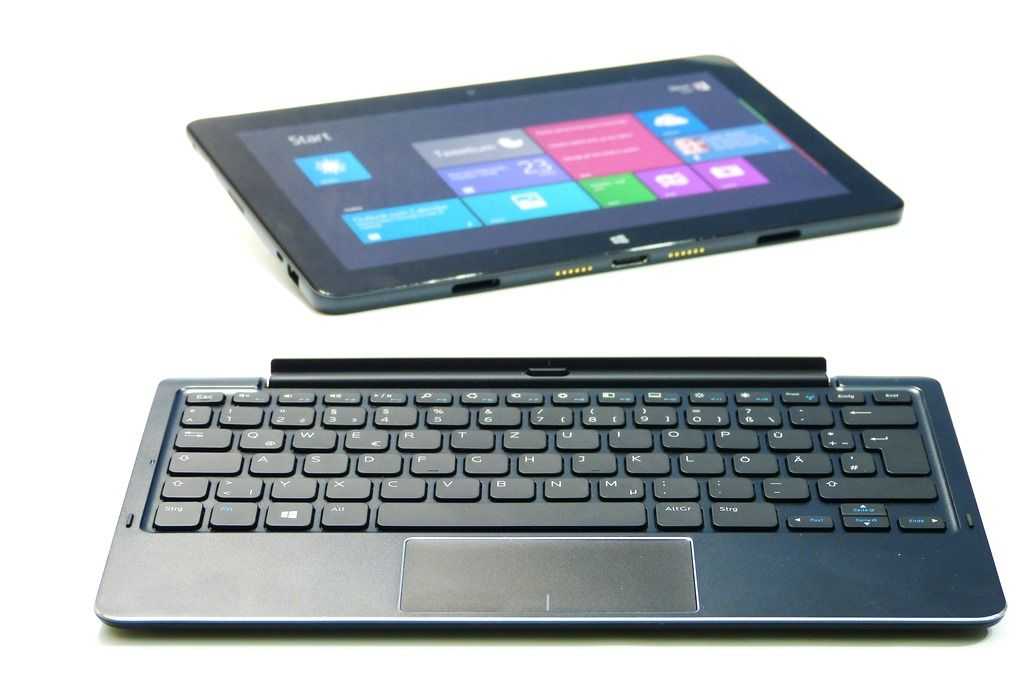
Evolve III S highlights Meego, Android Battery Life Advantages on Oaktrail

Tags: , , , , ,


evolveIIIAbout a year and a half ago I looked deeper into Intel’s Moorestown to report on some of the key features. One of those features was power gating which could significantly reduce the power drain of the platform by turning of areas of the CPU/GPU when they weren’t in use. It’s the feature that brings Intel into the ‘always on’ space but offering a 50x reduction in idle power.  The only problem was that Windows wouldn’t run on the Moorestown platform so it was for Meego and Android only.

Oaktrail, the Z670 and Z650 parts, also have this power gating feature in the same Lincroft CPU and Briertown power management IC that Moorestown offers however, as far as I can see, Intel haven’t ever said that Oaktrail could run at a 50x idle power reduction. It could be that the extra hardware needed for Windows support affects the idle power achievable. Intel have also been quiet about possible battery life advantages of Oaktrail too. We’ve seen encouraging figures but have still yet to see real-life examples of the advantages of an Oaktrail-specific Meego or Android build.

But there still could be some advantages in running and Intel Meego and Android version on Oaktrail due to the extended power states and some claimed battery life figures from Evolve III today show that although there may not be a 50x idle power reduction, there still may be something special that Meego and Android can do to get the best out of the Lincroft/Briertown combination. Evolve are claiming some impressive battery life figures.

  • Windows 7™ 10+ hours
  • Android 16+ hours
  • Maemo 18+ hours
  • We assume that Evolve III are referring to Meego rather than Maemo and we also assume that these are idle or low-usage battery life figures but even so, there’s a clear difference being claimed there.

    You can find out more about the Evolve III Maestro S here. We suspect that you’ll see this design popping up under different brands globally. The Viewsonic Viewpad 10 Pro is likely to be using the same hardware so watch out for similar claims for Viewsonic.

    Note: Intel are maintaining the OSPM package for MeeGo. We assume that’s the case for their Android build too.

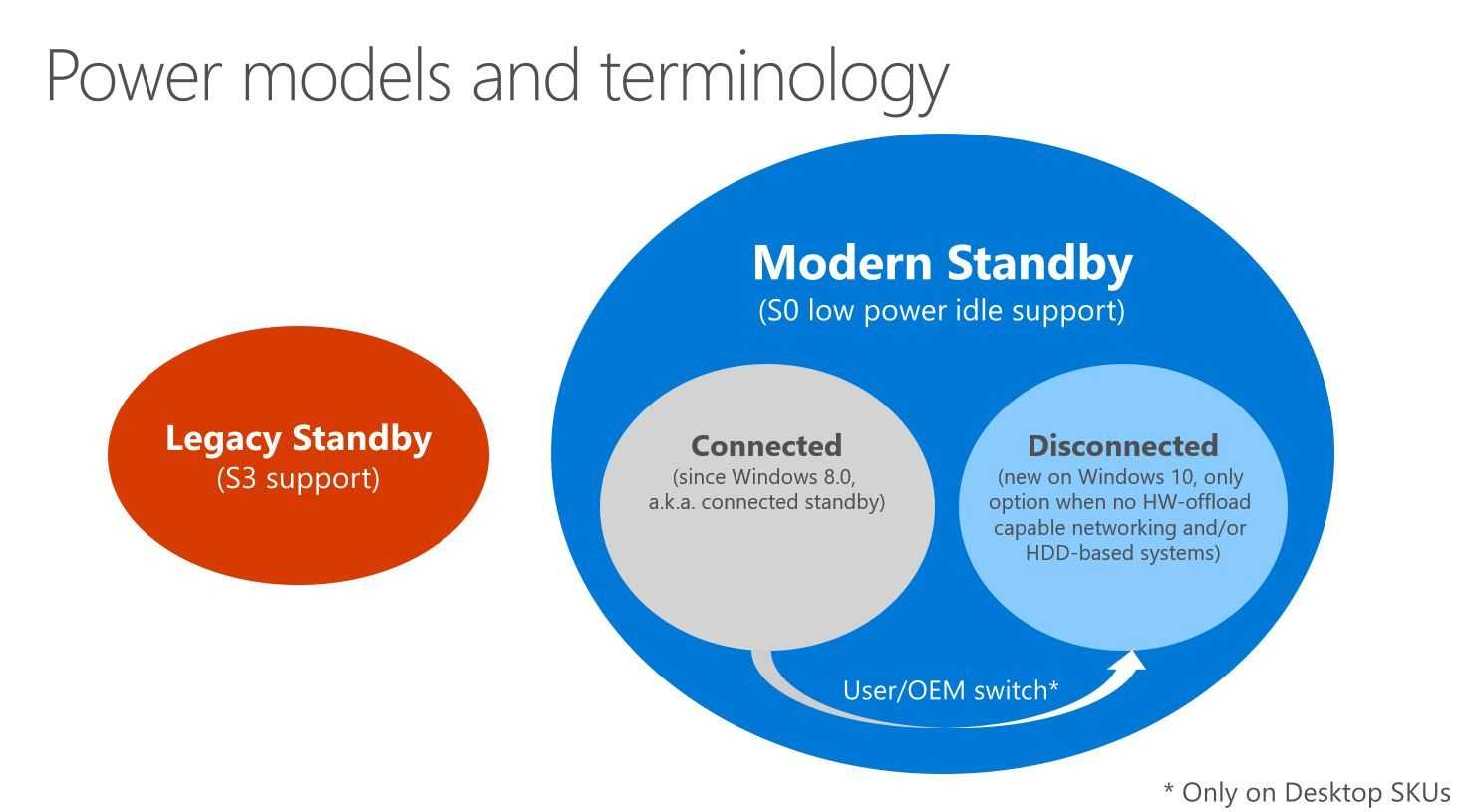
    Notes OSPM (Operating System Power Management) is the name of the software feature-set that can interface with the new features and power-states. S0i1 and S0i3 are the unique power-states that the Moorestown and Oaktrail platforms offer.

    Note ‘Briertown’ was a working name for the power management IC. Compatible IC’s are available from Renesas, Freescale and Maxim. More information below.

    • Renesas (μPD9975/μPD9977) (link)
    • Freescale (SC900844JVK) (PDF)
    • Maxim (MAX8958) (PDF)

    Weights, Sizes, Battery Life and ‘Netbook’ Restrictions – What’s More Important to You?

    Tags: , , , ,


    I’m ready to consider an 11.6 or even a 12” screen now and its based on my requirement to run some more complex software on a device that has a higher resolution. The problem is, while I can bear a bigger footprint, I can’t bear much more weight.

    My Gigabyte Touchnote with its Runcore SSD and 2GB upgrade has served me well for 2 years but with the extended battery I’m down to 4hrs so it really is time to think about something new. The Touchnote weighs 1.45KG in its current form and there’s no way I want to go above that; In fact I’m looking to get as close as I can to 1KG. I’m also looking to stay with ‘just enough’ CPU which keeps the price down and allows me to stay in the low-power, long-battery life bracket. For me though, ‘just enough’ means dual-core Atom N550/N570 or AMD C-50 and if I consider my video editing project, it could be higher than that.

    As I look at devices like the ASUS EeePC 1015PN and the Samsung NC210 I see Windows Starter, 1GB and 1024×600 screens but weights below 1.25KG. There’s also the AMD C-50-based Toshiba NB550D and the EeePC 1015b which at 1.3KG offers 2GB and, we hope, Windows options. The Fujitsu Lifebook PH530 is an interesting 1.33KG option with Core i3 and an 11.5” screen but in the 12” range you really are looking at 1.5KG unless you are prepared to pay serious money.

    With my Android tablet PC taking over some of my netbook work now (many of my shorter posts last week were done with the Galaxy Tab) I’m not worried about having 8hr battery life. A solid 4-5hrs is fine so perhaps that means I can go up with the CPU and down with the battery life.

    I get the feeling that there are a lot of you out there that are in the same position. You’ve had your netbook for a year or two and you’re looking for another mobile productivity solution. So what’s your preference? Do you want to keep it small or light? Do you want to break out of the Intel netbook restrictions or are you happy to carry on inside their restrictions? Feel free to comment below and of course, if you have buying tips, lets hear them.

    Improve your UMPC performance….for free.

    Tags: , , ,


    Loox U with desktop screen

    I’m sitting here in front of a huge 1920×1080 screen with a 1280×800 screen as an extended display. Windows 7 is running and I’ve got 10 Firefox tabs open, Windows Media player, Tweetdeck, Windows Live Photo Gallery, Windows Live Mesh, Windows Paint and Windows Live Writer running. (Love those Windows Live apps!) It’s all running smoothly on the tiny Fujitsu Loox U (U820/U2010) in 1GB RAM.

    The last time I was able to do this was with the 1.8Ghz version of  the OQO 2+  but it wasn’t as smooth as this. Why?

    1 – OS

    2 – Fast SSD

    3 – NoScript

    Point 1. Windows 7 is better than Vista. No argument.  The second point is also well known. A fast SSD helps with program and file access. It also helps with swap files when, in situations like this, you’ve used up all your memory. I’ll talk more about the (awesome) Runcore Pro IV that i’ve got installed, in another post. (Hint: 80MB+ max read speed)

    The last point is something I’ve talked about before but can now highlight in a very very simple way.

    With 10 tabs running on Firefox, the chances are that you’re using a few heavy ajax or flash-based sites. It should be no secret that web browsing is one of the most CPU intensive tasks you can do on a device and even if you’ve got windows minimised, it’s still using the CPU in the background.

    Enter Noscript.

    I’ve used Noscript in the past to optimise my browsing experience and there are other, more scientific tests that highlight the advantages but today, because of the dual screen setup I have here, the effect is extremely pronounced.These two CPU graphs taken over about 2 minutes of browsing, show the difference.

    Before. Browsing websites. Hitting CPU limits. You can see the typical heartbeat of a flash animation.

    beforenoscript

    After. Browsing websites. CPU not hitting limits. Average utilization is much much less and that heartbeat has gone. A few more processes running in this test too.

    afternoscript

    Side-by-side view:

     beforenoscript (2) afternoscript (2)

    The difference is huge, very noticeable and within 2 minutes of installing NoScript, the fan turned off. It’s firing up every now and again but it’s not pegged on like it was before. As I type this I have 12 tabs open, the Firefox process is averaging 4.5%. I’ve done tests like this in the past and seen the CPU averaging 15-20%.

    Bloggers and advertisers will hate you for it but if you’re using a UMPC, it’s one of the best CPU/Battery life/heat/noise savers there is out there. And it’s free.

    Pause when minimised.

    There’s something else that can be learned from this. When using web-based applications, there is no such thing as a device in standby. ARM and Intel would do well to encourage desktop browser developers to enable an optional ‘pause when minimised’ feature (there’s a reason that the iPhone doesn’t multi-task) . It will have a huge effect on the mobile web experience. If it saves as much as I’ve just seen it would be more significant for the mobile web than a couple of years of technology development. I vote for Opera 11 to have this feature. Combined with ‘Turbo’ it would make Opera the best browser for mobile computers.

    How long does your smartphone last in ‘MID’ mode?

    Tags: ,


    I think it’s fair to say that if you use a smartphone like a MID, it isn’t going to last long. My N82 lasts for about three hours; less if I’m using 3G. The iPhone, about 4 hours under heavy use and the Android-based G1 seems to be even worse. The fact is that radios and processing take energy and although your smartphone will sit doing nothing for days on end, once you start using it connected over Wifi or 3G, the clock starts ticking.

    There are ways around the problem and, to a certain extent, you can change your usage pattern to help the situation. Picking up emails, sending a few messages and then disconnecting is common practice but it’s not exactly Web2.0 is it! If you want to stay connected and keep services open for real-time internet applications you’re down in the battery-life danger zone. There are a few exceptions of course in the smartphone world but on the whole, it’s only because the battery is big. The Nokia E90 has a  5wh battery. The Athena has an 8wh battery.

    I’m not saying that smartphones are poor, I’m just saying that we’re moving to the point where both smartphones and MIDs are requiring big batteries for hardcore web use and that means that fitting them in your pocket becomes a problem.

    Do you use your smartphone in an always-connected and active mode? If so, what is your experience. Have you had to reduce your internet usage to preserve battery for voice usage? Do you carry spare batteries. How about a spare phone? Or do you just wait until you are able to pull out your laptop? Let us know about your smartphone battery life experiences  in the comments below. Oh, one last thing. Check out this monster battery pack for the G1…It’s as big as the battery in an Aigo MID and makes the G1 almost as big as an Aigo MID!

    g1ext

    Source: seidioonline. Via Crunchgear

    MSI Wind Test Results from MSIWind.net forums

    Tags: , , ,


    Doody, A nickname I feel I’ve mentioned before in the last few weeks, has been testing the MSI Wind and logged the whole series of tests in the MSI-Wind forums. The tests results include a hard-disk test, PCMark 05, 3D Mark 03 and a battery life test.

    The hard disk transfer speeds look very good in comparison to devices with 1.8" drives and that means that with XP, application load-times should be fairly swift. The battery life was measured while doing all the benchmarking and represents an extreme scenario. 2 hrs and 19 minutes. In general, adding 30% to a full-load test result like this will give you the real in-use battery life which in this case is 3 hours. Not exactly the leap-forward in battery life that some people were expecting but in-line with our expectations. Considering that the netbook platform of Diamondville/954 chipset is very much the same as the Stealey/945 chipset seen on 2007 UMPCs, its no real surprise. If you were to add a 10" screen and 2.5" drive to a Q1 Ultra, you’d also be up at near 10W average drain.

    I haven’t been able to analyse the PCMark results yet because i’ve asked Doody to see if he can run the CrystalMark test which will give us a good breakdown and like-for-like comparison with the results that Ctitanic keeps track of.

    The MSI-Wind continues to be the #1 most-viewed device on UMPCPortal. Details and specifications in the product page here.

    VIa small-laptops

    Source: MSI-Wind.net

    Search UMPCPortal

    Sales Information


    Our Network

    • ARMShowcase Tracking ARM-based mobile products
    • Big Beach Our marketing advisors. Located in UK.
    • Carrypad Tablets and consumer mobile products
    • Chromebook News Chromebook news, products and specifications
    • Device Manufacturer List List of all device manufacturers, and products, from our database
    • JKKMobile JKKMobile – Mobile computing and hacking – Partner of UMPCPortal
    • Liliputing Netbooks and small-form-factor laptoping – Partner of UMPCPortal
    • MeeGoNews News, reports and inside info from the MeeGo Ecosystem – Partner of UMPCPortal
    • MeetMobility Mobile computing podcast broadcast every two weeks – Partner of UMPCPortal
    • Netbooknews Netbooks and other mobile devices – Partner of UMPCPortal
    • Ultrabook News Ultrabook products, specs and news

    Donators (Last 20)

    Buy Laptop (€5.00 EUR) Says:
    Sep 18, 2011 at 7:43 am

    Awesome website, great read!

    Jez@SammyTablet Says:
    Oct 15, 2010 at 8:25 am

    Keep up the good work! UMPCPortal and Carrypad are always a good read :)

    MiKeN (€5.00 EUR) Says:
    Oct 15, 2010 at 5:13 am

    Microsoft AutoRoute Says:
    Sep 3, 2010 at 10:46 pm

    Trip planning and satnav software for PC

    MMORPG Says:
    Oct 6, 2009 at 2:07 am

    Keep up the great work on UMPCPortal :)

    Laptop Computers Says:
    Jun 9, 2009 at 8:00 pm

    Laptop reviews, ratings and netbook computer buying guides.

    Laptop GPS World Says:
    May 10, 2009 at 2:01 pm

    PC GPS SatNav reviews and forums.

    Ultimate-Netbook Says:
    Apr 11, 2009 at 2:48 pm

    Ultimate-addons supplier of netbook accessories

    Steve Paine Says:
    Apr 2, 2009 at 8:44 pm

    Test from Steve