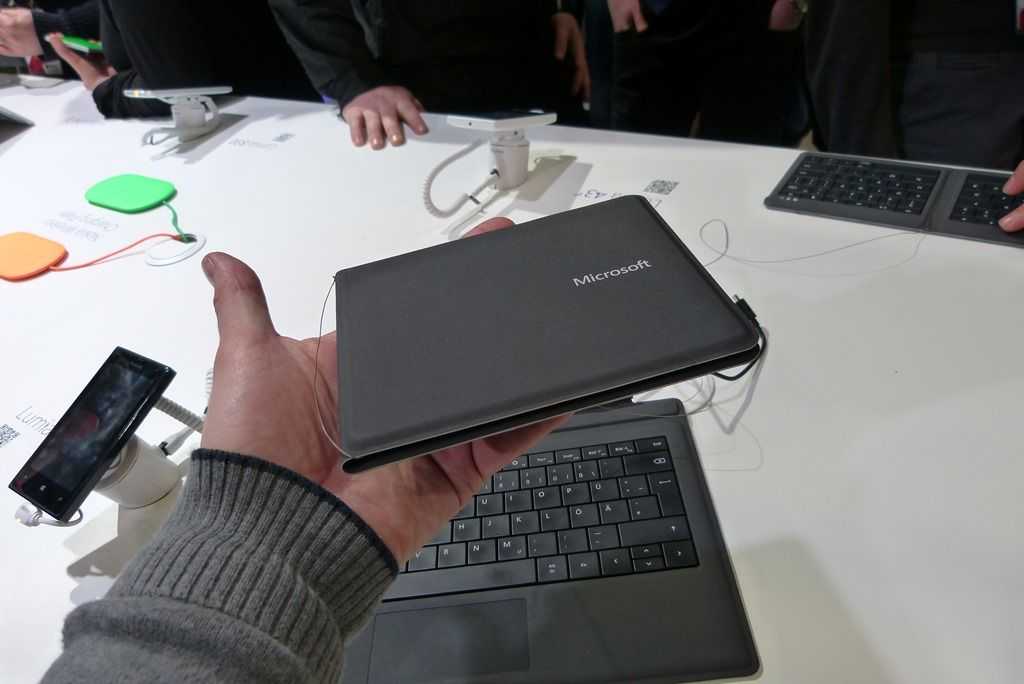
 You might have seen me mention a thin blogging kit in a few other posts recently; well this one is here so that I can get my plan in order, and show you what the idea is. Let’s call it the TBK for now! The goal of the TBK is obviously to keep things thin & light! The result will hopefully be a super-light weight, and fully capable blogging platform.
The TBK will include the following:
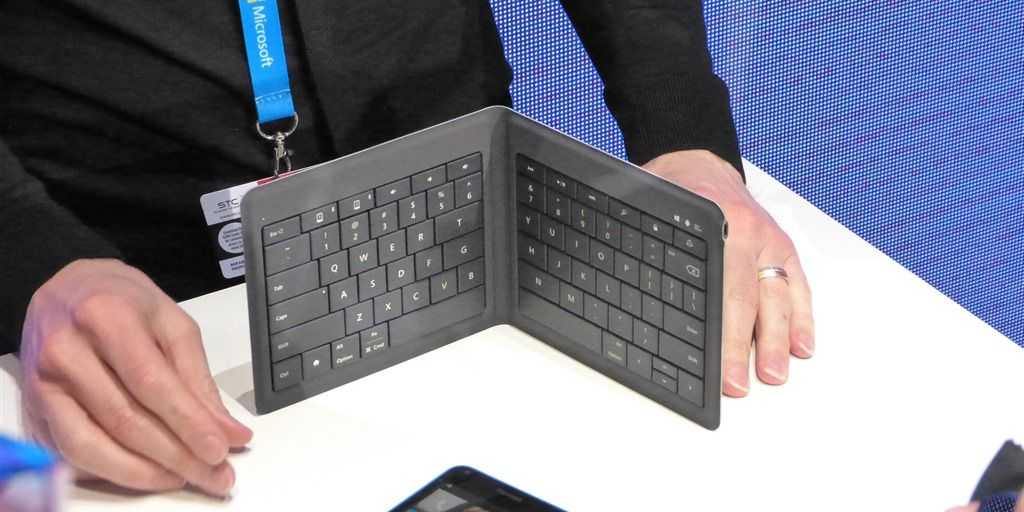
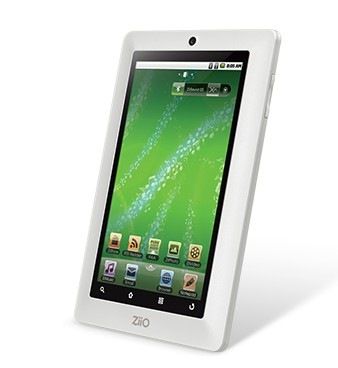
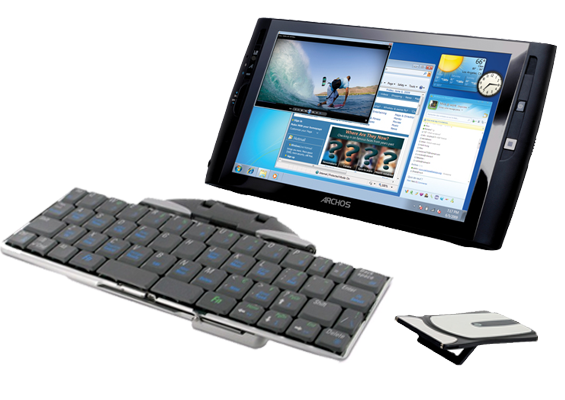
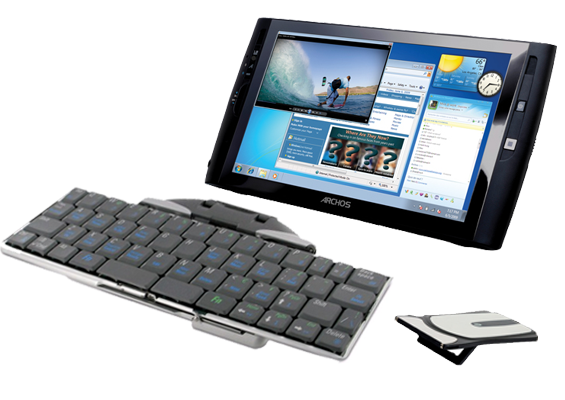
As you can see, the entire kit is just under 1000 grams [2.202 pounds] (excluding the iPhone because that is always with me regardless). And the thickest that anything in the kit gets is the iGo BT keyboard (when closed) at just 17mm. Check out the relative sizes, and a comparison to an Asus Eee 1000HE [Portal page]: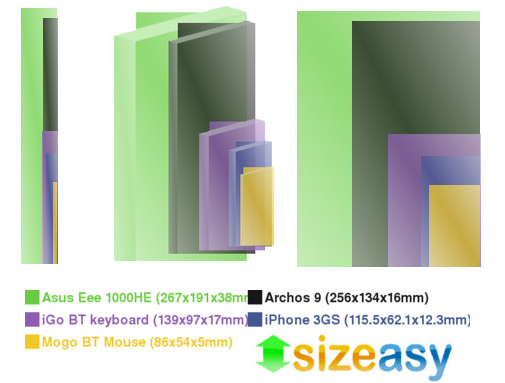 The pieces of the TBK will allow me to do pretty much anything I need to. The Archos 9 as you know is a full x86 computer with touchscreen which will be running Windows 7, meaning that I’ll be able to access my blogging software (Windows Live Writer) and do anything else that works best on a computer running a full OS, like media editing. The Mogo BT mouse and iGo BT keyboard up the ante on input for the Archos 9, providing essentially a full input experience, and everything is wireless.
If you’ve looked at the Mogo BT mouse, you’ll notice that it is actually designed to store and charge in a notebook’s express card slot. The Archos 9, as well as most small computers, don’t have an express card slot, but luckily Mogo also makes a USB express card adapter to charge the Mogo mouse if your computer happens to lack said slot, so I’ll be able to charge anywhere that USB is available. And while the Mogo mouse won’t be able to stow away in the Archos 9, I think it is plenty thin to fit the case with the iGo BT keyboard.
In addition to having high quality input through the mouse and keyboard, the iPhone will be able to provide important functions, such as video, geo-tagged content, and data tethering when WiFi is not available.
Have any suggestions for must-have thin accessories that might be great for the TBK? Let me know in the comments, but keep it thin!
Edit: Response to comments – Hey guys, good points about the netbook. Trust me, I didn’t overlook the whole category, in fact, I have an HP Mini 1000 already!
The TBK is just an Archos 9/slate experiment, I guess I should have made that clear. I haven’t used a pure slate, especially down at this size (I have a convertible tablet), so I’m not exactly sure how useful the Archos 9 will be. While a netbook is definitely a good solution, I must say, notebooks are boring!
I really just want to see how thin I can keep the entire kit. This doesn’t have any special practicality, but I’m wondering how compact I’ll be able to carry this setup. There is also increased flexibility. This doesn’t apply as much as this screen size, but on smaller devices, it is generally useful to be able to put the keyboard away and be able to have just the screen out for particular scenarios, like viewing media. With this TBK I’ll be able to selectively use one or more parts as I need them. So If I’m on the bus and I want to watch a show, I can essentially have just the ‘screen’. Again, this is just an experiment to see how a slate can be used, as we’re seeing many pop up in recent months.