Posted on 01 September 2010
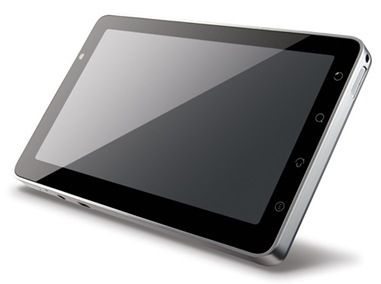
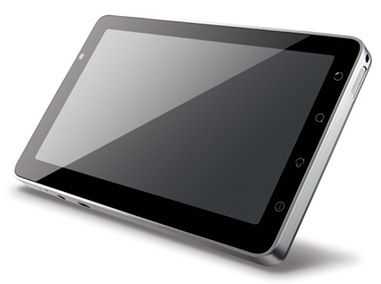
Viewsonic announced their 7 inch Viewpad 7 Android tablet yesterday [Full Details now in the database] and we’re keen to get hands on with this one over the next few days while we visit IFA. It’s ticking nearly all the boxes so far with Google applications and Market, A-GPS, 3G, capacitive multitouch (beats the Huawei S7 that was in the running until now) and Android 2.2. The processor is a 600Mhz Snapdragon which shouldn’t be too bad at all with the latest Android version. The rear, 3MP camera is also interesting. We wonder if it’s an HQ job or just something to satisfy Google’s requirements. This thing can even make voice calls! There are question marks over the RAM and built-in flash. The price, 350 UK Pounds (which includes taxes.) That’s not super-cheap but with those specs, it’s right on the mark.
Latest news links for Viewpad 7:
Viewsonic Viewpad hands-on videos
Viewsonic Viewpad 7 live images – IFA
Viewsonic Viewpad 7 launch info
Posted on 28 January 2010
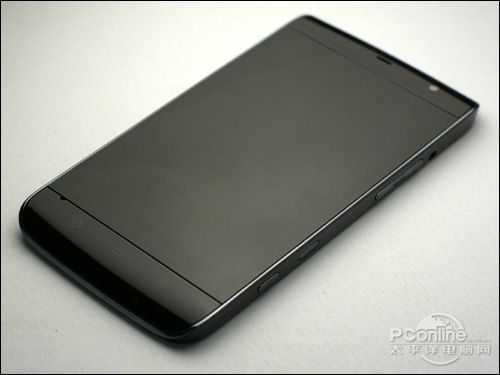
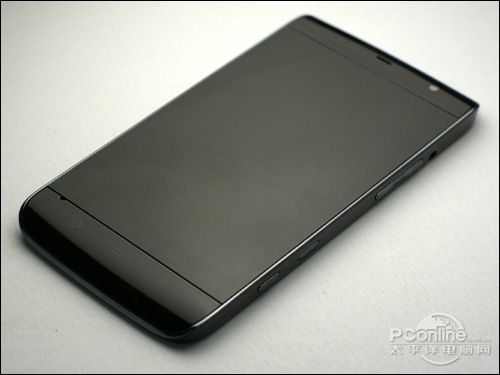
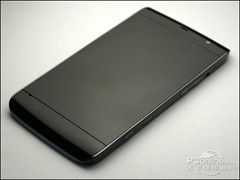 Three stories merged into one today when Techcrunch posted a 30-second demo video by Michael Dell proving that the Dell Mini 5 exists and will be out in a ‘couple of months.’ (MWC, CeBIT?) Techcrunch also added (‘recap’ was the word they used) some information from the Tihnte teardown and an interesting Chinese PC Online story (translation) that talks about a prototype Dell Mini 5 called the M101M. Apparently this was picked up on the black market for over $1000 which is clearly not the price it’s going to hit the ground with. Based on the (similar) HTC HD2 it could reach $700 but with the Archos 5 8GB [info] at around $300 and the iPad 3G 16GB [info] at $629 it would be crazy to ask for such a price; especially given the Dell Mini (low-cost) brand.
If we were to guess at a price we’d say $499 but we see a sweeter spot for this at the $399 level.
Specs seen so far:
- 1Ghz Snadragon
- 4.8 inch 800×480 capacative touchscreen
- 5.5Wh battery
- 5MP cam with LED flash
- Android OS
- 2 x MicroSD slots
- 3G, Wifi. BT
Via Slashgear.