This could be a long article or a short article because my 8-day old Son, Nicklas is sleeping and who knows when he’ll wake up. Everything I do at the moment has to be flexible, portable and completed in multiple short bursts. Many of you Dads out there will know what I mean and many of you will have tried, like me, to slip a little bit of ‘work’ into the quiet periods.
When you’ve got a studio full of mobile computers to choose from it’s interesting see see what bubbles up as the most used devices and I want to take a few minutes (or 30) to show you what I’ve been using. One thing is for sure though, my desktop keyboard is getting dusty!
[1st break Clearing kitchen for lunch prep.]
We’re camped-out in our lounge during the daytime and with the kids off school (I have a 9 year old daughter and the kids are enjoying the Easter sun in the neighborhood gardens) and the midwife popping in every day it’s turning into an incredibly dynamic living space. I’m out most days doing some form of shopping…
[2nd break Kids at the door]
…and trying my best to do as much cooking as possible along with helping where I can.
[3rd break. Baby woke. Now typing with one finger.]
[4th break. Had to take over the cooking]
OK, lets get to the point here. 4 mobile computing devices…
[5th break. Kids need a drink]
[6th break…oh wait. Wife is handling that one.]
..4 mobile devices have bubbled to the top.
 One-handed use – Smartphone
Jenn Lee wrote an excellent article about this recently. [See: How Motherhood turned me into a smartphone Whore.] One-handed computing is so, so important for mobility and therefore you need a device that works with the thumb. You need to be able to do as much as possible in one hand too so that means convergence. Modern smartphones are therefore the ultimate solution. Forget that UMPCs can give you a faster, more complete Internet experience with faster keyboard input because you don’t have space for that second device. Forget a netbook too in this situation because despite being able to put a netbook on the side of an armchair and getting a great consumption experience, typing with one finger is hopeless and this static position won’t last for long. (See this post!)
As for convergence you want the best camera you can find when you have a new baby. I want to say that again because despite your thoughts of buying an HD cam or DSLR, you’ll find that, unless you are an absolute stickler for image quality, you’ll use a cameraphone more often and take more natural pictures. In addition to the cam, you’ll need a screen that’s not too large (thumb needs to reach all the way across) and you need, of course, great access to online data. That means not only having a web browser but also having finger friendly applications and references. Comfortable e-reading is a plus. Ensure your device has Wifi for unlimited home-based Internet activities.
One other tip: ‘Working’ with a smartphone is often more acceptable both socially and in the family situation than using anything that looks like a computer. Pulling out a netbook smacks of ‘work’ or ‘browsing’. With a smartphone you can pretend you’re sending an SMS to the mother while you check email.
[7th break… 2nd Pizza is ready.]
[8th break…clearing up.]
[Hiding further interruptions]
Best Choices for One-Handed Use.
I’ve got an N82 right now and its a great cameraphone but it’s not ideal for this scenario because when it comes to running multiple apps or browser windows the experience is relatively poor. There are so many phones out there that would be better and funnily enough, the Omnia Pro I gave to my wife would fit in really well here. (She’s sitting across from me right now thumbing the excellent Samsung on-screen keyboard in portrait mode.) Top choices right now would be HTC Desire/Google Nexus One (I question the camera quality on those having seen and taken a number of iffy-quality images that have characteristic plastic-lens fogging.) or, for a good value choice with an excellent camera and big capacitive touchscreen, the Nokia X6. The Motorola Milestone / Droid is also a great value choice and the recent Android 2.1 upgrade makes it even faster and more usable. The slider form-factor also helps with the bedroom scenario below. The Sony Ericsson X10 would be an expensive choice and if you can put up with some poor UI elements you can have one of the best videophones on the market, the HD and continuous-focus Sony Ericsson Vivaz. Again, get a great cameraphone because there will be many times when it’s the only camera/videocam you have. False friends here would be the Nokia N900 (terrible one-handed experience, slow camera software) and HTC HD2 (the screen is too large for most thumbs.) I wouldn’t recommend the iPhone because of the poor camera although the 3GS would just about creep into the ‘acceptable’ category. If you want a super-cheap cameraphone with a 5mp auto-focus Carl Zeiss lens, Xenon flash, lens-cover, free navigation and a T9 keypad, the Nokia 6220 Classic is amazing value at under 200 Euro for (Make sure you have a data contract as there isn’t WiFi on this model.) My choice from the above: Motorola Milestone. SIM Free with Android 2.1 for under 400 Euros + spare battery, bed-side docking station and car charger.

Mobile Office.
3 years ago I would be looking at something like the Flybook V5, the Fujitsu P1620 or an Everun Note and considering the $1000-$2000 cost with 3G. Today, I have a choice of 10 or more 3G-capable mini laptops for $600 or less. The Gigabyte Touchnote I bought in 2009 is working out really well. The touchscreen helps with one-handed browsing, the 3G is strong, the SSD is fast and as I’m largely located in the armchair or out for a short errand, the relatively short battery life isn’t a problem.
Listen, I know that an iPad sounds like more fun but you probably need to do some work at some point on a laptop so put those thoughts of an iPad to one side and get yourself an ASUS T101MT or similar. If you’ve got the money, buy a Viliv S10 with the 32GB SSD and 3G. It’s one of the lightest, most rugged, connected and longest battery life touchscreen convertibles out there. If I didn’t already have a Gigbyte Touchnote, that’s the device I’d buy. [Yes, I have one for testing but it might have to move on to another review soon.]
 Bedtime Reading.
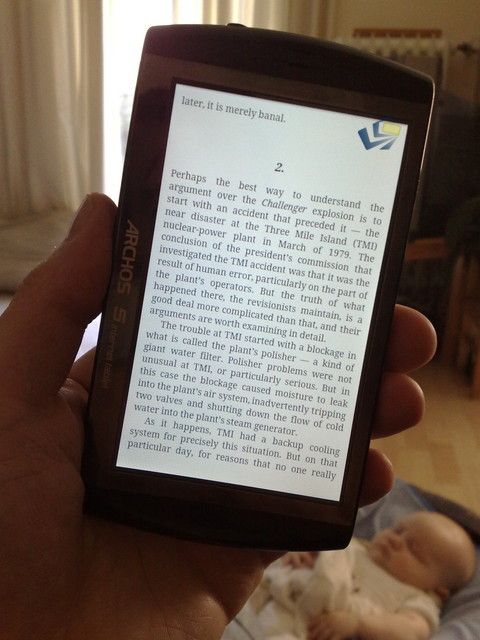
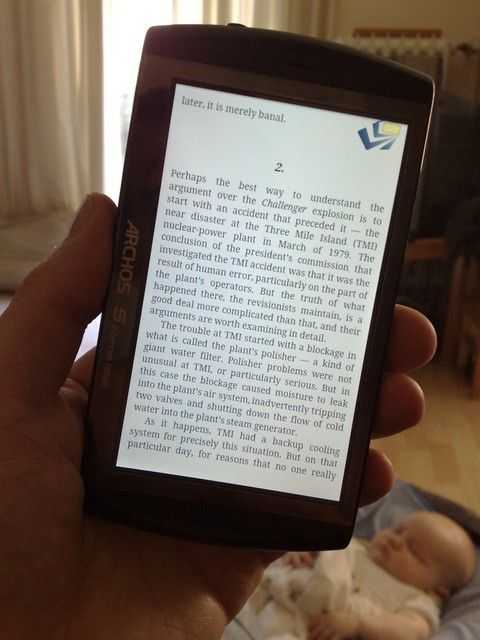
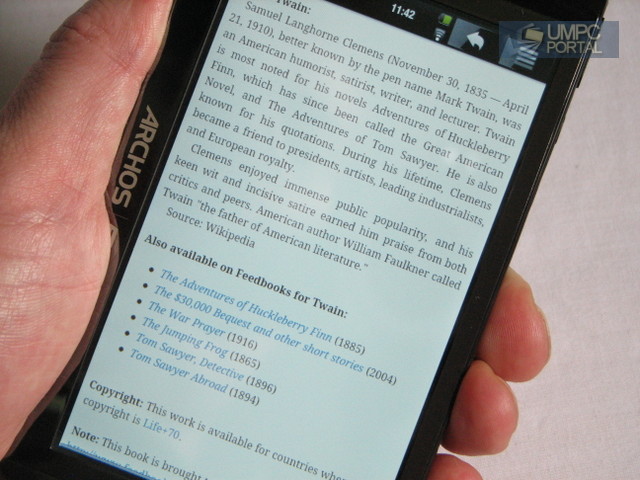
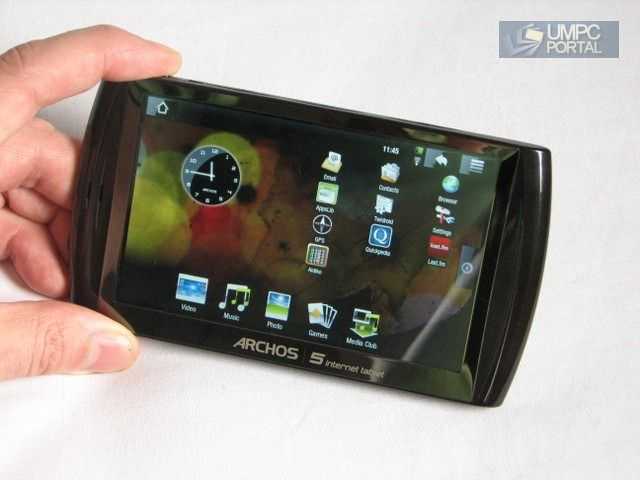
As a new father you’ll spend many hours awake in bed where a mini-slate comes in extremely useful for e-reading, music, games, tweeting and more. One-handed use isn’t an issue (quiet at the back!) so I’m finding myself using the Archos 5 Internet Tablet. Great battery life, great screen, a good selection of apps, flash gaming capability, ebook applications, fast browser and super light-weight means it fits in extremely well. A large-format high-end smartphone would also work well here but if you do that, don’t forget to keep it charged for the morning. A Viliv S5, iPad, Milestone/Droid, HD2 or something similar (just choose something that suits you or works with your smartphone usage) is a fun device to have.
 Ultra Mobile Computing.
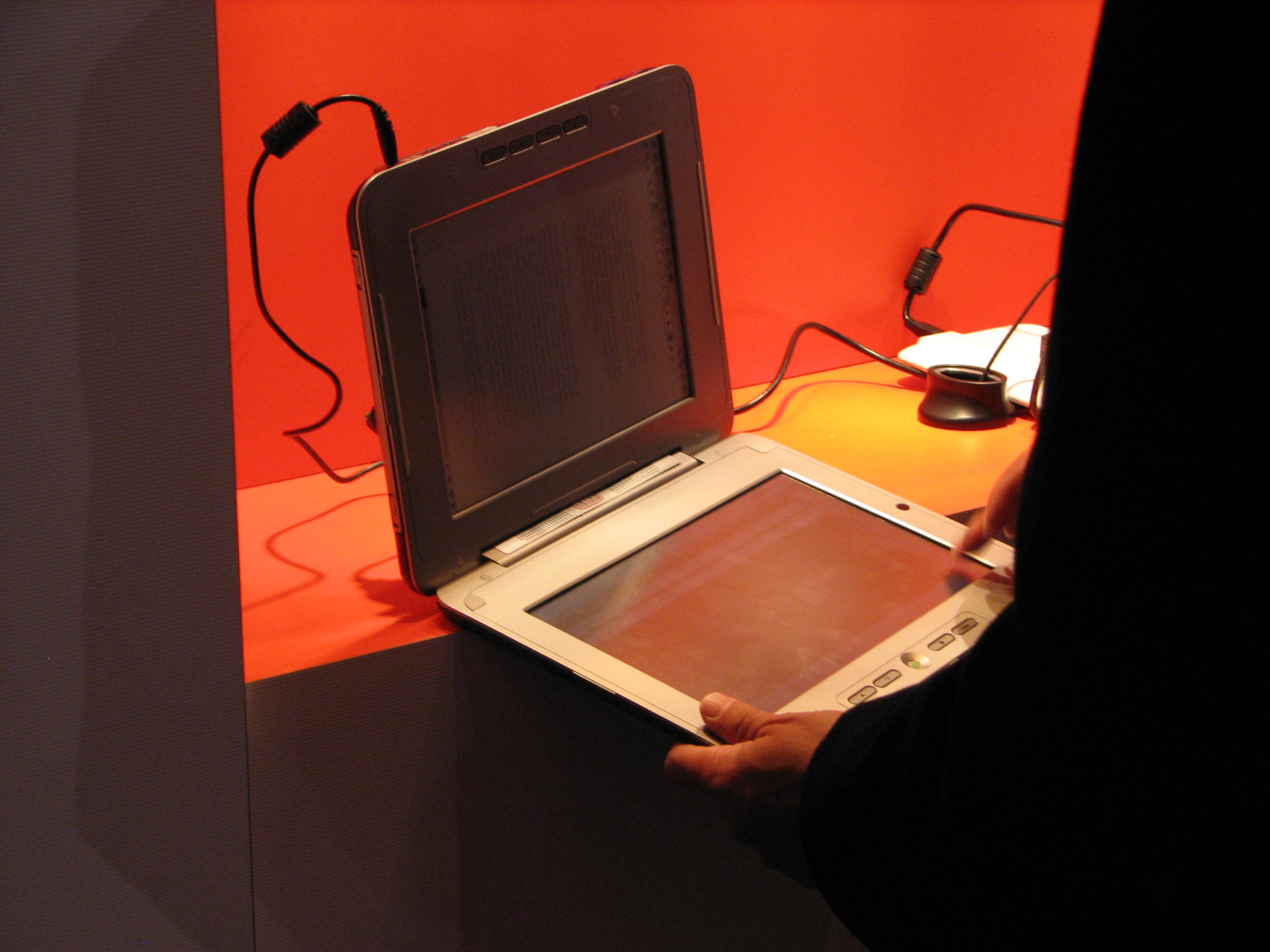
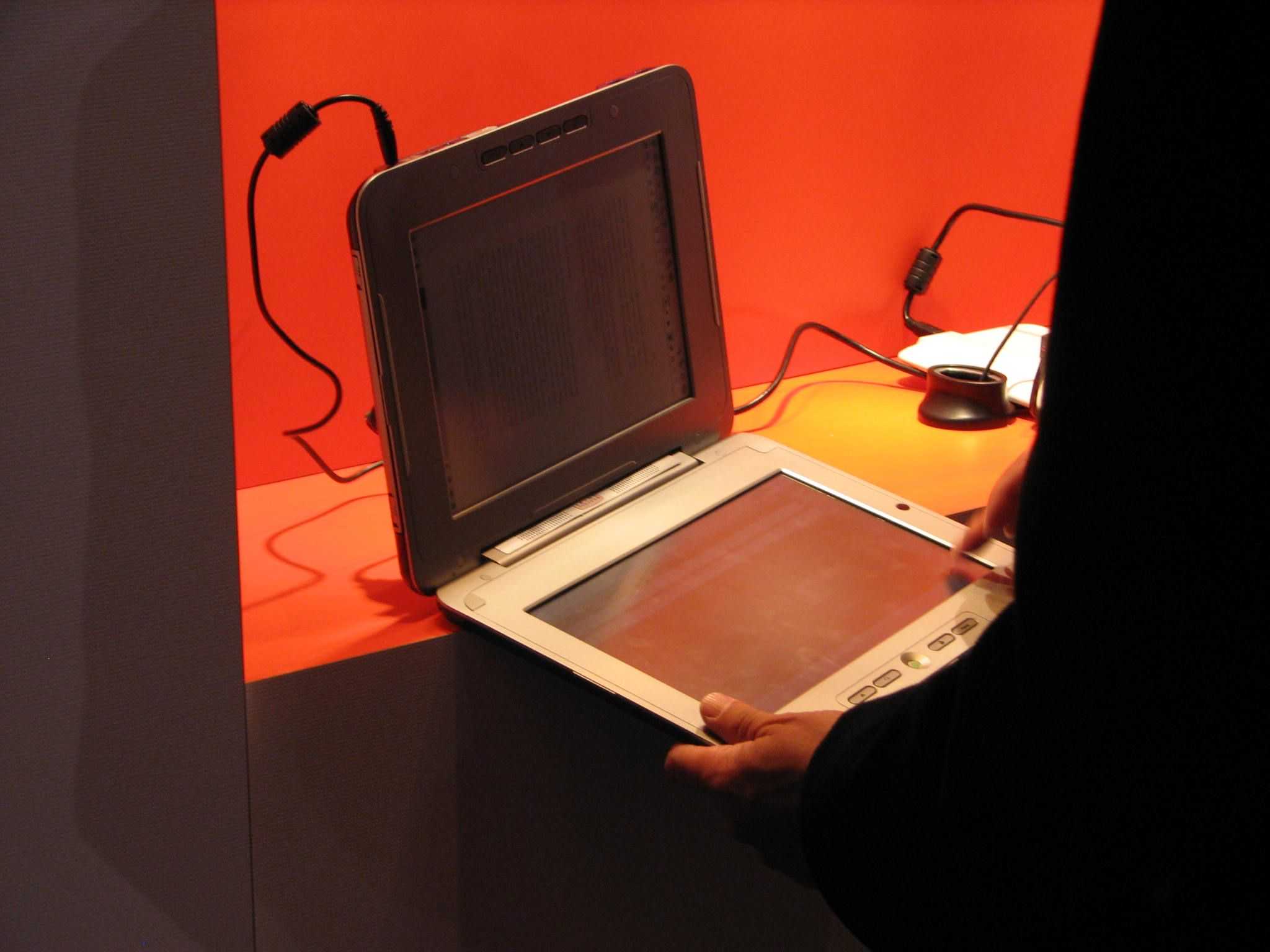
One area you need to cover is the unplanned requirement to do something serious. Fixing a web server, answering an email with a modified spreadsheet, editing an , printing a document or even taking advantage of 20 minutes while waiting for the doctor means you need something reliable and something familiar. This is where the ultra mobile PC has always been the perfect companion as you get to take all your desktop apps and processes on the road with you. I’ve been using the UMID BZ with the Mifi 2352 (and tethered to my smartphone) and it’s been working out well. I also keep it by my bedside for occasions when I need to do some real work while in bed and to be honest, I could use it instead of the Archos 5. The Archos 5 is more fun though!
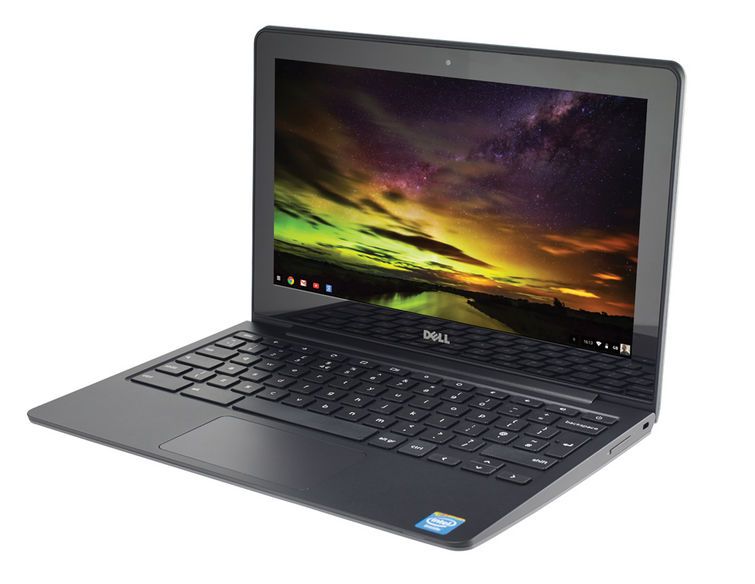
You could use a netbook in this scenario but netbooks are relatively heavy (especially when you need to carry a bag full of baby ‘stuff,’ and need a stable surface.
[5 interruptions hidden]
So Dads, as you can see, there are some opportunities out there and that it’s not just the Dads that sneak in some mobile computing while looking after their babies. In the spirit of parenthood then, what tips have you got to share? Anyone worked out how to have two hands free? I’ll be testing a baby sling soon so stay tuned for some more mobile Dad tips!

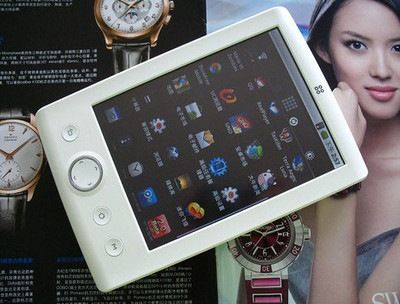
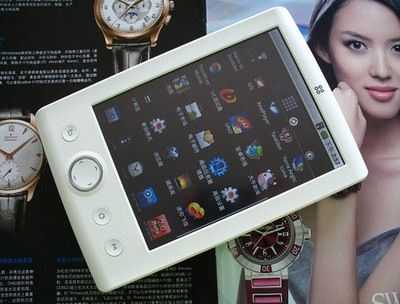 I’m not going to call the SmartDevices SmartQ T7 an Android tablet because I think it comes in just under the bar in terms of being a flexible, fully-specified tablet but despite that, it has some legs.