 The oft rumored service from Google has finally been announced at Google I/O and is currently operating as a free invitation-only beta service that only works in the US. No word as to whether or not it’ll find its way to other countries, but knowing how resistant the music labels are to these kinds of services, it likely won’t be an easy task to make it happen overseas.
The concept isn’t too far fetched… with Google Music you can upload all of your music to the web, then stream it to a number of devices such as smartphones, tablets, and any computer with a modern browser. Google has created a video which briefly illustrates how the service will work:
Google has made this service much more appealing to me than the similar Amazon Cloud Player thanks to Music Manager, a multi-platform program that will help you import your music from Windows Media Player and iTunes.
I’ve spent a long time rating songs and organizing my library; thankfully the Music Manager program, compatible with OSX and Windows, will import not only all of your music but playlists and ratings as well. This is a huge point for me, and one of the reasons that I still haven’t given Amazon’s Cloud Player service a try.
Google says that Music Beta currently supports up to 20,000 songs which will playback at 320 Kbps, according to Information Week. Quality will also change dynamically based on network conditions.
The service is free in the beta phase, but it sounds like Google will be charging for it once it’s officially launched.
As Jared Newman of Time Techland points out, Google Music sounds great, but Google isn’t actually selling any music at this point. You’ll have to upload music that you download from other services.
Music App Updates
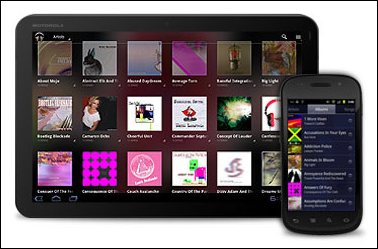 Along with this announcement come updates to the Music app for Android devices running Honeycomb (3.0+) or Froyo and beyond (2.2+). Honeycomb devices should already have access to the update while Android 2.2+ devices will begin to see the update in the next few weeks, according to Google.
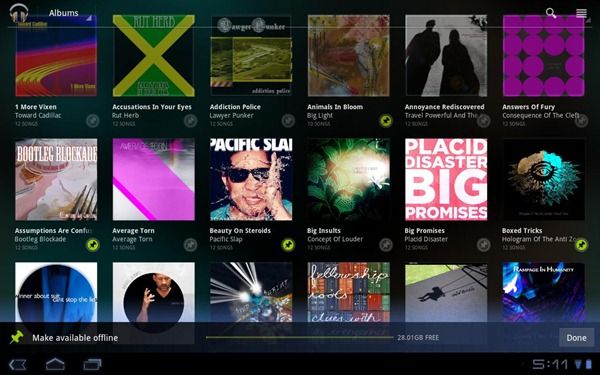
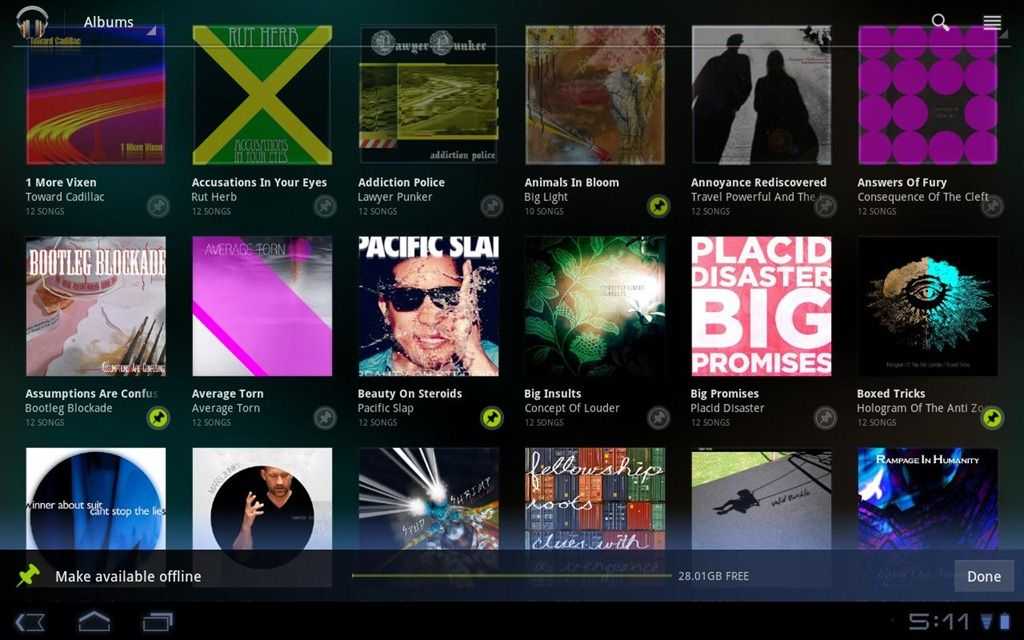
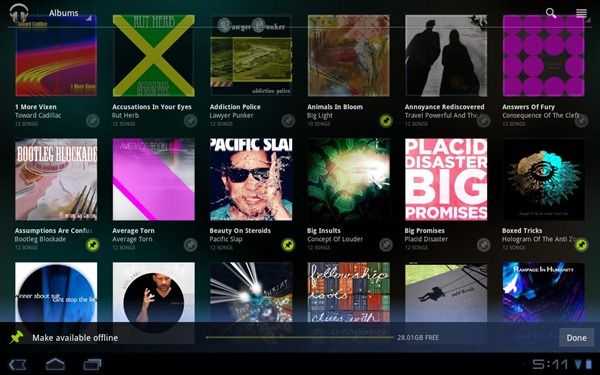 The updated app enables support for Google’s Music Beta service which will allow users to play their entire cloud-stored library on their device. For offline access, Music will cache a number of recently played songs, and you’ll also be able to manually mark which songs/artists/albums/playlists that you want to always have available on a given device for offline playback.
Instant Mix
Google has also announced a neat feature called Instant Mix. Much like Apple’s ‘Genius’, the feature aims to create a playlist from your library based on a single song that you select. Unlike Genius, Instant Mix actually analyzes your music by listening to it, then suggests similar songs based on the waveform of each individual song. Pretty neat.
Request an Invite
If you want to give Google Music Beta a try, just head over to music.google.com and find the “Request an Invitation inch button at the top right of the page. There’s no word yet on how exactly Google is handing out invitations, but knowing Google, they’ll probably be rolling them out in waves.
Even if you don’t have an invitation to the service, you’ll still have access to the updated versions of the Music app for use with locally stored music.