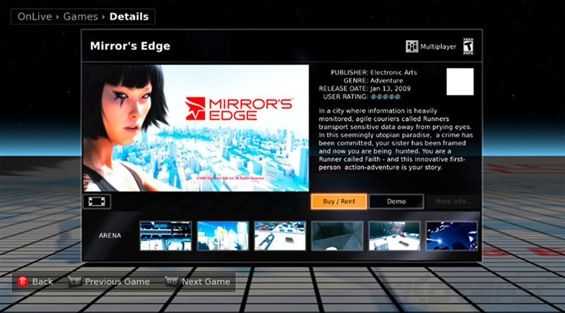
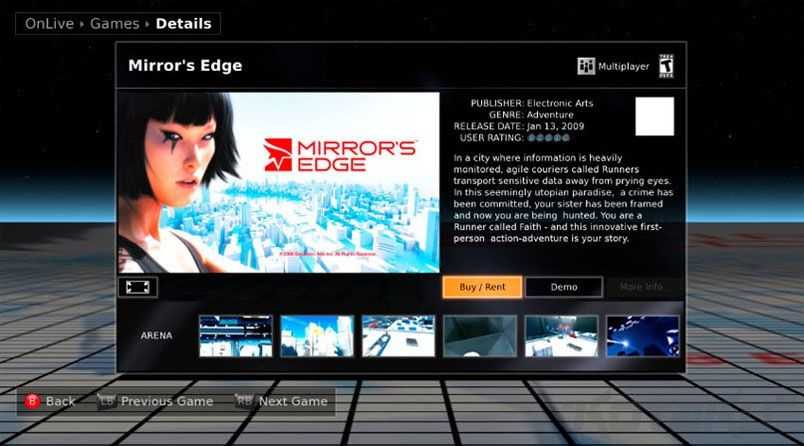
 An interesting story over at Kotaku talks about a new service called OnLive. The vision of OnLive is to bring processing intensive gaming to low end hardware, a sort of on-demand gaming service.
The way it works is essentially opening a video stream from the OnLive server to an OnLive client application on your computer. Your inputs would be sent to the server, and all of the game’s processing would happen on the server and the results would be streamed to your computer. The idea is actually not new, we told you about StreamMyGame back in June of 2008 which uses the same basic idea except you can use your own personal computer to act as the server. The idea was targeted toward those who already had expensive gaming computers, and could use StreamMyGame to play games on lower end hardware over their own network.
OnLive aims to bring high quality gaming to those with low-end hardware, without the need to own expensive equipment. By staging all of the processing on their own servers, the real bottleneck is not hardware performance, but instead, internet connection speed. OnLive says that full quality SD gaming can be achieved on a 1.5mbps connection, and 720p with a 5mbps connection. OnLive says that they are using patented technology to do the video compression, and say that games will play through their service at up to 60 frames per second. If there is any artifacting or lag in the streamed game video, OnLive will have a hard time convincing any hardcore gamers to use their service.
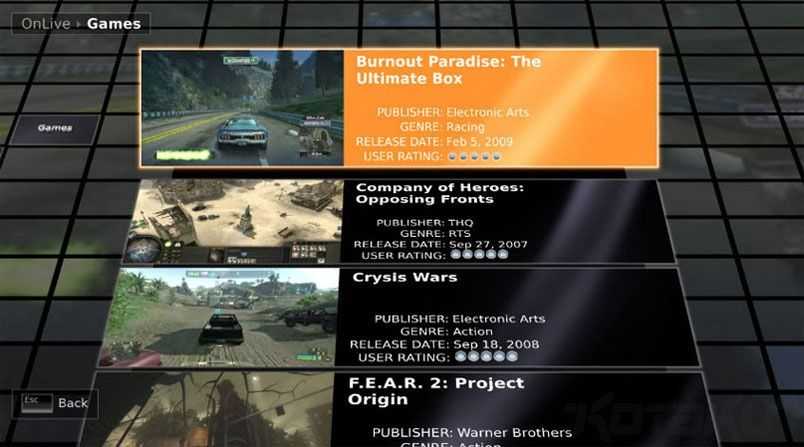 Interestingly, the Kotaku article mentions that OnLive claims that their game video streams will have a ping of less than one millisecond. They also said that their patented video compression will take about one millisecond to complete as well. If true (and there aren’t any other lag points on the way) these times should mean that you will get nearly lag free gaming on any hardware that can play back the video stream, and has a fast enough internet connection. That category could include netbooks and lower end hardware like the MIDs and UMPCs that we cover here on ultra mobile PC Portal.
So what would it really mean for people who like to play games but own netbooks? Obviously you would be able to play graphically complex games that your netbook would never be able to handle rendering on its own, but there are more benefits. This style of server-side gaming would mean not only no downloads, but no instillations of games either. Theoretically, this could mean being able to play a game like World of Warcraft, which currently consumes about 15GB of your HDD, on a device that has even less storage than the game itself requires for normal instillation. Not only would you be able to skip the 15GB download, but you wouldn’t need to wait for a long instillation session. Another advantage this has for netbook and other mobile hardware users is that on-demand gaming doesn’t require a CD/DVD drive. The majority of netbooks out there do not come with CD/DVD drives, and unless you want to play around with .ISO files, you are usually out of luck when it comes to installing games to your system. OnLive’s service would make an easy entry point for someone who doesn’t know how to mount an .ISO, but would still like to try some of the latest and greatest gaming.
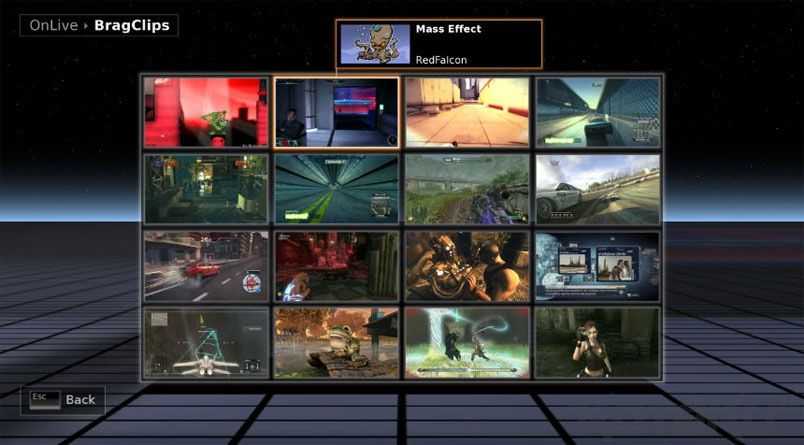 All of this sounds a little bit too good to be true right? Hopefully that isn’t the case. Kotaku says that they had a chance to test the service (albeit, in a controlled environment) and were able to play Crysis (a game known for bringing some gaming rigs to their knees) on a low spec machine. The OnLive service is still in internal beta, with an external beta test planned for this summer. We’ll keep an eye on OnLive and see how it all turns out.
Quickly I want to also mention that OnLive plans on rolling out a small piece of hardware that one could use to have the OnLive gaming experience on their TV. The little box, probably not much larger than a 2.5 inch external HDD, could be hooked up to your HDTV via HDMI, and given a fast enough connection, play high end games in 720p on your TV. The unit is targeted to have a competitive price, possibly lower than that of the Wii.