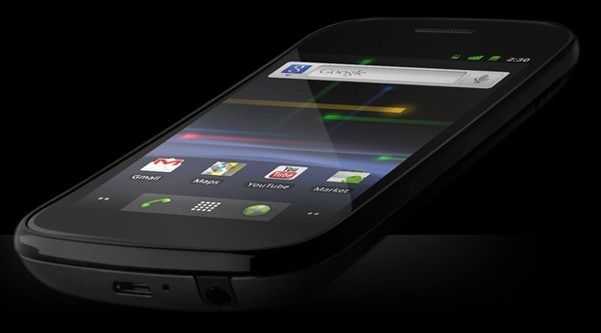
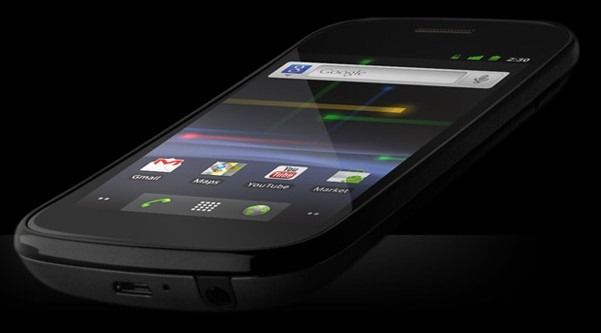
 We’ve got the Nexus S [tracking page] on hand for some testing and it’s certainly doing some impressing! In addition to a beautiful display with an amazing contrast ratio, the Nexus S is topping the Quadrant benchmark charts over all other Android devices. Then there’s that whole Android 2.3 thing it’s got going on that has some great tweaks to the OS. There’s a full review in the works, but in the mean time we’ve prepared an overview video for your viewing pleasure:

Tag Archive | "hands-on"
Nexus S Video Overview
Posted on 15 February 2011
Enspert Identity Tab Gallery
Posted on 06 February 2011
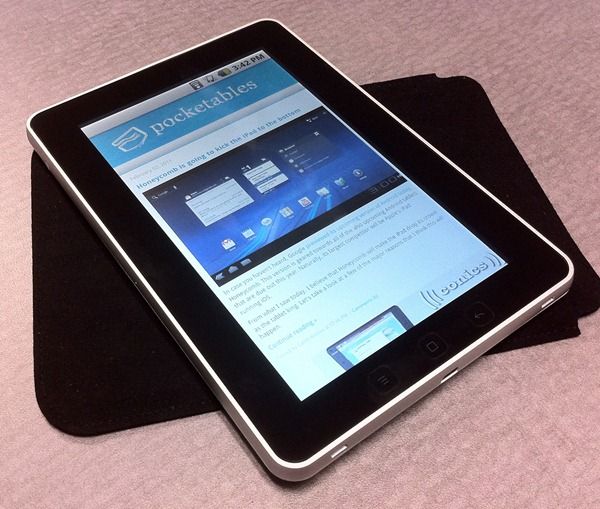
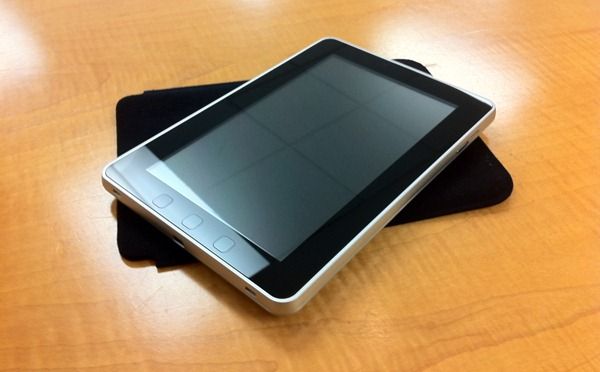
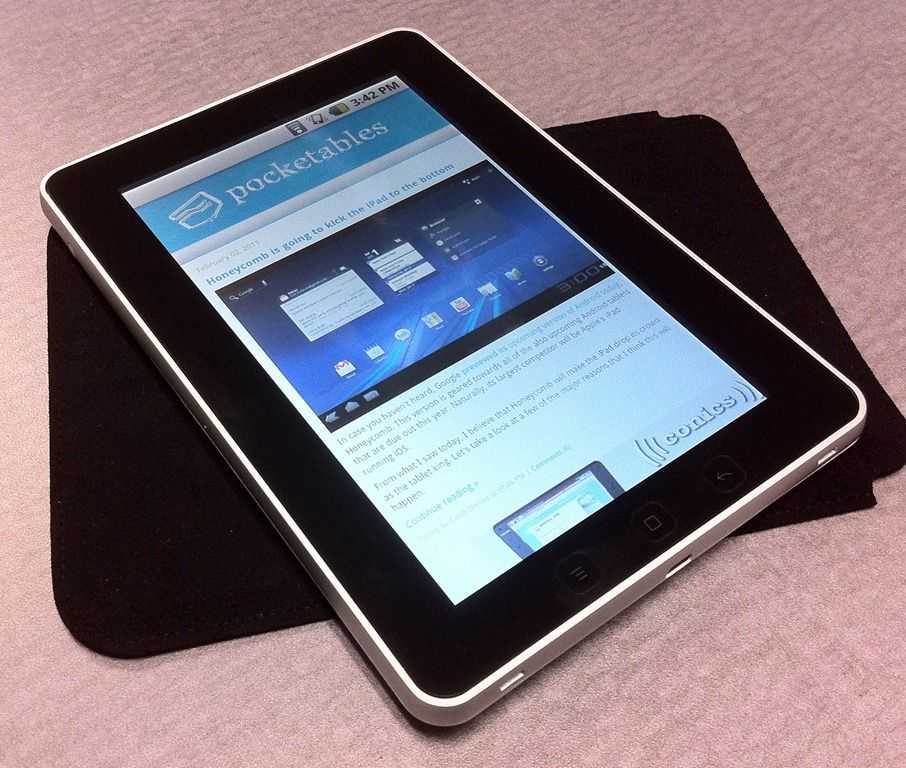 We showed you the Identity Tab [tracking page] unboxing and gave you a quick preview of the device just the other day. Now we’ve got a gallery full of photos for you to get familiar with the aesthetics of the 7 inch Android tablet. We’re still waiting on the Android 2.2 build with official Android Market access, to come our way (just a few more days) and when it does we’ll have a lot more info to share about the Identity Tab. For the time being, tide yourself over with some pretty pictures!
Identity Tab (Enspert e201) Unboxing
Posted on 02 February 2011
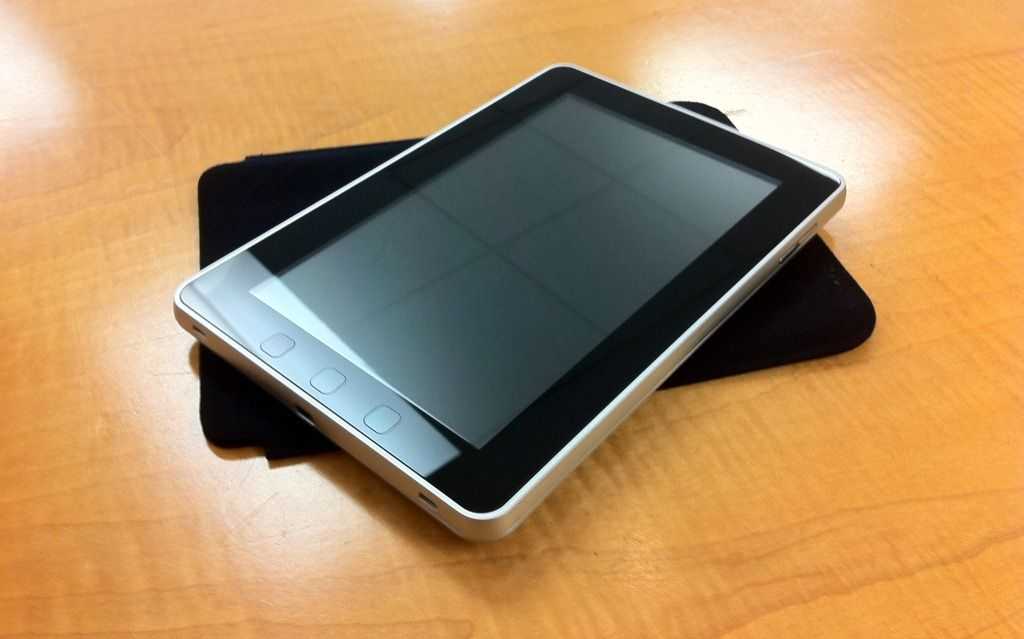
We’ve mentioned the other day that we had an Enspert e201 [tracking page] inbound for testing, and it has arrived. I had to chase the FedEx truck several blocks down to get the box yesterday, and I did it all for you, dear readers! The Enspert e201 (which is available soon, exclusively from Dynamism) is being branded as the Identity Tab, here in the US.
I’m really surprised with the build-quality of the Identity Tab so far. It looks just like an iPad and I’m dreading the “hey is that a mini-iPad? inch questions that I’ll get when I’m using it out of the house; they may have copied the aesthetic, but they were fortunately also able to nail the build-quality. I’m really digging the physical buttons on the Identity Tab. The last three Android devices that I’ve tested (and numerous ones that I’ve covered) all use capacitive Android buttons (the Home, Back, Hidden-Menu, and Search buttons). The Identity Tab (though it might be lacking the search button) actually has physical clickable buttons, and I love it! The feedback on them is great, I don’t have to guess whether or not I’ve actually pressed them.
As I mention in the video, the Identity Tab is running Android 2.1 at the moment, but will be updated to 2.2 before shipping to customers. I think this is much better than promising a 2.2 download at some point later because companies sometimes don’t come through (*cough*Samsung*cough*), and even if they do, the process isn’t always easy! The device will also have official Android Market access when Android 2.2 comes through (we’ll have it on the device in about a week) and that will enable us to do much more with it. Stay tuned for more to come from the Identity Tab over the next week or two.
Samsung Galaxy S – Fascinate Unboxing [video]
Posted on 17 October 2010
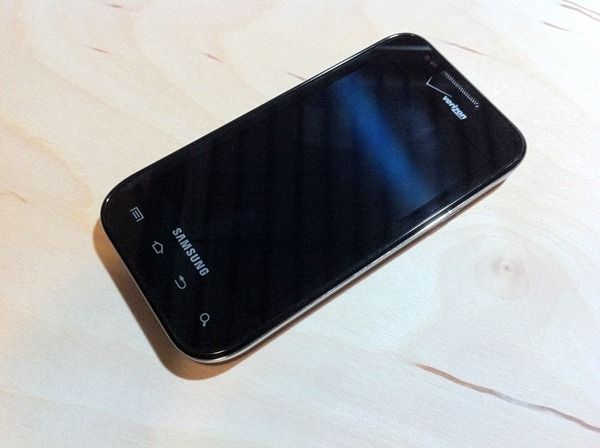
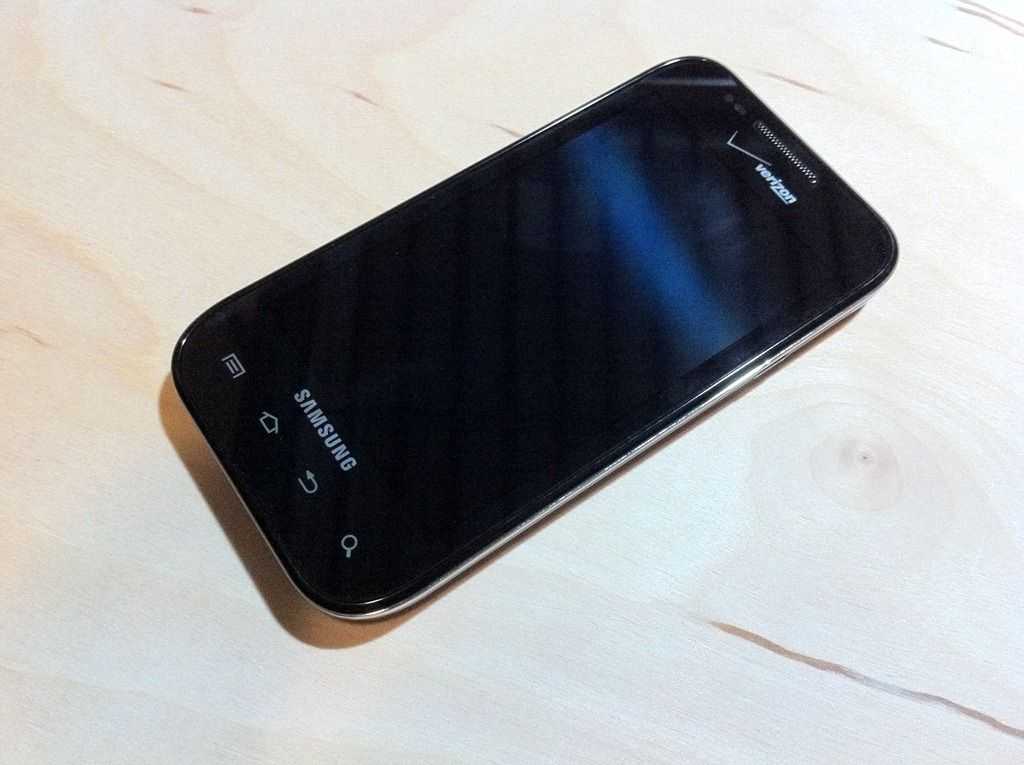 Here’s a short and sweet unboxing of the Samsung Galaxy S phone for Verizon, the Fascinate. This phone has a 1Ghz Samsung Hummingbird CPU, 512MB of RAM, a 4” 800×480 AMOLED screen and is running Android 2.1. Stay tuned for a full review and plenty of other coverage on this so far impressive phone.
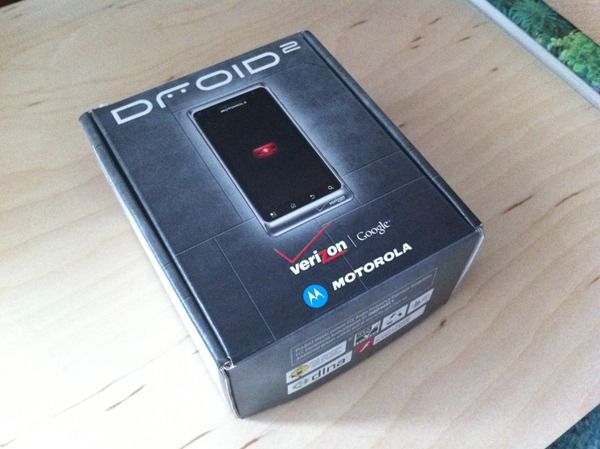
Motorola Droid 2 Unboxing
Posted on 13 August 2010
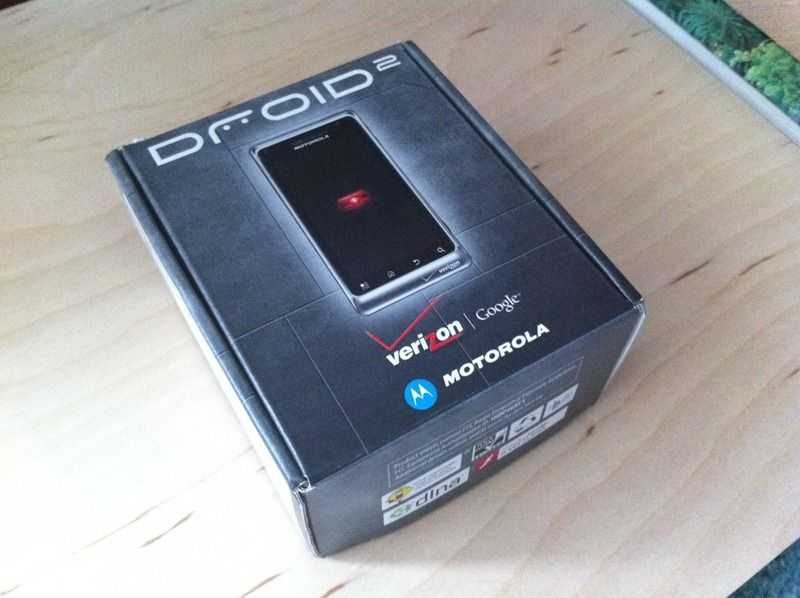 We’ve got our hands on a hot little piece of hardware today and the coverage is coming straight to you, my dear readers. Check out Verizon’s latest Droid phone, the Motorola Droid 2. See our Droid 2 tracking page for full specs and details.
The phone feels very solid despite being a slider and therefore consisting of two big moving parts. It’s also thin enough that I’m certain many people won’t realize that it’s a slider the first time they get it in their hands. I’m already somewhat impressed with the keyboard. I will admit though, my expectations were low after briefly looking at the original Droid’s keyboard, but the Droid 2’s keyboard has more tactile feedback than it might appear to. Though it’s still likely going to be too small for someone with large hands.
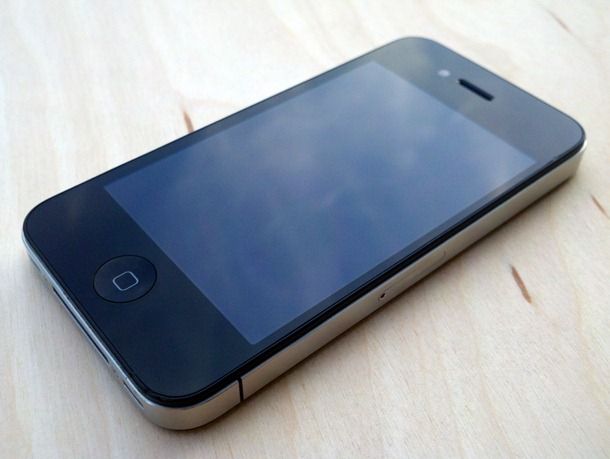
iPhone 4 Review
Posted on 12 August 2010
I have to preface this review with an apology. It’s taken me a long time to get this review up on the site and I’m sorry for that. You knew not to expect a day-one review from us because that’s just not how we roll; we like to get a serious feel for the items we’re testing before passing judgment. I was waiting for apps to be updated with iOS 4 features, and for Apple to tell their side of the antenna story before writing the review (not to mention getting distracted with the Droid X). With that said, I hope you’ll still join me for our iPhone 4 review.
Hardware
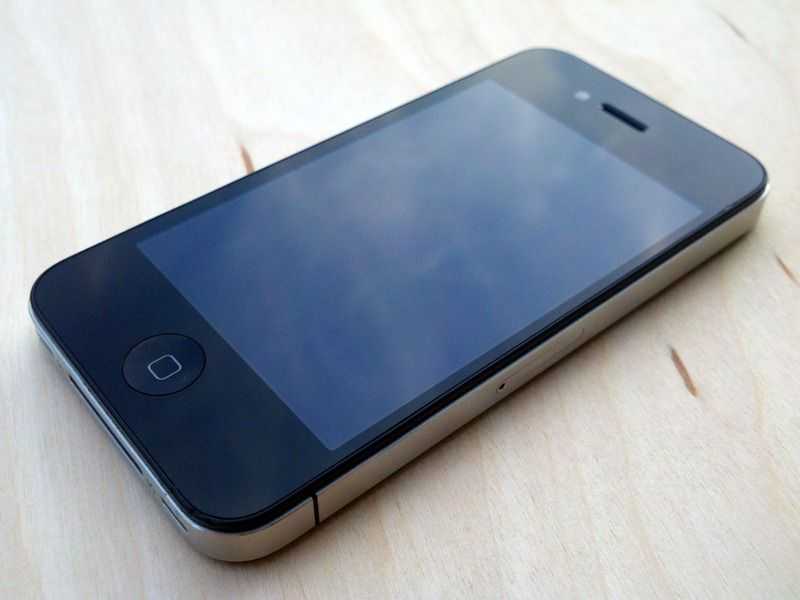 The iPhone 4 introduces an all new design. Here’s a quick spec rundown, and as always, you can get detailed information from our iPhone 4 Portal page.
- CPU: Apple’s A4 chip (1GHz)
- RAM: 512MB
- GPU: PowerVR SGX 535
- Screen: 3.5 inch IPS display @ 960×640 (326 ppi)
- Rear camera: 5 MP with single-LED flash (HD video record capable)
- Front camera: 0.3 MP (video up to 640×480)
Design
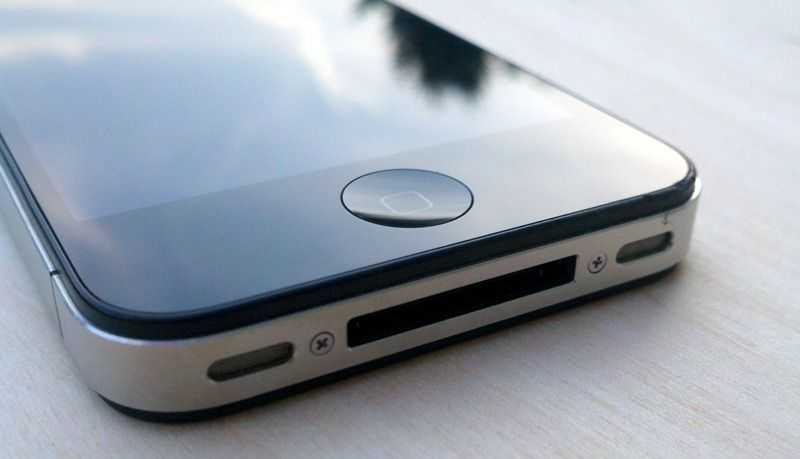 You’d have to really despise Apple to say that they have no design talent. The iPhone 4 once again makes its predecessor feel like a toy, despite the fact that it once felt like a quality built device. The iPhone 4 is 24% thinner than the iPhone 3GS, making it the thinnest smartphone in the world (according to Apple), though despite it’s decreased thinness, it doesn’t feel thinner than the iPhone 3GS because of its square back. The iPhone 3G and 3GS had rounded backs which made them feel thinner than they really were. The result of this lack of rounded back makes the iPhone 4 feel just as thick as the iPhone 3GS.
The front and back of the device is made from glass which Apple lauds as being much stronger than plastic. I’ve somehow managed to already get more scratches on the front of the my iPhone 4 than I did over the entire course of my iPhone 3GS’s lifespan. They aren’t significant scratches, but hold the phone under the light and you’ll find quite a few. This is a striking contrast to my iPhone 3GS which never got a single scratch on it.
This could have something to do with the fact that the glass back of the iPhone 4 is somewhat slippery compared to the plastic back of the iPhone 3GS. The iPhone 4 isn’t slippery in the hand, but it frequently slides off of places where I once rested the 3GS, such as on top of my wallet, or on the arm of a couch. Some people have attributed this to the oleophobic coating which is designed to reduce fingerprint smudges (this was only present on the front of the iPhone 3GS, but it’s on the front and back of the iPhone 4).
The front and back of the iPhone 4 is glass, but there is a tiny plastic bezel that surrounds each pane. This is likely to prevent any dangerously sharp edges, as well as reducing the chance of chipping the edge of the glass.
As for the look of the device itself, it’ll definitely come down to personal preference. I, for one, think it’s a beautiful looking device, and I’m happy to see Apple working on a somewhat retro look, rather than continuing to evolve their previous design the natural conclusion of which would have eventually been the iBall — if Apple continued to simplify shapes and smooth lines.
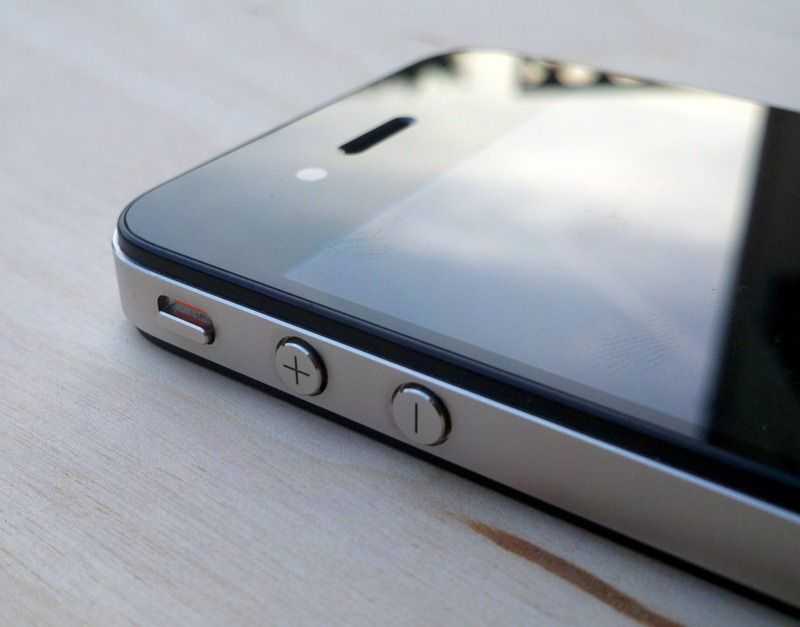 The device feels undeniably well built, and the metal buttons are impressively solid and have no play to them. The volume buttons have been changed from a rocker bar (as they were previously on the 3GS) and separated into individual buttons. The plus and minus markings are cut directly into the metal button which gives them a sharp look that won’t be worn away over time. Both volume buttons, the silent switch, and the hold/lock button have highly satisfying clicks. Additionally, the home button on the front of the device is much more clicky than the one on the iPhone 3GS which was occasionally on the squishy end of the spectrum. If you’ve ever used an iPod Touch, then you’ll know the feeling of the iPhone 4’s home button.
Screen
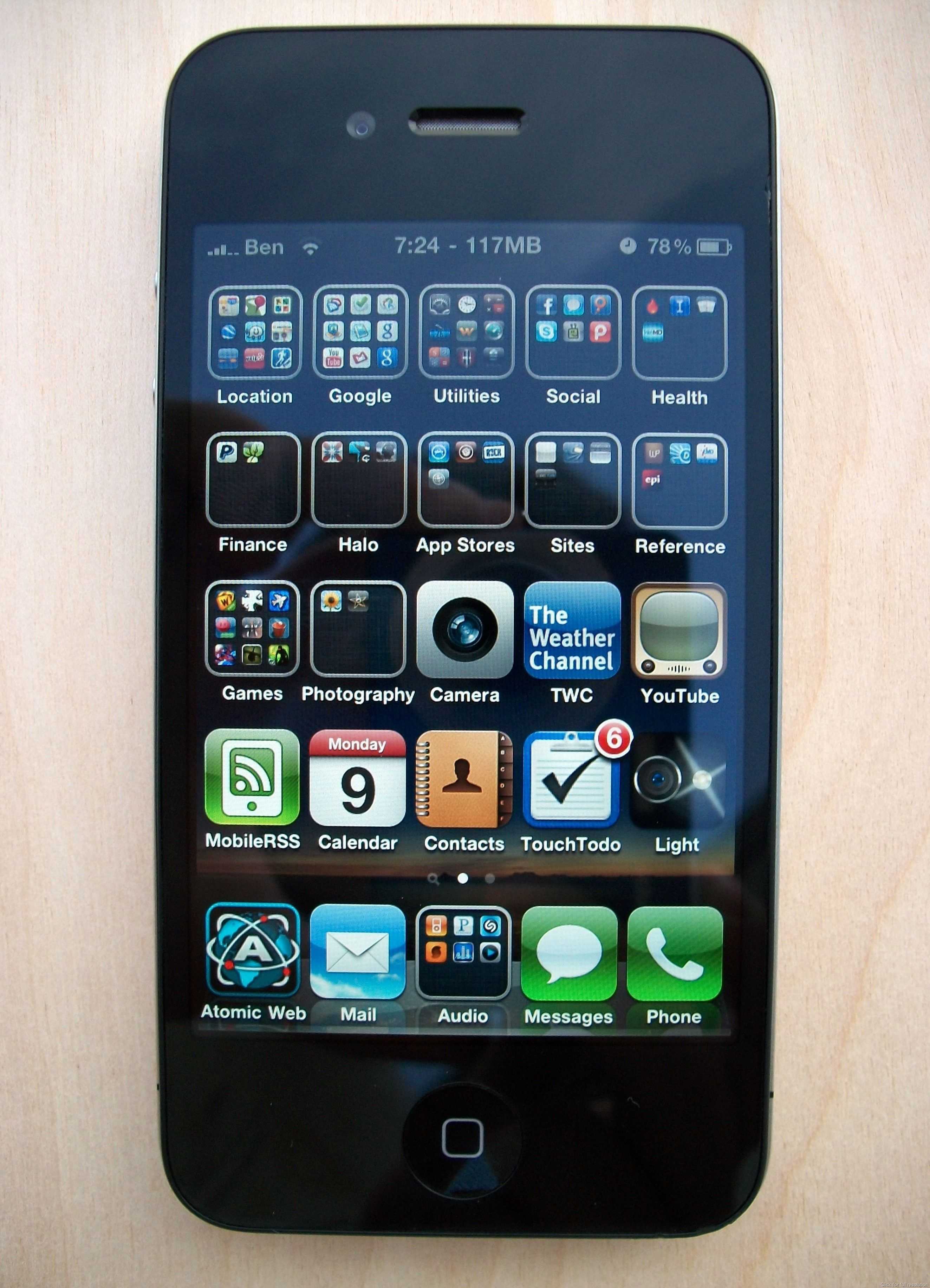 Apple specifically designed the screen to have a pixel-per-inch rating that surpasses the eye’s ability to tell each pixel apart. Apple claimed that this threshold was about 300 ppi at a given distance (10 inches or so) so they made the screen 326 ppi with a 960×640 display which is 4x the resolution of previous iPhone. Just to clarify, the increase in resolution doesn’t mean more space on the screen. Instead, Apple scaled up graphics of the entire OS to 4x their original size to fit the new resolution. The result is an extraordinarily crisp screen that makes you wonder how you ever lived with the low res 480×320 screens on the old iDevices.
When I look back at an iPod Touch or previous iPhone, the screen looks quite pathetic. The iPhone 4’s 960×640 screen is the highest resolution in a smartphone, but next to an 800×480 device like the Droid X [portal page], the difference won’t be perceptible for most people. So while the iPhone 4’s display blows the previous iPhone out of the water, it isn’t wildly superior to other devices out there.
The IPS screen is reasonably readable in bright sunlight and has an impressive full 179 degree viewing angle with virtually no loss of color or contrast at even the most extreme angle.
New Dell Mini 5 Hands-On Photos and Video from Engadget
Posted on 12 February 2010
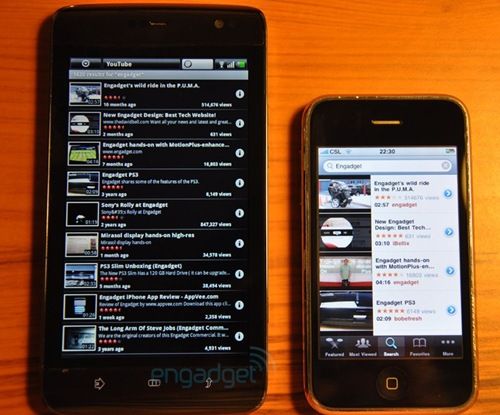
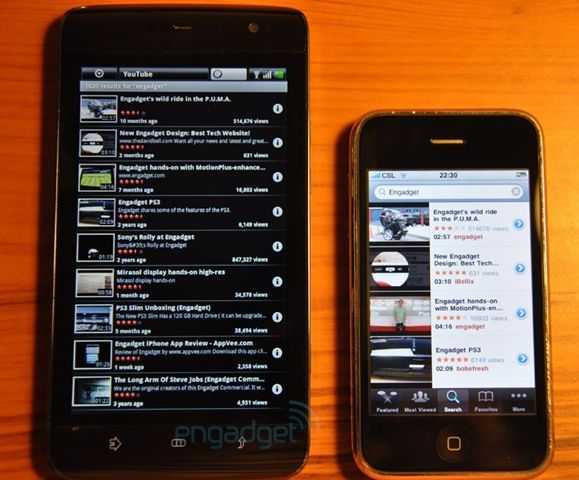
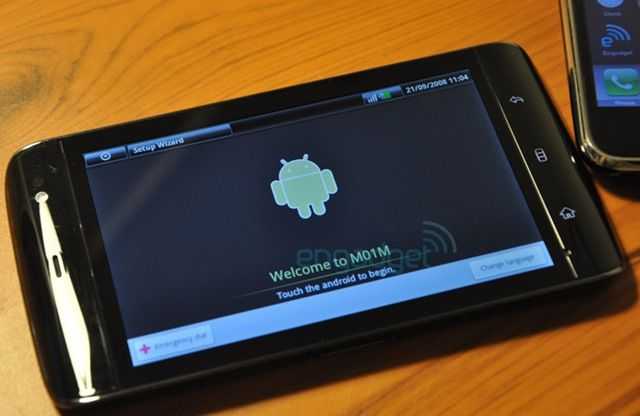
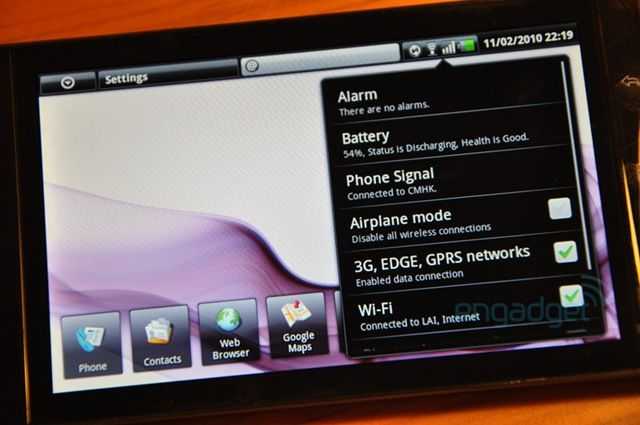
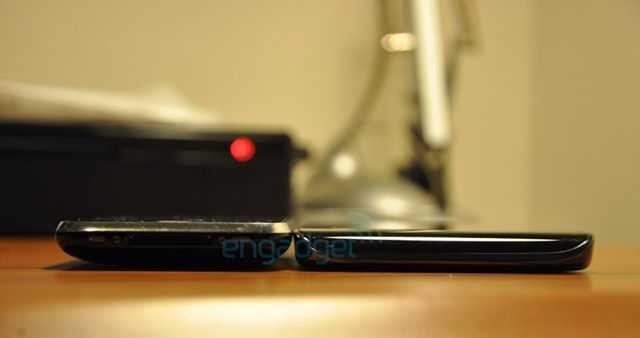
Engadget has managed to get their hands on a pre-production Dell Mini 5 [Portal page] (aka Dell streak or M101), and they’ve got a nice gallery of the device up on their site as well as a brief video. Hopefully they’ll drop some hands-on impressions later, but for now it’s pretty much just visual media. I’m most interested to see what they think of the off-centered QWERTY keyboard which is offset due to a seemingly always present numeric OSK — the keyboard could make or break this device. Check out a few shots below and jump over to Engadget for the full gallery and video.


 |
| |||
 |
| |||
 |
| |||
 |
| |||
 |
| |||
 |
| |||
 |
| |||
 |
| |||
 |
| |||
 |
|