
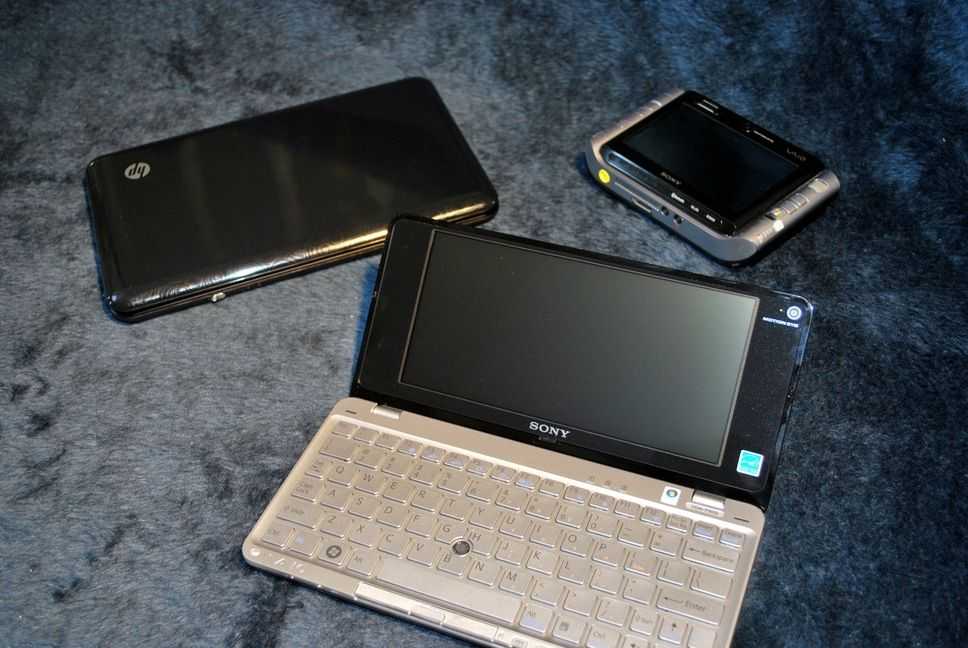
 The Sony VAIO P is an impressively small unit that manages to pack some relatively powerful hardware into a small, envelope shaped footprint. Though it may not be practically pocketable like Sony wanted us to think, it is extremely light weight and slim. Let’s begin with the hardware tour, as usual.
Hardware Tour
 Front (right to left): Wireless radio switch, SD card slot, Sony Memory Stick slot, power slider, battery LED indicator, SSD activity LED indicator.
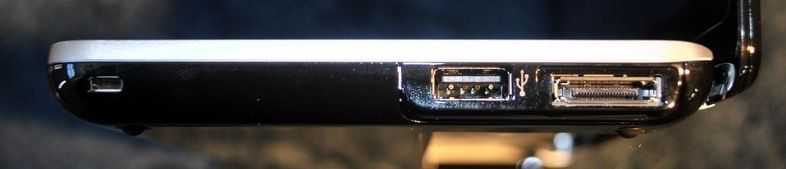 Right: Kensington lock, USB 2.0, port replicator connector.
 Back: Nothing but hinges.
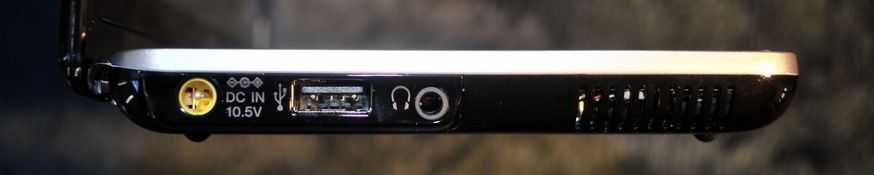 Left: A/C adapter, USB 2.0, 3.5mm headphone jack, passive cooling vent.
Size Comparison
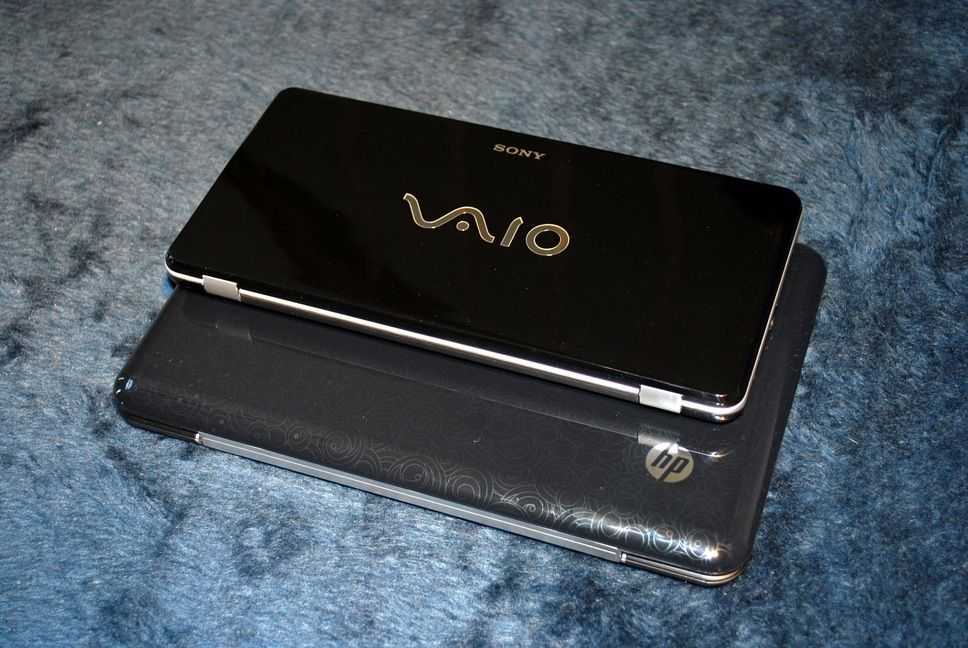
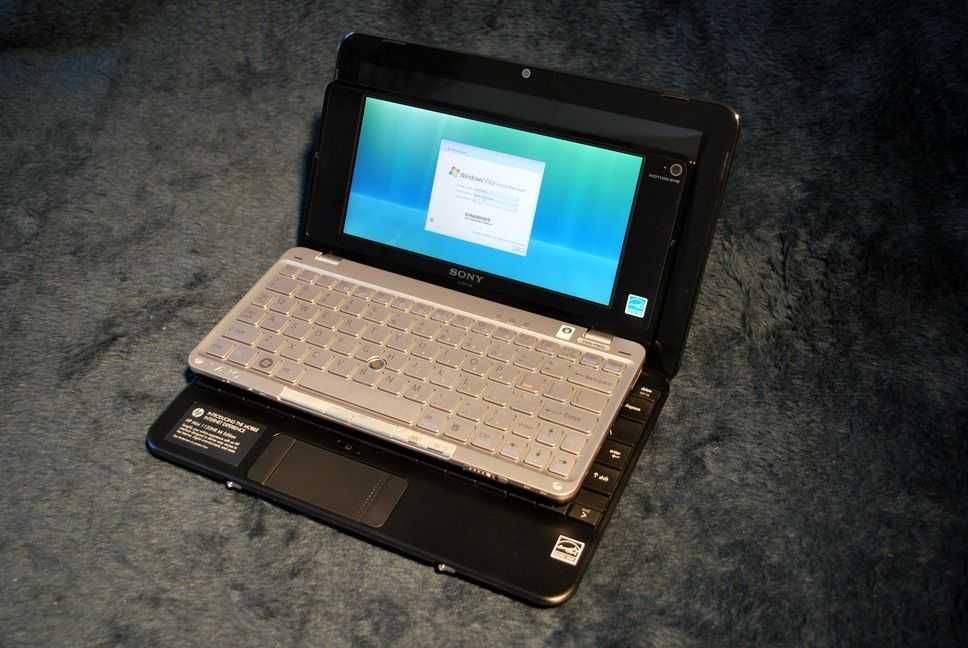
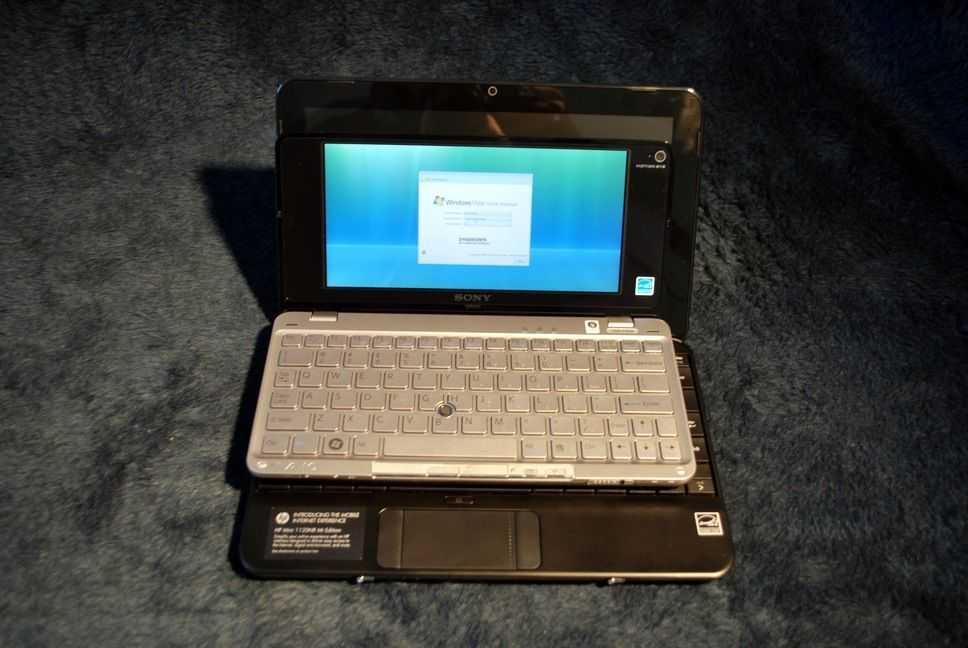
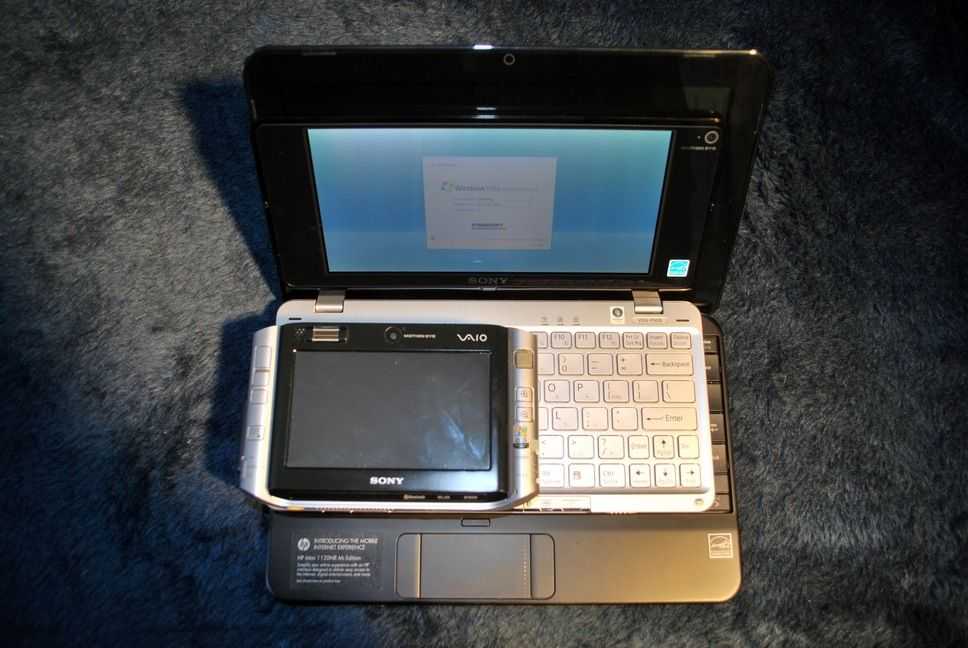
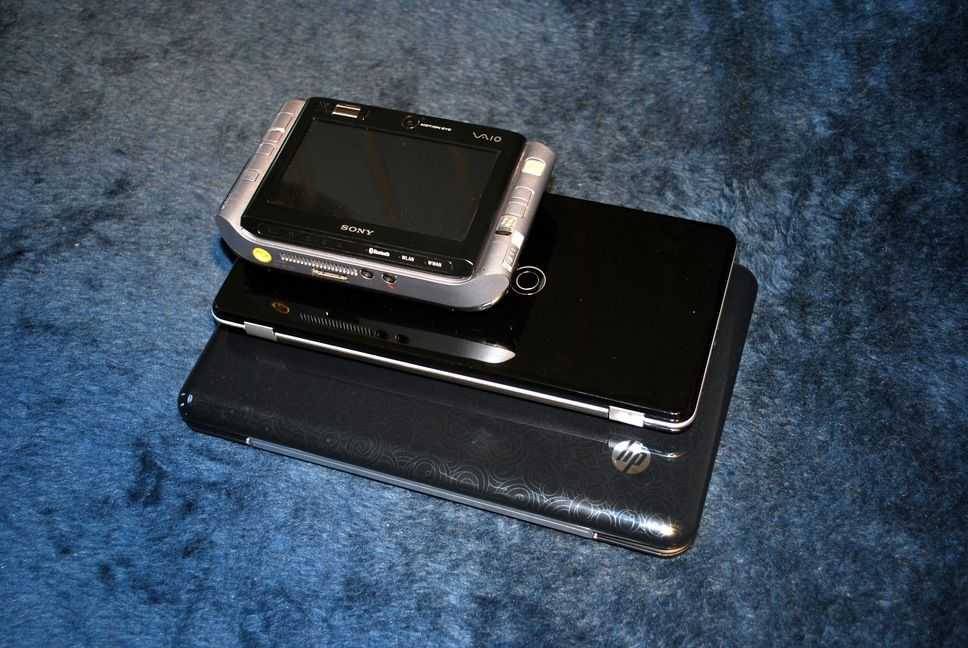
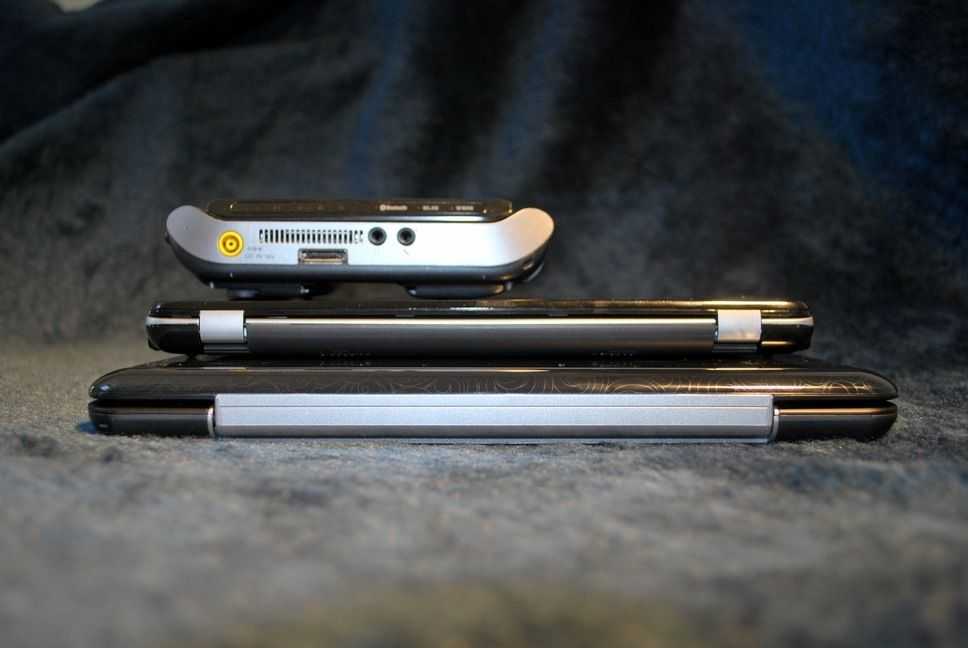
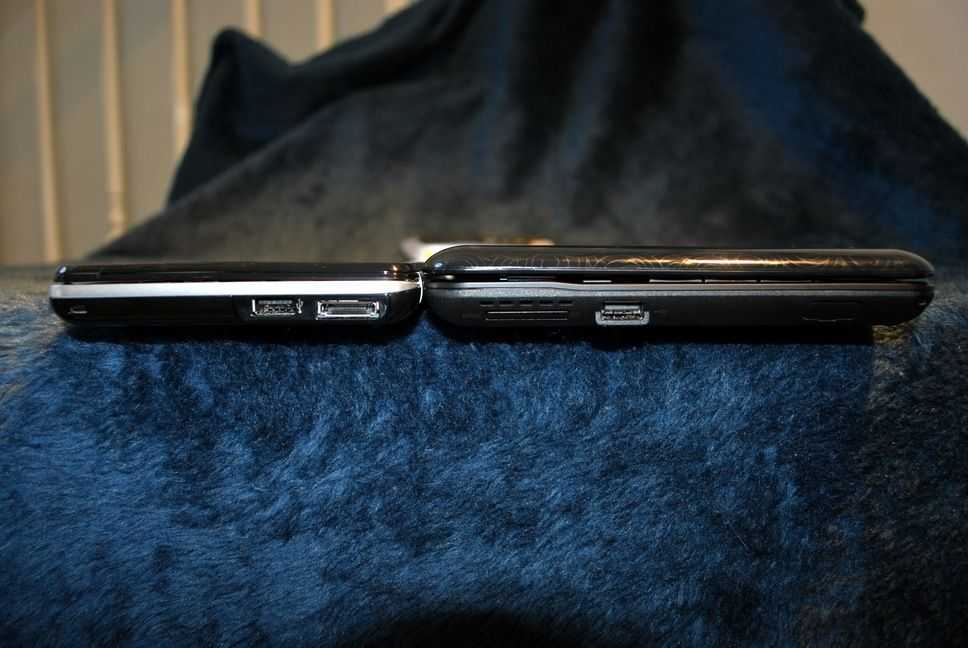
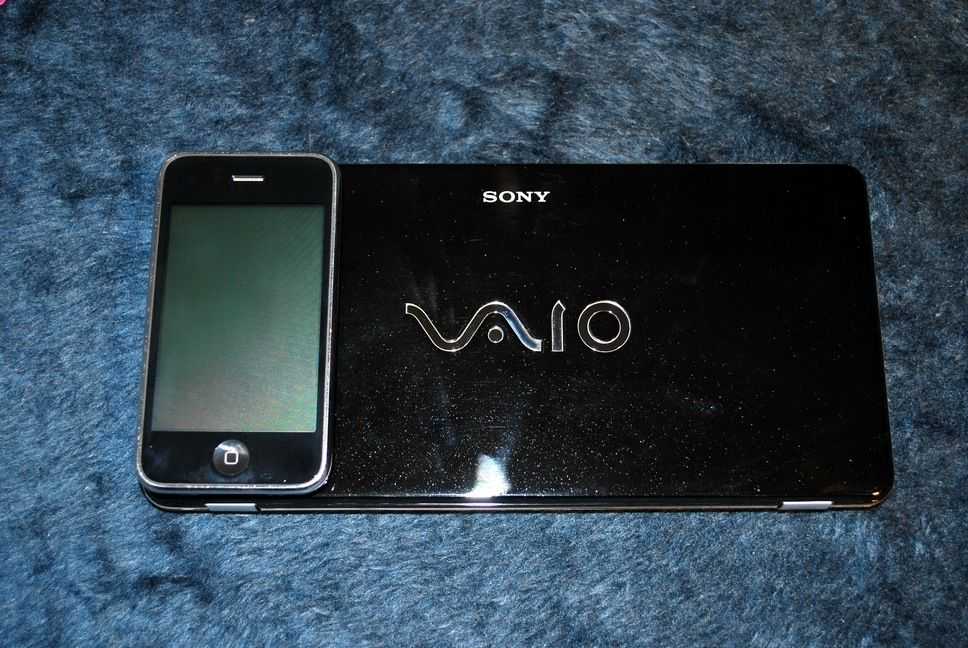
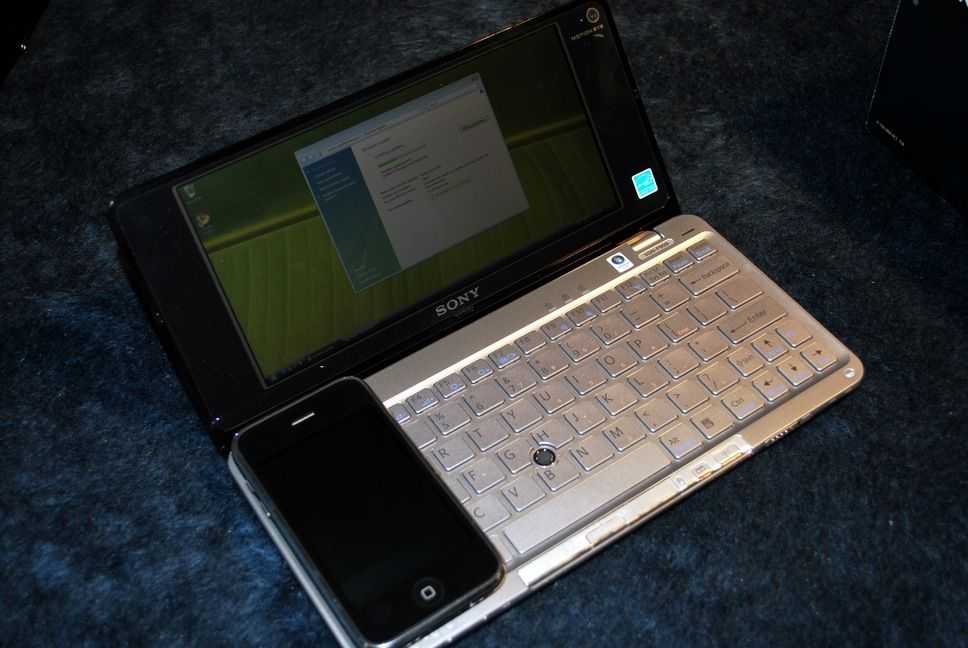
As you can see above, I have several comparison shots of the VAIO P with the HP Mini 1000 [Portal page] and the Sony VAIO UX180 [Portal page]. It wasn’t until I set my iPhone down next to the VAIO P that it really hit me. The VAIO P is really quite tiny. If you can imagine, it is just as long as the iPhone, but wider. It has the footprint of a super wide iPhone. It isn’t quite as thin as the iPhone, but it is certainly the thinnest mobile computer I’ve ever used.
(continue reading on page 2…)










New article: Long term hardware impressions – Sony VAIO P http://cli.gs/emb5T7
Tried this device recently. very slim but lcd vviewing angles and colors are poor. Overall ergonomics in use very bad with the mouse pointer.
I tried one too briefing in a store and I thought the lcd viewing angle was bad too
Cheers for all the work which clearly has gone into producing the review for us all.
Thanks Toby : )
How does the Vaio compare with the Fujitsu U2010?
Thanks for the review!
Ben,
Before wrapping up, I was hoping you would comment on the G3 radio: I still havn’t heard whether it works in Europe [Hey, for a lot of people this will be a Mobile Internet Device!]. I remember someone tried to open the SIM slot with pliers, but to no avail.
Sorry DoctorZick, I’m based in the US, and my Japanese VAIO P doesn’t have the built in 3G radio.
Hey Ben,
I could use your help/advice. I recently performed a ‘clean install’ of WIndows 7 on my SONY VAIO pc, and I think I may have deleted the AlpsPoint software that came with it. Now, I have lost the scroll fnction on my touchpad, and I would like it back.
Where/how can I reinstall the AlpsPoint software?
Thanks