Thoughtfix has found quite a nice solution. Dexpot.


Click to enlarge. A view of the 'Window Catalogue.'

Thoughtfix has has tested it out and he's pretty happy with it. He's mapped a button on his eo to the F2 button which enables the 'Window Catalogue' feature. This gives you a nice overview of your running windows and allows you to choose the window without having to ALT-TAB or play around with the taskbar. Dexpot also has a lot of other features too and the best bit of course is....its free. via John Tokash's blog.

Technorati tags:
' />

Thoughtfix has found quite a nice solution. Dexpot.


Click to enlarge. A view of the 'Window Catalogue.'

Thoughtfix has has tested it out and he's pretty happy with it. He's mapped a button on his eo to the F2 button which enables the 'Window Catalogue' feature. This gives you a nice overview of your running windows and allows you to choose the window without having to ALT-TAB or play around with the taskbar. Dexpot also has a lot of other features too and the best bit of course is....its free. via John Tokash's blog.

Technorati tags:
' />

Dexpot window manager is useful on a UMPC.

Posted on 19 January 2007, Last updated on 07 November 2019 by

If you normally use a standard PC screen then you’ll have a fairly standard way of operating. You’ll probably leave windows in the background and use the taskbar, ALT-TAB or you’ll just click on the windows to activate them. When you move down to 800×480, the game changes a little. You’ll want to full-screen every window you open, ALT-TAB isn’t easy and the taskbar becomes quite a waste of space at the bottom of the screen.

Thoughtfix has found quite a nice solution. Dexpot.


Click to enlarge. A view of the ‘Window Catalogue.’

Thoughtfix has has tested it out and he’s pretty happy with it. He’s mapped a button on his eo to the F2 button which enables the ‘Window Catalogue’ feature. This gives you a nice overview of your running windows and allows you to choose the window without having to ALT-TAB or play around with the taskbar. Dexpot also has a lot of other features too and the best bit of course is….its free. via John Tokash’s blog.
Technorati tags: umpc

Comments are closed.

Find ultra mobile PCs, Ultrabooks, Netbooks and handhelds PCs quickly using the following links:

⇨
Acer C740
11.6" Intel Celeron 3205U
⇧
Acer Aspire Switch 10
10.1" Intel Atom Z3745
⇧
HP Elitebook 820 G2
12.5" Intel Core i5 5300U
⇧
Acer Aspire E11 ES1
11.6" Intel Celeron N2840
⇩
Acer C720 Chromebook
11.6" Intel Celeron 2955U
⇧
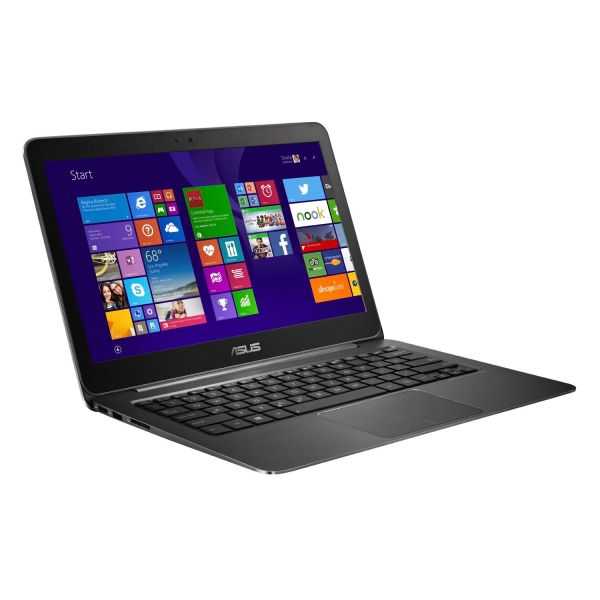
ASUS Zenbook UX305
13.3" Intel Core M 5Y10a
⇧
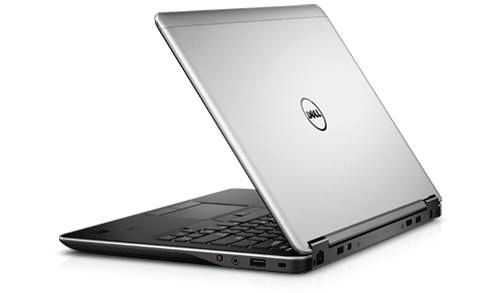
Dell Latitude E7440
14" Intel Core i5-4200U
⇨
Lenovo Thinkpad X220
12.5" Intel Core i5
⇧
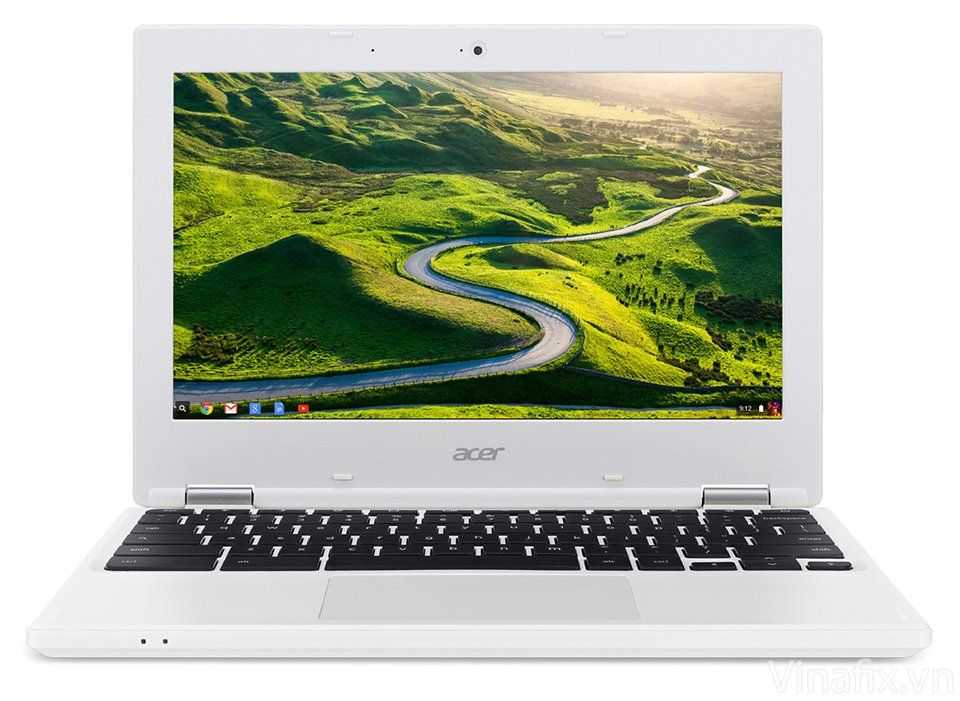
Acer Chromebook 11 CB3-131
11.6" Intel Celeron N2807
⇧
Lenovo Ideapad Flex 10
10.1" Intel Celeron N2806