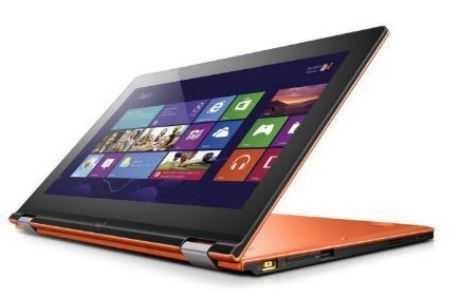
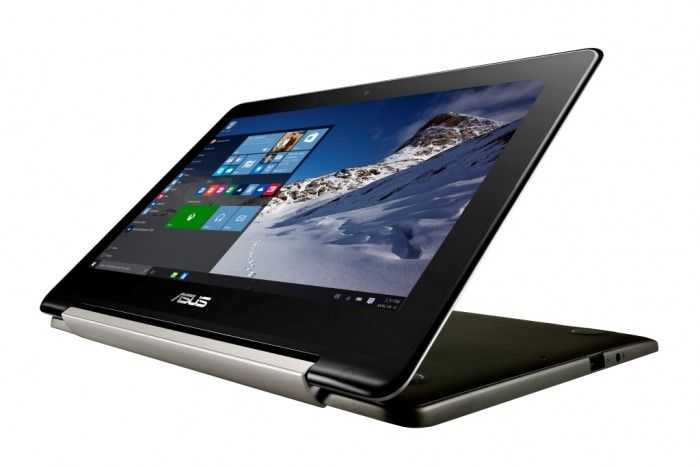
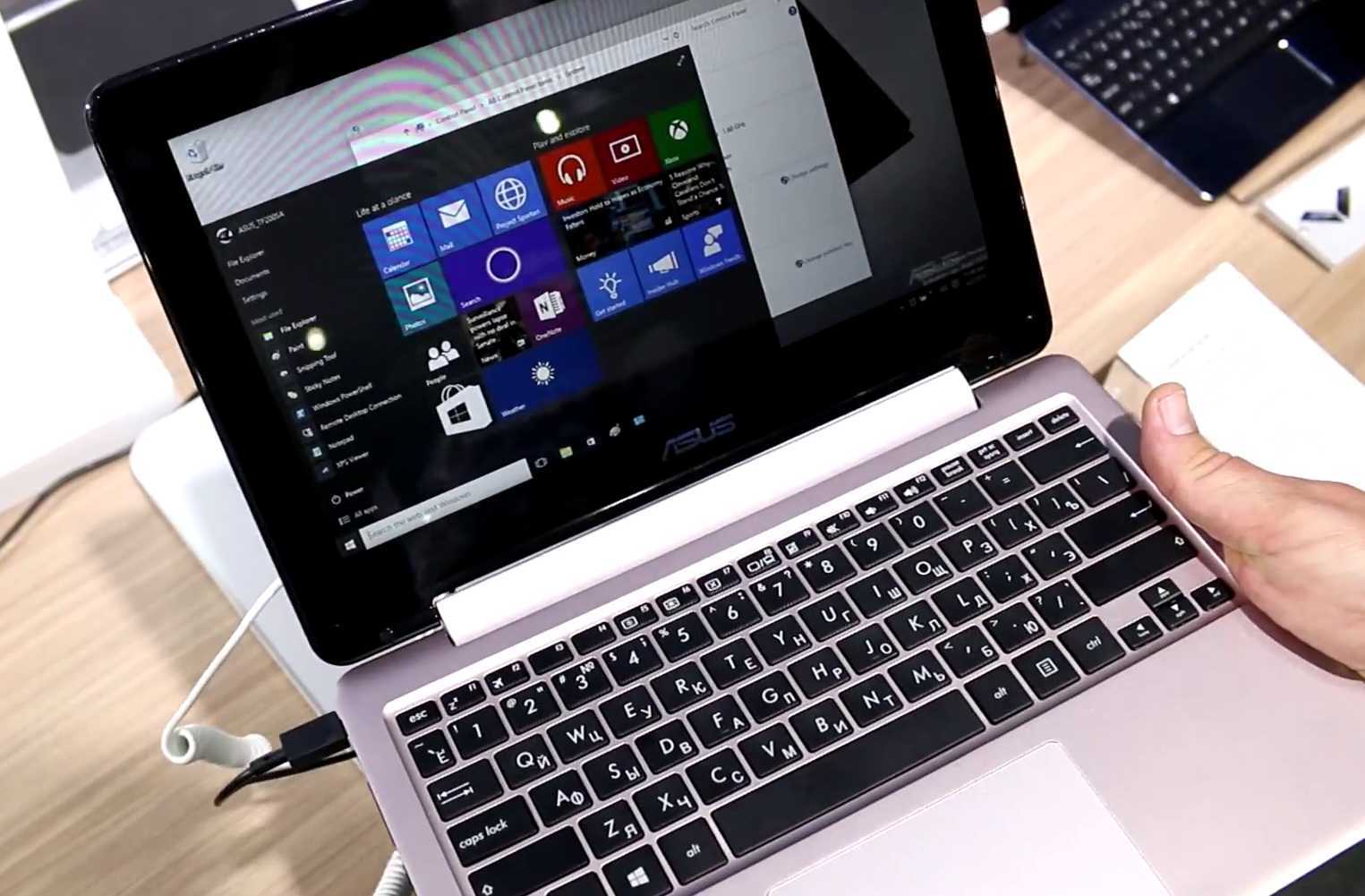
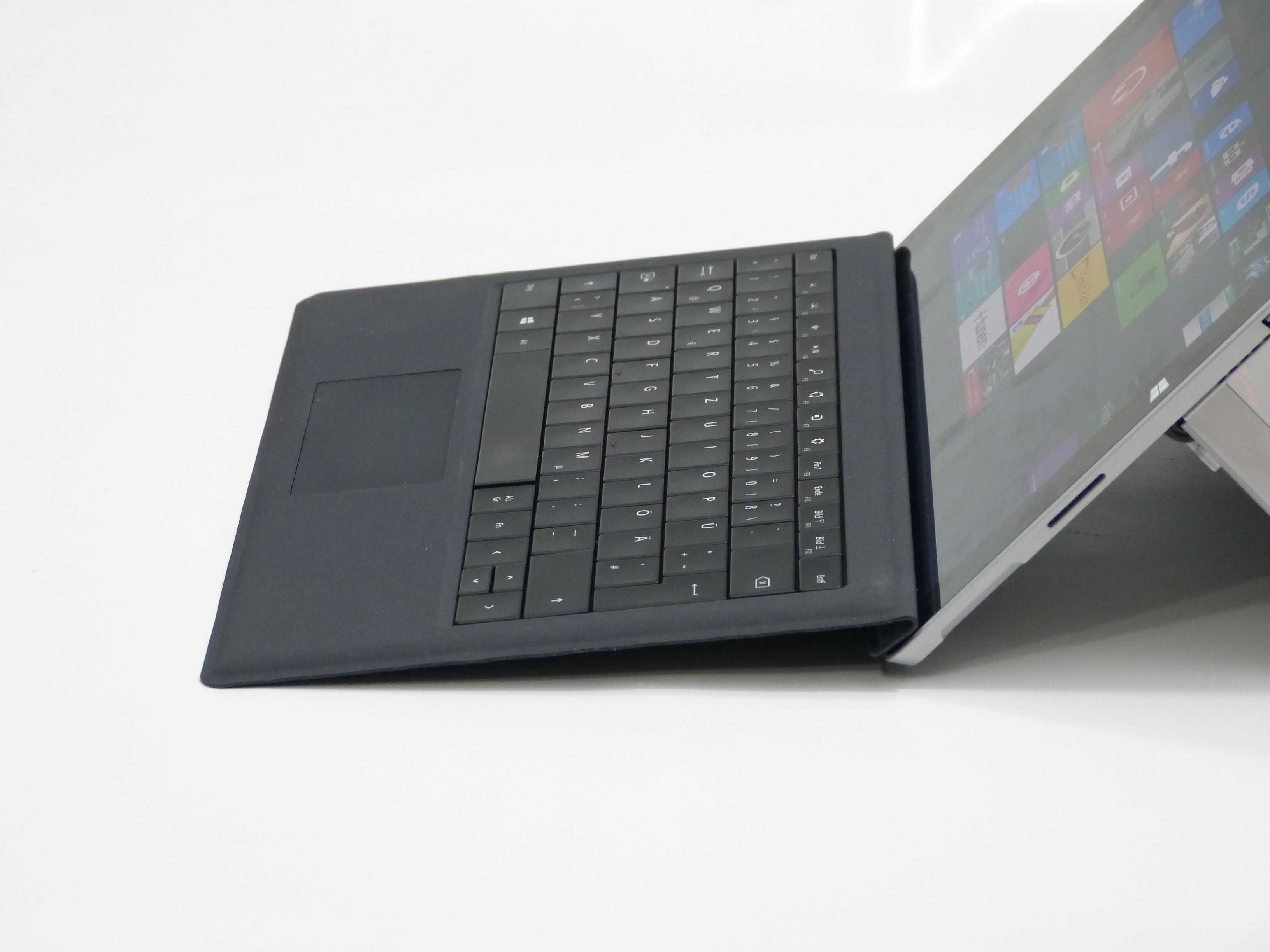
JKKMobile and UMPCPortal are pleased to announce a special live hands-on, demo and Q&A session next Tuesday, 15th of September. The Convertible Touchscreen Shootout!
Following the Archos event in Paris (1800 Paris time) we’ll be live to give you a hands-on overview and a chance to ask questions about the newViliv S7 that is on it’s way here from Korea and to show you three other convertible touchscreen solutions. The Asus Eee PC T91, the Kohjinsha SK3 and the Gigabyte Touchnote T1028M. Also on-hand will be the Fujitsu U2010/U820 (recently upgraded with a Runcore Pro IV SSD) and the Kohjinsha SC3. We’ll also be contacting owners to ask for their opinion on the devices and inviting them to join us in the live session so that you can get a well-balanced opinion on all of the devices.
The session will open from about 1900 GMT (8pm London, 9pm Berlin, 3pm New York. Check your local time here.) with live video from JKK and Chippy and the usual open chat session. We expect the session to last for about two hours. Join us in the usual place….
The guys at UMPCFever have a sample of the Viliv S7 convertible UMPC (Viliv call it a handtop) a few days before the Hong Kong launch and have started to post reports. It’s an engineering sample so don’t take everything as final.
Before we start, lets take a quick moment to think about what we’re looking at here. The S7 is, using current terms, a mobile-focused netbook. It’s an ultra mobile PC. Lightweight, good keyboard, long long battery life, desktop OS, solid state drive and multi-scenario layout. In terms of efficiency this device is theoretically 40-50% more efficient than a netbook. Viliv are claiming 9 hours on a 34wh battery. If that’s true, this is a very special bit of engineering indeed. Whether that’s good enough to attract customers remains to be seen but I, for one, am very excited about the possibility of the Viliv S7 being the best all-round UMPC to-date. This is a device that will compete with the ‘all-round-capable Sony Vaio P and the ASUS T91.
To give you an idea of the sizing, that battery is about the same capacity as a three-cell netbook battery!
UMPCFever have a good set of pics and have written in detail (English language post) so I advise to head over there for the full details and to view the video. Here’s a few things I’ve picked out though.
Build quality is said to be ‘acceptable good.’ I would rate it slightly higher than that saying that the plastics are well fitted, good quality and attractively finished.
The comment on the keyboard is that it’s the same size as that on an ASUS 701, the original netbook. I, and others, have said that the 701 keyboard size is as small as you can go and still be able to touch type. Those with bigger hands might find it a bit stressful but for most, given a little practice, you can reach 80%+ normal typing speed. I’ve tried the keyboard on the S7 quite a few times now and it’s really good for a device of this size. I would have no problem typing this blog post on it.
No stylus. I rarely use the stylus on the X70 which has the same screen but it’s sometimes nice to have it for annotations and image work.
In the UMPCFever live battery life test posting (not completed as I write this) they are seeing about 10% drain for every hour of Battery Eater Pro testing. This is with radio’s off, but wow! Even if this reaches 8hours in the BEPro test, we’re looking at 5-7hours on-net usage time. That’s almost a full days work there!
As for the case lets just say it’s an accessory I won’t be taking into the coffee shop. The white finish of the device is going to be a problem for a lot of men too.
Keep an eye on UMPCFever for more information and stay tuned here too. We’re also expecting a sample.
Your Opinion? Assuming that this isn’t going to be a cheap device (we’re expecting pricing around $600-$900 depending on specs) how do you think this will fit in? Is the Sony Vaio P a better buy? How about the T91? Here are all three in a side-by-side comparison. Clearly the average consumer is going to be more likely to buy a netbook but what about the pro-mobile set?
Looking like a slightly modified Clevo TN70M and having sizing and specs to match is this variant called the Suzuki 701 M.
I’ve just reviewed the TN70M and wasn’t too impressed by the 800×480 screen on it but I know there’s a 1024×600 variant and if it is well priced, it makes a great netbook. The only issue I can see is that Suzuki appear to have a very small 4-cell battery on this. The 4-cell on the TN70M lasts for around 5hrs. The 4-cell on the Suzuki is said to last for 140 minutes which is no good to anyone wanting mobile capabilities. The other thing is that this one is thinner than the TN70M. Maybe Clevo have a new model up their sleeve!
The Gigabyte Touchnote T1028M [details] is a great convertible netbook. I’ve been using one as my main laptop for nearly 4 months now and I’m very very happy with it. Of course I’ve retro-fitted one of the new Runcore Pro IV SSD drives and added a 3G modem which connects to the pre-wired antenna turning it into more than your average netbook but even without the SSD and 3G it’s a great convertible netbook. The only niggle I have is with the 3hr battery life. My Ultimate Netbook U20 battery pack does a good job of back-up power duties but to make things a little more compact I bought the 6-cell battery pack option.
At 68 Euros plus tax, I wasn’t too exited about the price but it turns out that its more than just another 2 cells. The 6 cell pack has 170% the capacity of the standard battery and is returning 5.5 to 6hrs on-net working time. As I write this I have over 2hrs left with 36% battery remaining with the Wifi on and the backlight at 70%. With the standard battery as a spare, I have a full day’s computing available without having to worry about mains power.
The sizing is good too with no noticeable increase in height and only a small section jutting out from the rear.
Unfortunately the 6-cell sticks out too far for it to fit into the supplied case but if you attach the standard cell and put the 6-cell in the case pocket you’ve got up to 9 hours of netbooking! Total weight of the T1028M with the 6-cell attached is 1450gm. (3lb 3oz)
If you’ve got the M912 or T1028M and need enough battery power for a full days work, the extended battery is the answer.
With the addition of the extended battery on the Touchnote I’ve run out of ideas for improvement. I honestly can’t think of anything that I don’t like about the device now. Agreed, it’s cost me way way more than any netbook available but there’s nothing out there that comes close. The T101H would be the only competitor but there’s still no word of a release date for that. If you’re waiting for the T101H, you might want to take a closer look at the T1028. (Note: The high-end version, T1028X, with the N280 and 1366×768 screen is available in the U.S. from the 2nd August)
I’ve installed Windows 7 on the Clevo TN70M and it’s working very well. Auto screen rotation isn’t working yet but everything else seems to be. Even tablet features started working fully after I installed the touch drivers. I’ve tested the beta graphics drivers and it even enables Aero. (But causes problems with Windows Media Player so I rolled back to the standard drivers.)
The fact that Windows 7 works is more significant than with many other devices because you can buy the TN70M without an operating system for just over 400 Euro. This makes the Clevo TN70 with its excellent touchscreen the cheapest tablet PC available today. The wide frame and palm resistance help too so although it’s not the ultimate handwriting pad, it’s a fantastic entry point. Even if you’re not into handwriting, there are some nice features in Windows 7 that help with finger navigation and mobility. I just wish that auto screen-rotate software was working. It hasnt been working under XP either so it is possible I have a faulty unit here.
There’s not much more to say at the moment because it’s early days. I want to upgrade the RAM to 2GB because although Win 7 seems much more gentle on hard drives than Vista, it’s not as gentle as XP is. A fast 32GB SSD would be a better option than the 60GB HDD in my opinion and would really help Win 7.
What a bargain this is turning into. I have a broken Q1 Ultra here. I wonder if the 1024×600 would swap into it! I’m tempted to buy this little budget baby just to try it out because that’s the only thing that would need changing in order to make this a very compelling little UMPC.
The first thing I’m looking for on the report is battery life…. three hours and twenty minutes of video playback. I was expecting more considering that the Viliv S5 with it’s 24wh battery, can play video for 6hrs. Maybe the video was CPU-decoded? Maybe it’s just the big screen which will be adding a big drain on the battery.
Update:
I wouldn’t really call this a review. No mention of screen brightness and battery life under normal use, keyboard quality, mousepad. I suspect this was just a 30 minute hands-on with the device but it gives positive vibes which is a good sign.
I just reported that Mobilx have the Eking i1 available to order and now they tell me the Clevo TN70M is coming too. It’s raining new devices today! The TN70M is a device that JKK and I tested over a year ago at CeBIT 2008 (video) and we were very interested in the specs. How does it look today though?
The TN70M reminds me of the Kohjinsha SA5, the touchscreen version of the SA1, a pre-netbook device I used for blogging at CeBIT 2007. It’s an 800×480 convertible touchscreen device but based on a 1.33Ghz Intel Atom and includes ExpressCard 34 slot, 60GB hard drive and a 4-cell battery. This was one of the key features we highlighted at CeBIT and at that time I estimated a 7-hour runtime. Based on how the Eking i1 performs (6 hours on the 32wh battery) I see no reason to doubt that with a 37wh battery (2008 specs,confirmed) this is going to be close to that 7hr mark. It weighs 900gm.
When I bought the SA1 in 2007, it cost me over 1000 Euros. The TN70M price is 472 Euros including taxes (about 393 Euro for exports) but excluding operating system. That’s double the battery life, double the processing power for half the price!!! Given that the TN70M was supposed to have a free PCI-Express Mini slot inside (unconfirmed at the moment) this could make an interesting Linux tablet/netbook project. 800×480 screen though. 800×480 will help touch navigation and viewing but with so many 1024×600 devices around, is it enough?
I’m sure we’ll see more pics of this over the next few days but this one (from a set at GottabeMobile) shows the slim casing, the low-profile keyboard and the hinge. The 9″ version of this is said to be under 1KG making it very interesting in my book. I guess it’s not carrying a 6-cell battery (It’s probably using flat Li-Poly batteries to help the design) but if it’s got a 30whr battery, it could be a 3-4hr device if it uses (as indicated by JKK) the Z520 CPU.
Update: Note that the 10″ version is shown as using the N270 (Diamondville) CPU.
An 8.9″ 2.1lb PC it’s not exactly the type of thing I’d like to have on my car dashboard but it seems that ASUS might be thinking that way. With GPS, touchscreen and an FM transmitter it looks like they’re going for the navigation option.
I have a similar combination of convertible with GPS on my SC3 and I can honestly say that I’ve never ever thought about using it as a PND. There are far better solutions out there. Maybe ASUS will focus on the tablet element of this one though. At 1KG, it will work well for some.
The M912M is so easy to make a nice demo with. This video was done with factory settings (I used the built-in recovery program) plus Firefox3, Grab and Drag and a few files and bookmarks. A near out-of-the-box experience. Its fast and fun and even though I’ve just boxed it up and paid for the return post for it to go back to Mobilx, I just cant bring myself to send it back. The keyboard isn’t as good as the Medion Akoya I have but the touch capability, the convertible screen, the fast and big HDD, the ExpressCard/34 slot, the Bluetooth and the possibility of a 6-cell battery it is too much for me to resist. It feels like so much more than a netbook. Take a look at the video and see if it does the same for you as it just did for me!
Thanks to Mobilx for emptying my pockets. This almost impulse purchase (I’ve been looking at buying a Q1 Ultra HSDPA for the last 2 weeks) means I’m now officially going for the two-device strategy of mini notebook and MID! I’ll be waiting for a few months before that happens though.
Nothing surprises me in any of the reviews. Laptop Mag, who published their review last month) highlights the battery life and the screen resolution as problem points along with small keyboard and lack of touch software. Hardware Canucks picks up on the same issues. Hardware Zone who, like LaptopMag, had a Vista version, highlights some exceptionally high battery drain figures.
I agree with most of the issues and documented the lowlights in my article after we did the live session with it in July. At least we all agree on the same things!
It really is a shame that the keyboard is the standard EeePC style keyboard as there’s definitely room for a better one. The styling could also do with some pep but some of those other issues might be cleared with the arrival of the M912M which is scheduled to be available next week.
Many of you that have been following the M912 screen saga will know that the M version, with it’s lower resolution 1024×600 screen, is said by Gigabyte to have the LED backlighting which should help on three counts. 1) Battery life. The 1280×768 CCFL-backlit screen seemed to suck exceptional amounts of power when I tested it so the LED-backlighting should help a huge amount. 10% less drain overall is the minimum I’m expecting but it could be up to 20% in some scenarios. This should take the device over the magic 3-hour battery life. 2) The brightness and contrast should be far better on the LED-backlit model. 3) There should be a reduction in heat both under normal use and in tablet mode. I’m quite sure that Windows XP is going to help too.
The M912M also comes with a smaller disk, lower price and, in some cases (check with your reseller) there won’t be a Bluetooth module. Maybe this fits with your requirements, maybe not, but for me its turning out to be an attractive package that I’m looking forward to testing. The Medion Akoya Mini is good (very good actually) but I need Bluetooth and with the ability to reach 3hrs of online battery life (30 minutes more than the Akoya Mini/Wind) the possibility of an internal 3G upgrade (Note: Some reports are coming in that the PCI Express Mini slot is not working) an easy 2GB memory upgrade, easy access to the hard drive and a fun, convertible touchscreen, has me really interested in the 912M as a better alternative. We’ll see next week when we put the Everun Note, the Akoya Mini and the M912M side-by-side.
Now that I have your attention, take note that the M912V and M912X are now shipping. Mobilx have a quantity on 912V’s awaiting customs clearance and the X versions will leave Taiwan in a few days. Go get em!
The pic comes direct from Nvision where The Tech Report got some hands on. They seem to be impressed but question the battery life. Commenters there also question the price but when you consider the fast disk, hi-res screen, PCI-Express, easy access to card slot, disk and memory and the convertible touch feature, I cant see that there’s really much to moan about. This is a netbook that reaches into the pro-mo (sorry, prosumer-mobile) sector.
In the article you’ll see a reference to a new digital TV-enabled version which is probably why they’re at the Nvision show. We’ve just had news of that too from Mobilx. It will be a M912M with DVB-T module know as the M912T. Availability is planned for Oct but frinal price in unknown. Budget for something like a $70-$100 premium. This will be the first time we’ve seen a UMPC or netbook with integrated DVB module in Europe and with that fast S-ATA drive and the good media capabilities, raw MPEG-2 recording in direct digital from the DVB stream is going to be easy, making a great multimedia recording and playback system. SageTV should work a treat on this so fingers crossed for a built-in IR receiver, TV-out and remote control. Or will they ship with Vista for the media center? I hope not. I was going to get the M912M but if the 912T is running XP, I’m definitely going to wait for it. Stay tuned for more details.