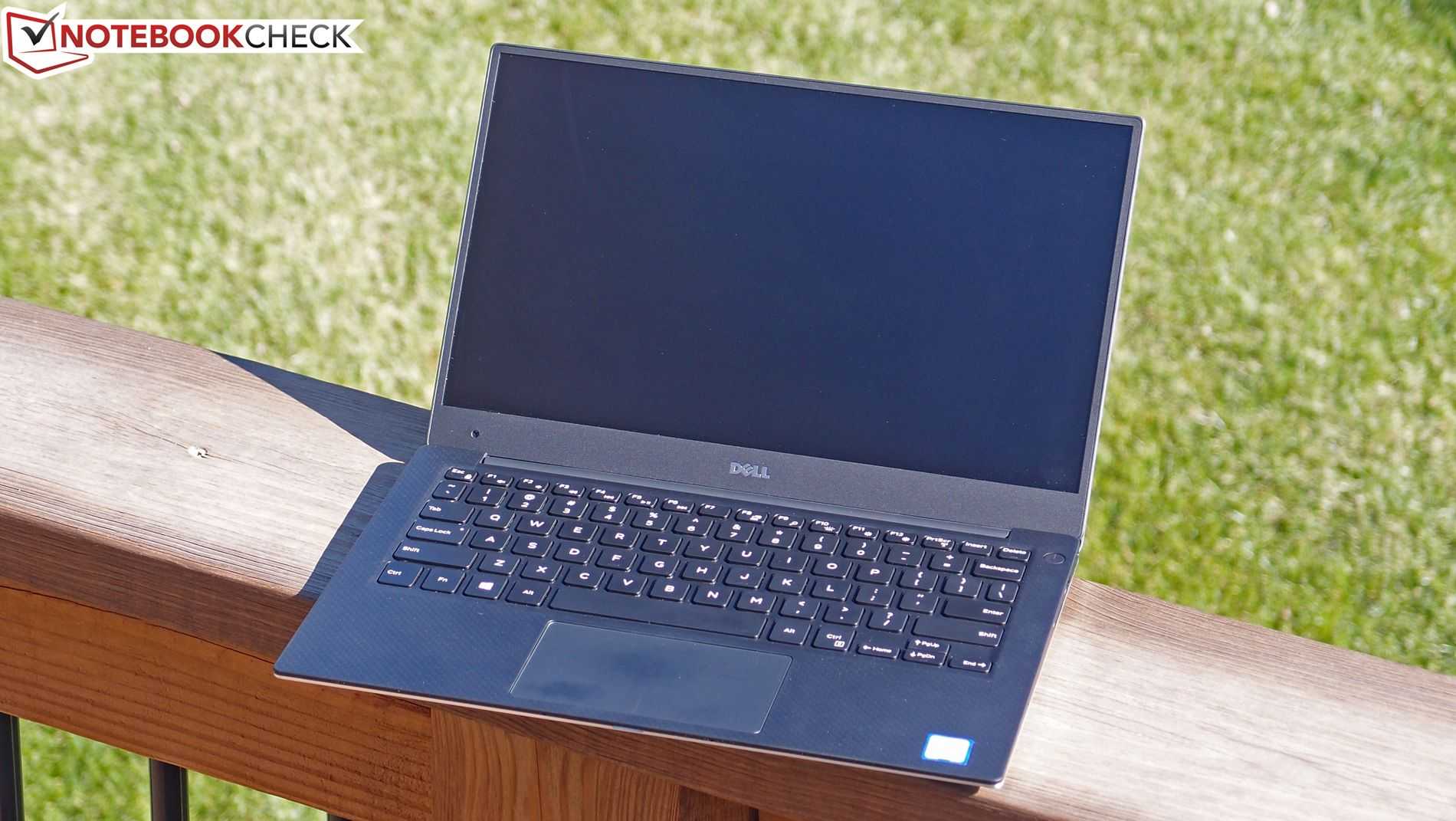
At 1.29 KG this 13-inch touchscreen laptop creeps inside our radar for ultra mobile PCs, and it does it in style. I’m not talking about the amazing edge-to-edge display or the great casing materials, I’m talking about the stamina of the Dell XPS 13. I’ve just produced a video of the latest version with Core i7 Skylake inside and the QHD touchscreen. It’s not cheap at over 1500 euros but there’s a Full HD non-touch matte-screen version available that weighs 90 grams less and will save you a few hundred euros. The new XPS 13’s have USB-C with Thunderbolt and a re-worked trackpad but there’s not much else that’s different on the outside.
It looks like the Lenovo Miix 700 is going to get some strong competition in the 12-inch 2-in-1 space because details are emerging of a new Dell XPS 12 tablet with docking keyboard, USB-C and an edge-to-edge display.
Giga.de have followed up their Venue 8 Pro leak with a slide of information on a new Dell XPS 12 showing that Dell have moved on from the carousel design to a docking tablet set-up. Brief information shows a 4K display which may, or may not, excite you. The same goes for the edge-edge Infinity display which removes the oft-important frame.
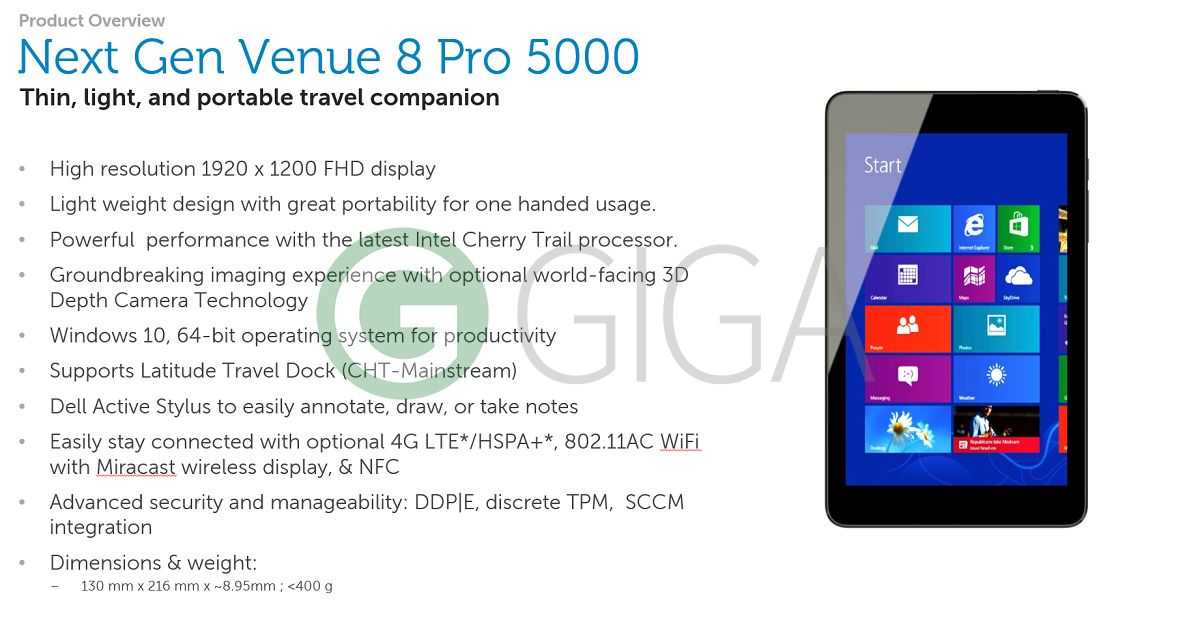
Finally, an 8-inch Windows 10 tablet with an Atom X5 inside. The Dell Venue 8 Pro 5855 will be launched in November and will run the Z8500 mid-range Atom X5 processor with a full HD display and a 3D camera option.
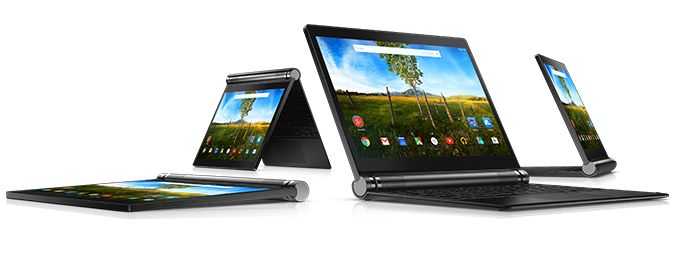
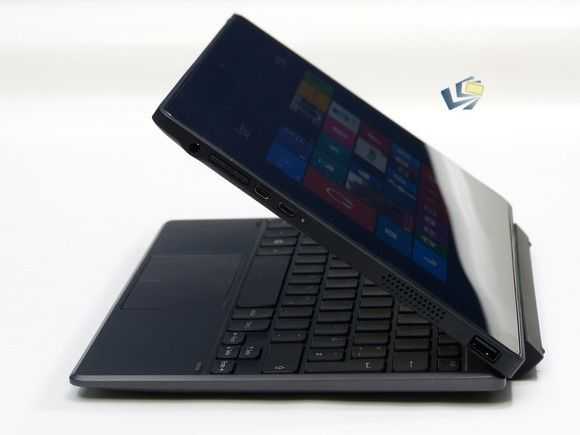
At 1063 grams, including keyboard, the Dell Venue 10 7000 is another Android 2-in-1 to consider for mobile productivity, if you can justify the price.
Back in 2010 I tried to put together a 1KG ‘rig’ that would serve mobile computing duties and in the test I had one of the first Android-based ‘smartbooks.’ The Toshiba AC100 was a really interesting product let down by an operating system and apps that didn’t support the laptop style of working. Move on to 2015 and we now have two good Android-based offerings and a range of Windows-based offerings. The choice has never been better. Unfortunately, while the Dell Venue 10 7000 is an extremely smart-looking dockable tablet, it costs $629.
Reviews have been favourable so far for the Dell Venue 10 7000 and it’s clear that Android 5 is better at supporting these form-factors than before. Some apps still don’t understand the concept of landscape mode but if we see more keyboard-based Android products in the future developers will be forced to move from portrait-only.
One of the key features of the Dell Venue 10 7000 is the screen. If it’s anything like the Dell Venue 8 7000, 2560 x 1600 OLEDs should really make a punch and bring some reasonable outdoor capabilities, which would be nicer if there was an LTE option. I agree that most of us can use our phones as temporary hotspots but if you want to be productive and independent of a smartphone battery (i.e. be able to work after 3pm without any worries!) then you need built-in cellular data capability; that’s what makes the Xperia Z4 Tablet so interesting.
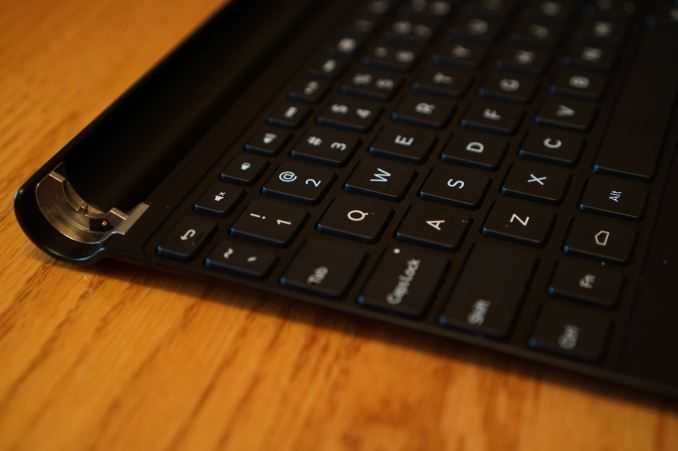
The keyboard is getting praise. “Dell has taken the same build quality we saw last year and extended it to a modular design to support one of the best keyboards you can buy for an Android device today.” (Androidcentral) although it’s obviously more cramped than anything you’ll get on an 11.6-inch device.
Dell Venue 10 7000 keyboard.
Battery life looks to be around 6 hours which isn’t great for the weight and screen size. The similar, but Windows-based, Lenovo Yoga Tablet 2 10 offers more life from a charge and it only costs $349. If you really want a 2-in-1 tablet bargain, the original Acer Aspire Switch 10 is available for $219, which again highlights the big issue here. Dell need to knock the price down to $399 before the Venue 10 7000 gets really interesting. A $499 version with 64 GB and LTE would make it ultramobile. As it is, $629 is your starting price for this tablet and keyboard combo.
I’ve just completed a detailed review of the Dell Venue 11 Pro 5130. This is the Atom-based version (there’s a Core-based version too) and it comes with 4GB of RAM, a full USB 3.0 port and the high-end, full 64-bit Z3795 CPU. The difference in usability between this and 2GB Z3745-style Windows 8 tablets was marked. Here’s a summary.
Dell Venue 11 Pro 5130 Z3795-9356
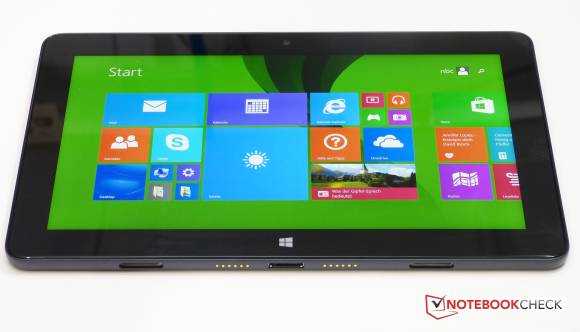
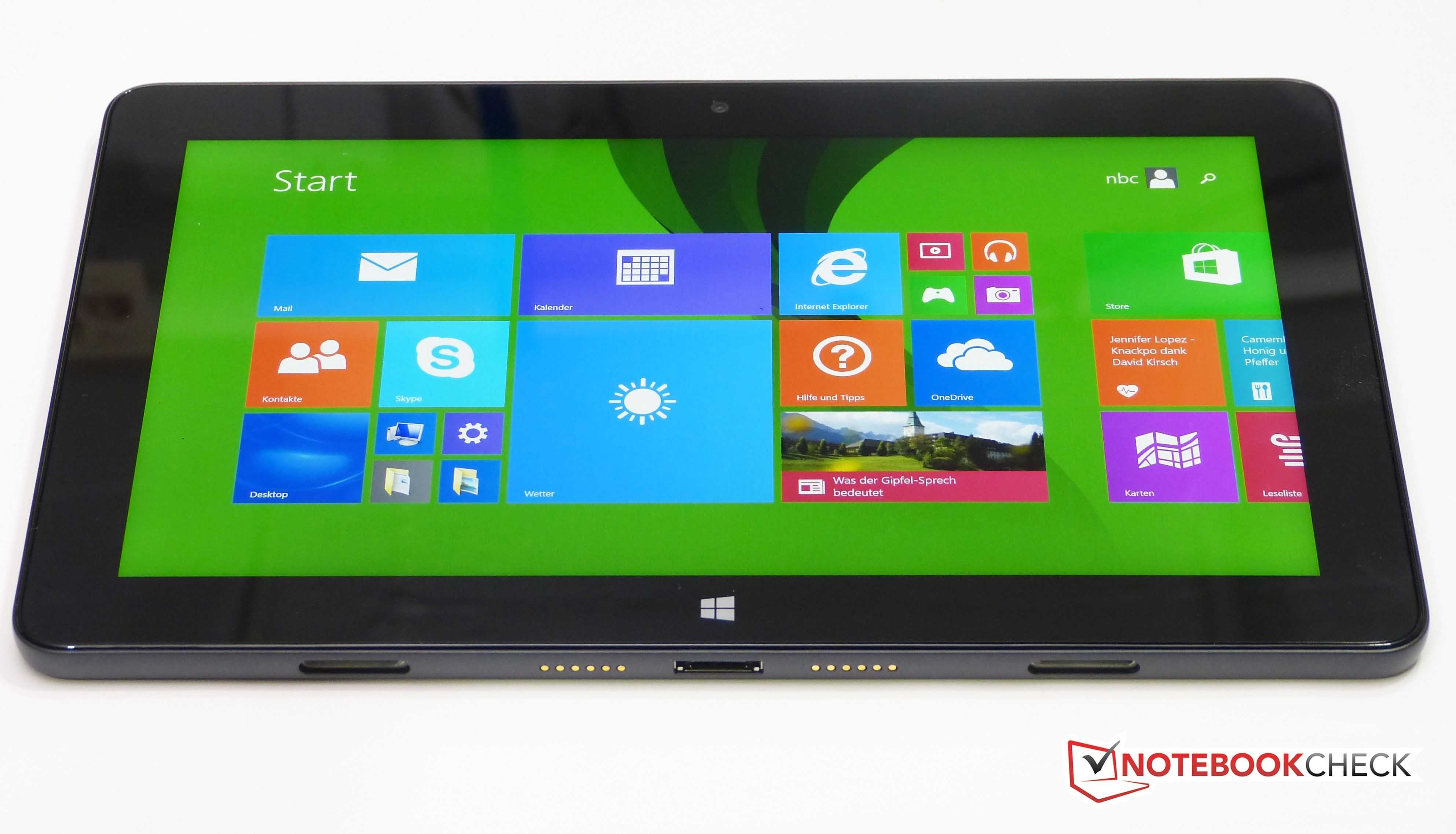
The Dell Venue range all have good screens with some of the blackest blacks in the Windows tablet market. The 5130 here has an impressively high max brightness too so the contrast is way over 1000:1. The 11. 8-inch 1920 x 1080 screen punches, but it’s also heavy and I found the 770 grams to be too heavy, especially as it’s a very wide tablet.
I’ve just completed a full in-depth review of the Dell Venue 10 Pro for Notebookcheck. You’ll find thousands of words, lots of pics and many test results here but if you’re looking for my a summary opinion on the Dell Venue 10 Pro, read on.
Dell Venue 10 Pro 5055
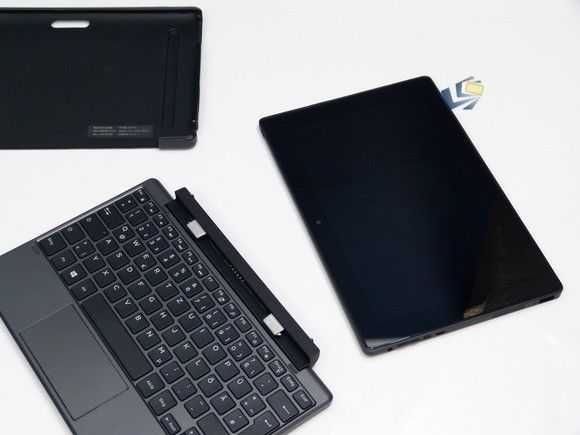
The Venue 10 Pro 2-in-1 is available as a 1366 x 768 tablet but I reviewed the more interesting full HD version with docking keyboard and was very impressed with the build quality and features. It’s clearly for business and education and sacrifices some style to provide a full size USB port, 32 Wh battery and a rubber surround on the casing. The keyboard is great (no battery in this one) and the screen brightness is impressive. I also tested a rubber case for the tablet which gave the device more bulk but increased ruggedness and grip.
The Dell Venue 10 Pro has some issues though and the one you just can’t ignore is the 1.5 year old Atom CPU design. Dell didn’t even chose the high-end version of the CPU – the Z3795 – that you find in other business focused offerings like the HP Elitepad, Fujitsu Stylistic, Lenovo Thinkpad and even the Dell Venue 11 Pro. Instead you get the common-or-garden Z3735 which didn’t even outperform a 2014 Lenovo Miix 2 10 that I’ve had for a while. The Z3795 is not only more powerful (with similar CPU performance to the new Surface 3) but it also enables 64-bit operating systems which helps IT departments keep images down to a minimum and enables a range of Linux-based OS alternatives.
Venue 10 Pro tablet, keyboard and cover.
There are some good security option on the Dell Venue 10 Pro though. I enabled Bitlocker file encryption by using a Microsoft account and noticed that there are BIOS options to disable ports, cameras and features. Where businesses are looking for a data-collection device to use with in-house software, the Dell Venue 10 Pro could be a good value option. Security, screen and ruggedness are top-notch for the price.
Total weight is a little on the heavy side and the ‘docked’ thickness is way more than you’ll get with even a Surface Pro 3 and keyboard but you do get a nice keyboard and touchpad and it’s no bigger than a netbook from a few years ago. The 32 Wh battery is worth having too although my review device had lost 16% of its capacity already. Watch out for battery wear if you buy a Venue 10 Pro and return it if you reach 10% wear in 6 months.
If Dell upgrade the Venue 10 Pro with an Atom X7 CPU and a slightly faster eMMC disk then we’ve got a winner on our hands but in its current form it’s a product for vertical markets. Maybe that’s why we’re not seeing it in retail channels yet.
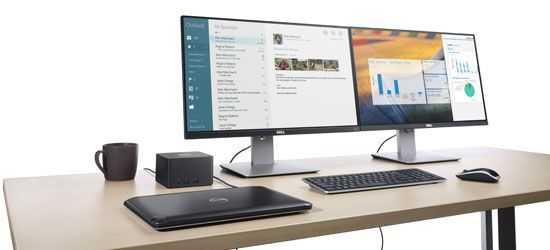
We first started reporting on WiGiG back in 2012 with a prediction that WiGiG ‘docking’ would be available in 2013. It was! Dell launched the Latitude 6430U in 2012 and a WiGig dock was available in 2013. It was a pre-spec WiGig however and when WiGig moved into the USB Alliance there was a long period where nothing happened. The next WiGig dock to hit the market was the HP unit that I checked out at CeBIT 2015. Today it’s Dell’s turn again and it looks like the wheels are rolling. The Dell Universal Dock will be available starting April 30th for €329.64.
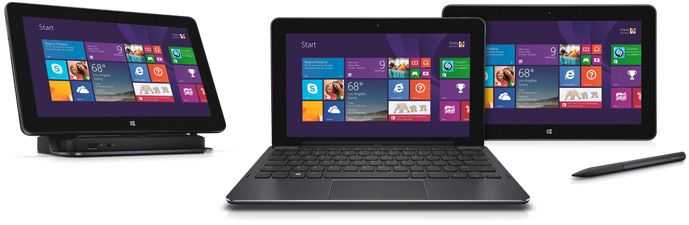
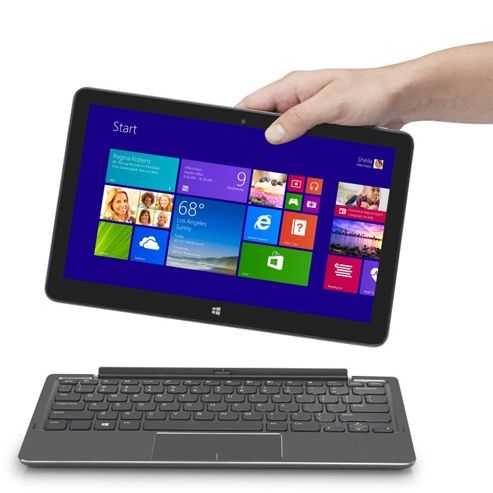
An updated Dell Venue 11 Pro 5150 (5130 in some areas) with a high-end Atom CPU, 64 Bit Windows and Full HD screen has appeared. This is the closest I’ve seen to the Microsoft Surface 3.
Dell Venue 11 Pro 515 with 64-bit Windows
The high-end Atom CPU is the Z3795 which has Turbo Boost to 2.4 Ghz, just as the Surface 3 does and seeing as the Atom X7 and Z3000 series have similar per-clock CPU power there shouldn’t be much difference in CPU-related benchmarks (<10% based on reports so far.) The X7 will probably pull clear with GPU benchmarks. SSD speeds will be close and there’s even a USB 3.0 port on the Dell. That’s rare for products based on the Z3000-series.
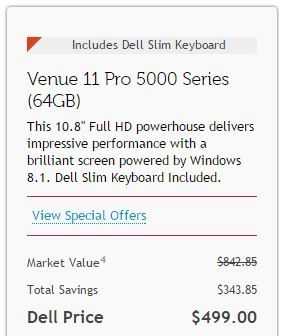
Click for the Dell USA sales page. [This is not an advert.]
64-bit Windows is important because it means the 64-bit bootloader is far more compatible with alternative Linux builds than the Z3xxx series products that only have 32-bit Windows bootloaders. It’s available, with a slim keyboard, for $499 in the USA – the price of the Surface 3 tablet, without keyboard. There’s a similar product available in Europe which also works out cheaper than the Surface 3.
Consider the following before ordering the Dell Venue 11 Pro 5150. Firstly I have requested a review sample of this product (and the Surface 3) so i’ll be able to update you on all the performance figures and answer questions with authority soon. In the meantime, consider the following:
10.8 inch screen on Dell is the same ‘size’ as the Surface 3 but the Surface 3 is a 3:2 ratio screen with 1920 x 1280 resolution. 200 more pixels in the vertical (landscape mode.)
Keyboard options on the Dell mean you can get a power-keyboard that is lap-able and includes an extra battery (for about 50% more battery life.) The keyboard weighs as much as the tablet though. The Slim Keyboard option has a fixed angle and no backlight. It weighs 11 ounces taking the total weight of the product to about 2.2 pounds / 1 KG.
A docking station option is available for both. A folio case is also available for the Dell.
The stylus option for the Dell is cheaper than the stylus option for the Surface 3 but I can’t comment on pen performance as I haven’t tested the Dell stylus.
The Dell Venue 11 Pro 5000 has HDMI video output. The Surface 3 uses the DisplayPort standard, which is arguably better for multiple displays (Chaining.)
At 1.57 pounds 770 grams the Dell Venue 11 Pro 5000 tablet is much heavier than the Surface 3 and this could be the most important difference between the two. The Surface 3 tablet weighs just 1.37 pounds / 622 grams. You will notice this difference a lot when holding the tablet for long periods.
The Dell Venue 11 Pro 5000 does not include a year of Office 365 / 1TB storage upload. The Surface 3 does.
No AC Wifi on the Dell. AC Wifi on the Surface 3.
Screen quality on the Dell 5130 was reported to be good. It should compete with the good screen quality on the Surface 3.
The Dell has an NFC sensor. (The Surface 3 doesn’t.)
Graphics performance on the Surface 3 will beat the Dell by an estimated 30-50%.
The (removable) battery on the Dell is bigger than that in the Surface 3. (32 Wh vs 27 Wh) This explains a lot of the thickness and weight difference.
LTE options available on both Venue and Surface. (Location dependant.)
Micro SD card slot on Dell requires a pin to open. (It’s meant to be tidier and slightly more secure.)
The difference between the Surface 3 and the Venue 11 Pro 5000 is minimal. I like that there are 2 keyboard options on the Dell and at this point I lean towards the Dell as the better option. But that’s me, what are your thoughts? 3:2 vs 16:9 is a big discussion as is the tablet weight.