


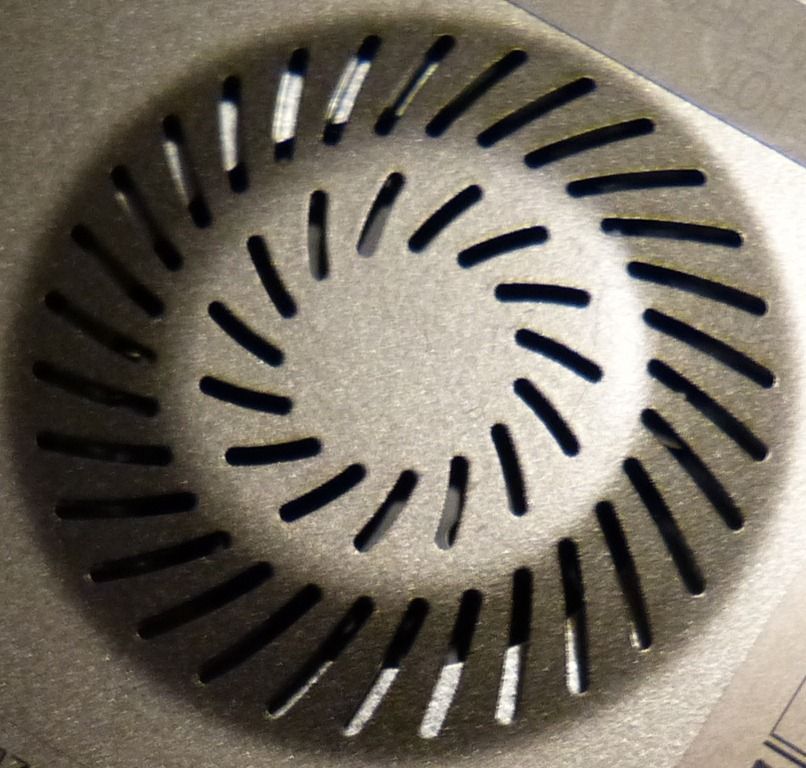
Here I am, typing on a Toshiba Z830 in a quiet environment. What can I hear? Nothing!
If you haven’t read my review of the Toshiba Z830, you might want to go through it because the only major problem with the Z830 was the fan noise. Toshiba have now fixed the fan noise and turned the Z830 into the best gen-1 Ultrabook. At least in my opinion!
I’m testing the BIOS 1.6 fix (a simple automated download via the Toshiba Service Station application) on a Z830 that Intel has given me as a long-term test device and it’s been on for about 20 minutes now while I type in eco mode. It’s still silent.
Time for some web browsing….. I’m expecting to be able to spin the fan up after a few minutes of browsing in eco mode….
Running a video in a browser kicks off the fan fairly quickly but I’m really impressed at the way it spins down to zero almost immediately after the video stops playing.
I’ve tested 5 ‘web apps’ in tabs and even run a few videos in ‘balanced’ mode with the power plugged in and the fan has stayed silent. This is a 1.7Ghz Core i5 in here too!
I declare the Z830 fit for typing in silence. I’m sure there will be a few occasions, increasing after time as more software gets installed, when the fan kicks in but as a fix, this is real and reduces my only major complaint with the Z830 to near-irrelevant. At least for my quiet-room blogging activities.
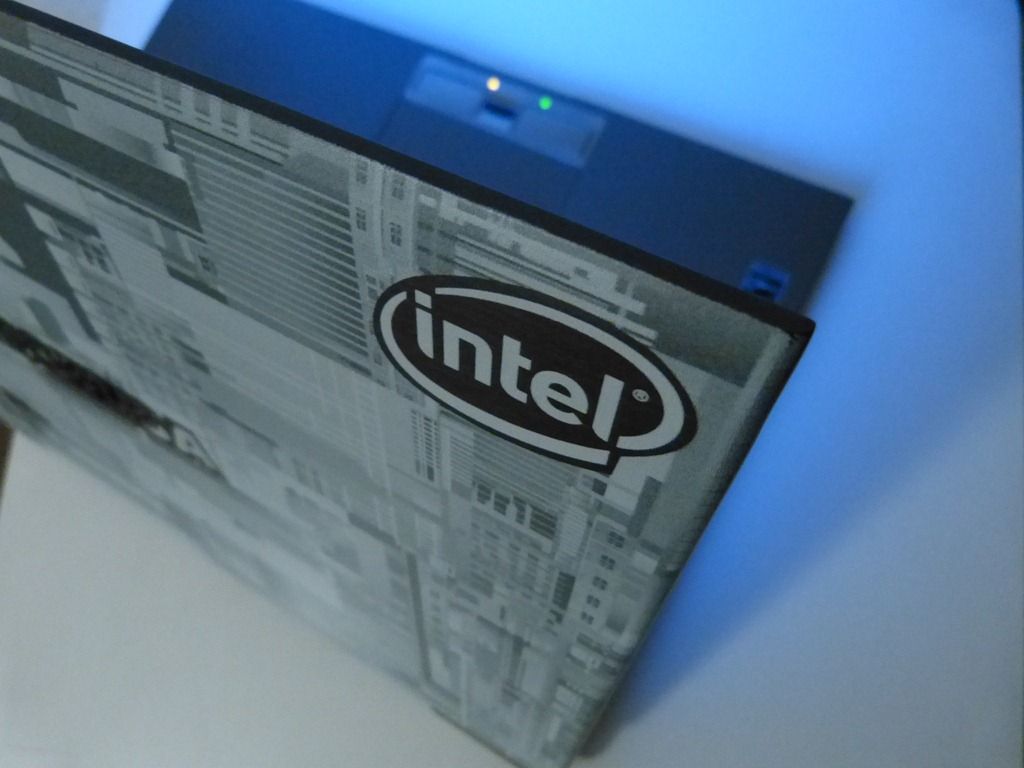
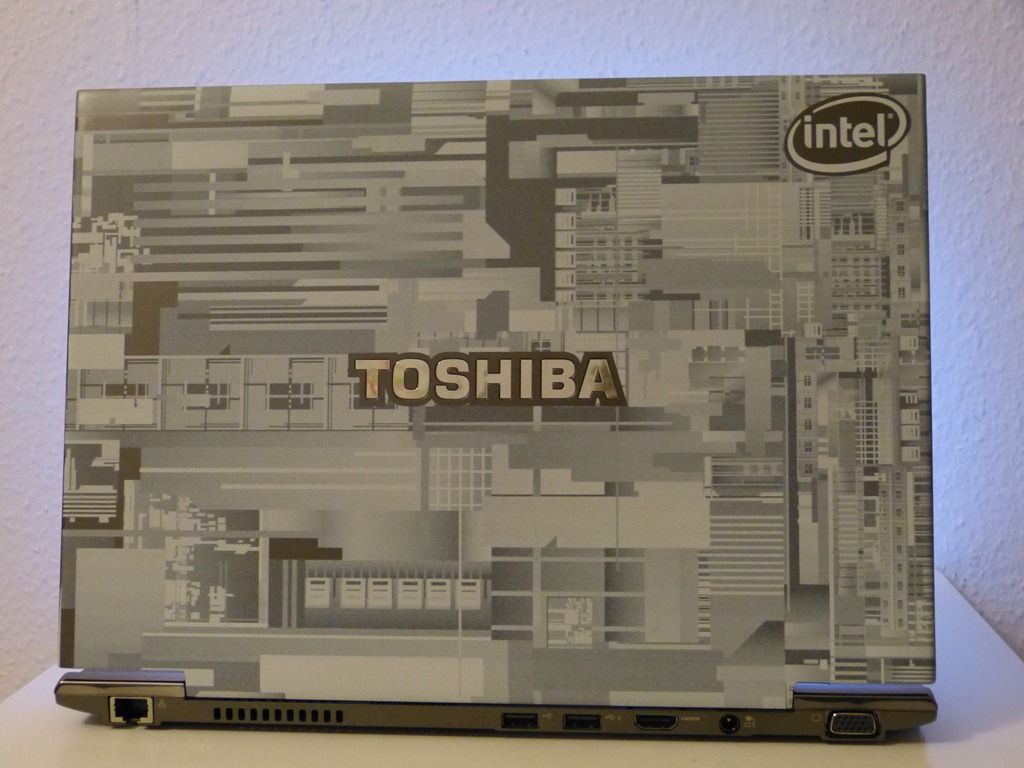
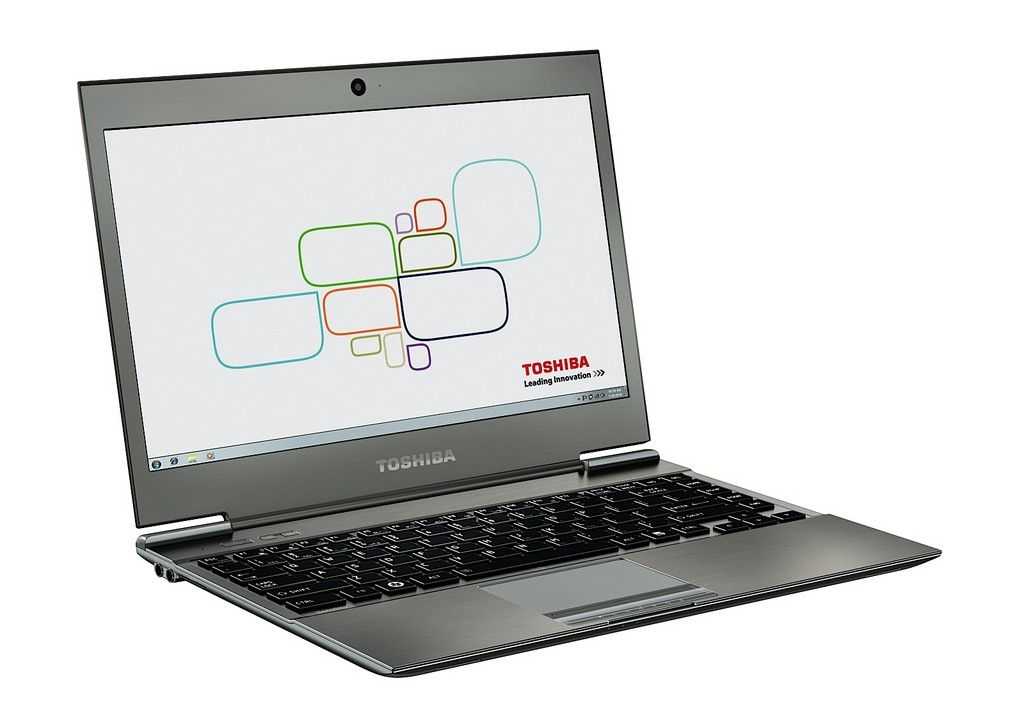
Before I sign off for today (I’m winding down from another big day at CeBIT) let me show you the amazing Z830 I’ve got here. The back of the Z830 is precision painted. Just take a look at that! I can’t wait to break this open in my local coffee shop when I get back from Hannover.
Expect more reports from the Z830 soon. Wi-Di and My Wifi need testing!




















once the fan kicks in is it nociably less noisy then before as well? congrats to toshiba for adressing the issue
and congrats to you steve being the owner of this nice device.
fact remains the problem should not have happend in the first place hope toshiba learns from this
in fact Intel should insist that one thing that makes an ultrabook an ultrabook should be a silent laptop!
I’ve had my Z835 with an i5 now for 3 weeks. The fan wasn’t really all that bad to start with, but with the BIOS 1.6 fix, it almost never comes on. It’ll be on for a couple of minutes as AVG scans my whole hard drive (yes, the whole 100GB scan takes a couple of minutes!) and it’ll come on for brief periods when I do something processor intensive. It’s the same loudness as before – and actually quieter than my MSI U100 netbook or my old 17″ Toshiba with a duo core 2.
This is without a doubt the nicest and fastest computer I’ve ever had. Highly recommended!
Can anyone please tell me what’s the difference between the Z830 and the Z835 models? :-
I really want to get this Toshiba but I’m confused with the endless models..
Thanks..
The Z835 uses a lower-end CPU. Core i3 vs Core i5 on the Z830 in the USA. There are Z830 versions in other countries with the same Core i3 though and branding varies between ‘Portege’ and ‘Satelite’ across countries. Be sure to check the CPU specs before buying. Edit: And watch other differences too. Glossy screen, fingerprint reader, Windows version. Leigh (below) says the Z835 is available with Core i5 too!
The z830 is the “business” machine with a matte screen, bluetooth and fingerprint reader. The z835 is the “consumer” version and has Toshiba’s TruBright glossy screen, no bluetooth, no fingerprint reader. You can get both with i5 and i7 as well as the z835 with an i3. The z835 is about $200 cheaper than a z830 with the same processor.
I actually prefer Toshiba’s TruBright glossy screen since I don’t tend to work outside or any place else where glare is a problem. And I don’t need bluetooth and I certainly don’t need a fingerprint reader. So I went for the i5 version of the z835. It’s great!
I just got a Z835 / i5. After using half an hour, I discovered the fan noise and started searching about it. I check the bios version and it is already 1.6, and Toshiba Service Station does not show any update. I am not sure is there any way to re-install the bios update, or is it necessary???
Another point is, my fan make noise with like 30-45 sec. intervals. 30 sec noises – 60 sec silence- 45 noise – 60 slience… Was that same for you ???
I’ve got Z830 and the same broblem. Bios version is 1.6 but the fan is making this horrible noise all the time. What can I do?
Mine is the same. Sometimes the fan noise goes on, but sometimes it goes off. Very templementary. Does anybody know is there any way to kill the noise at all?
Yeeeees!
I have done it as well. Its silent now. Many thanks to the author!
Now my Z830 is really the best on the market! :D
Btw, the BIOS Update version is now already 1.7.