


Yesterday I reported that the battery life on the RaonDigital Vega was good. Today, I’m doing a more formal timed test.
I’m running a 1mbps DivX+MP3 which is taxing the CPU to the tune of 60%. I’ve also been doing some USB Wifi work (about 20 min’s.) The device is getting very warm all over! The screen is on and there’s no power-management enabled. I don’t have any USB devices plugged in as I run the video but I would regard this as a heavy usage test despite that. Similar tests on on other devices give about 75% of the full battery life.
Unfortunately none of the power-management software I’ve tried can recognise the devices battery so I’ve only got the basic Raon PM applications which shows only a battery life bar.
We’re coming up to 4 hours now and the 2% alarm has just sounded. This cheeky little chap is going to give you over 5 hours under normal use with no problems.
Bear in mind that the device is shipped with the enhanced battery. If you want the slim battery (1/3 capacity and 130gm lighter), you’ll have to order it as an extra. This is a great bit of marketing because RaonDigital know that battery life is a critical specification.
4:05 and it’s still going. I’m interested to see how it shuts down. The battery life indicator shows zero now. I’m not going to send this post until it goes……
4:07…..4:09……
So in the meantime, let me just tell you that the battery is a 3300mah part running at 10.8V. That makes it a 35W/hr battery which is 6W/hr more than the standard battery on the Q1.
4:10…..4:12
This is getting boring and timewasting. I could be checking my web-site stats or making a nice cup of tea.
4:13
So back to the battery stats then. Its running a total 8W drain under pretty much full load. An eo or Q1 runs at twice that. I’m impressed. I wonder if it’s a LED-backlit screen. If VIA read this they’re going to break out in a cold sweat!
4:14
This thing is running off goodwill now for sure.
4:15
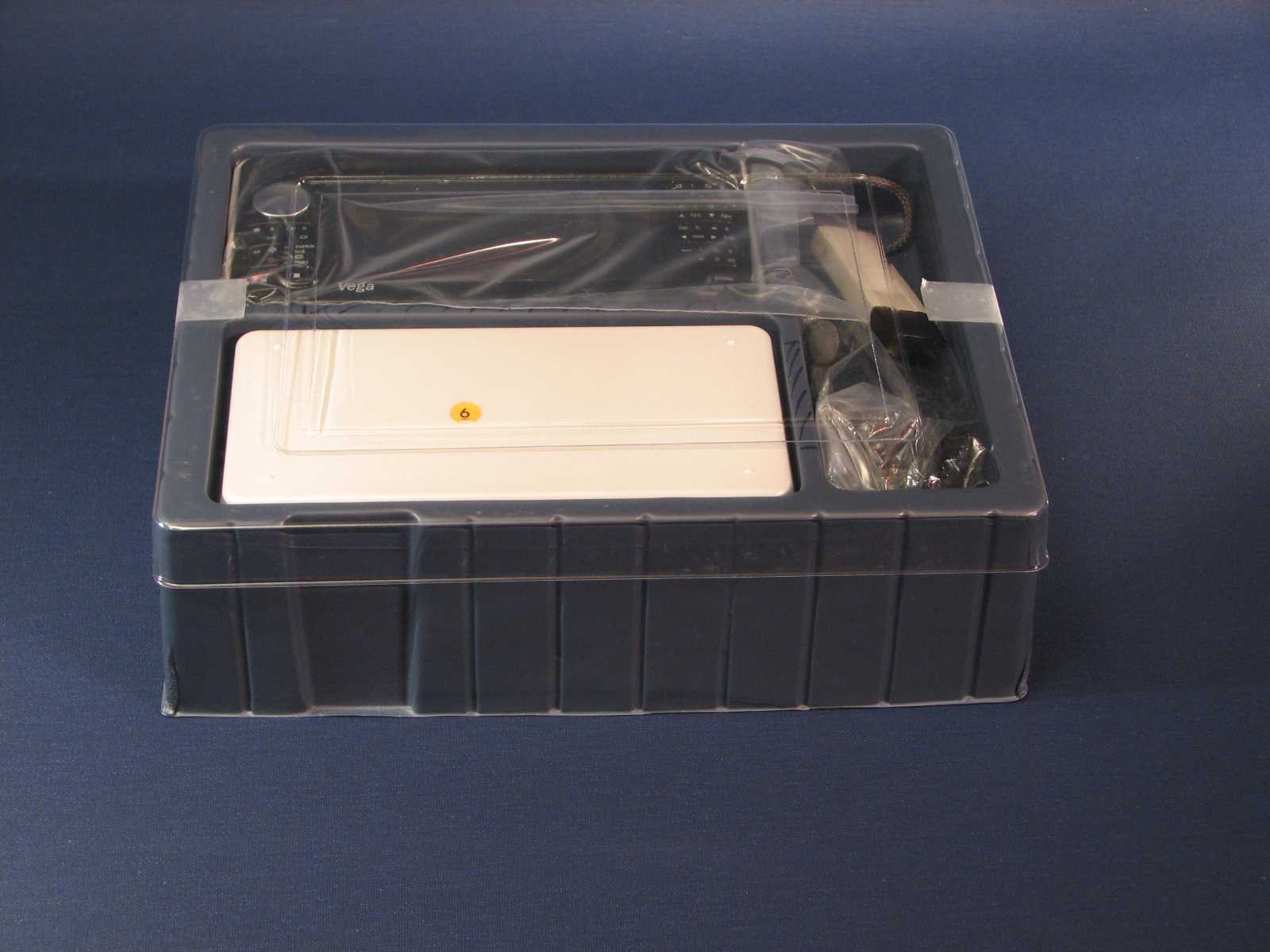
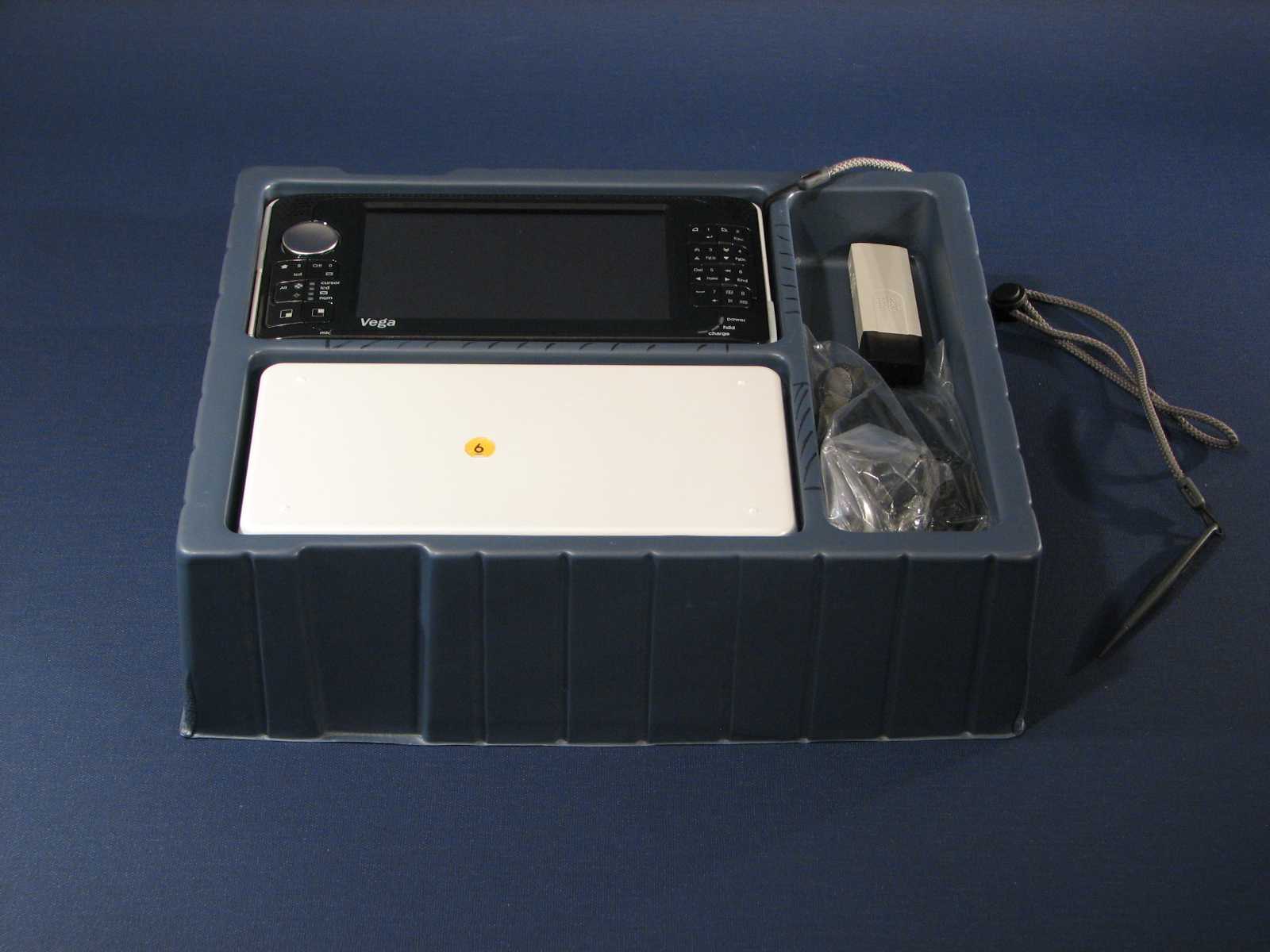
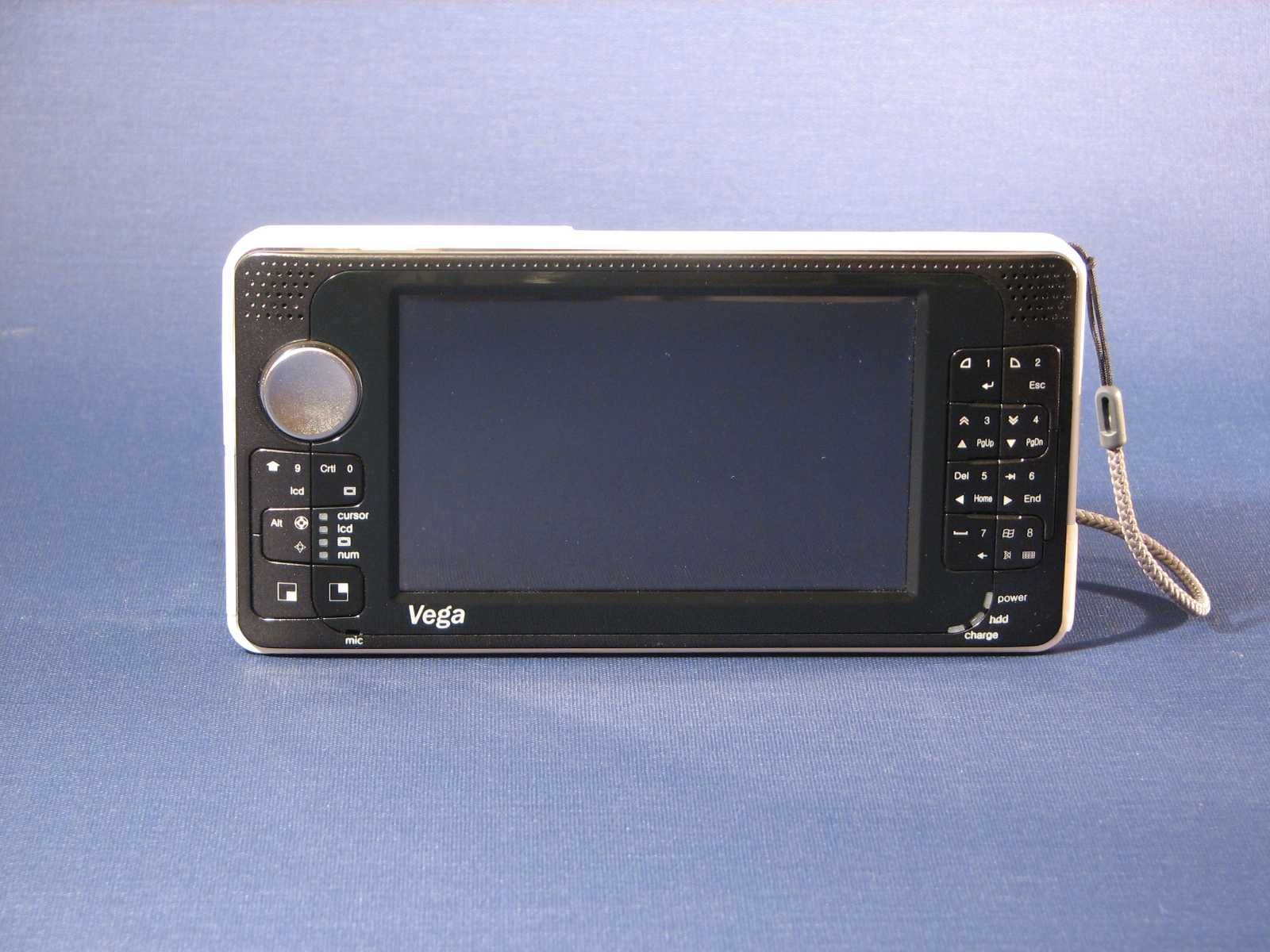
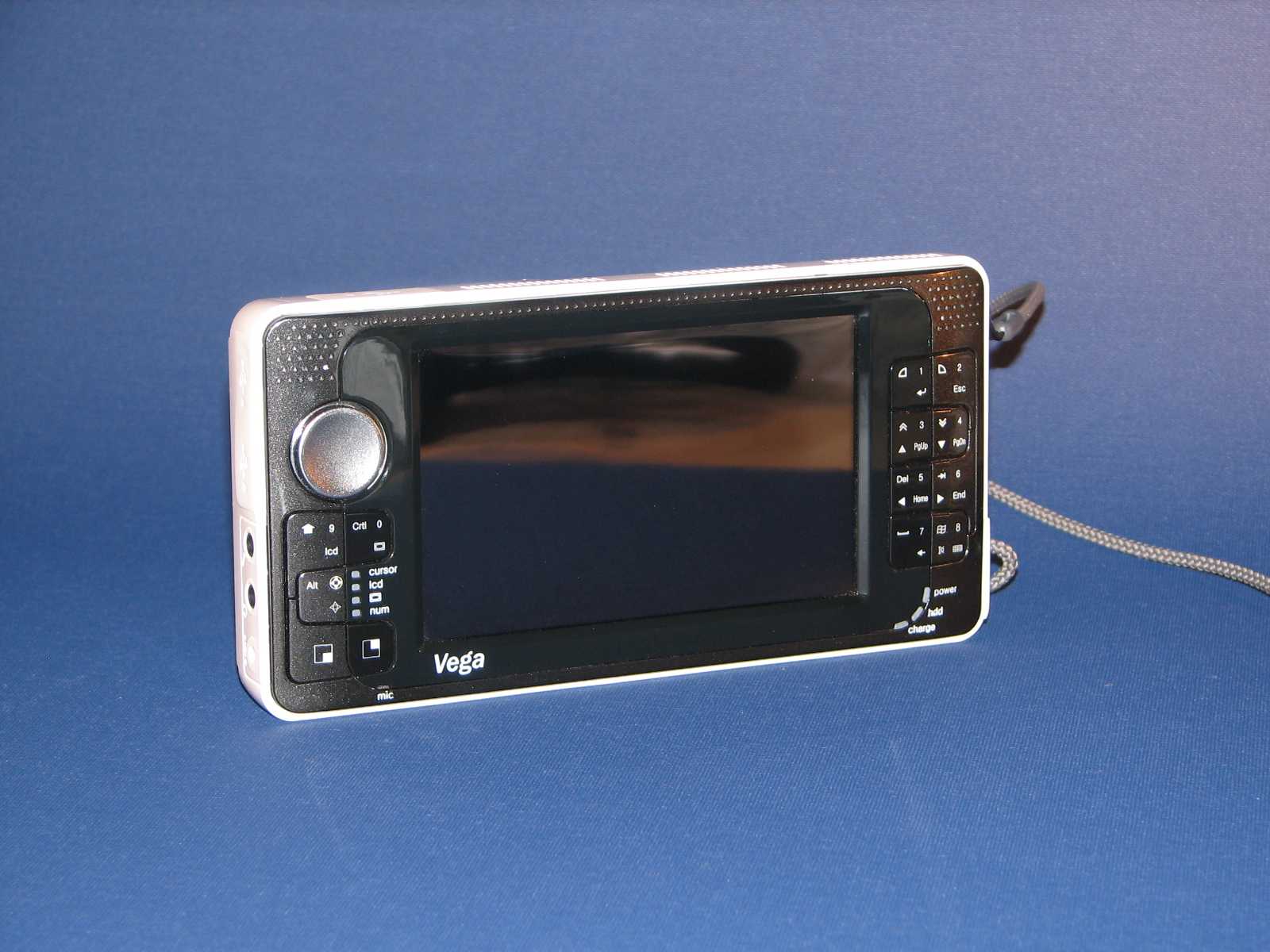
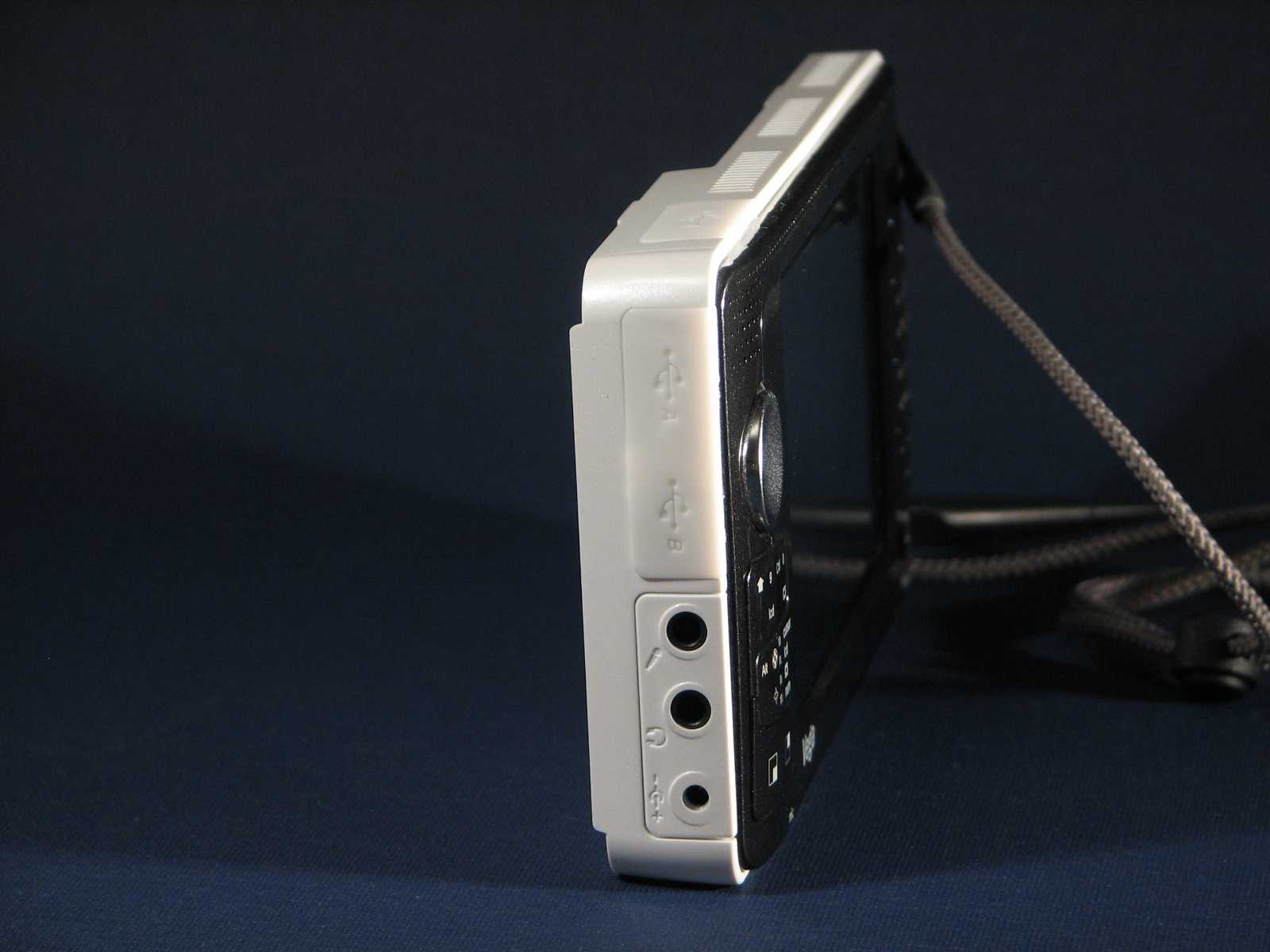
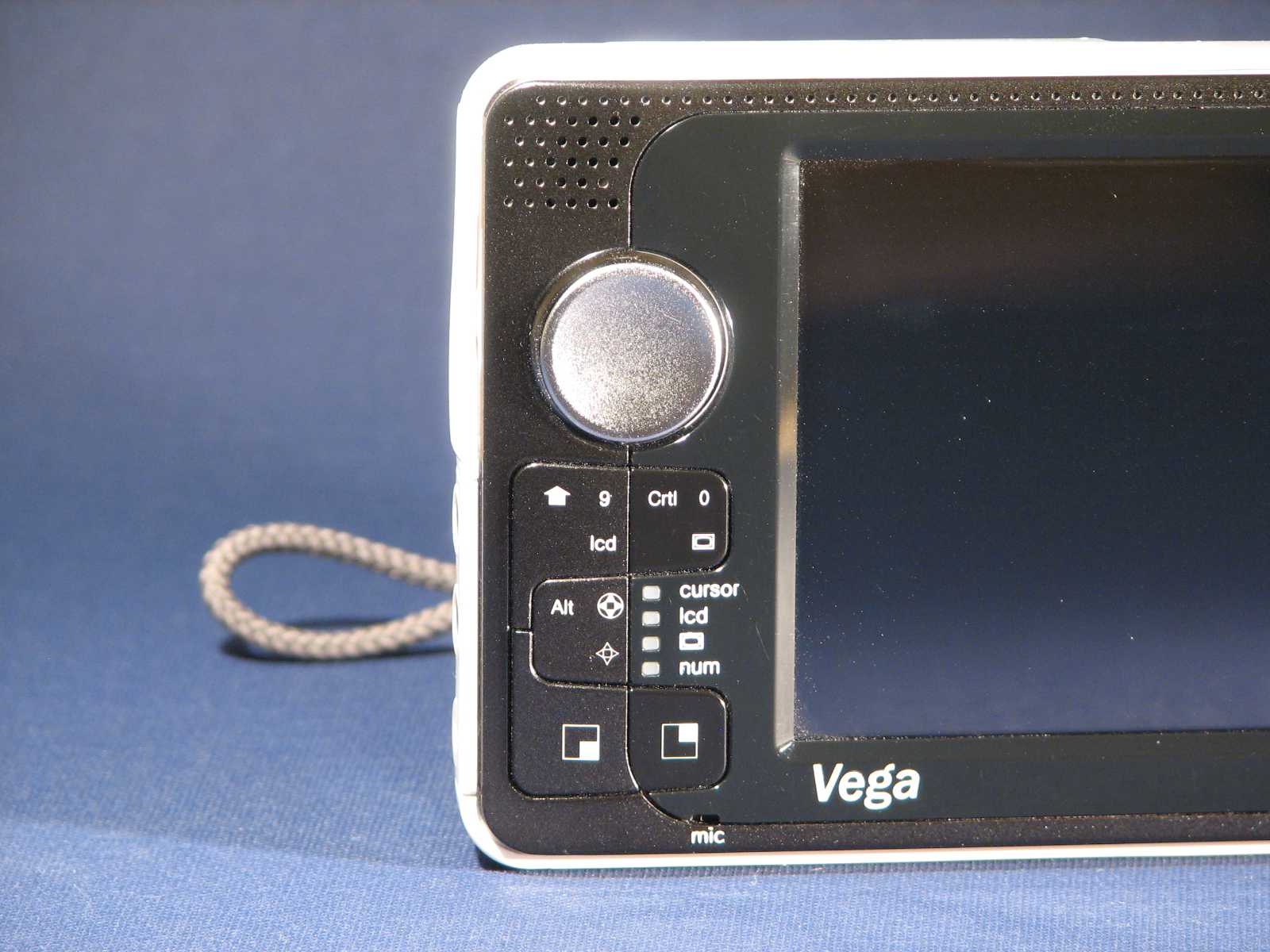
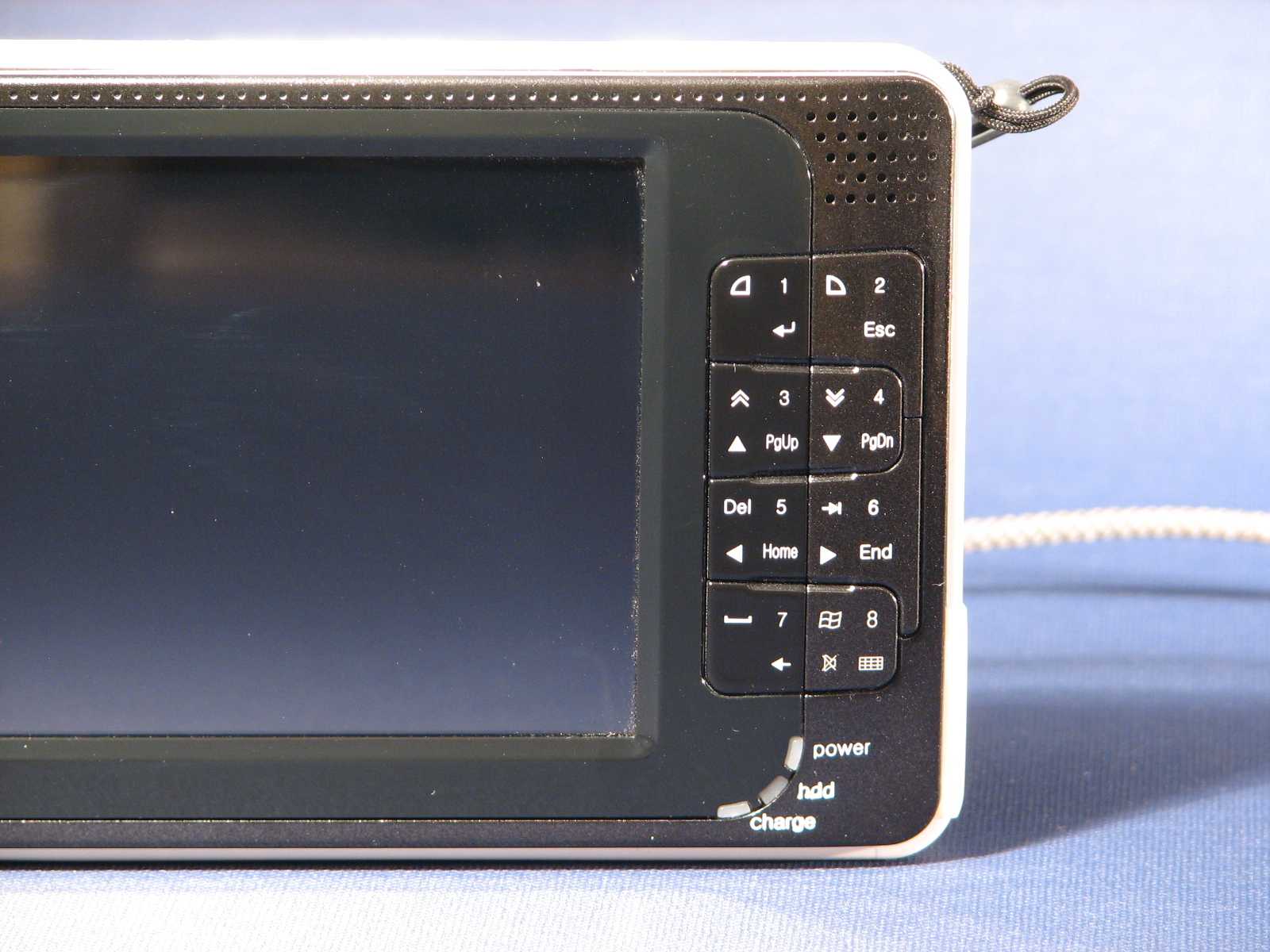
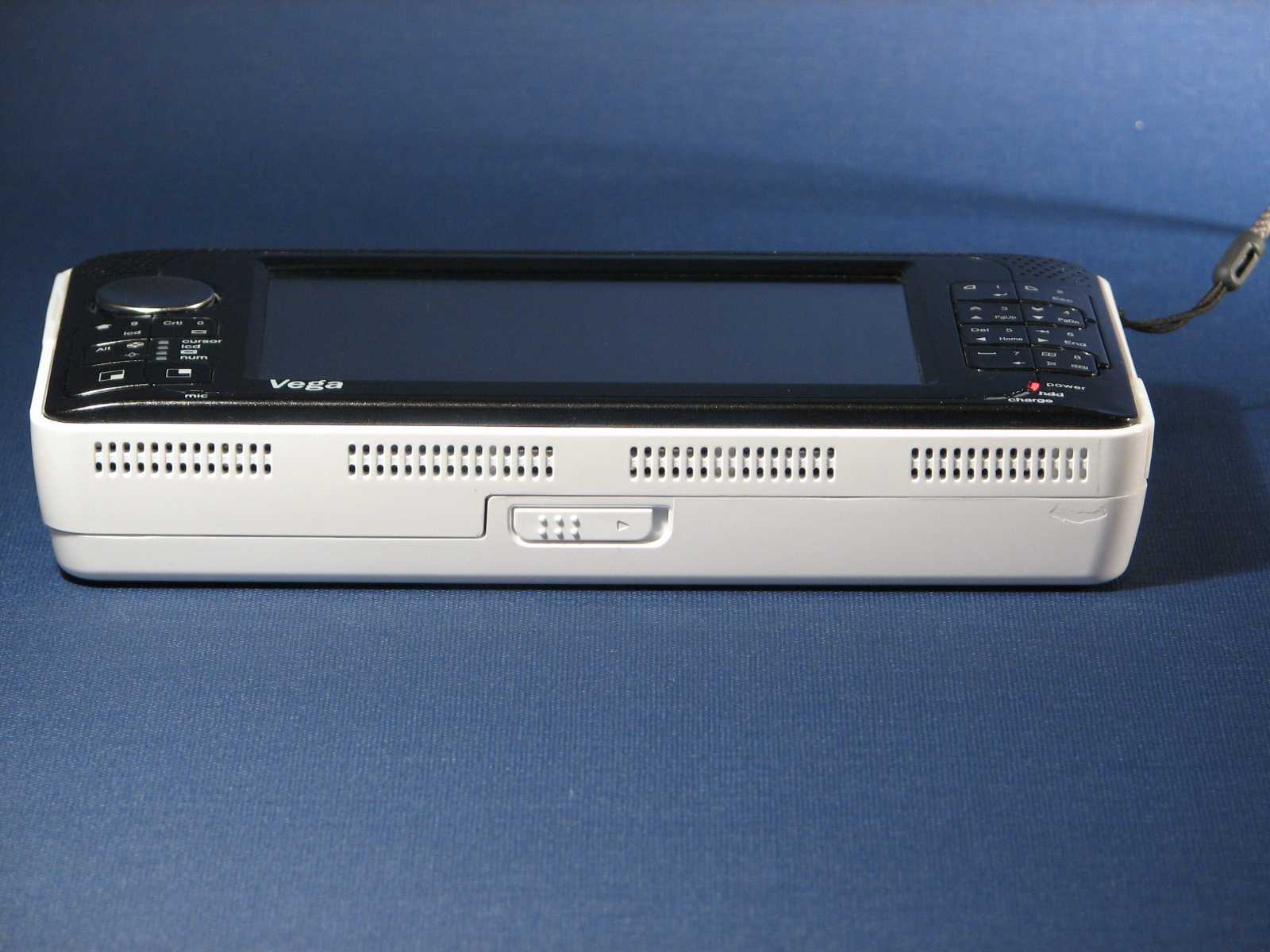
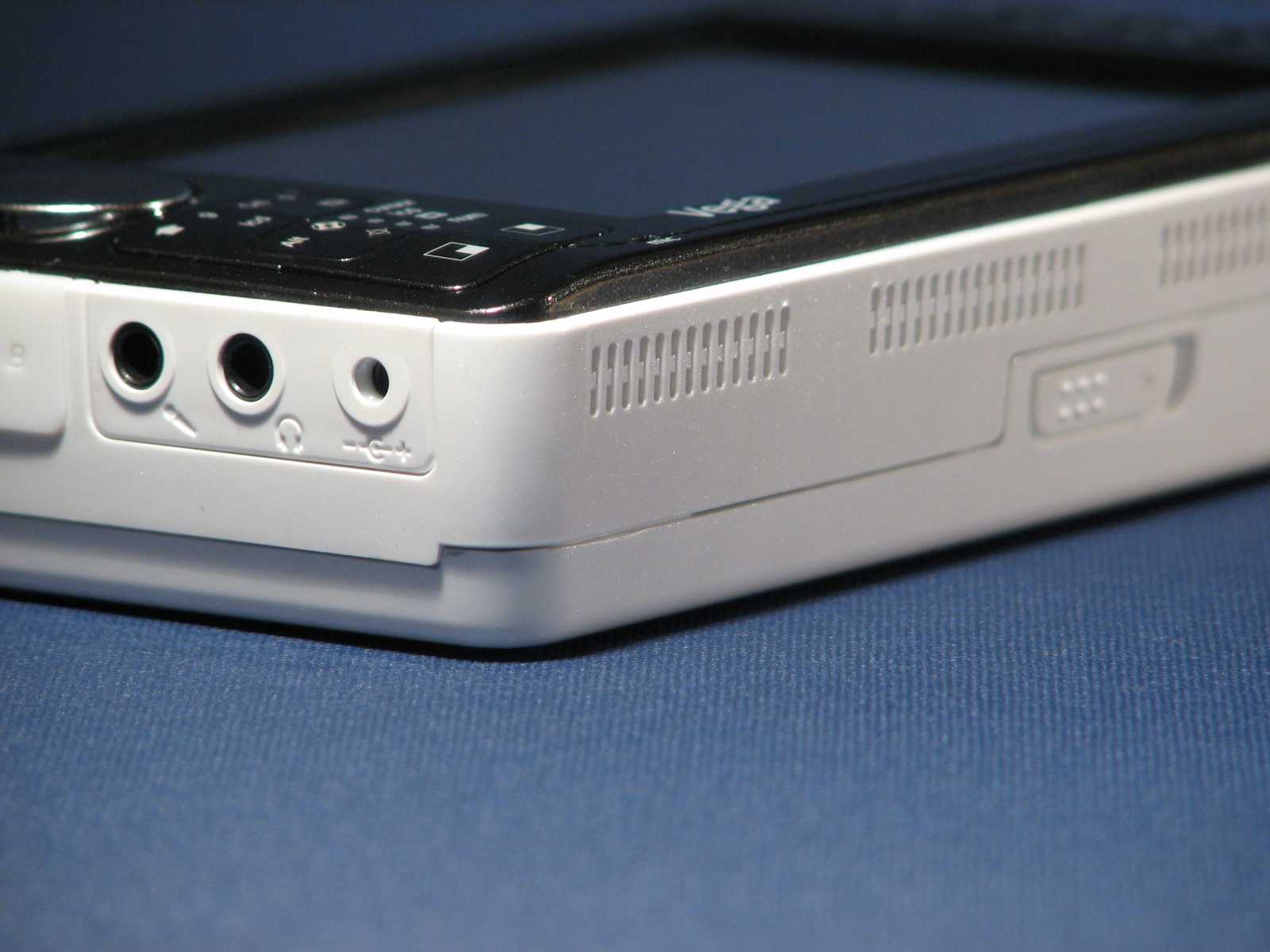
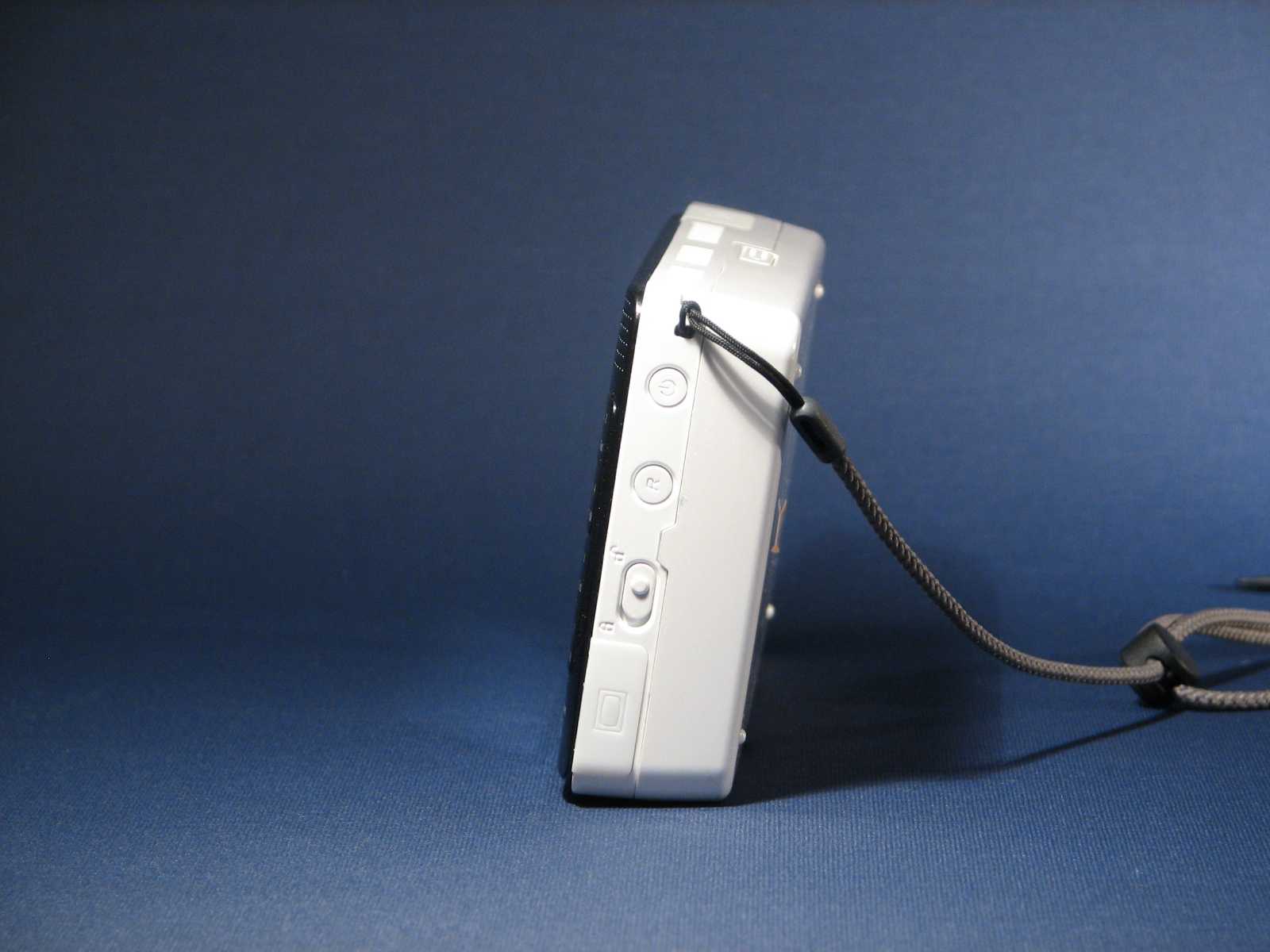
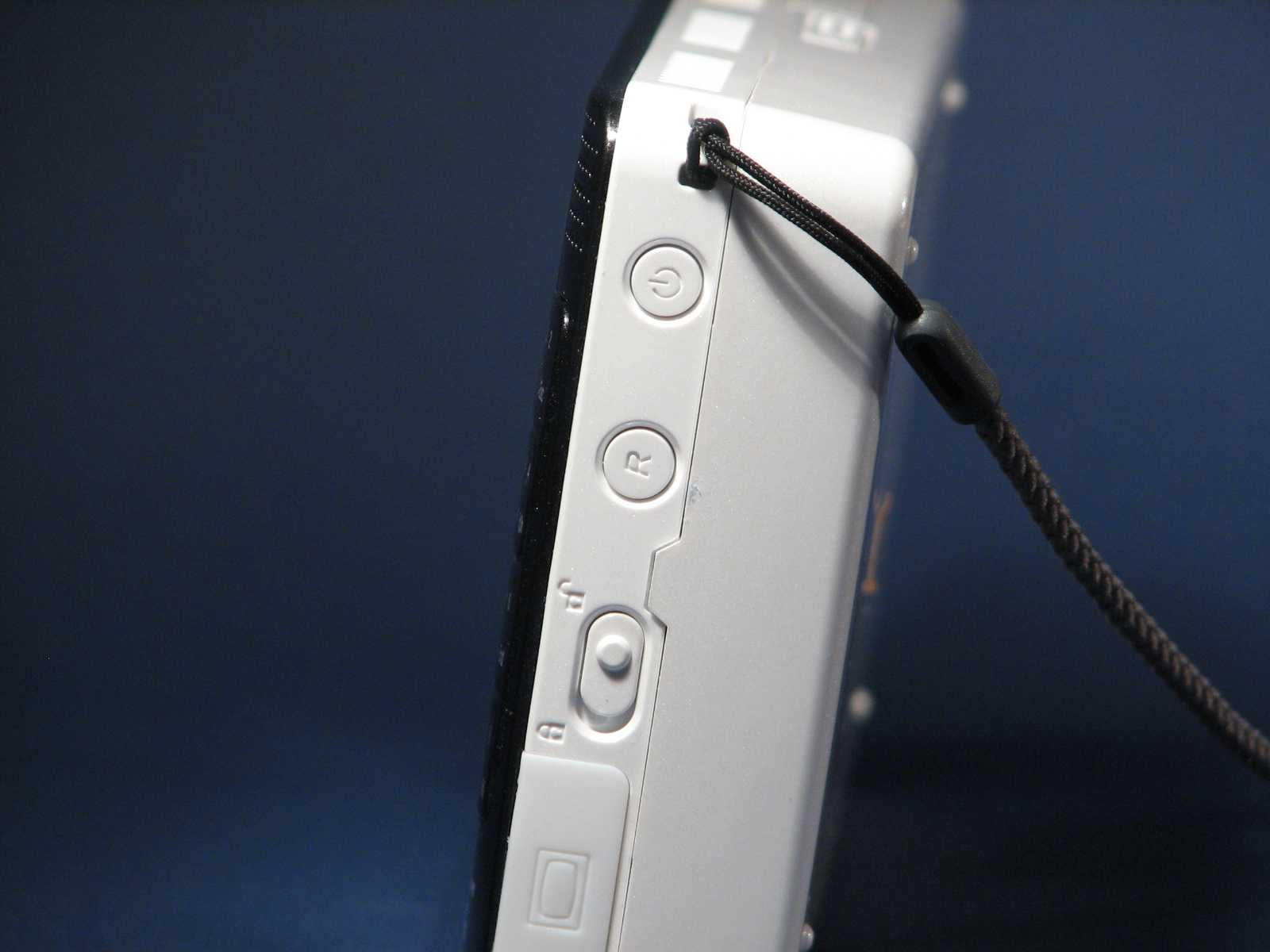
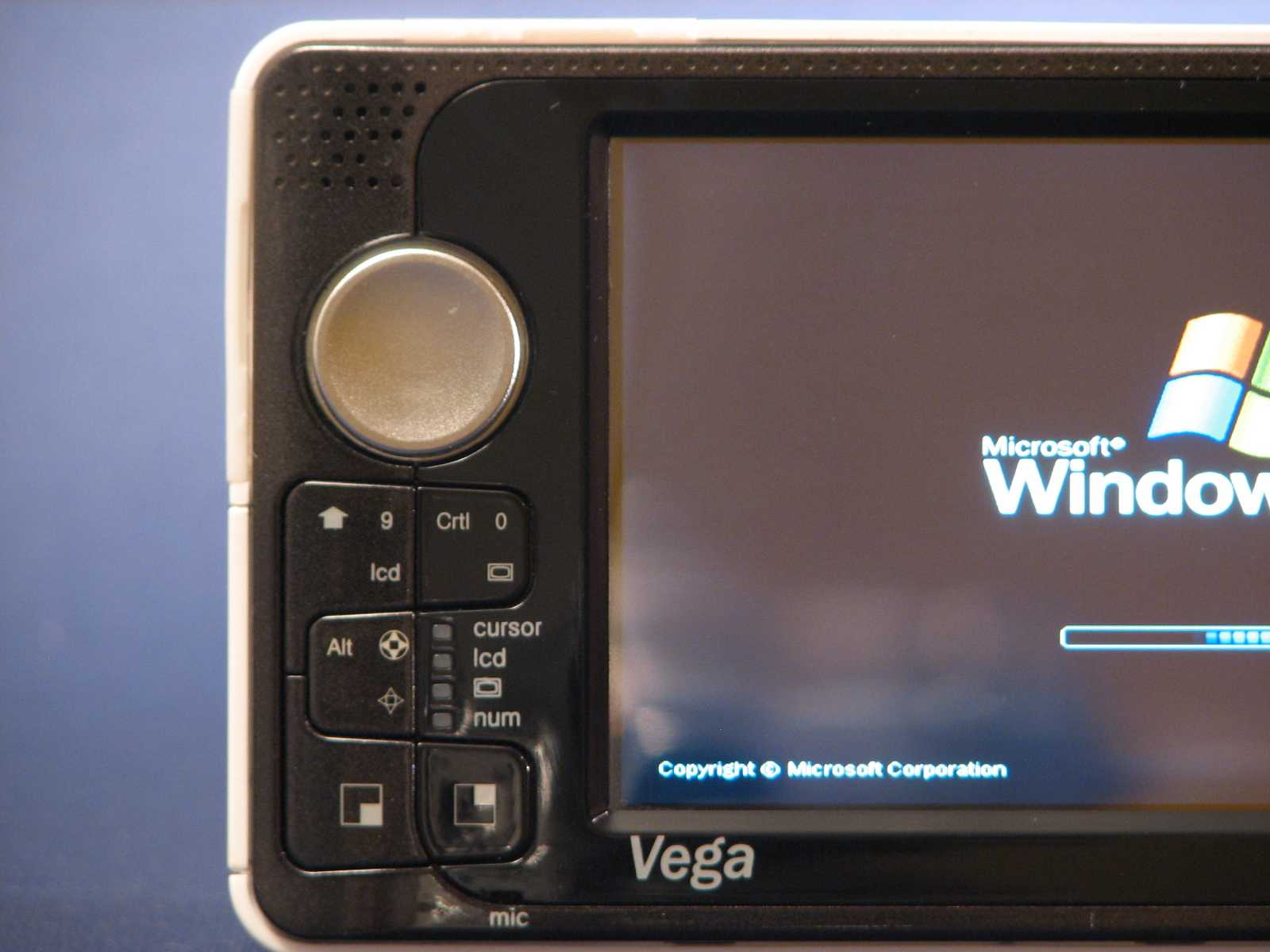
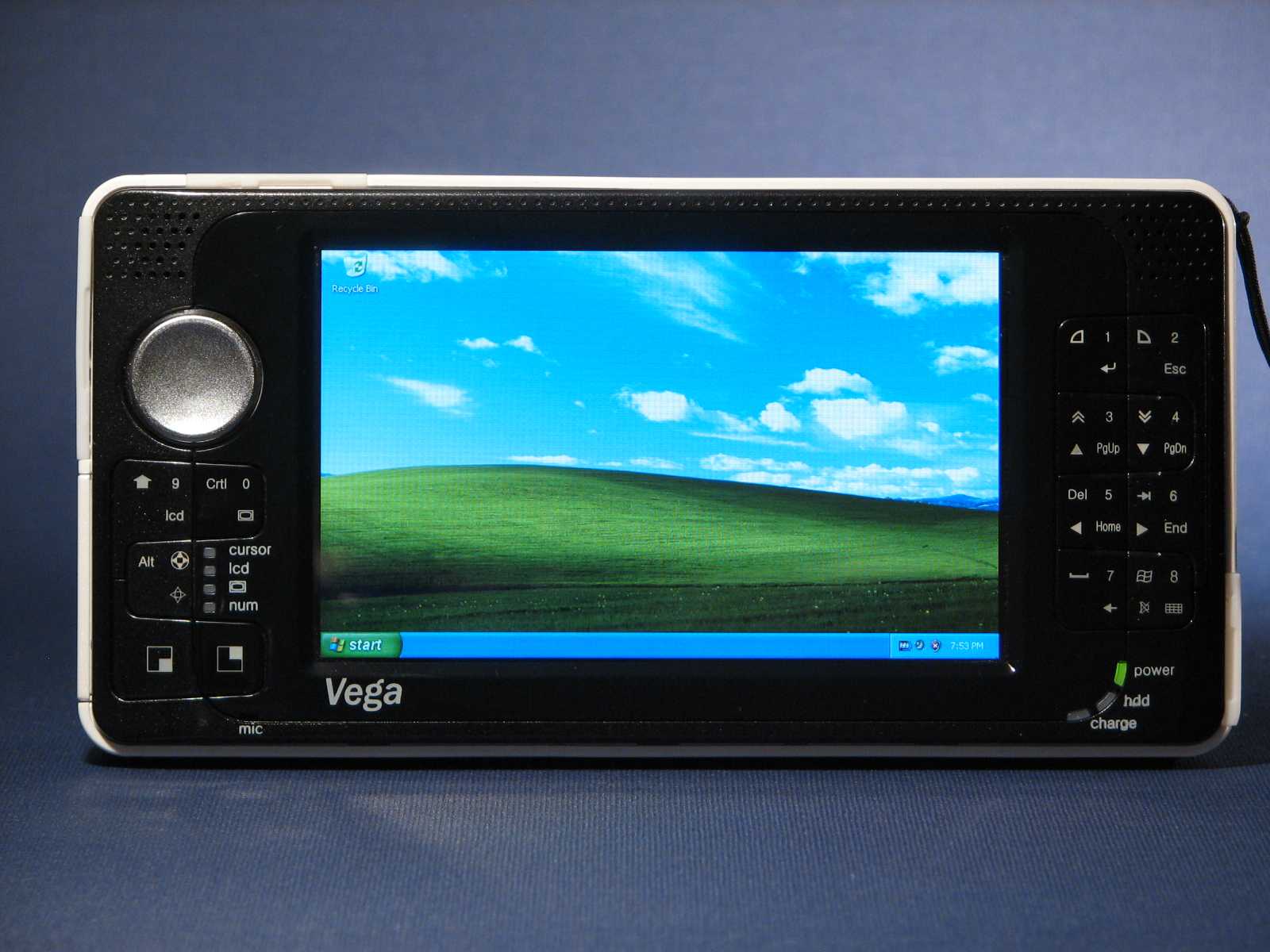
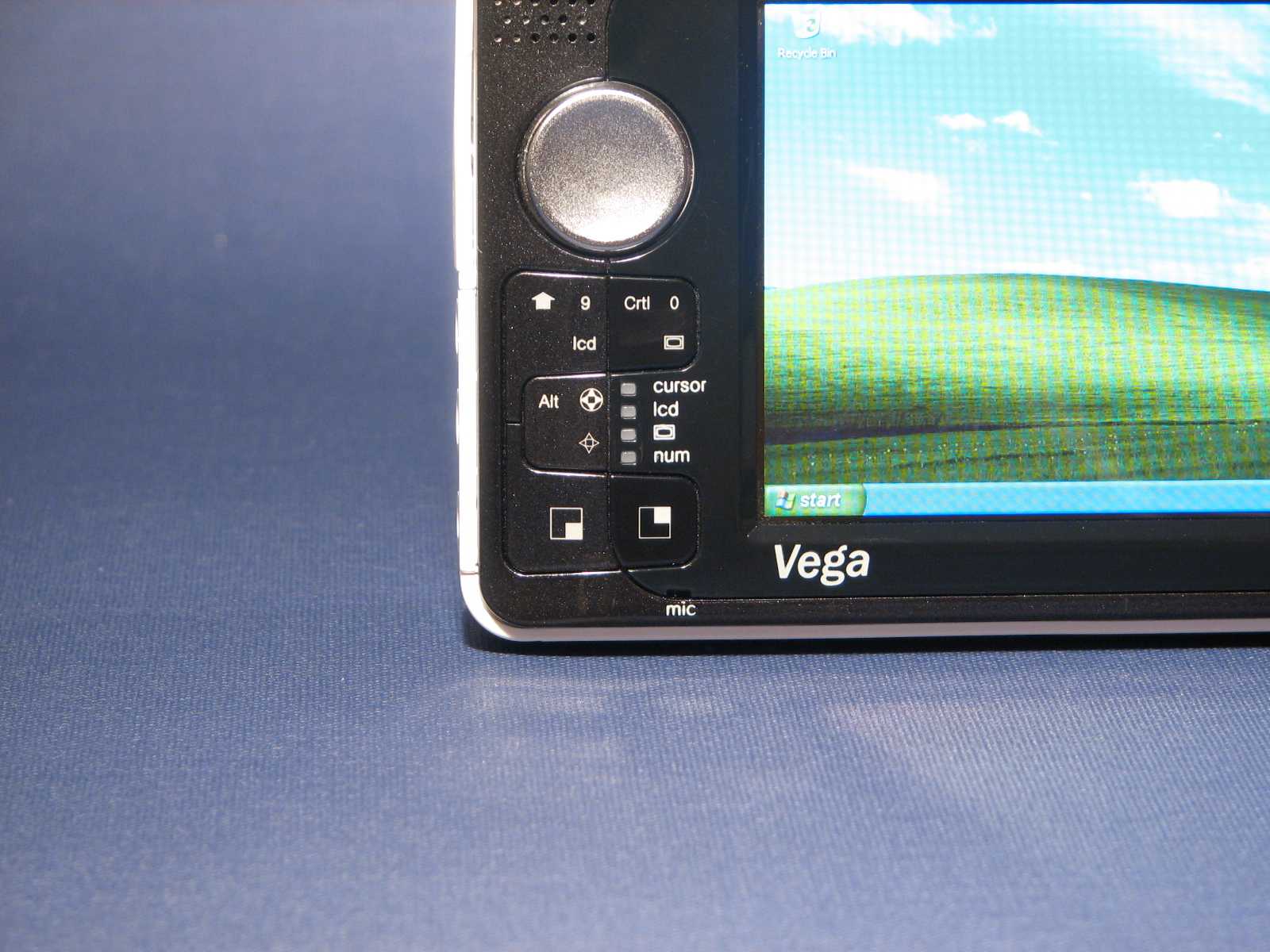
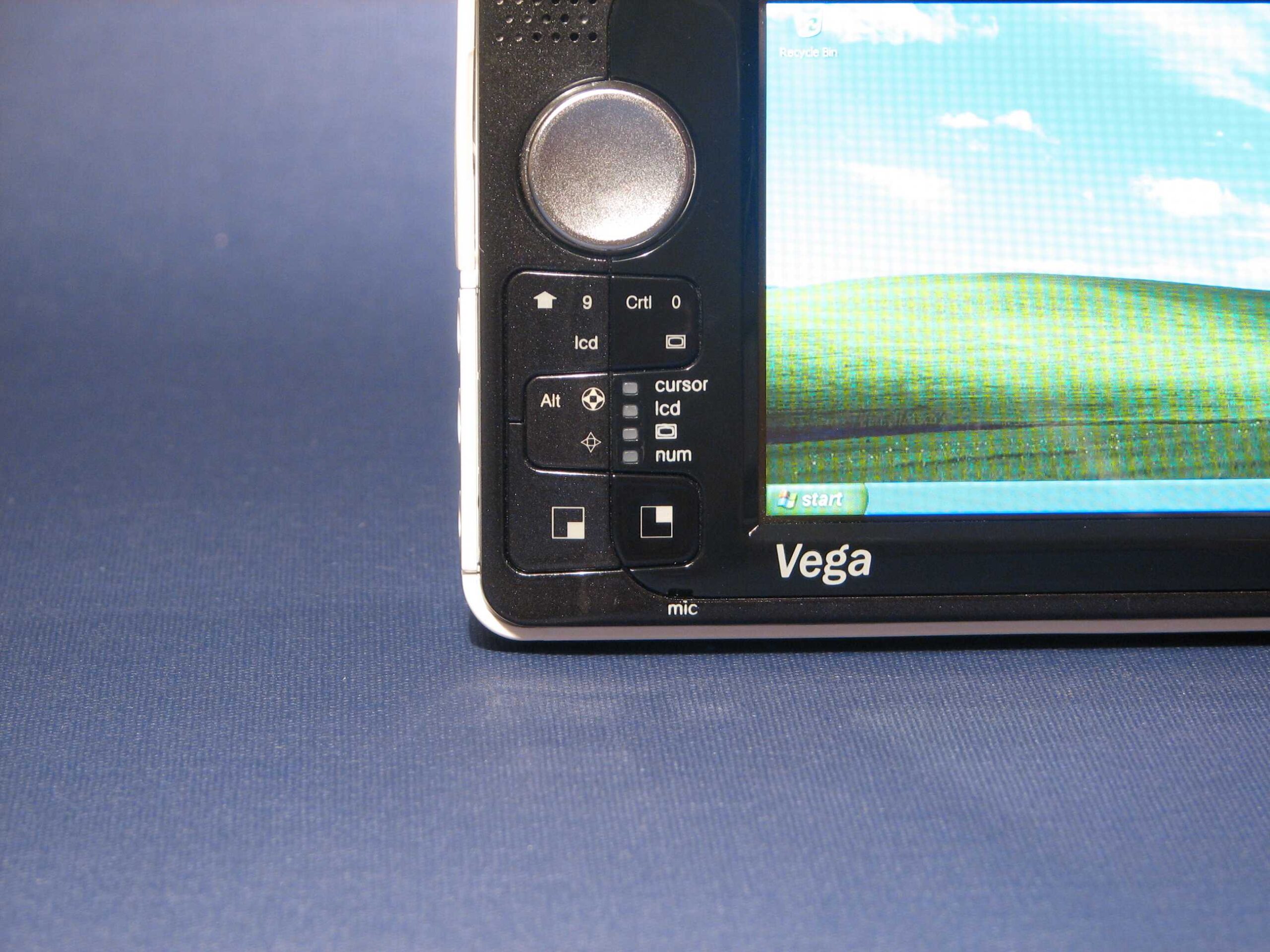
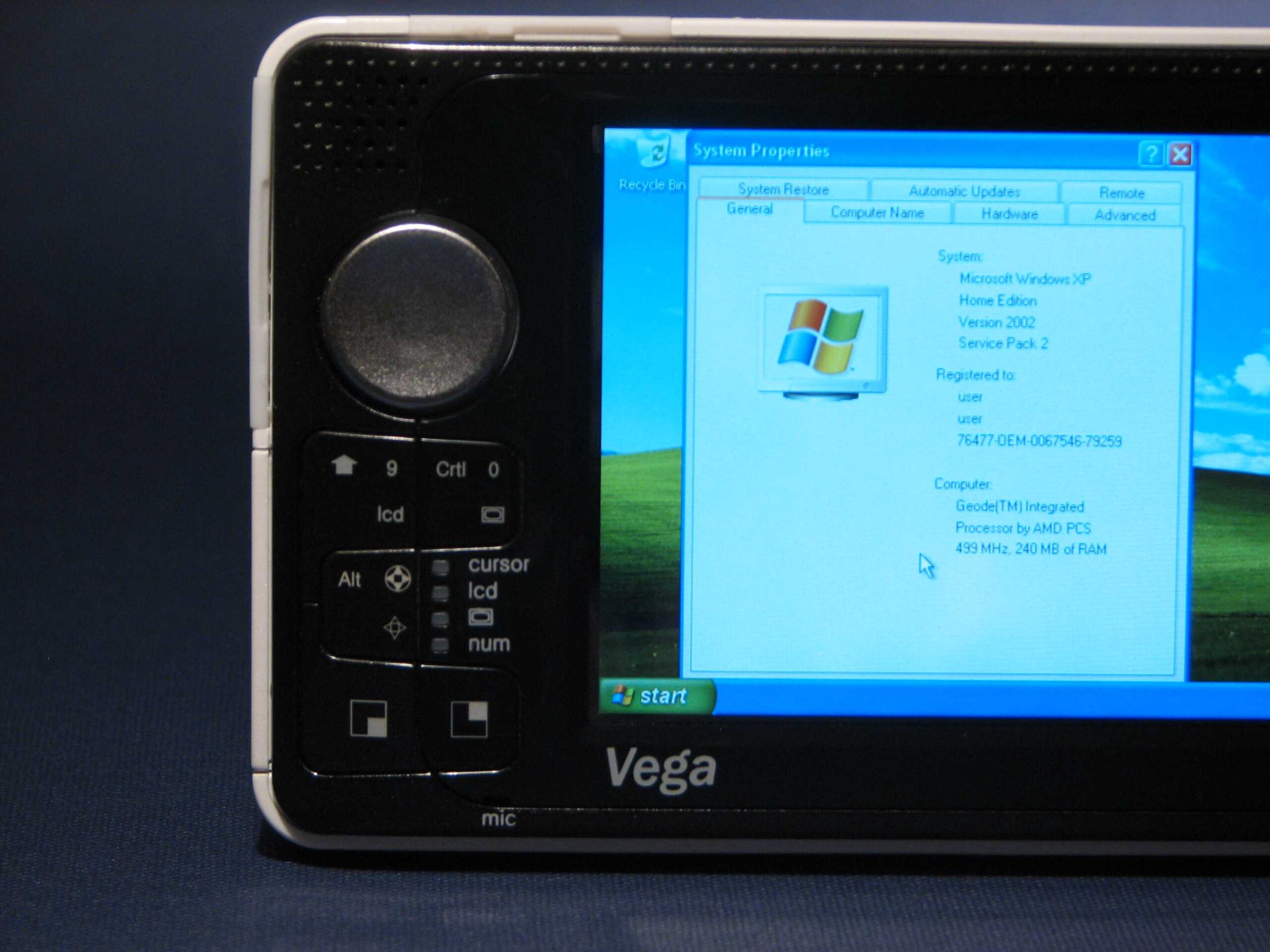
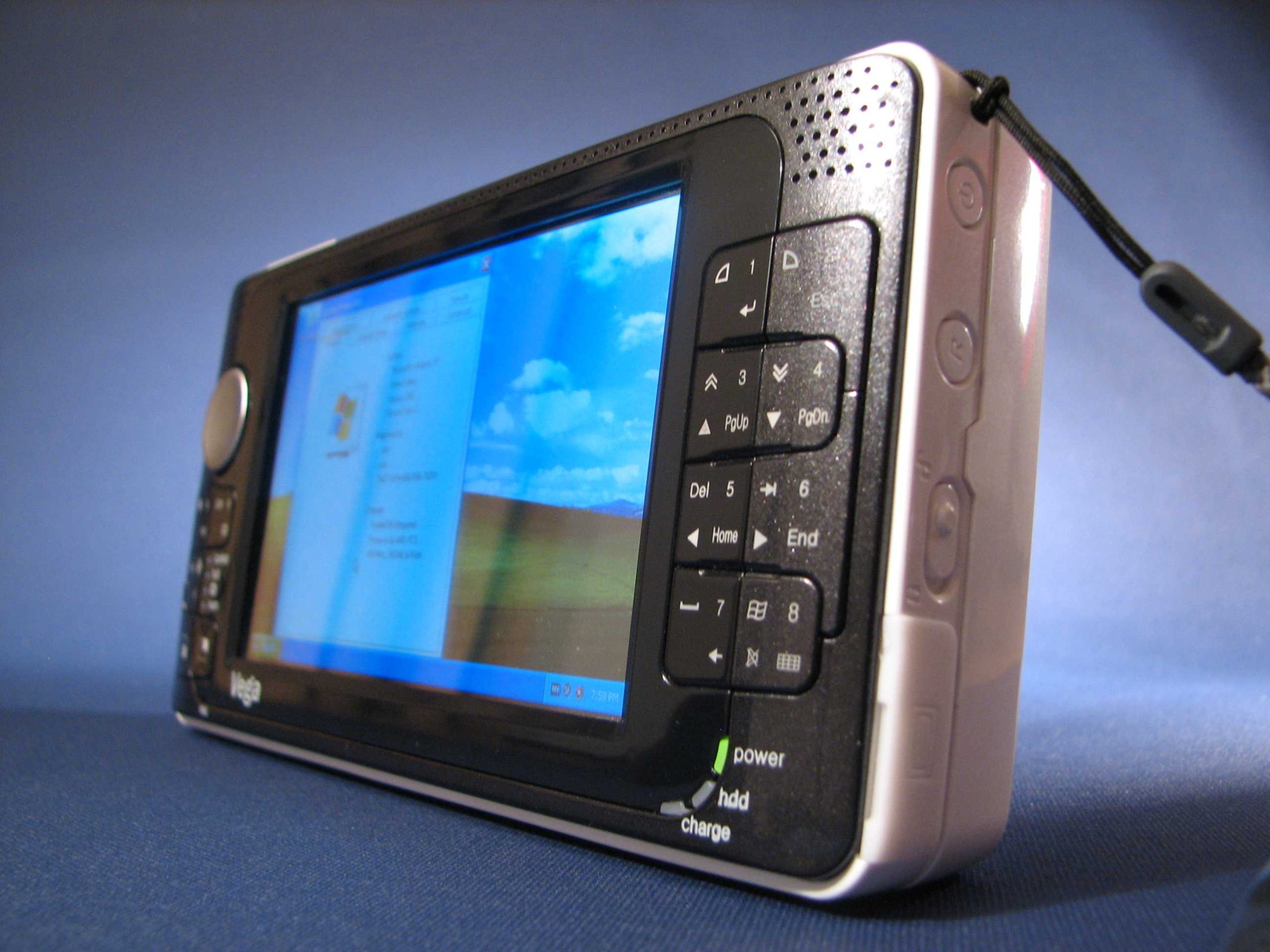
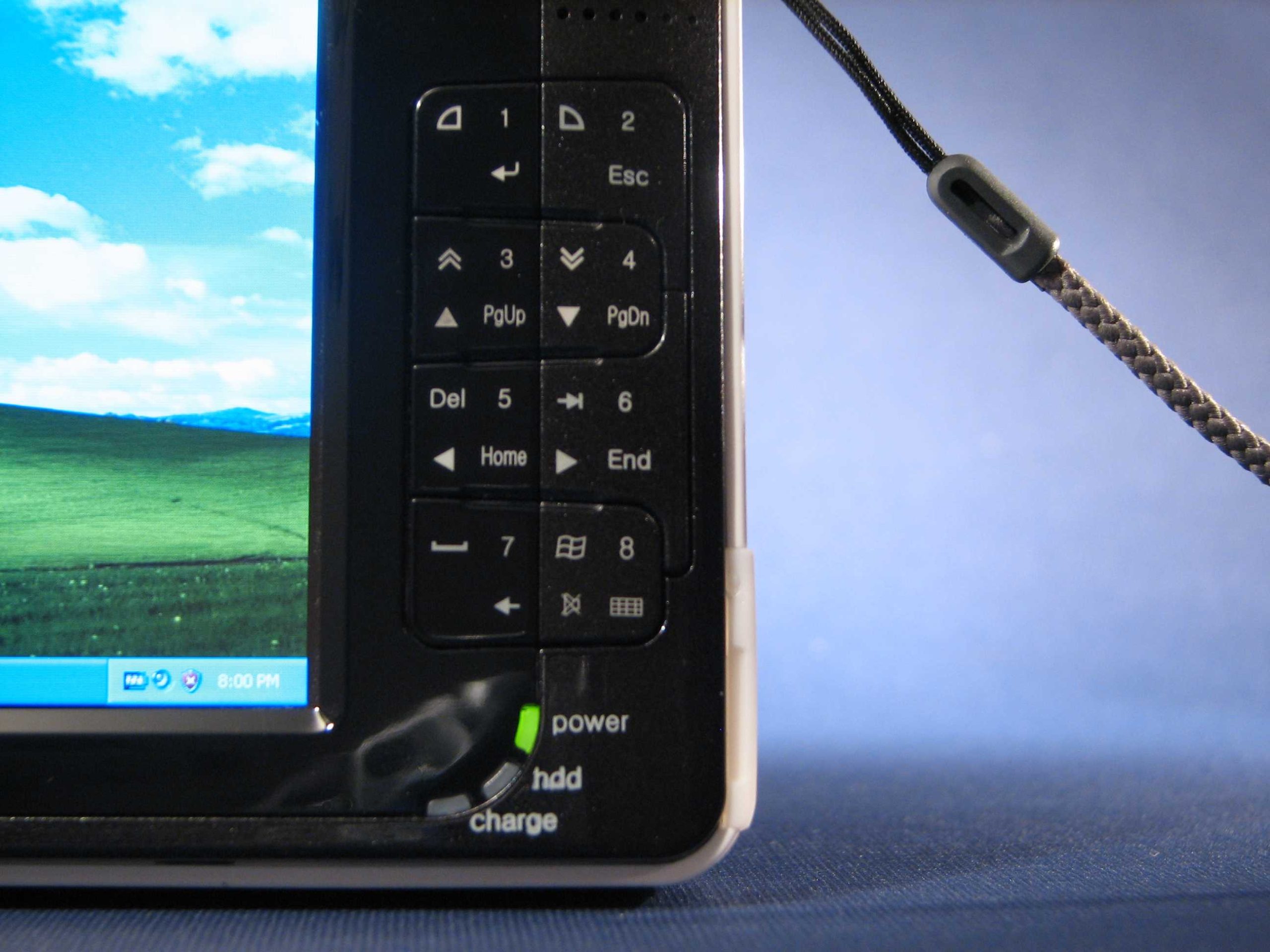
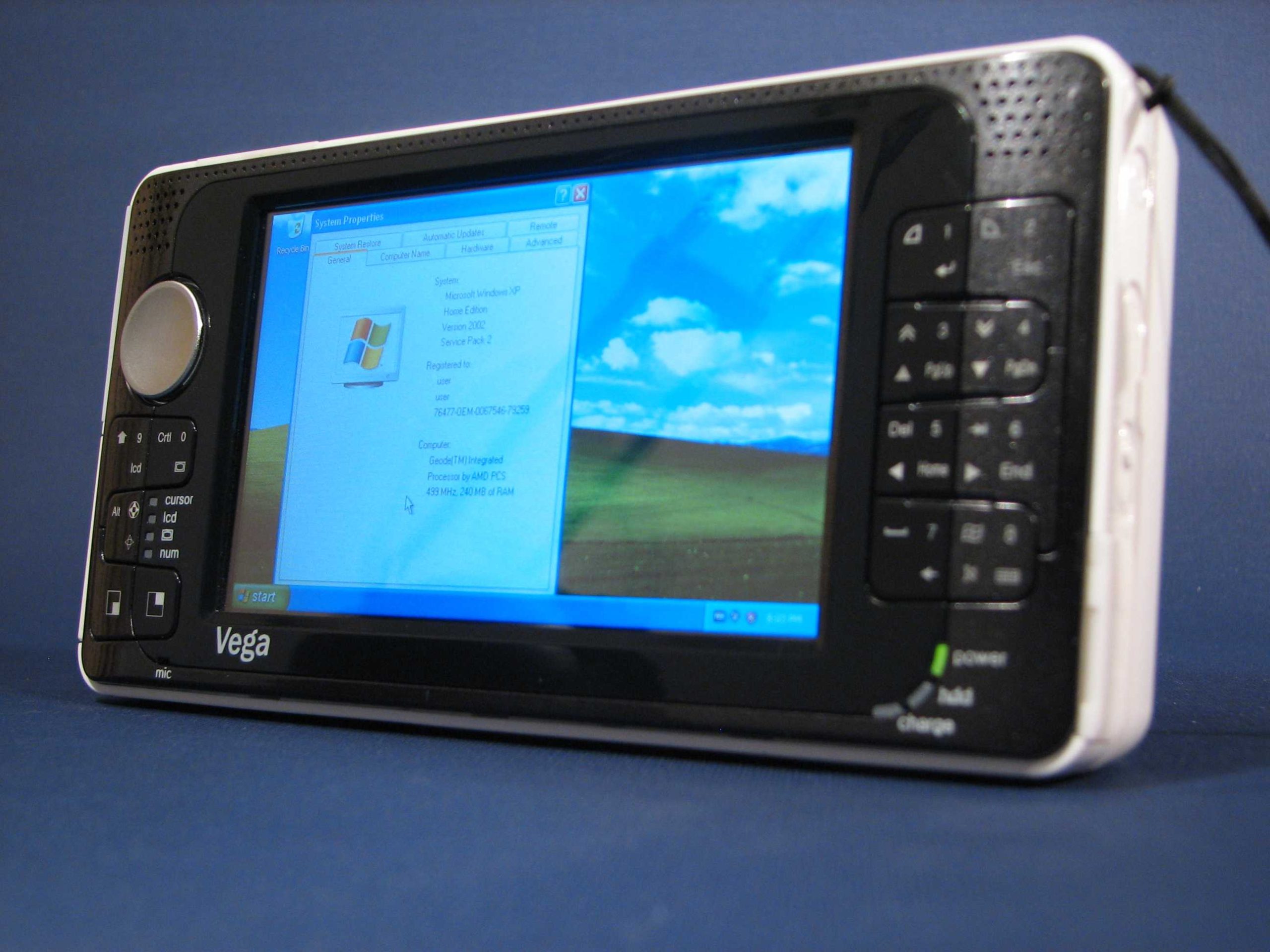
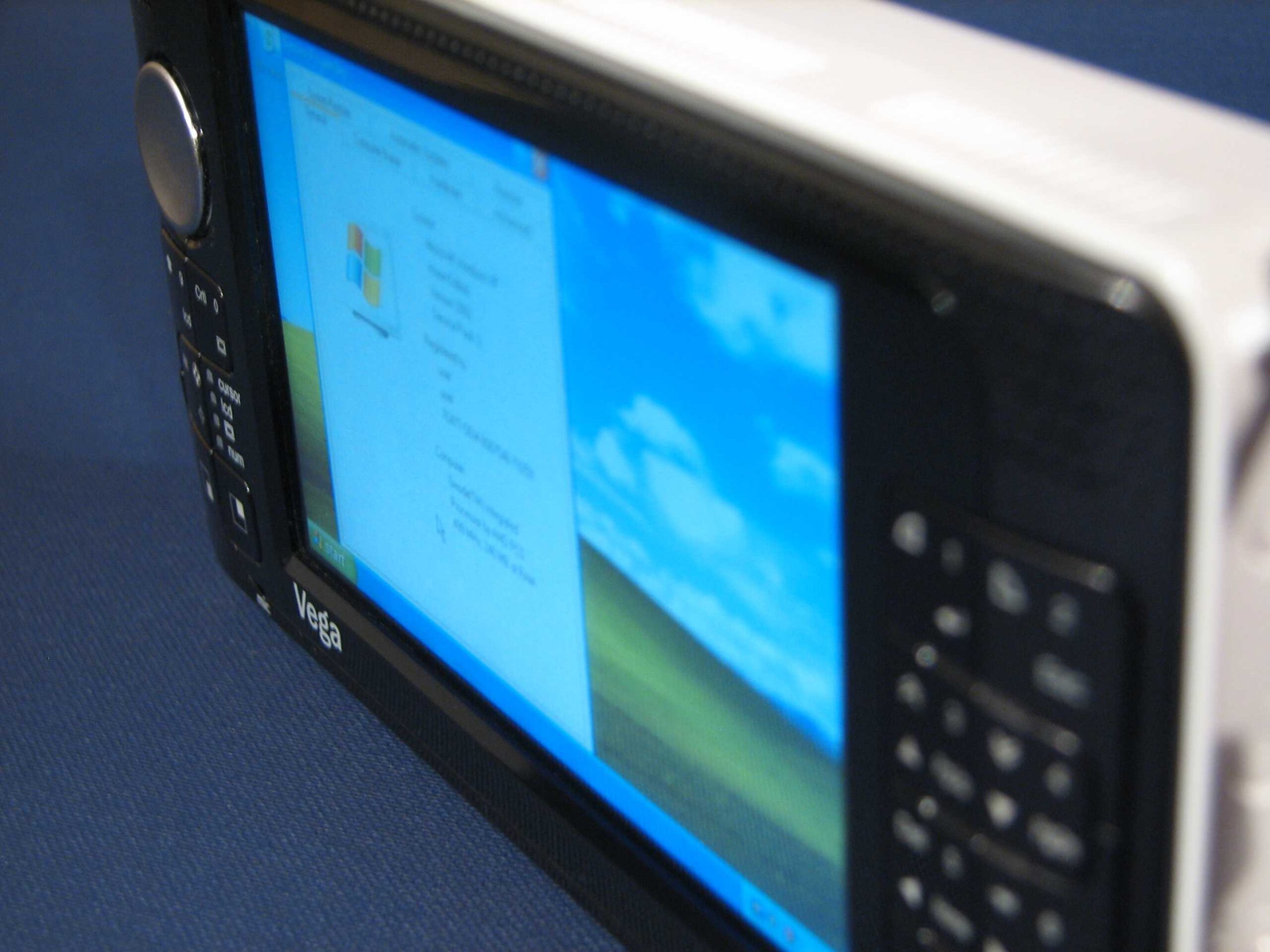
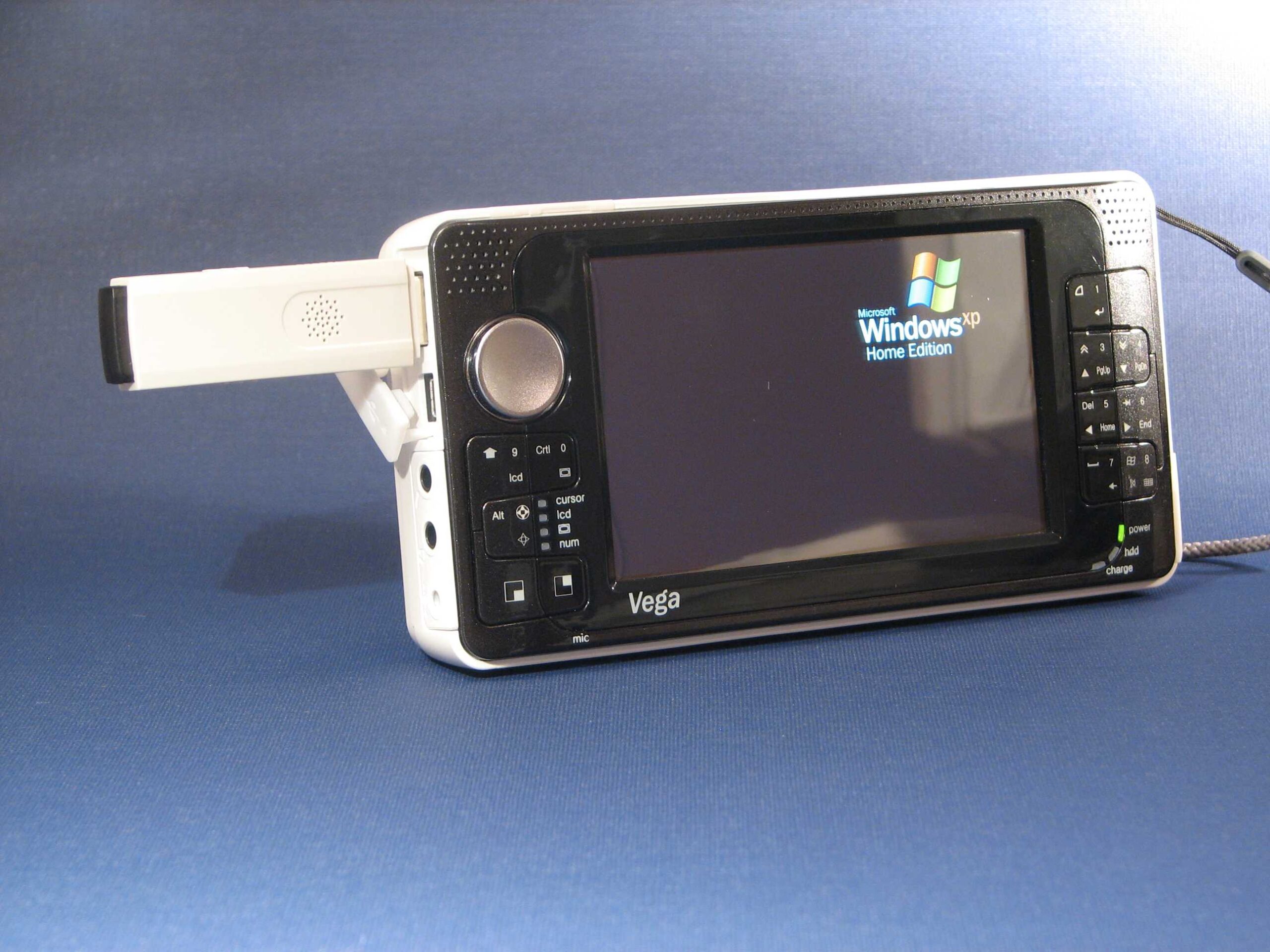
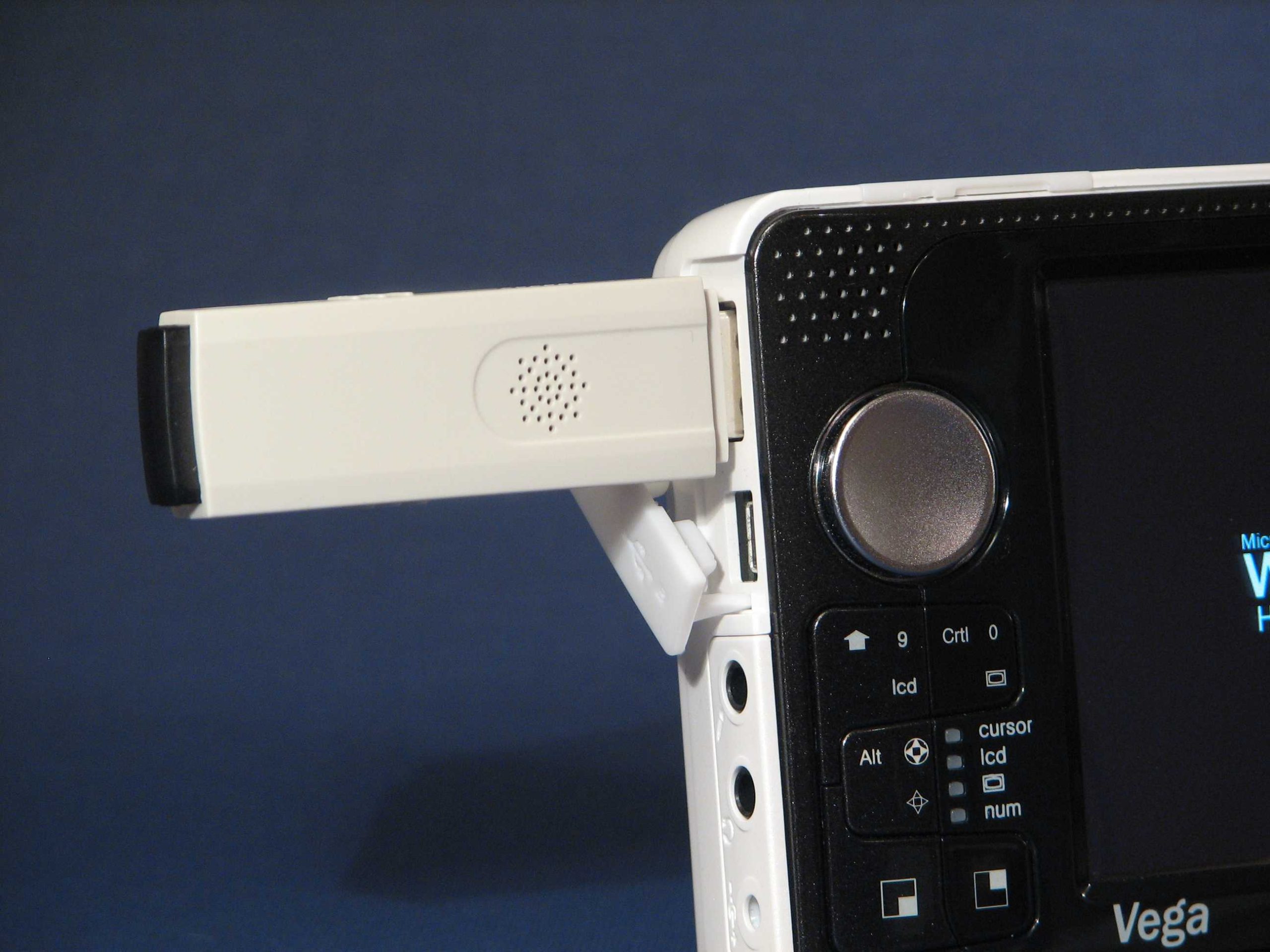
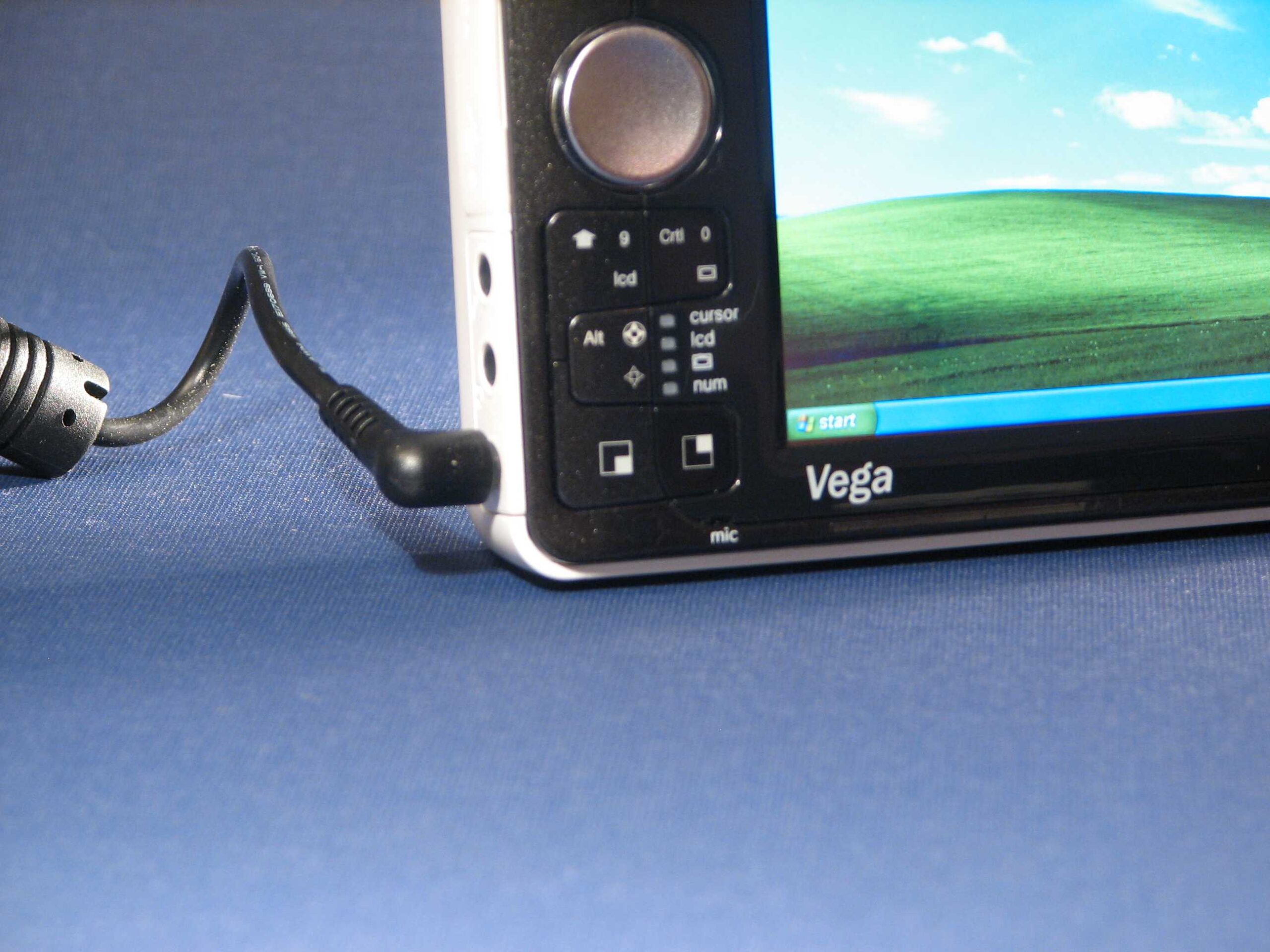
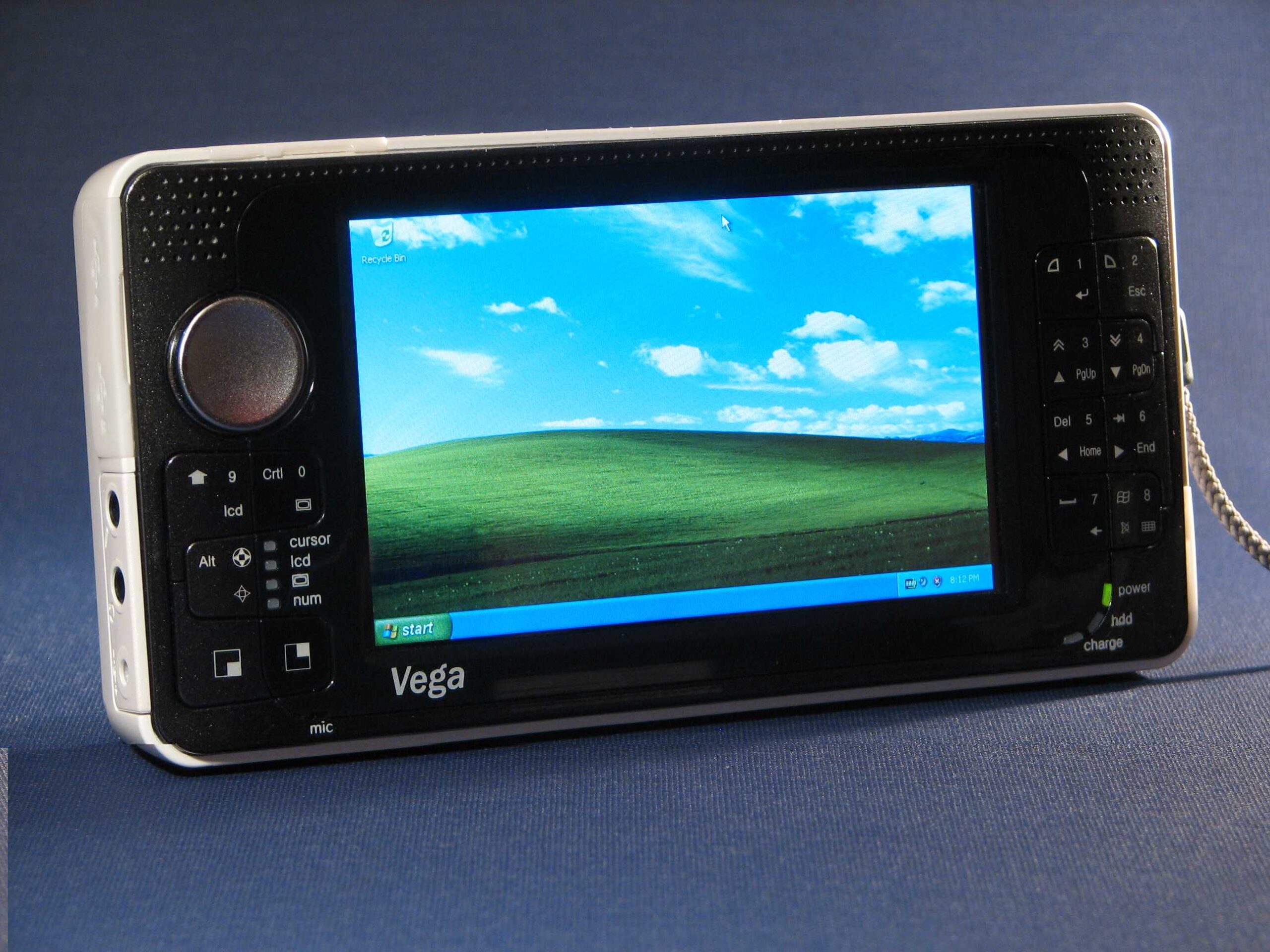
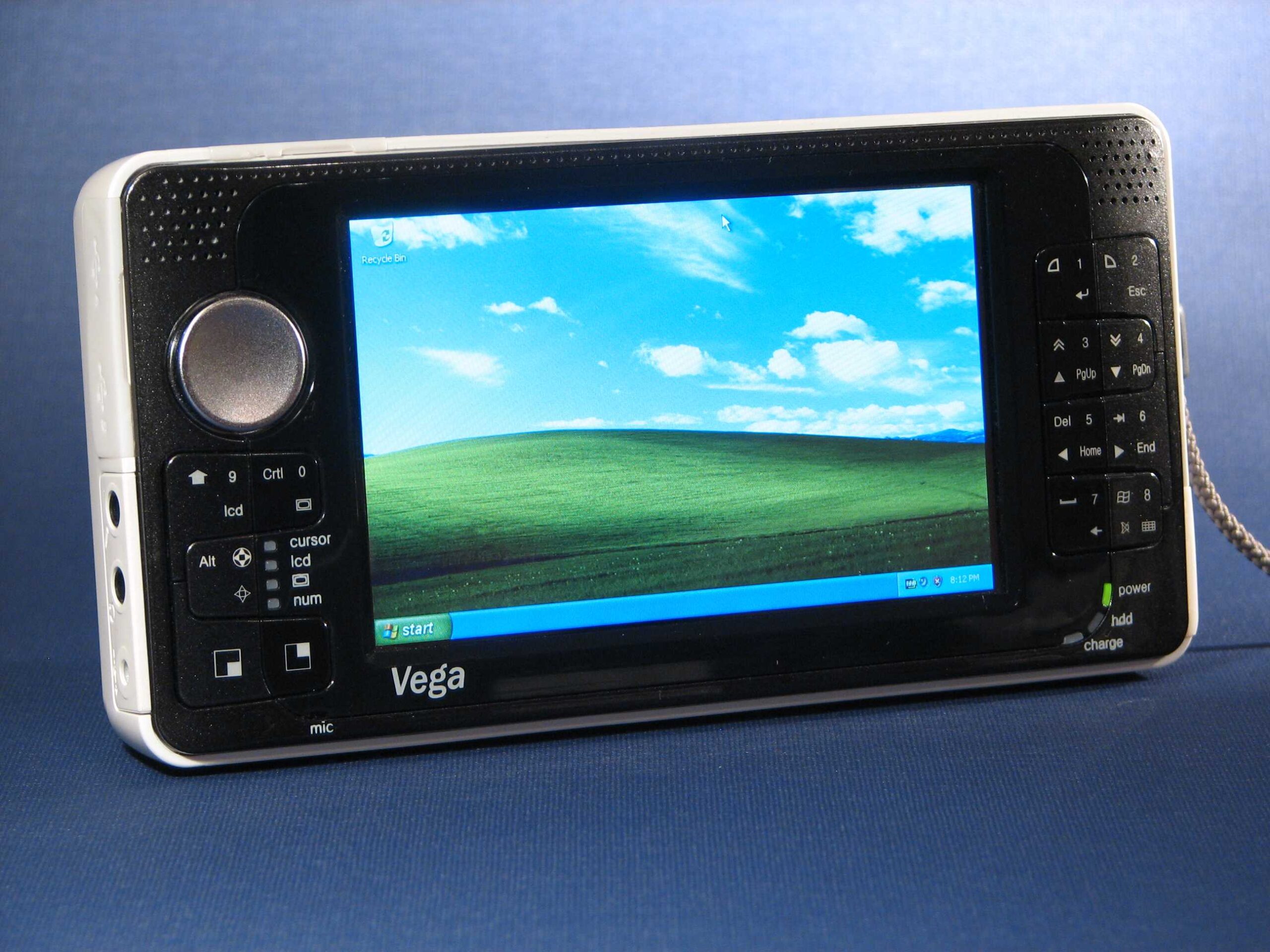
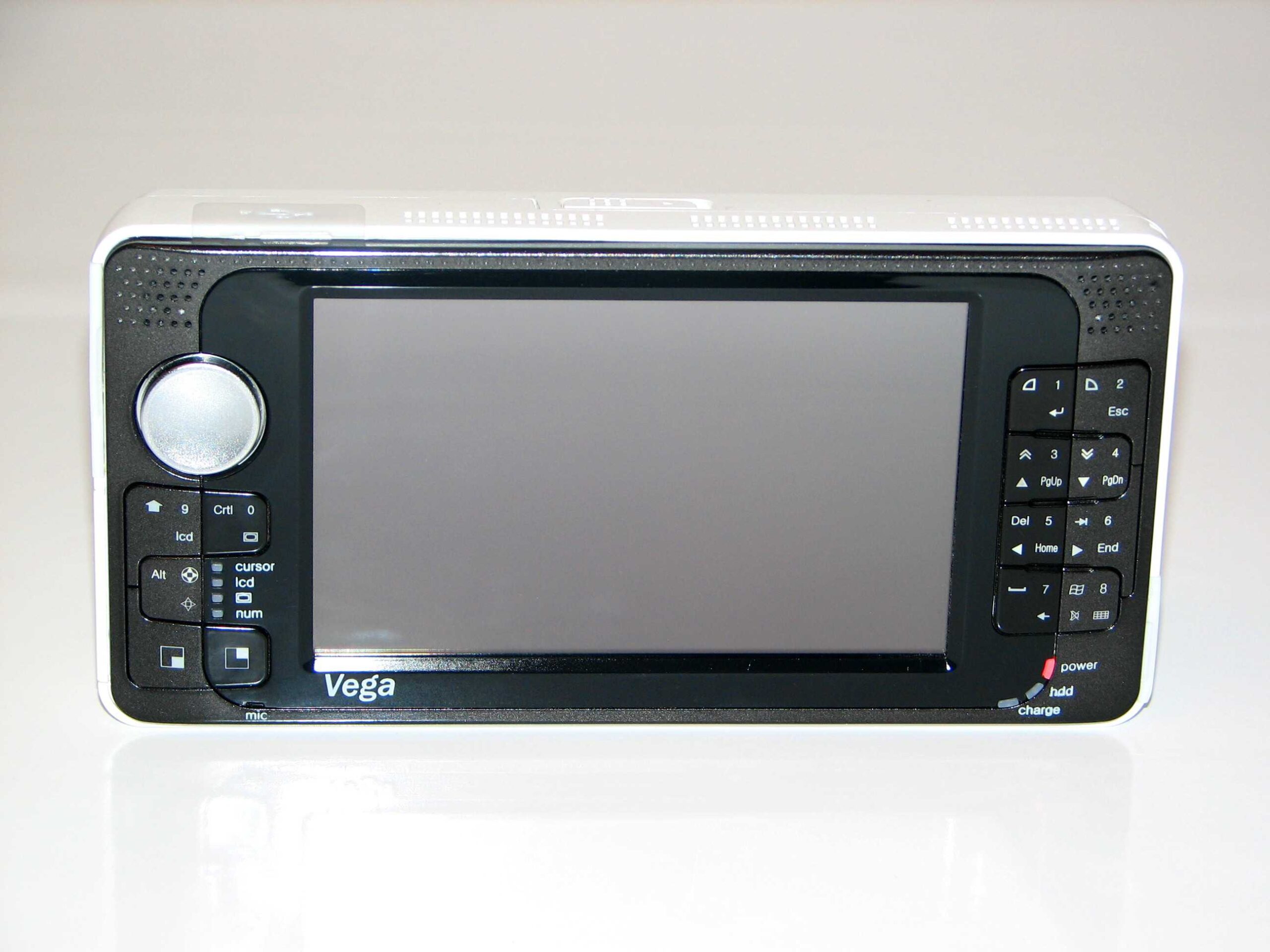
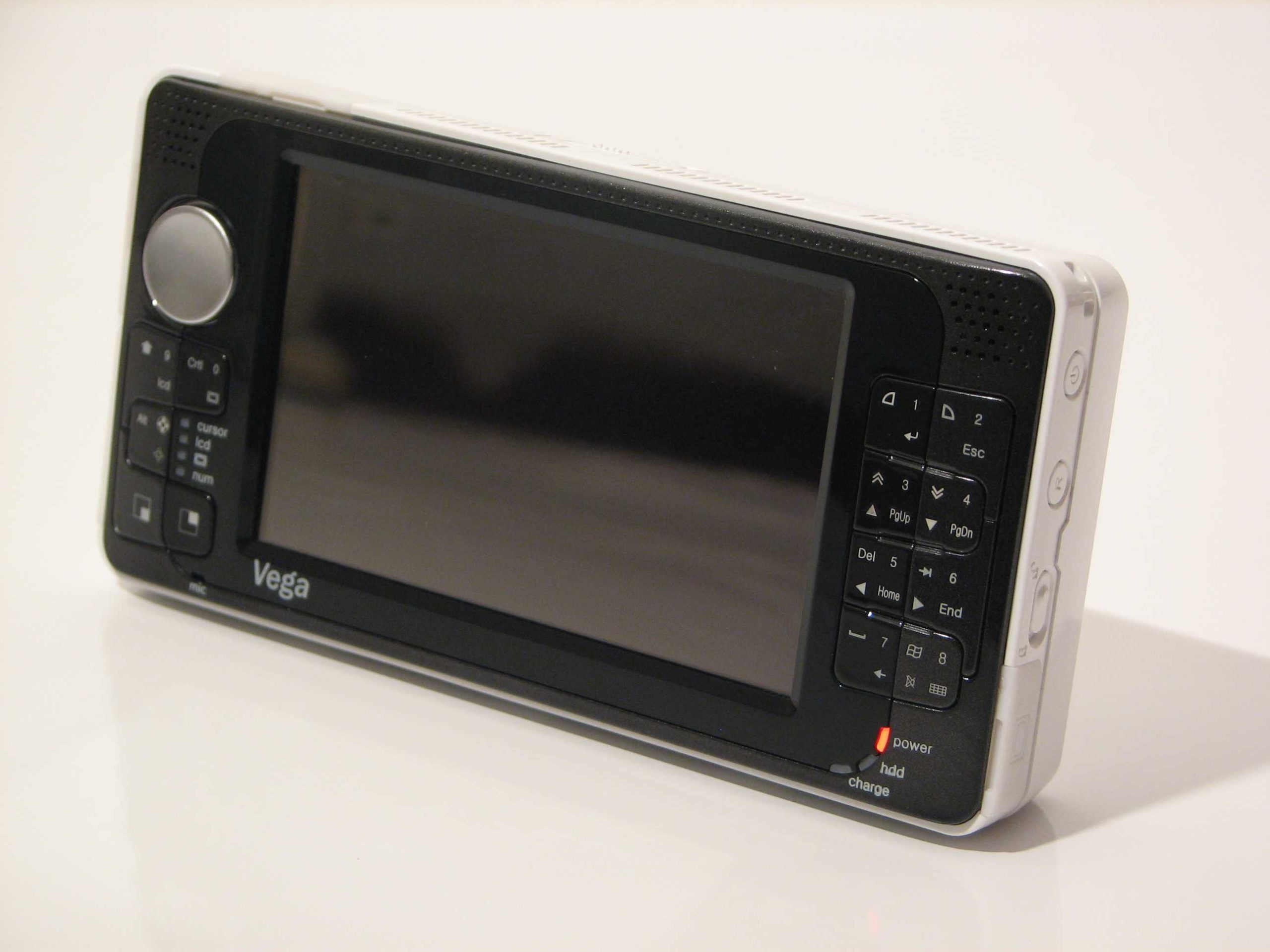
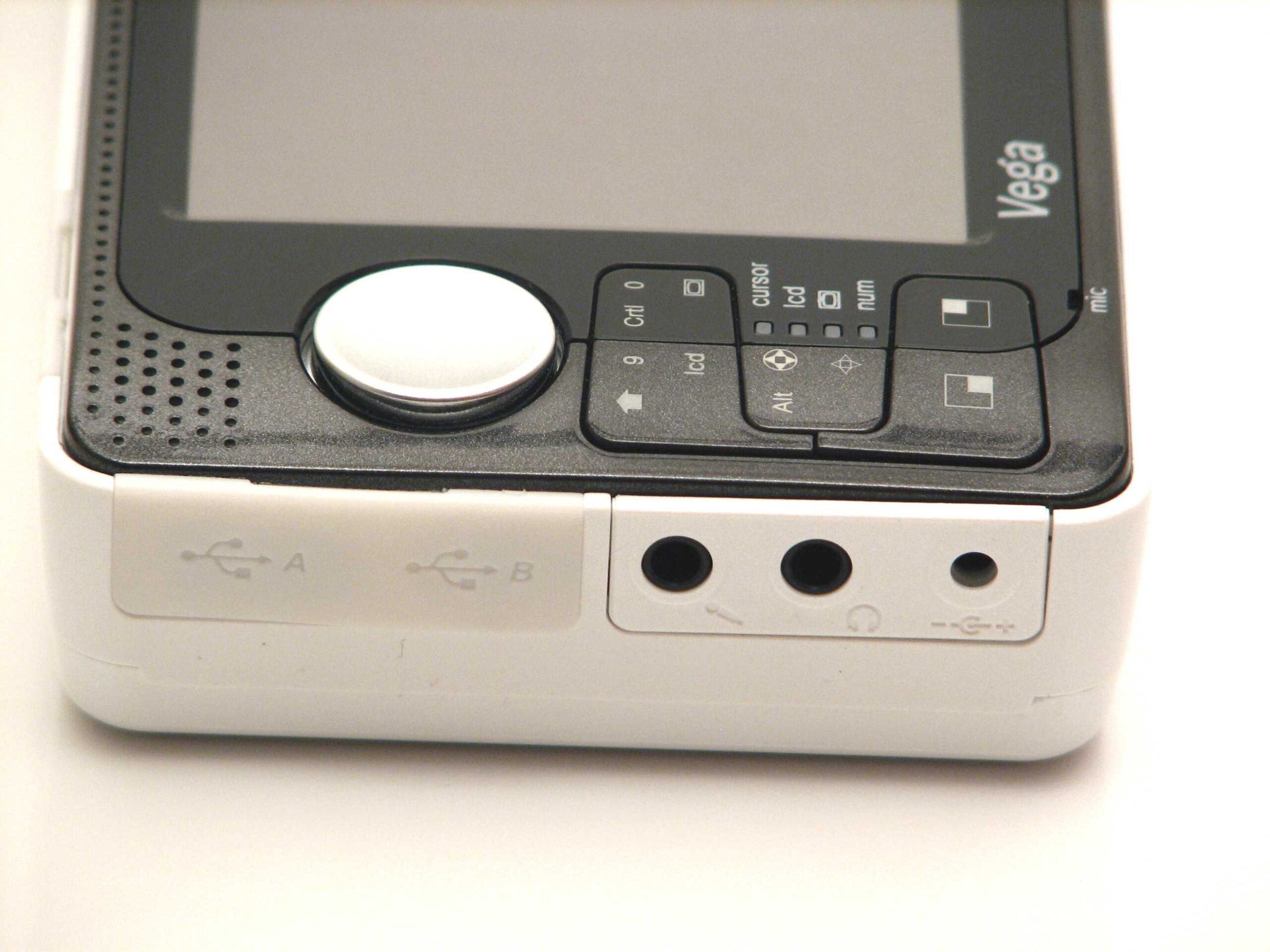
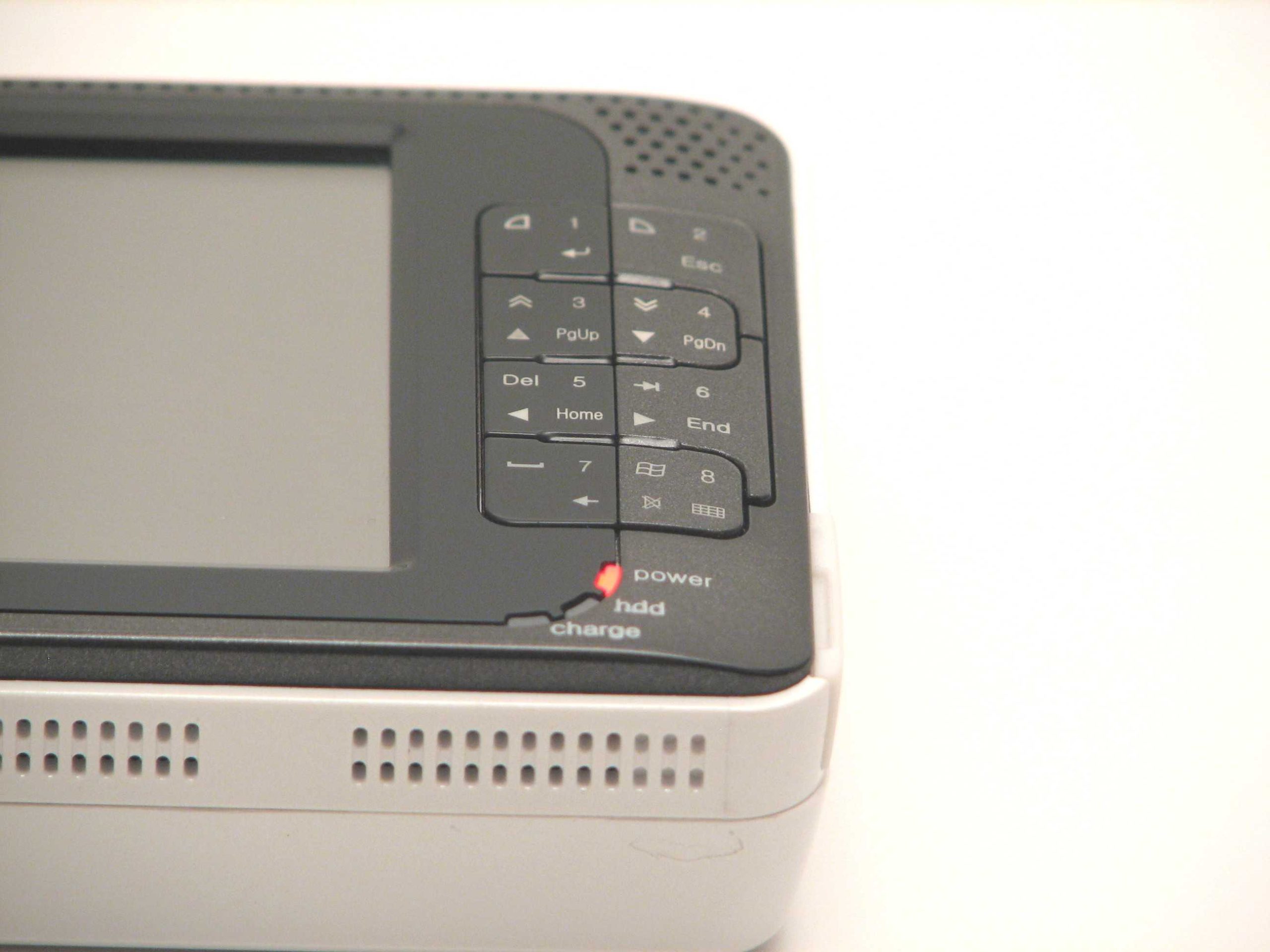
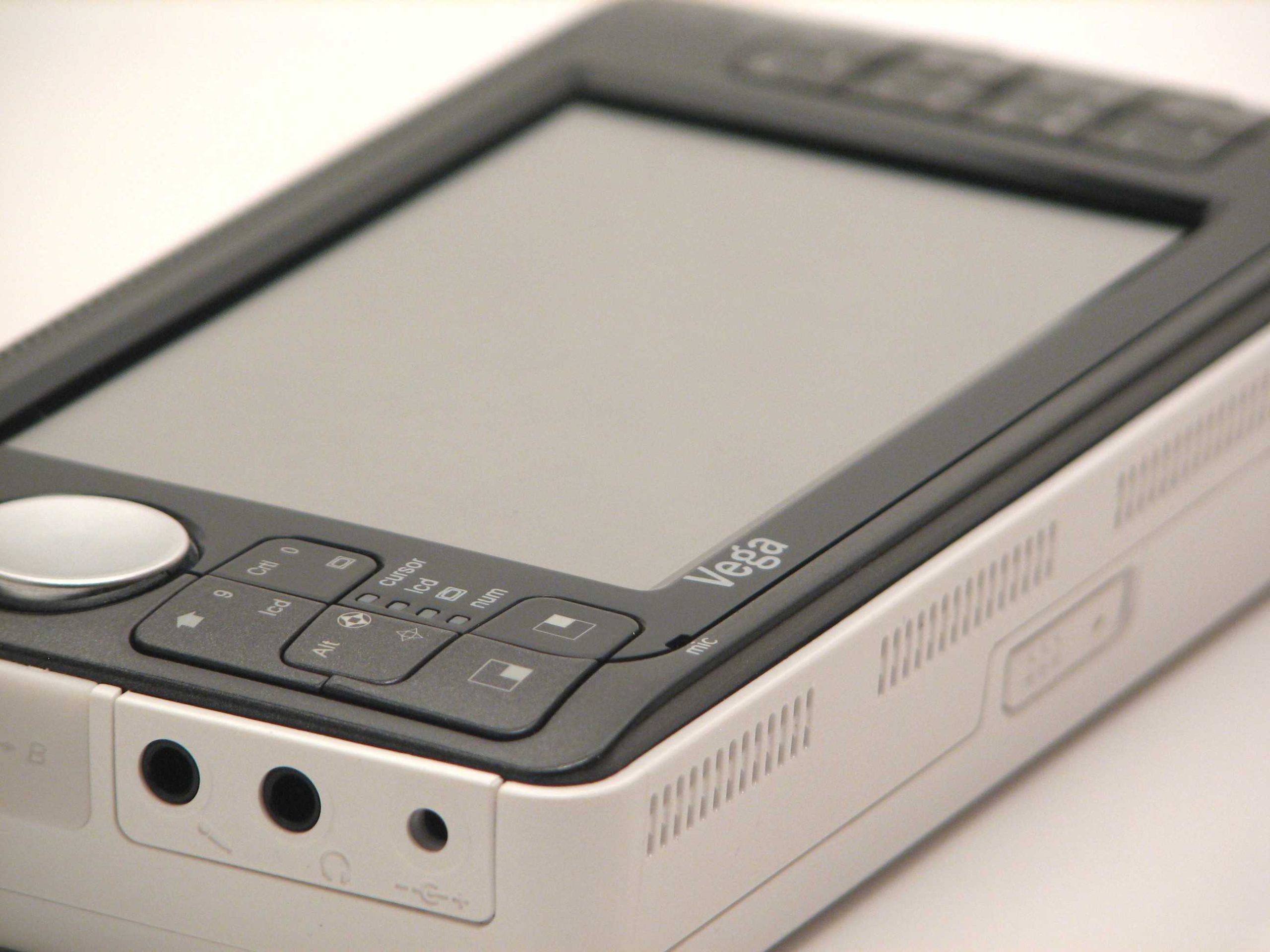
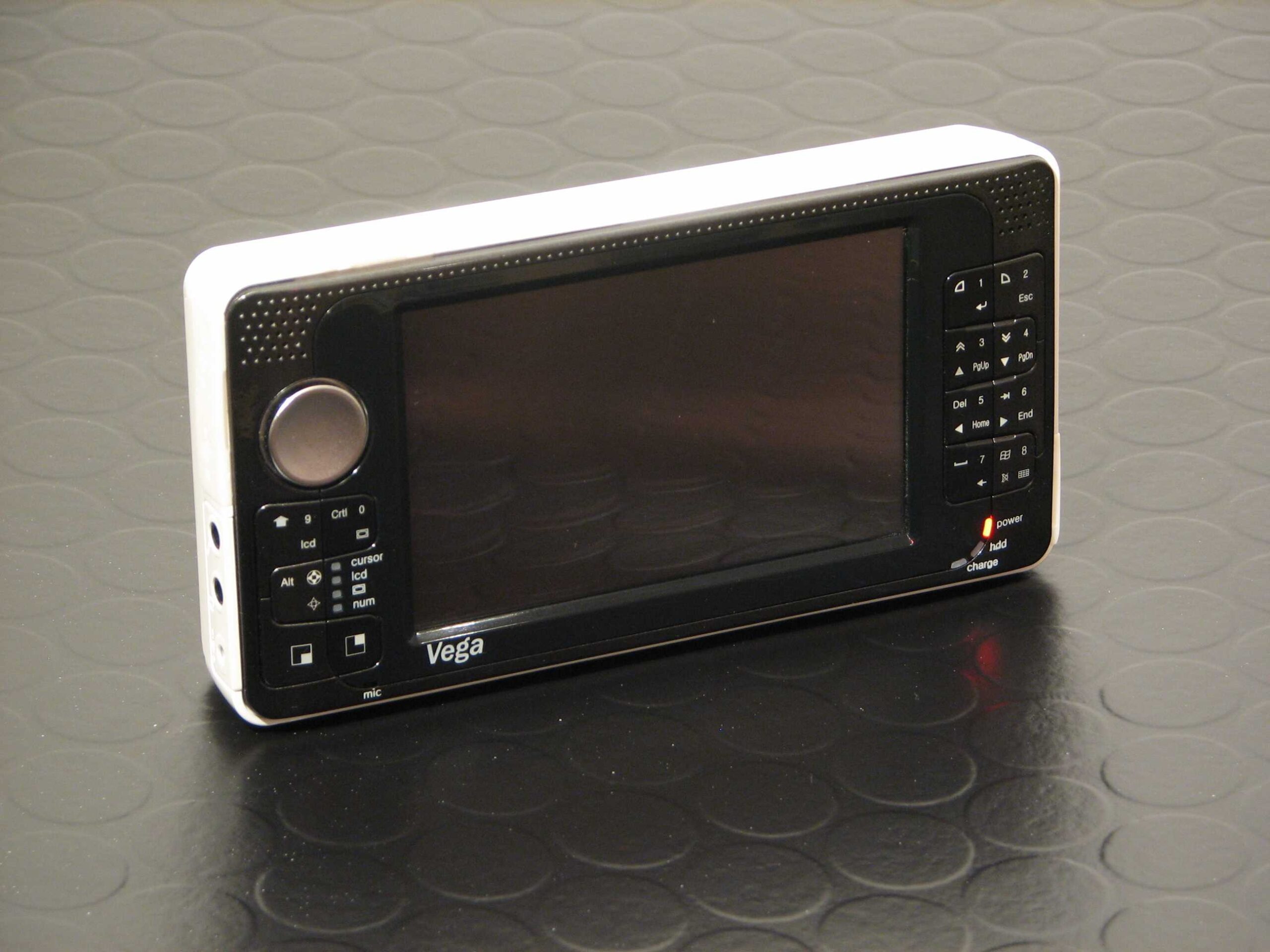
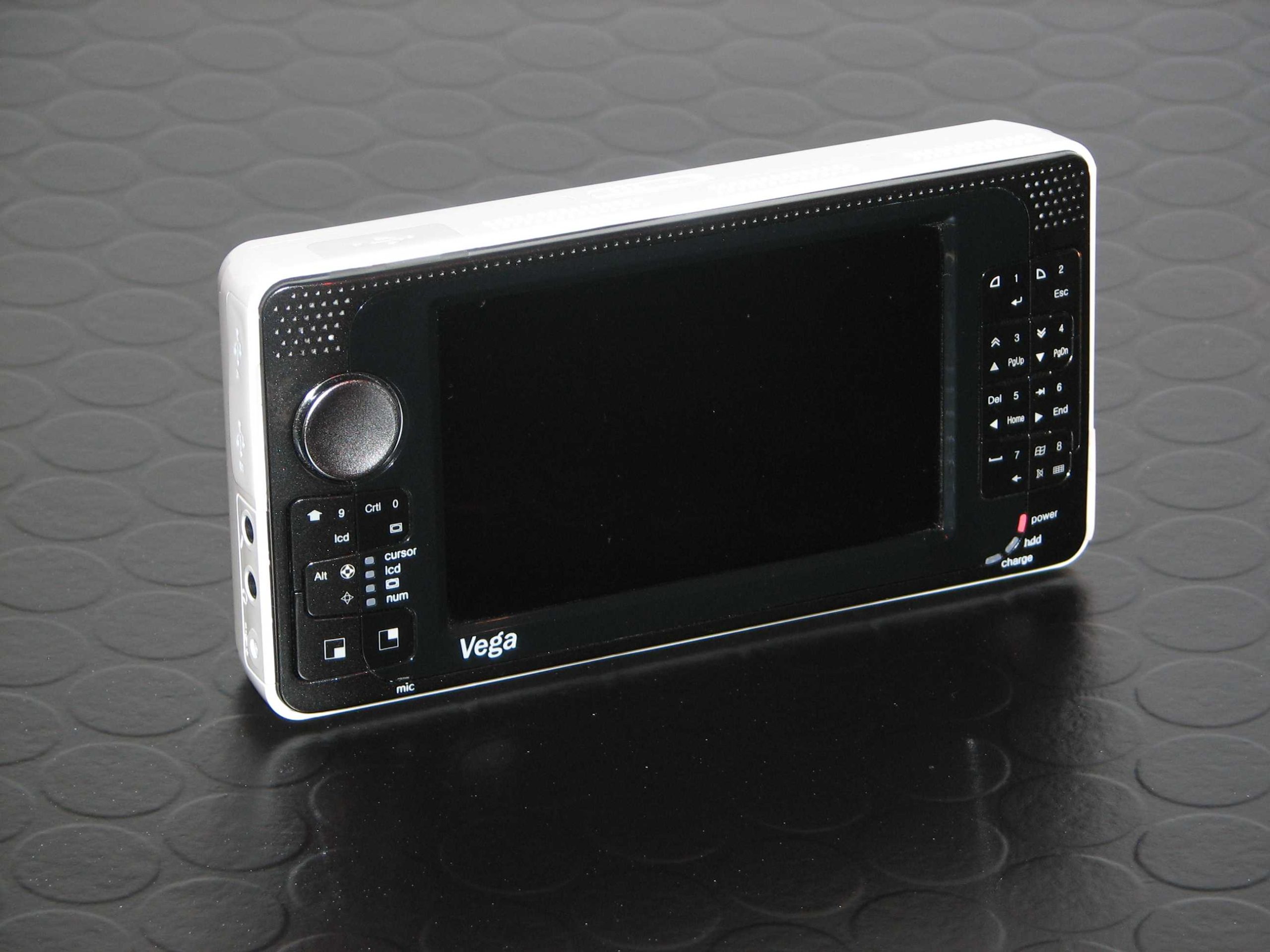
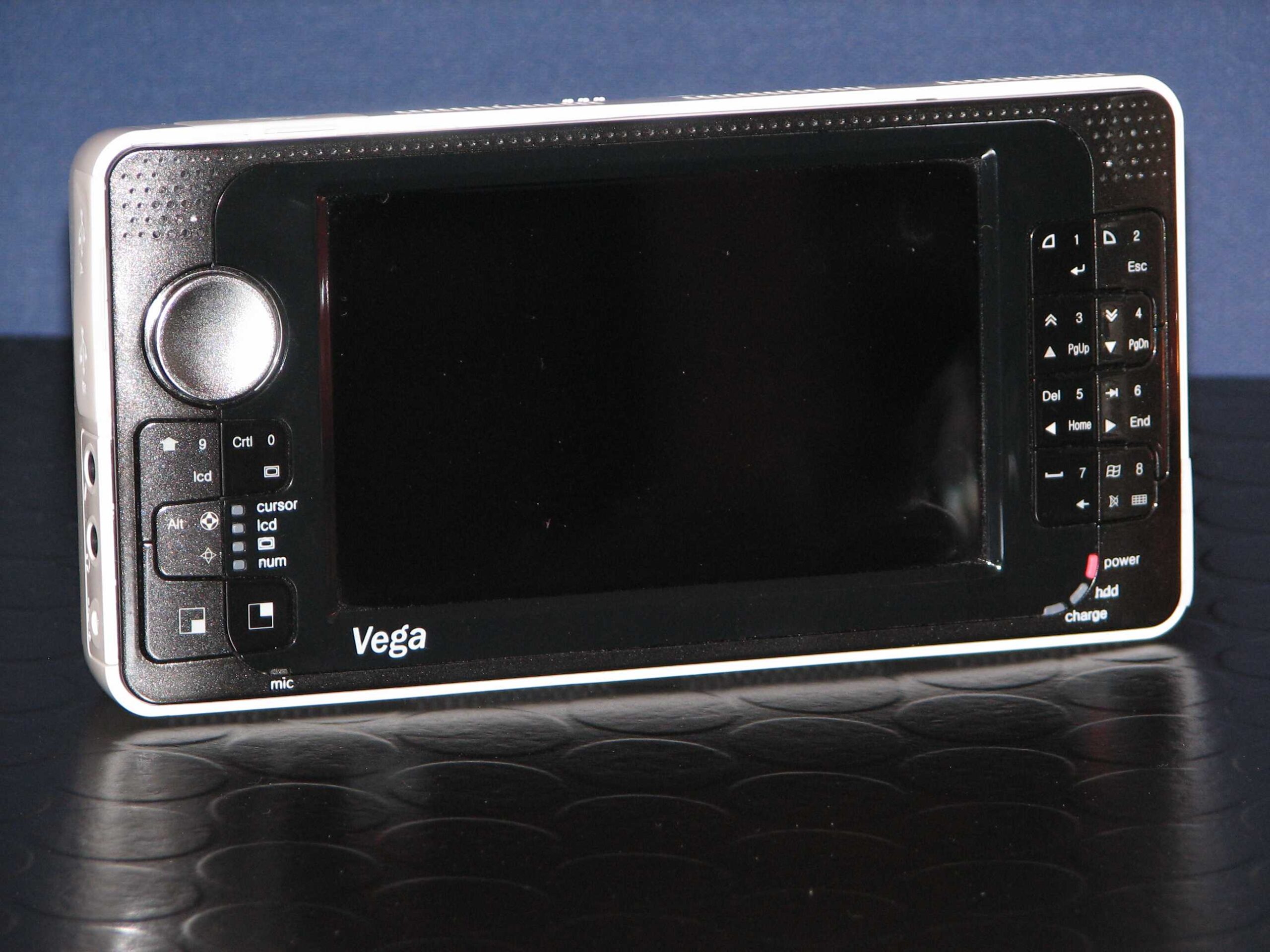
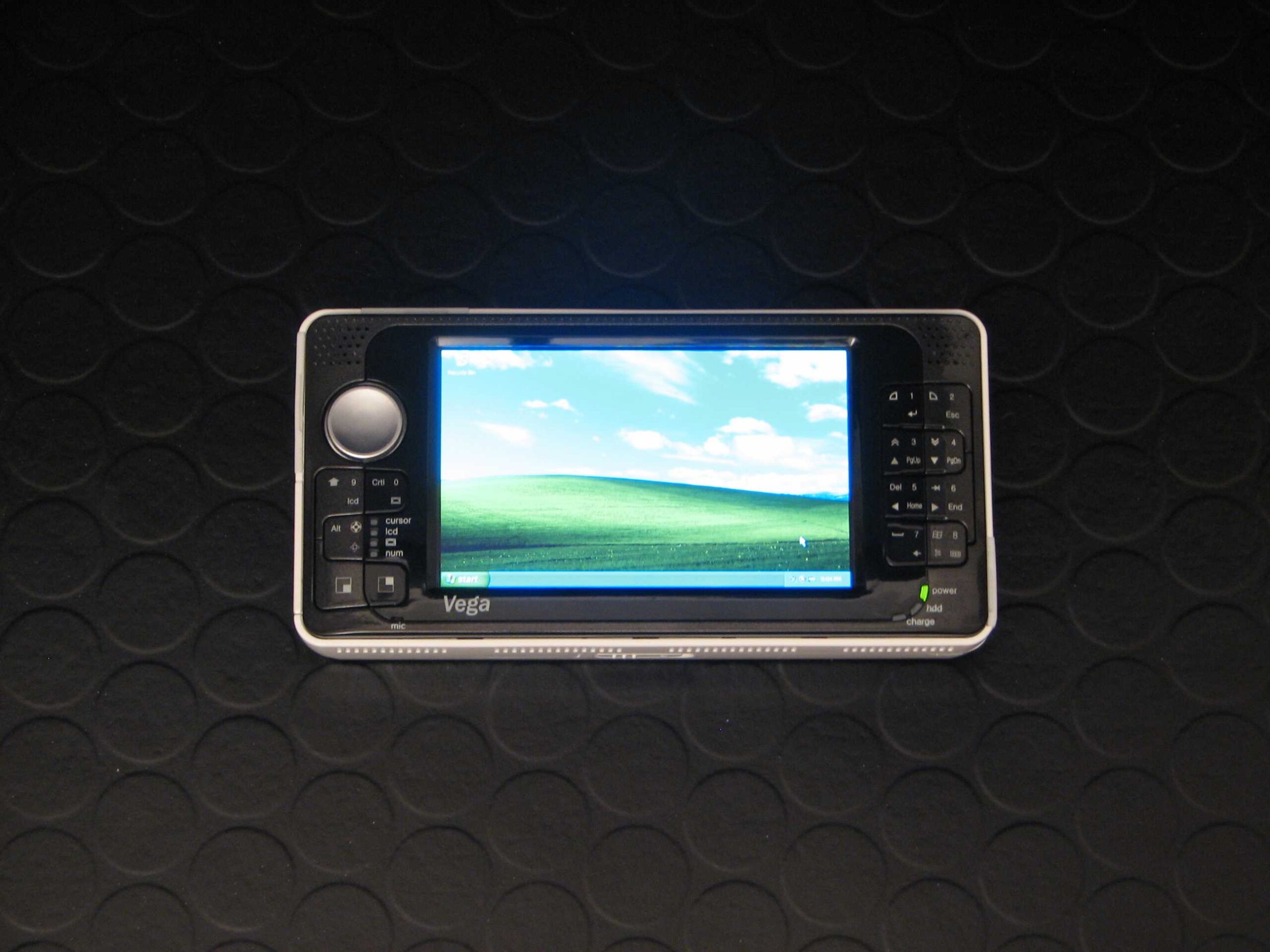
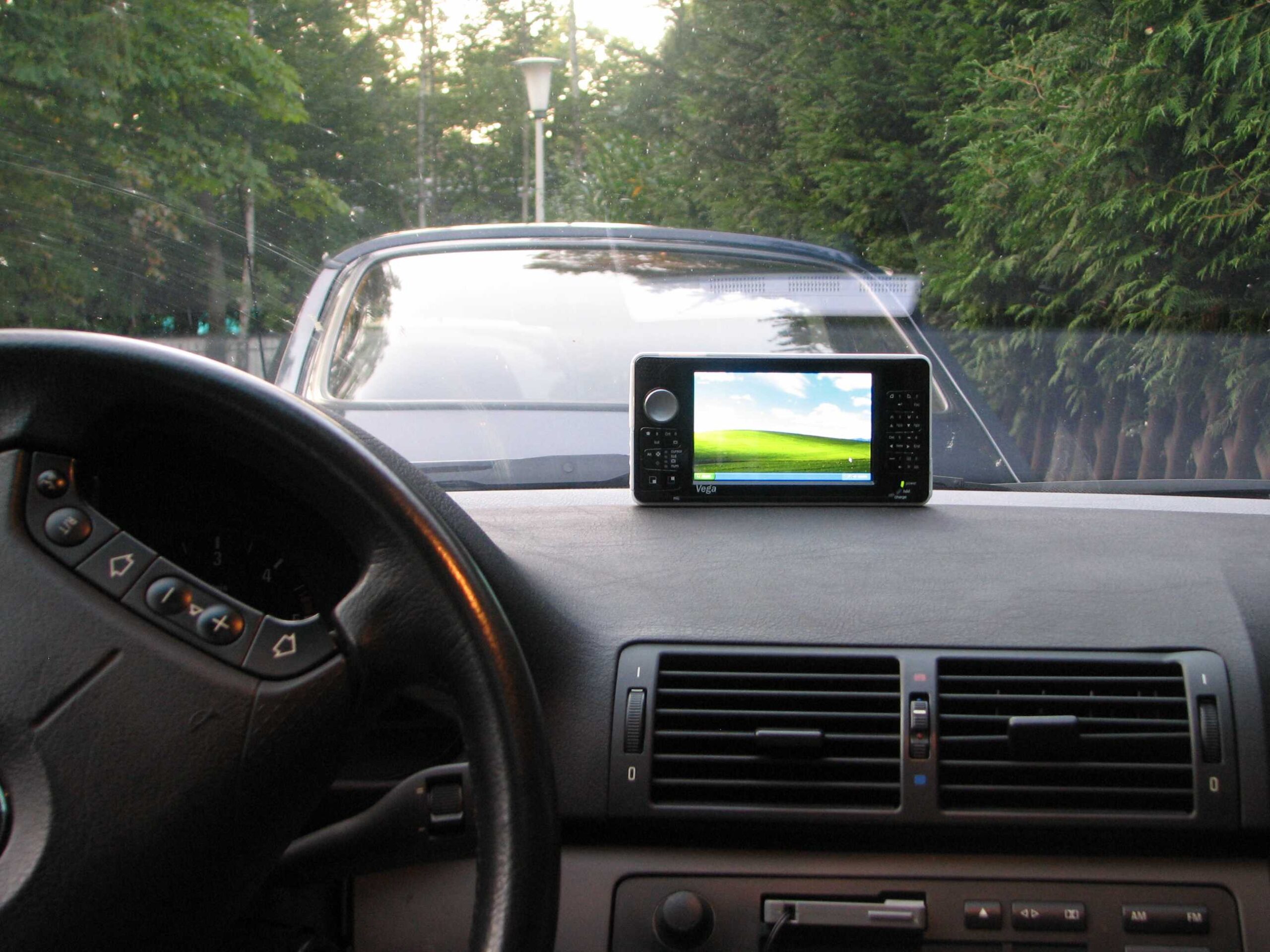
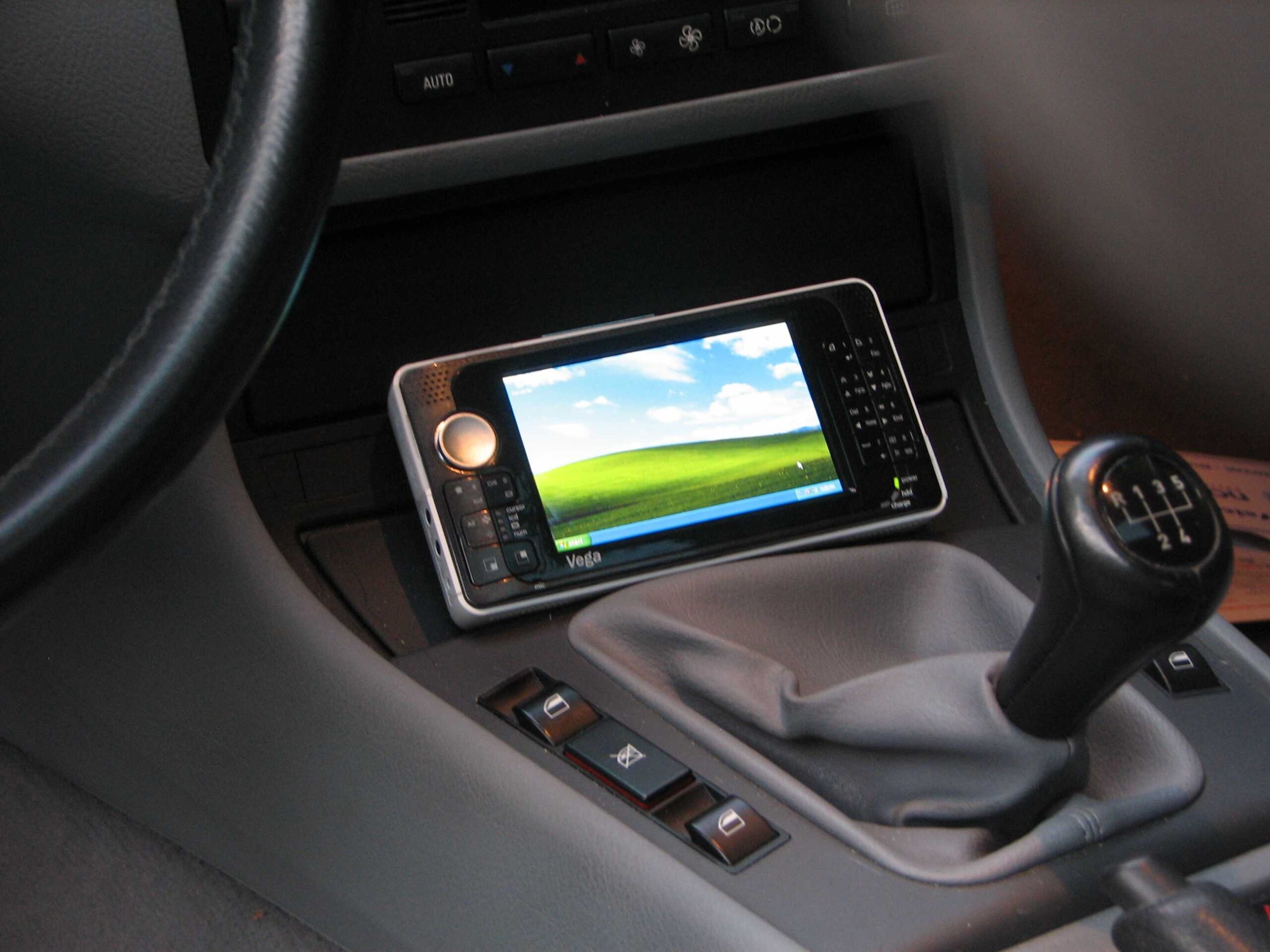
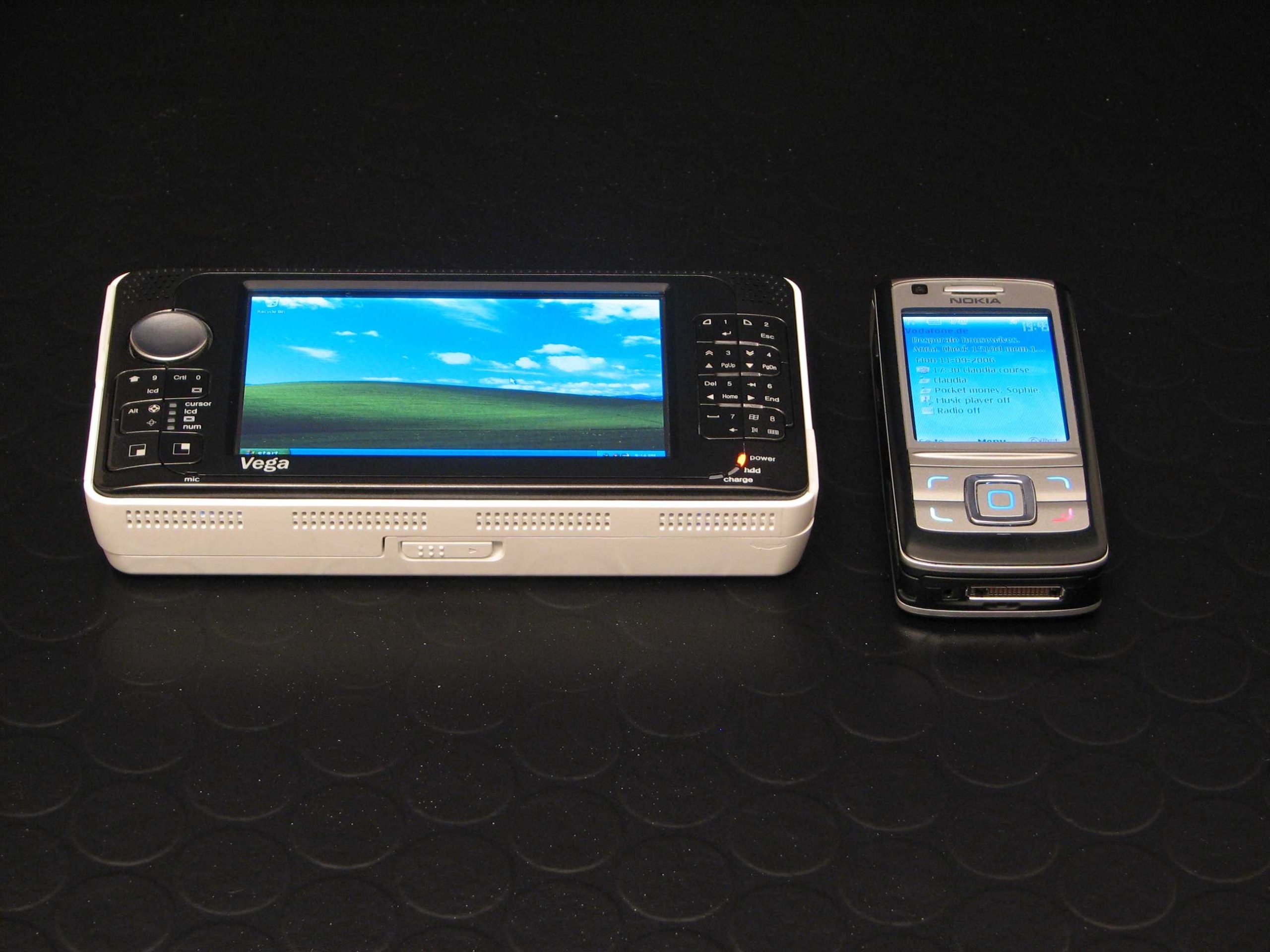
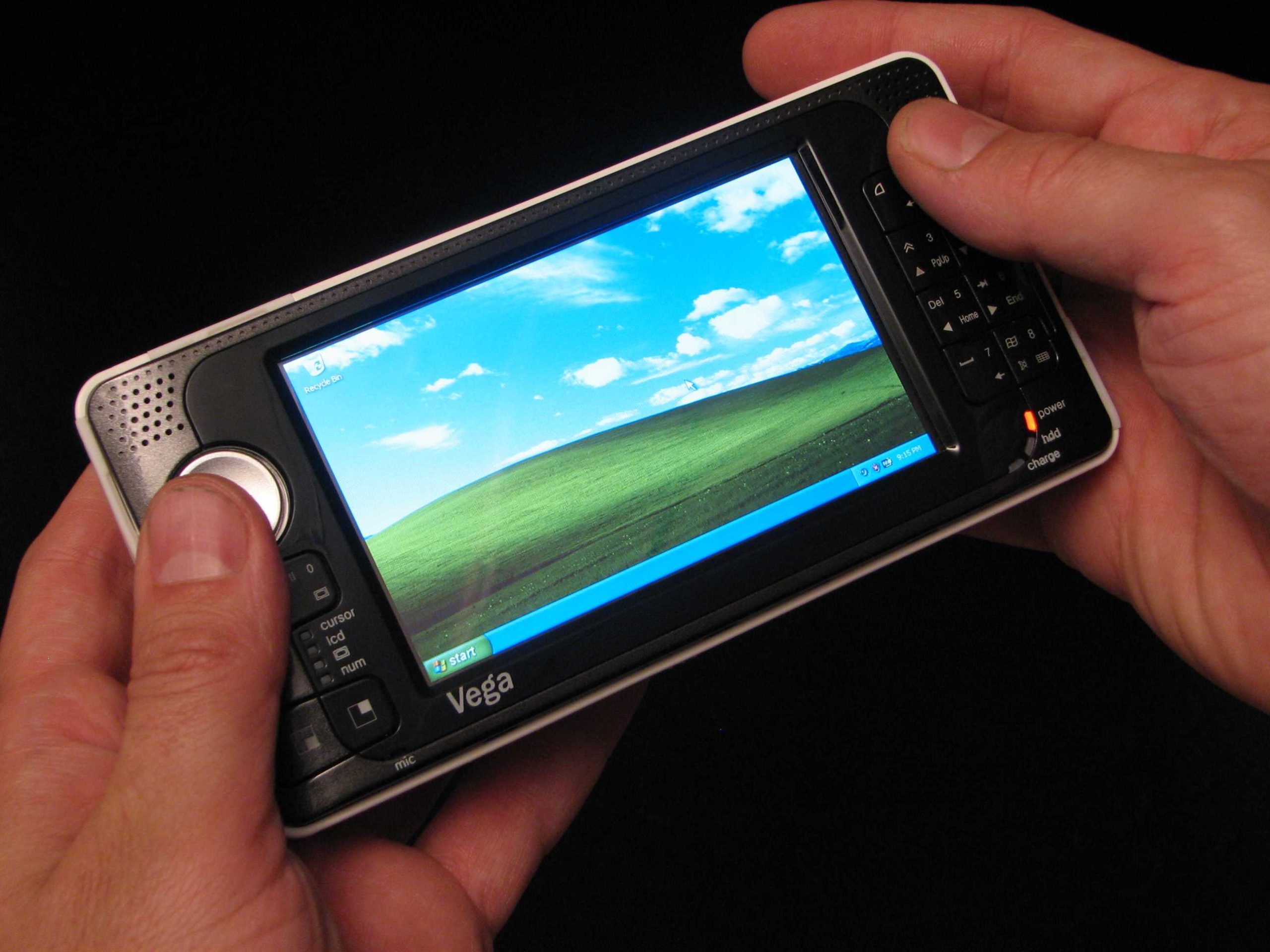
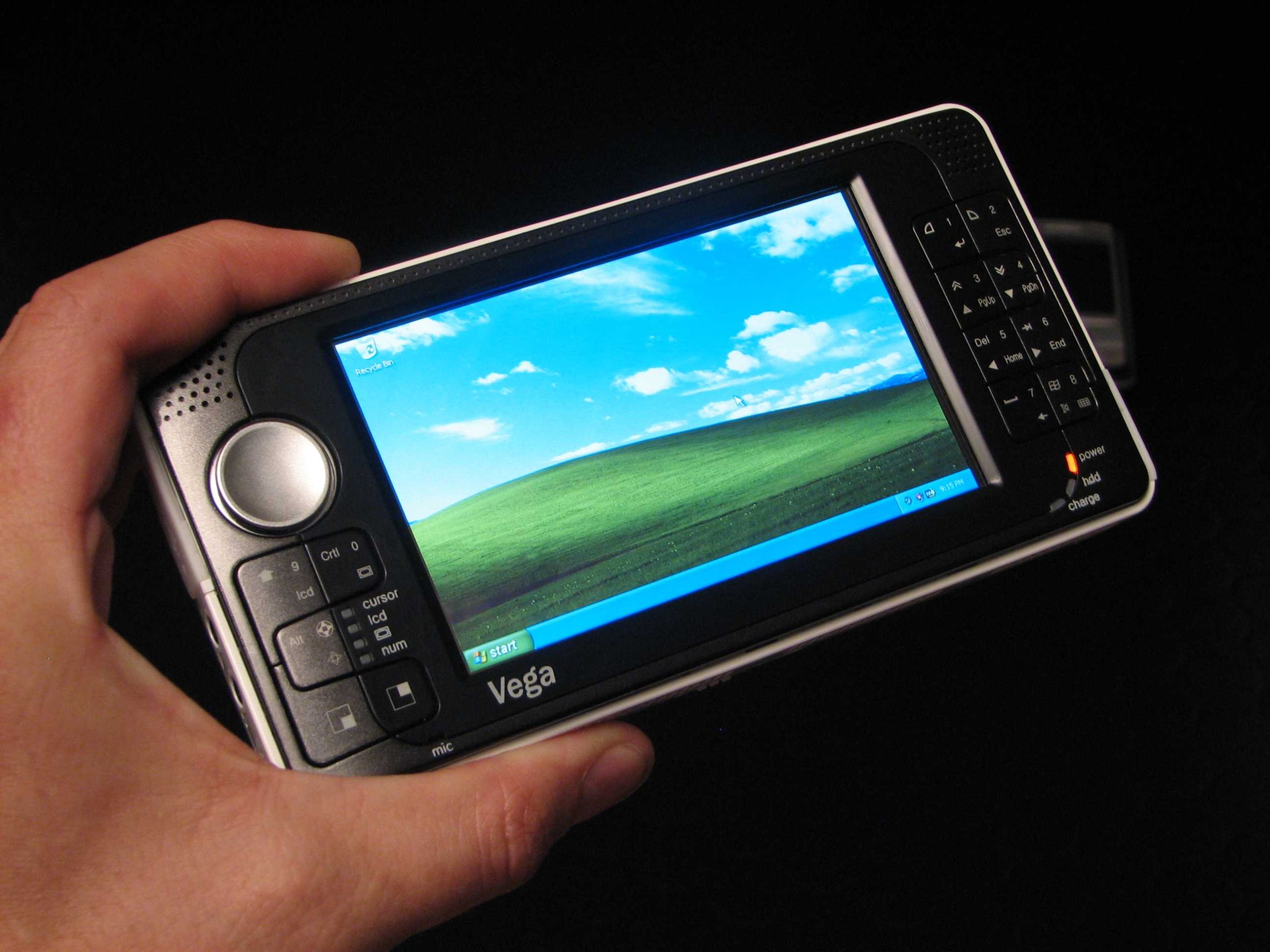
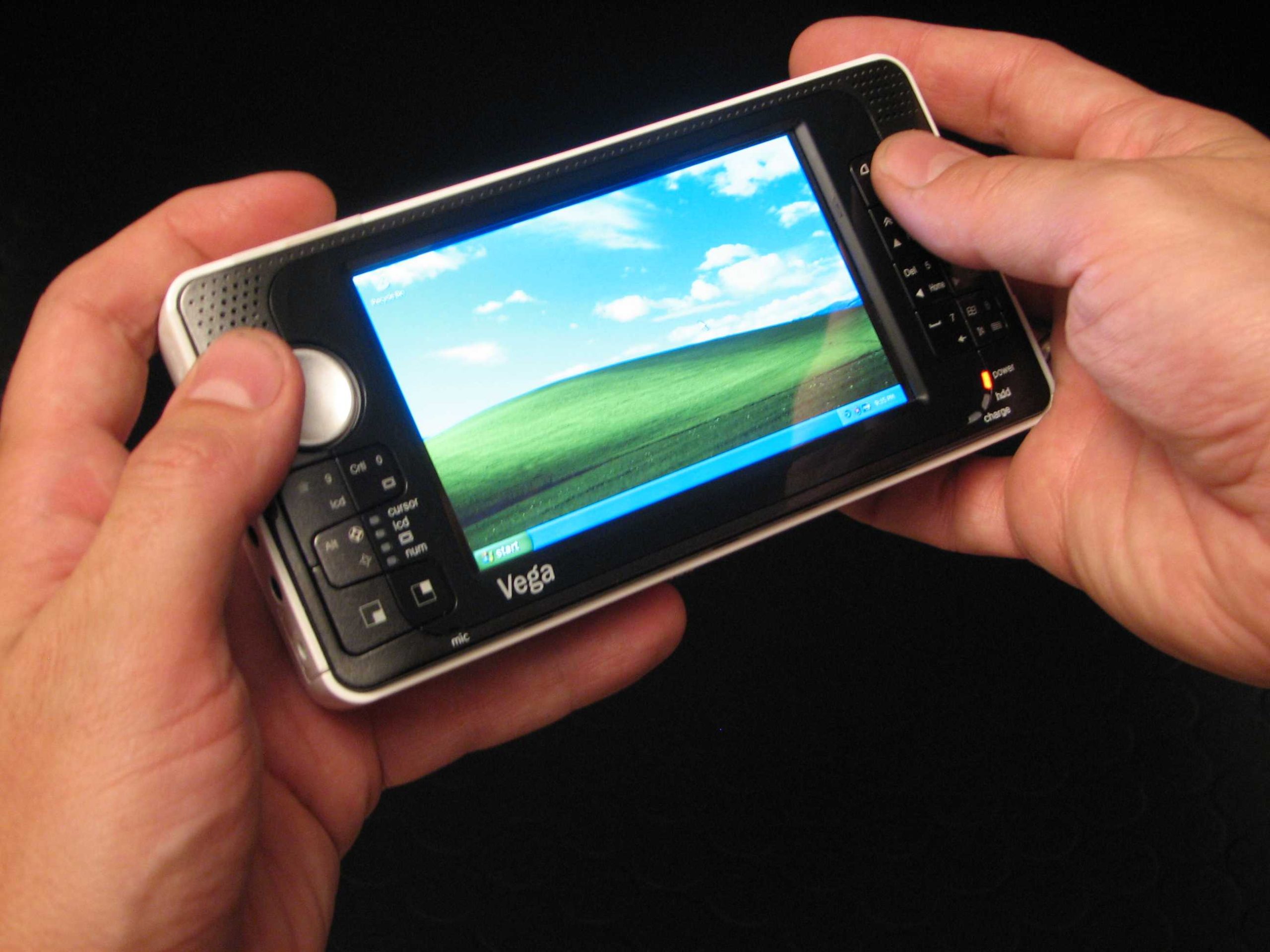
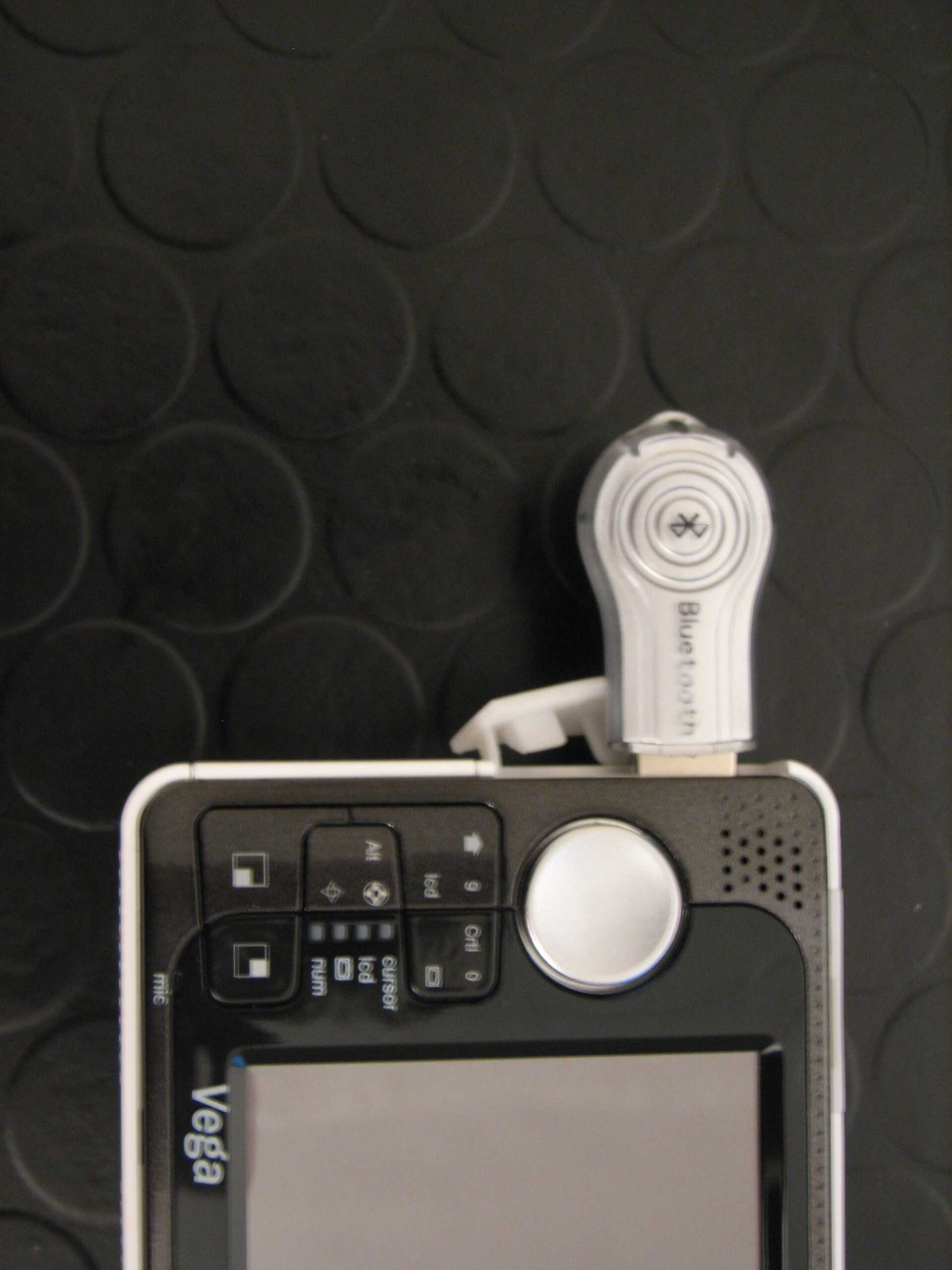
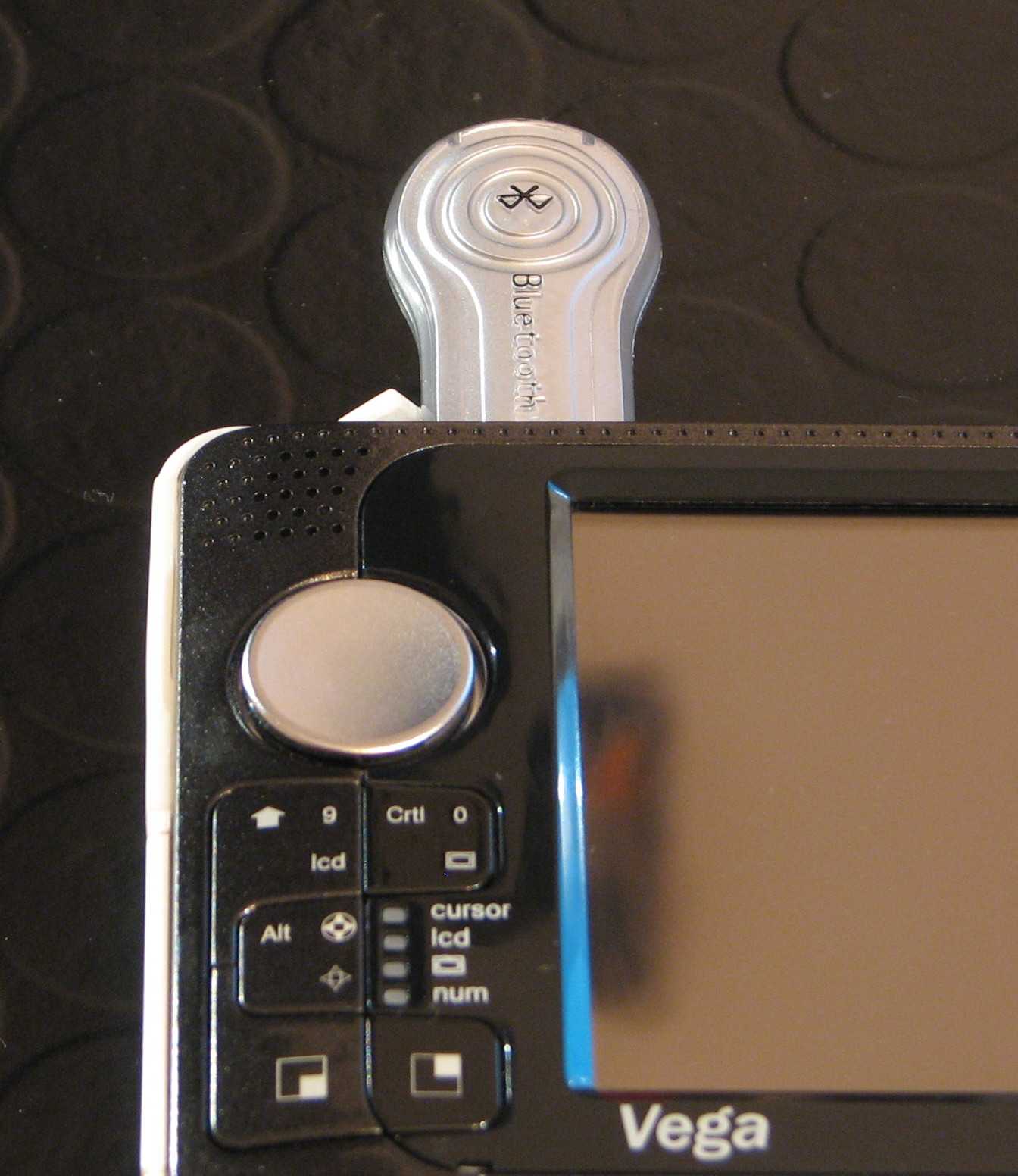
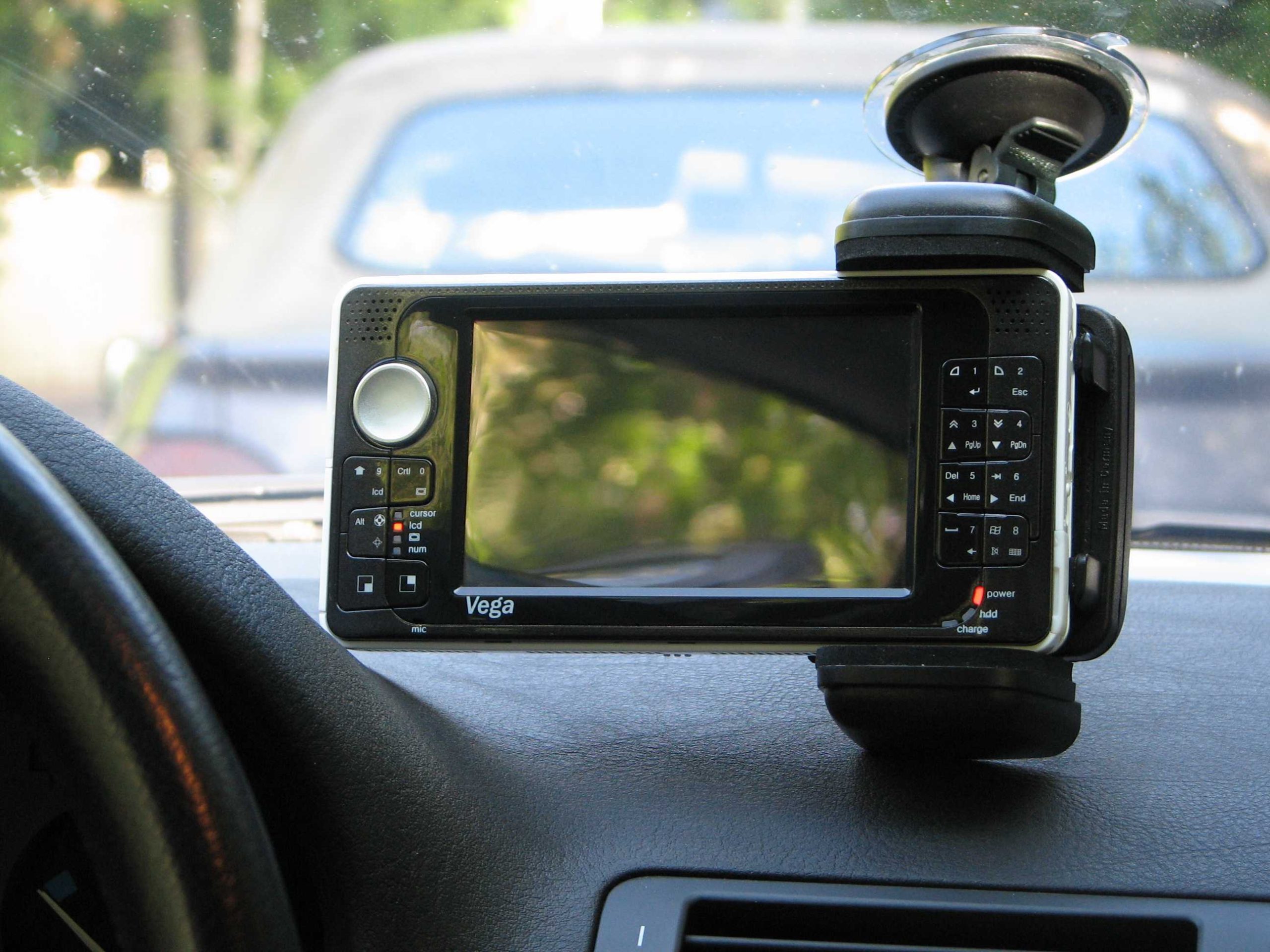
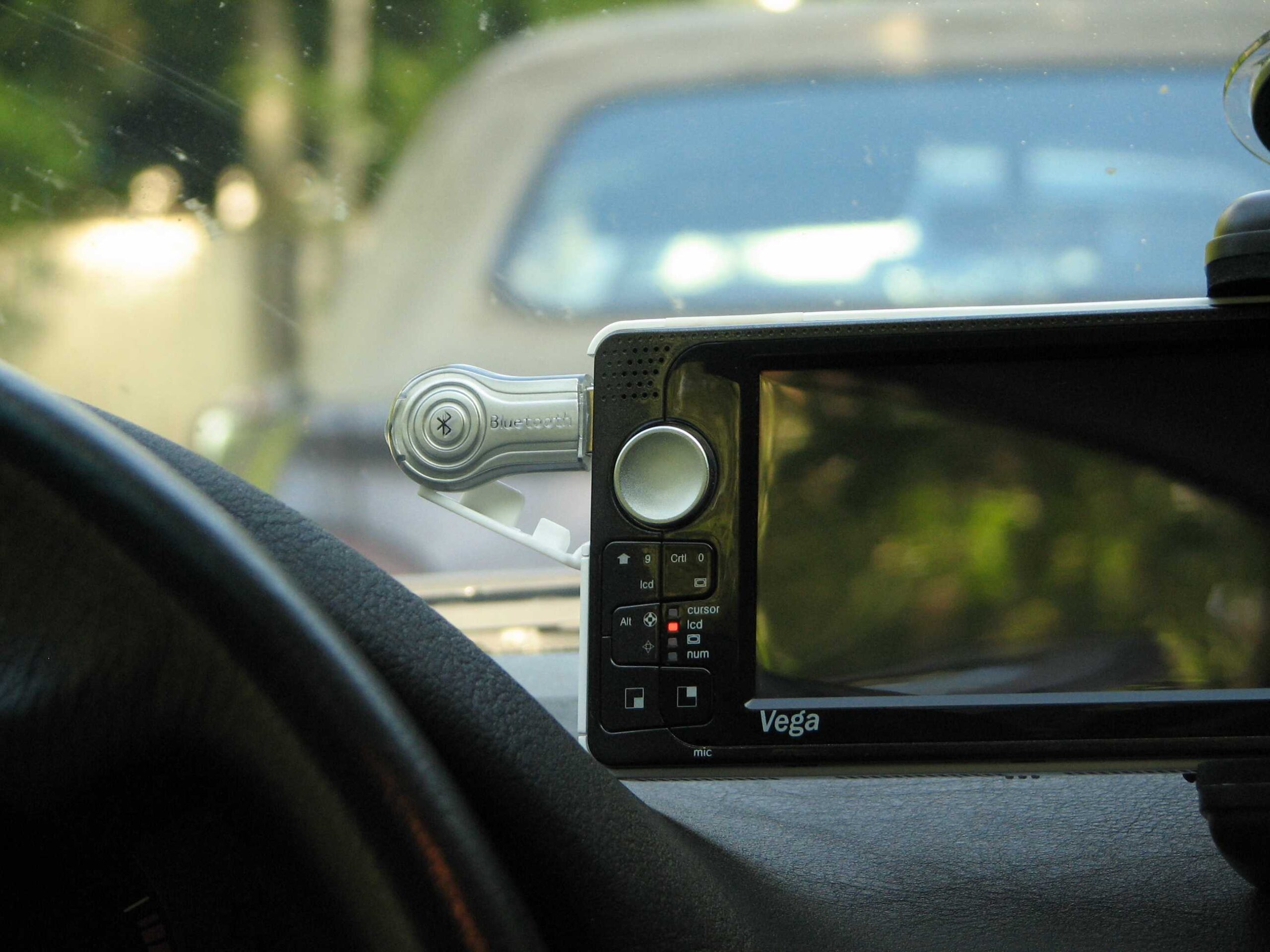
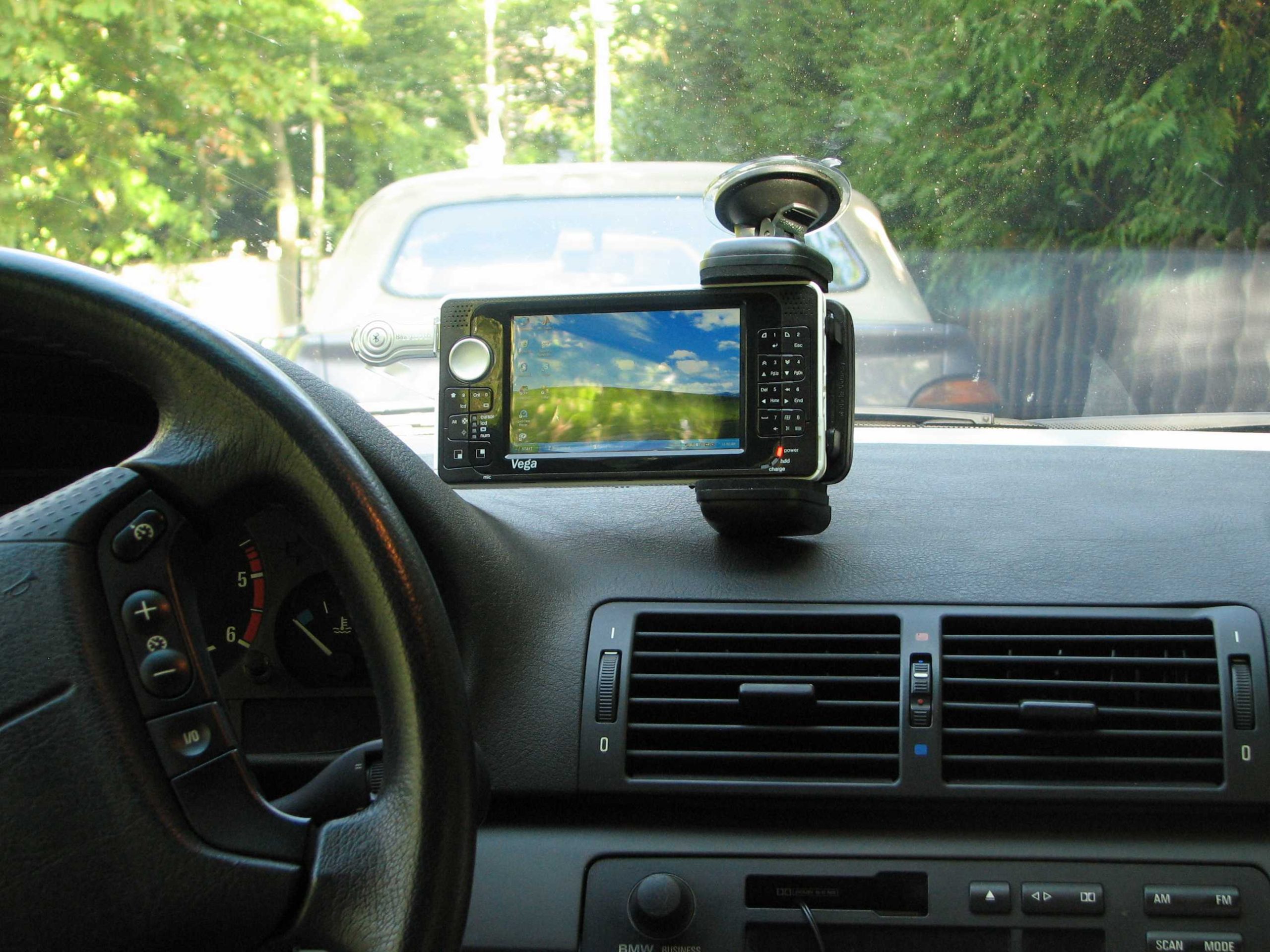
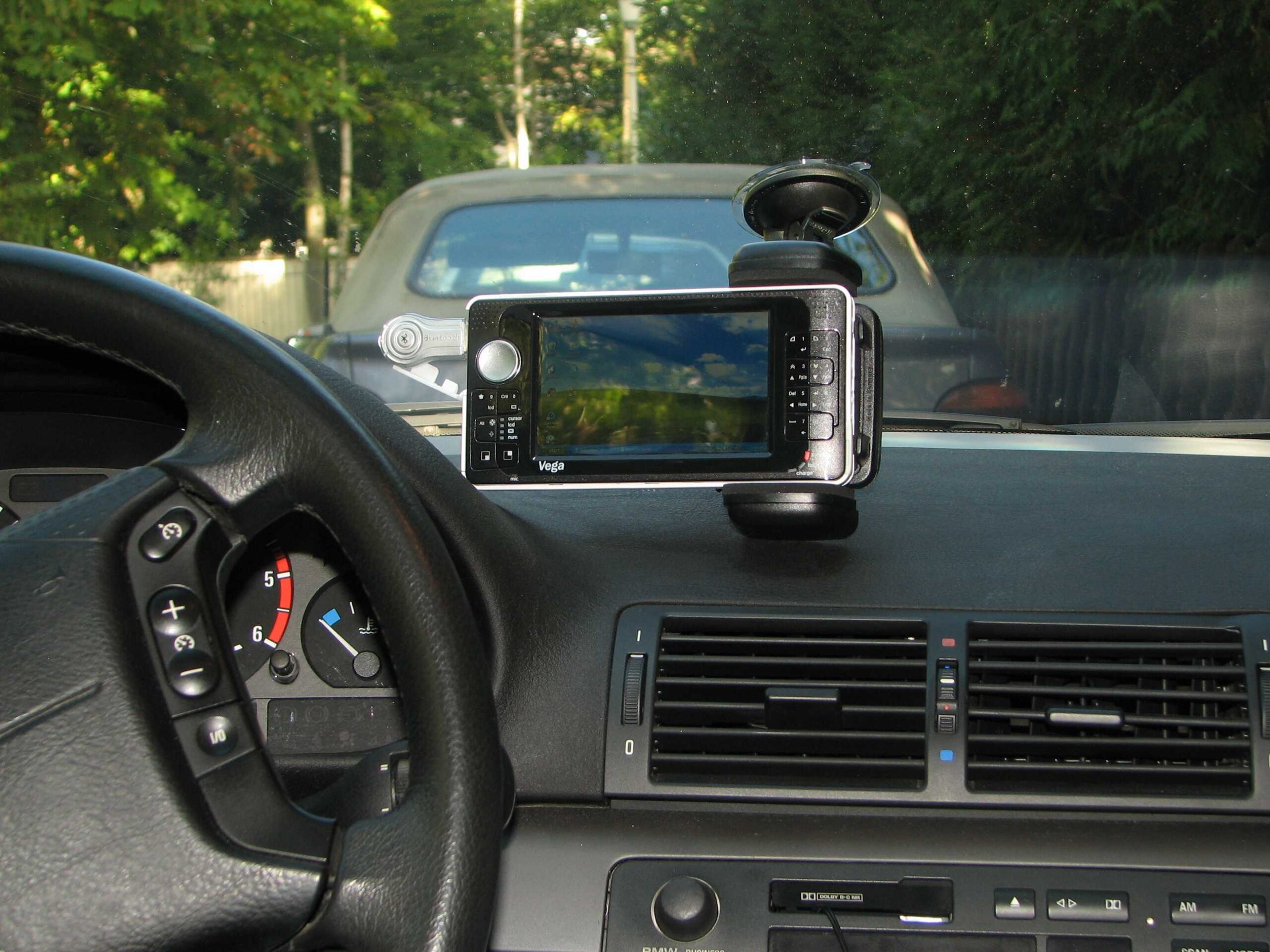
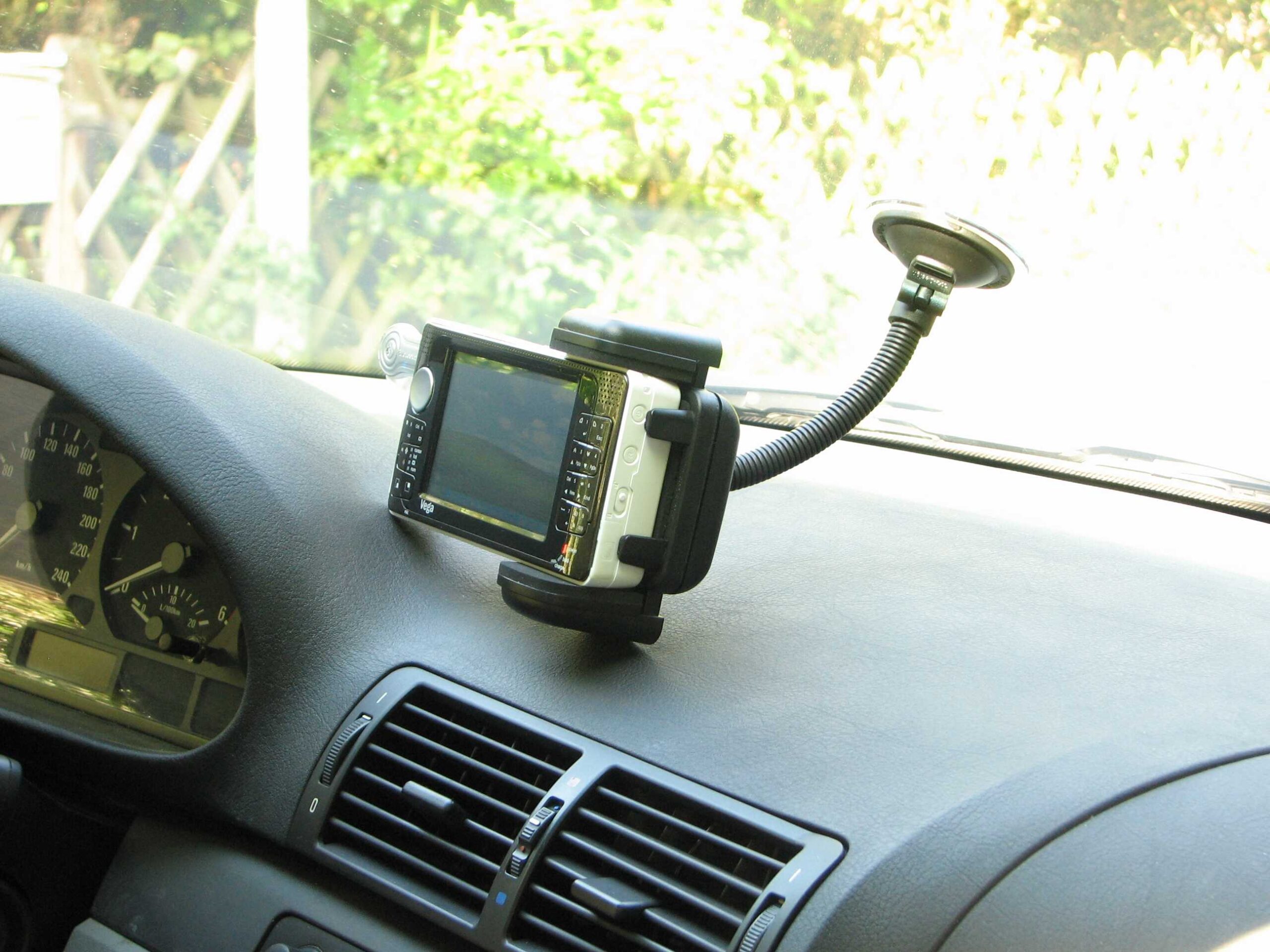
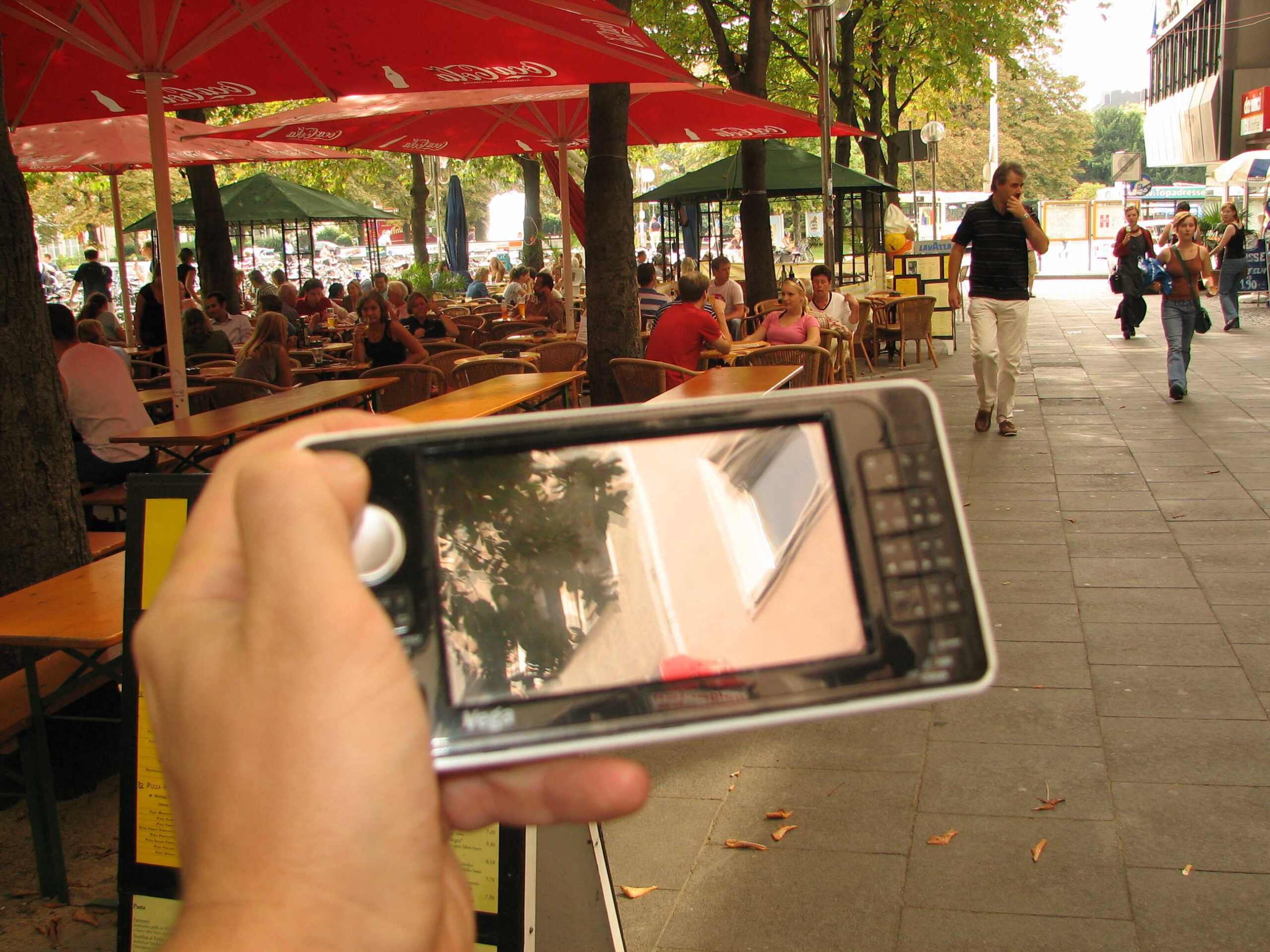
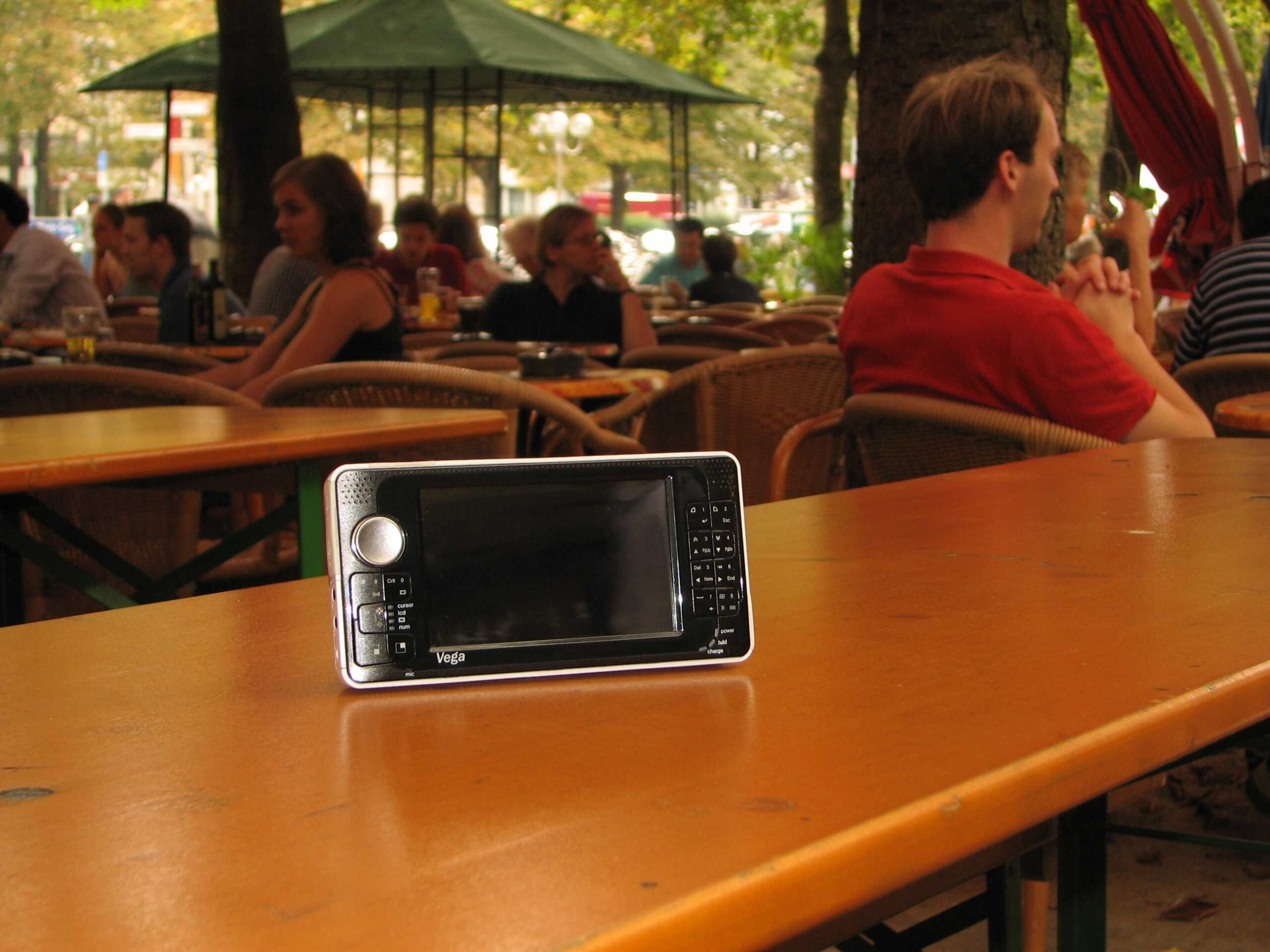
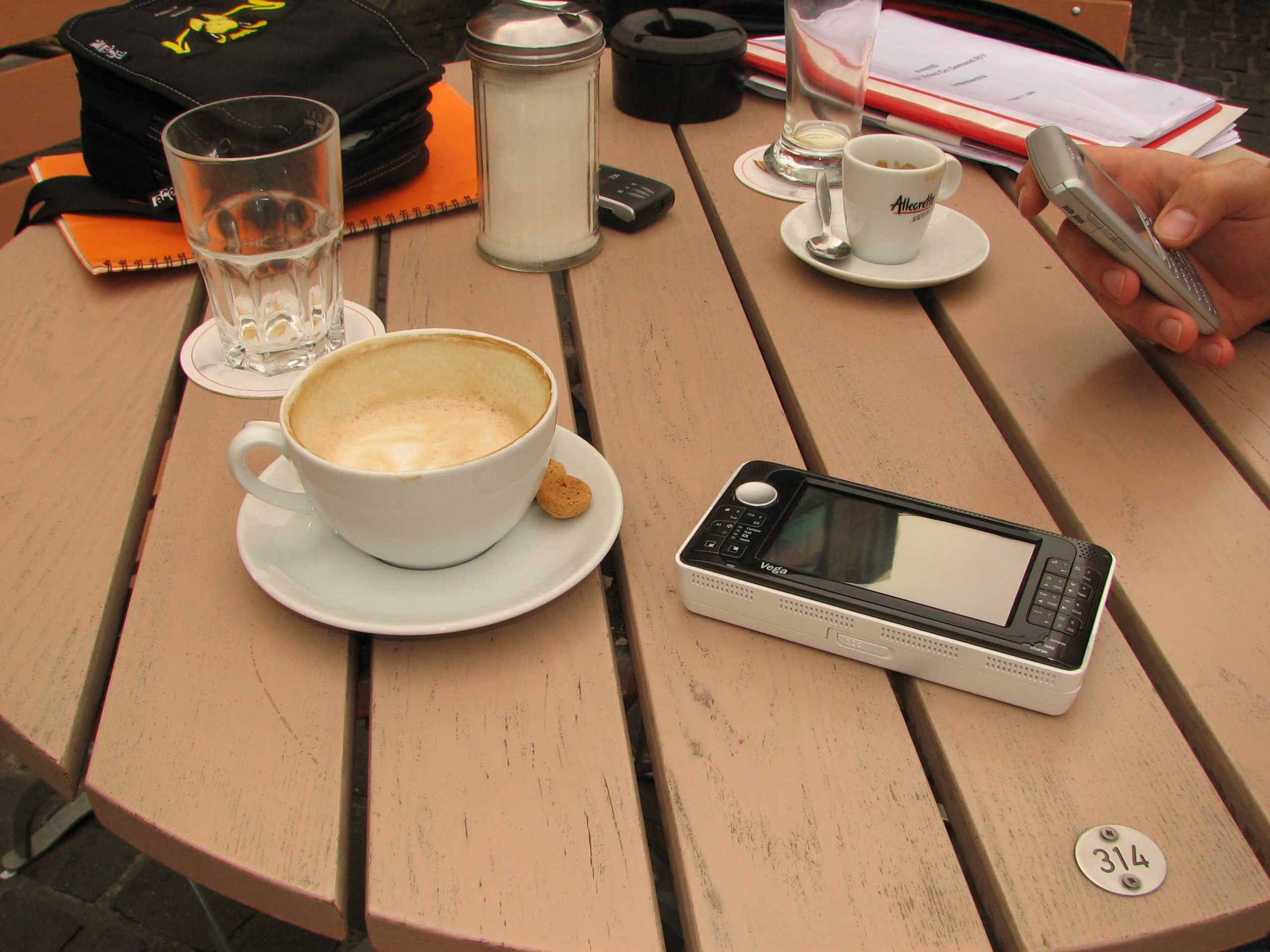
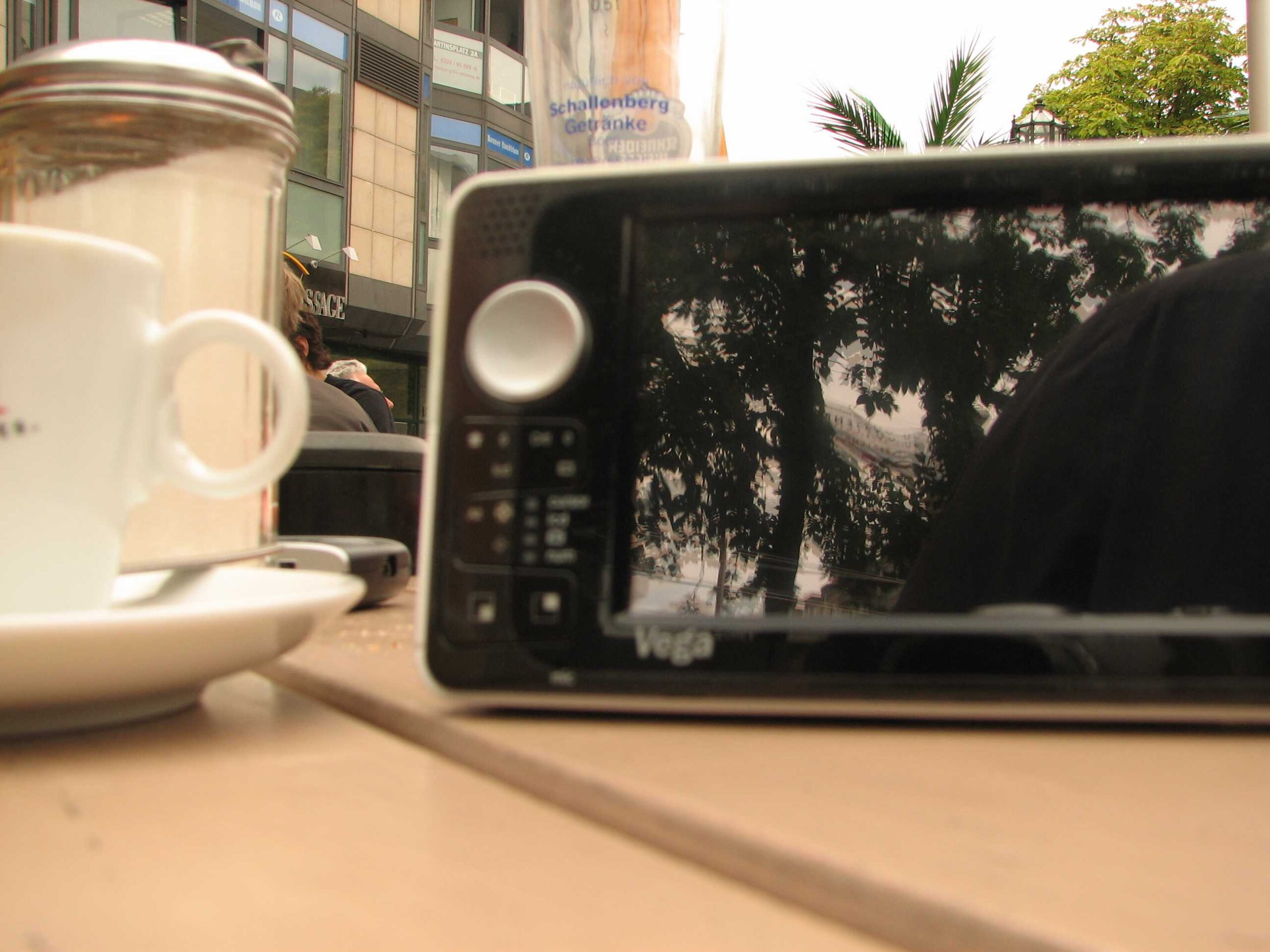
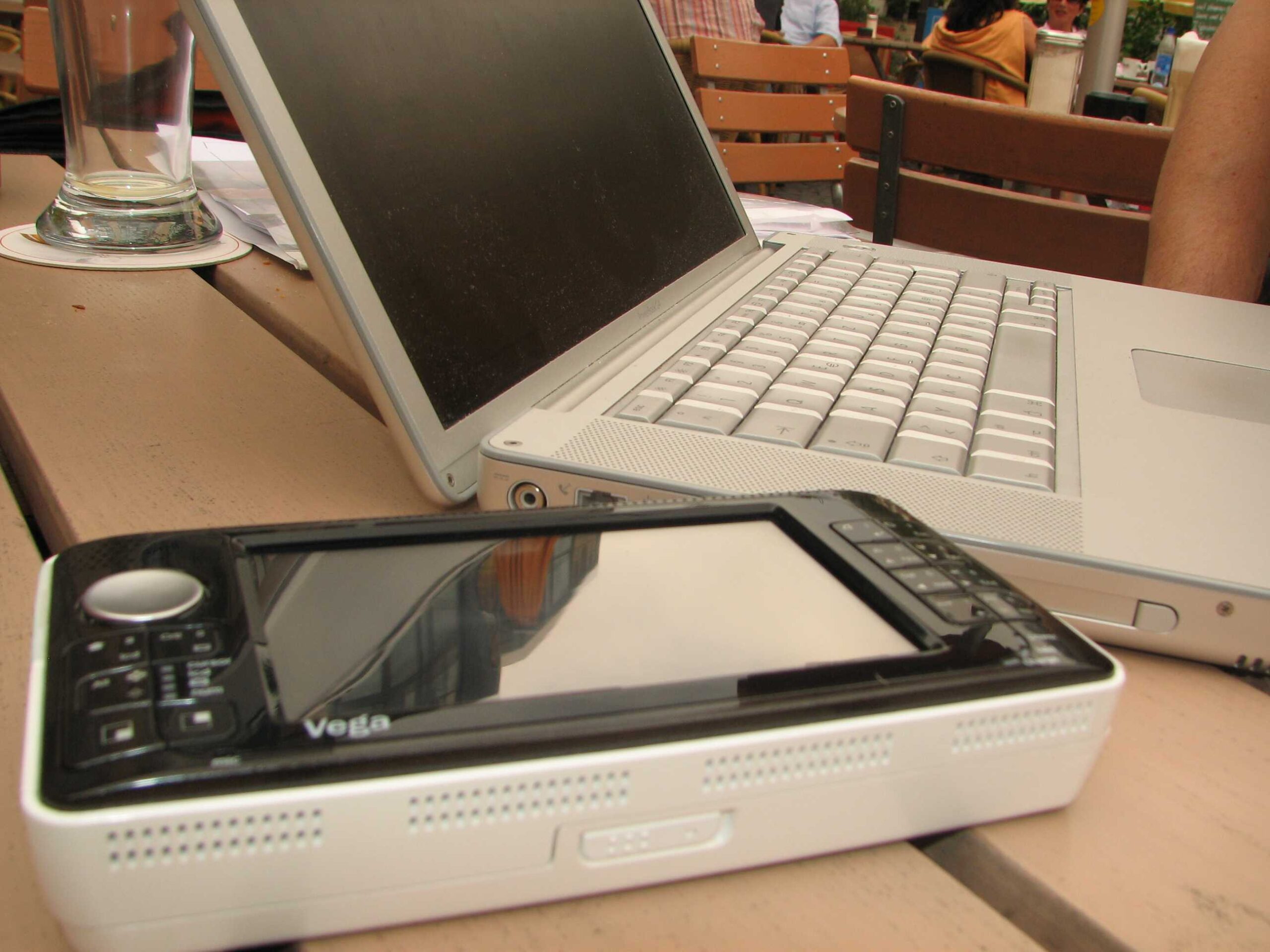
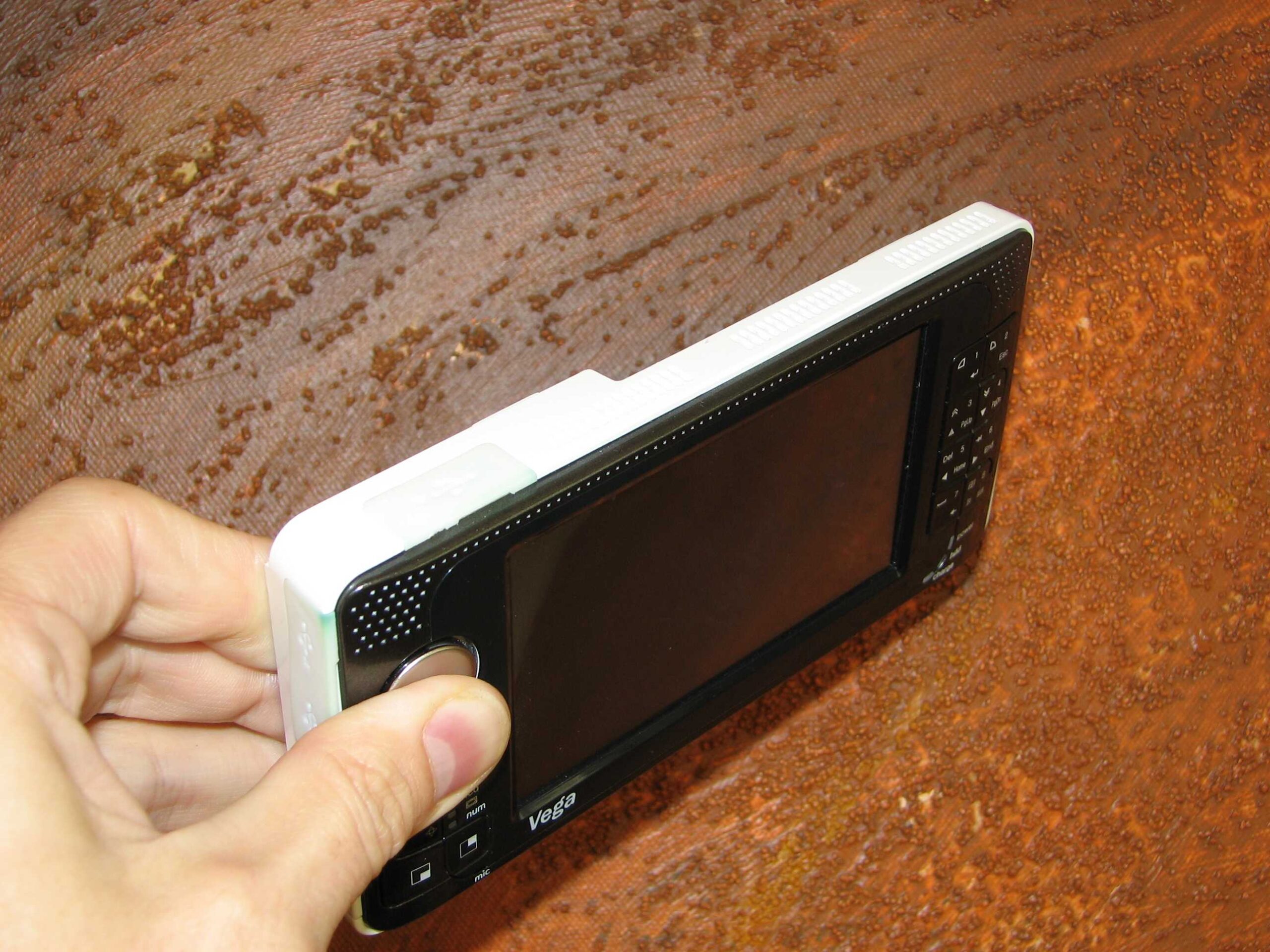
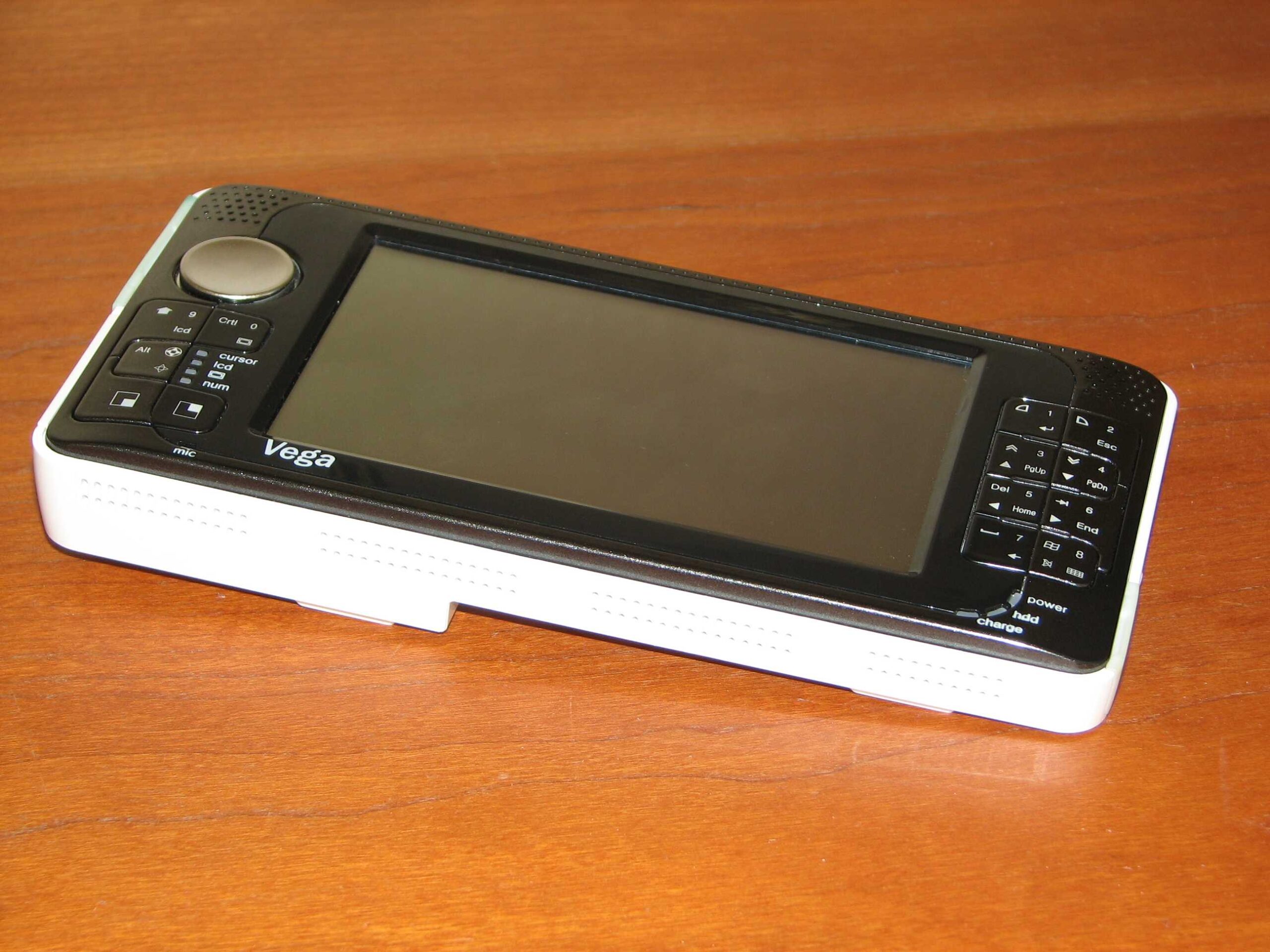
So. While you’re here, take a look at the Vega gallery and the data sheet for the Vega where you can find all the Vega specifications and links that we know about.
4:16
I can’t imag…..and there she goes. A very ungraceful shutdown at…
4 hours, 17 minutes.
It’s actually 1 hour short of the claimed battery life under video conditions but its a great achievement nonetheless.
Well done little Vega! Now for a bit of gaming.
Steve /Chippy
tags: Vega, battery, umpc, uppc
Raon Digital Vega images
All 58 photos, with captions, are also on the Raon Digital Vega images page.




















Great news! Does the little guy still ship with only 256MB of RAM?
So far Hugo had great things to say about the screen, and you’ve been able to confirm that the Vega is great with the battery.
How is the slightly smaller screen with usability?
Hi Matt.
I have a version with 256MB. They sell a version with 512MB though.
The smaller screen is an issue but when you learn how to use the keys (i’m learning more and more shortcuts all the time) it compensates. I find it annoying that there’s no TIP as with tablet edition XP.
Steve.
I’ve seen the Sony Vaio UX180 and at it’s native resolution, it is extremely difficult to use because the fonts are so small. The screen is beautiful, crisp and clear, but even so, it is hard to use without getting a headache.
How is the Vega’s screen? Are you able to get screenshots of it surfing the web or with some menus up?
Can you see if it plays Google Videos without a problem?
When is this coming out…I’m really itching to buy a UMPC but all of the 7″ form factors are still too big for my taste. I am hoping that this Medion is going to be good…
greta work chippy – if it was under “normal” load of some office apps it may get all day! LOL.
What a little beauty she is – it will be interesting to see what the future holds.
THe screen is actually quite good in 800×480 mode but any higher resolution and it gets uncomfortable.
Videos work well. Google videos was no problem.
Google earth is not useable though as the 3D support is limited.
The device is available in Korea but keep an eye out for resellers soon. Dynamism are looking at it right now with a view to distributing it.
Steve.
Steve – any chance you can compare the Vega to OQO? Especially in regards to performance and heat.
Which is faster? Which gets hotter?
Chuck.
Its a question I asked myself today. The comparison is valid. Unfortunately i’ve never used the OQO.
The Transmeta is more powerful than the LX800 but really, is it worth $1000 more for the keyboard and processing advantage? The Vega has a great key layout that really enhances two-handed use. I don’t think anyone will be writing a lot of text on a 4″ screen so the keyboard advantage is very slight.
The other comparison i’d like to make is with the Pepperpad 3. This runs the same LX800 processor but with an optimised Linux OS. It should be faster.
Steve.