


Edit from Chippy: Thorsten, a new member of the team here takes on the R2E…
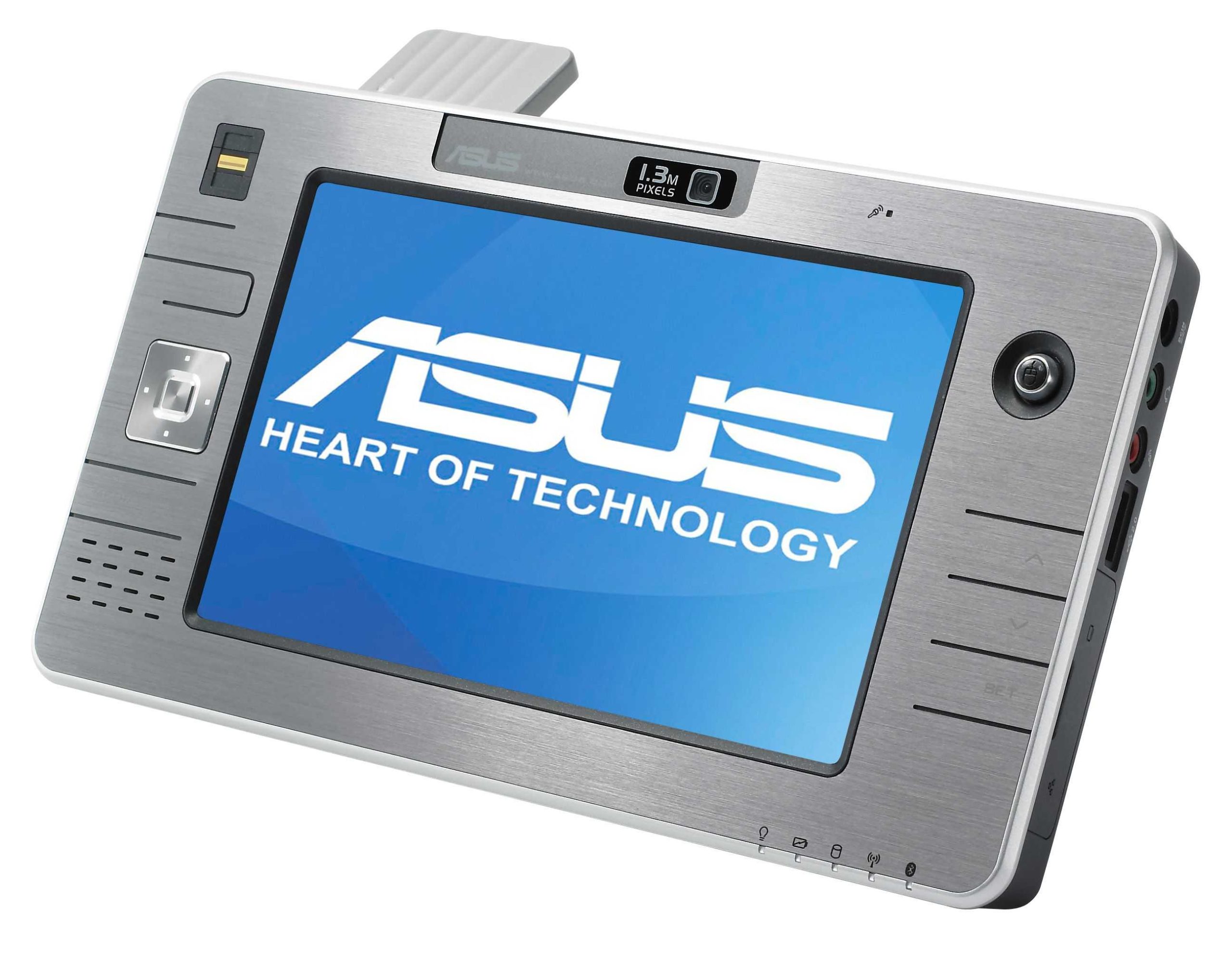
To date the R2E has not had a full review done on it and since I owned an R2H largely to my satisfaction for over a year I felt I was the best person in the team to take a good look at ASUS’s latest ultra mobile PC offering.
ASUS Holland were kind enough to provide a review sample for short term testing. Today’s report will not be a full review however. I will give a short overview and some first impression to give a general picture of what this machine is about and can do. Keep a look out for the full review in the next week.
The postman delivered the R2E to my door exactly 20 minutes before I had to leave for work. It is annoying how these things go but all I had time to do was look at the contents of the package and hook up the R2E to the mains in order to charge. Inside I found,
- The R2E, 800MHz A110, 1GB RAM, 80GB HDD, GPS, HSDPA
- Battery (2Cell)
- Battery (4Cell)
- Charger
- Car-Charger
- USB Mini-Mouse (Logitech)
- Foldable keyboard (Targus)
- VGA-Out Cable
- GPS Mouse
- USB to USB Sync cable (very handy)
- Mini USB to USB cable
- Spare Stylus
- TV-Out cable
- Network Cable
- Cleaning Cloth
- Cable Tie
- Six CD’s/DVD’s including recovery disk and Microsoft AutoRoute2007
A very extensive package and definitely not standard retail. The contents will be determined per sales area and you will need to check with ASUS to be sure of what you are getting. This R2E is equipped with HSDPA but even that is reputedly not standard everywhere. The R2E is externally almost identical to the previous versions. Equipped with two USB ports and a mini USB port plus 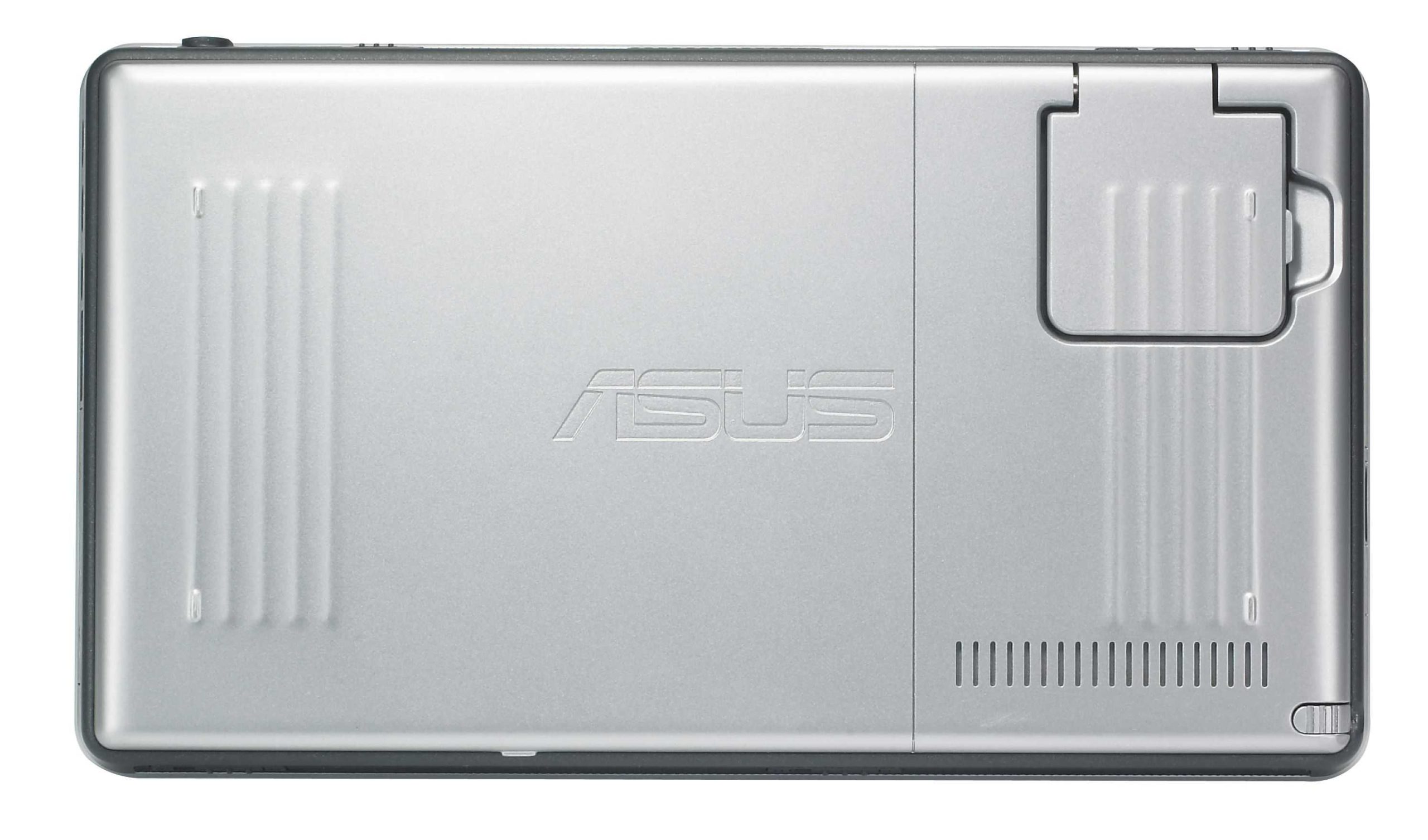 network, VGA out, headphone and microphone ports and AV out the R2E stands its ground when it comes to connecting and be connected to the outside world. Improvements over the R2H are rubberised feet the battery to provide a steady platform both when the device is laying flat or when it is propped up on the build in stand, itself a new feature for the 2cell battery (the 4cell battery already had one). Other external differences are a few cosmetic alterations but otherwise the device looks identical to its two older brothers. Now I really had to leave, five minutes late I closed the door behind me and headed for work.
Late at night I got my first change to play with the R2E. First boot went surprisingly smooth and quick. In about 2 minutes Vista Business was ready to use. The reason for this is that there is little bloat-ware installed on the R2E. Aside from ASUS Live Update and something called GPS Catcher only device critical programs are loaded. I would chose to de-install ASUS Security manager as well but this would disable the build in finger print scanner and since I only have two weeks with the R2E I am not going to bother.
The screen on the R2E is very bright even at lower brightness settings. Much brighter in fact than either the R2H or the R1F Tablet PC which is my current work horse. The resolution is still only 800×480 but there is an option to interpolate this to 1024×600. The application that allows this is controlled with a button on the bezel around the screen. It was much more responsive than it had been on the R2H, with the R2E running Vista this surprised me. After connecting to my WiFi (which went without a hitch) and having a quick surf around I decided to run Windows Update. It took over half an hour to determine that there were 53 updates that had not yet been installed. While those updates installed I watched an episode of House MD from the build in SD slot, experiencing the occasional hiccup when Vista was heavily accessing the hard disk. Only after the episode had finished did I check on the progress of the update to discover it had not even started to download them. All that disk thrashing hadn’t resulted in anything. By now it was really late, as in two in the morning, I left the R2E to fend for itself on mains power and went to sleep. The next morning I found it had taken three and half hours to install all updates. Not a great omen for the general speed of the R2E.
Then again most devices have their strong and weaker points, overall the R2E seems well build and has ample storage space even if the speed has not immediately impressed me but how would it improve my productivity, how would it perform as an Internet browser and an entertainment device? This is what I set out to find out in the following days.
The R2E (Model R2E-BH019E reviewed here) is available in a number of European countries for around 1050 Euro. Other models, including the BH035E and the BH051E do not have the built-in HSDPA modem but are available for 100-150 Euros less.


















I had also considered the R2E (the HTC Shift won by becoming available).
For everybody in Gemany looking at the R2E: While the package normally includes all the nice accessories listed in the article, the one major difference is that in Germany (one of the most advanced UMTS/HSDPA countries I might add), Asus for whatever stupid reason only sells one of the non-UMTS/HSDPA models. That was the killer for me as I didn’t want to have a USB modem sticking out (not to forget that they don’t come too cheap either at €150 – €300).
If you read this it looks more like Windows trashing, and not the review of Asus R2H. You are not Apple fanboy Chippy, are you?
Vit lol, no way is chippy a fanboy, you just need to be around this forum for a while before saying that