


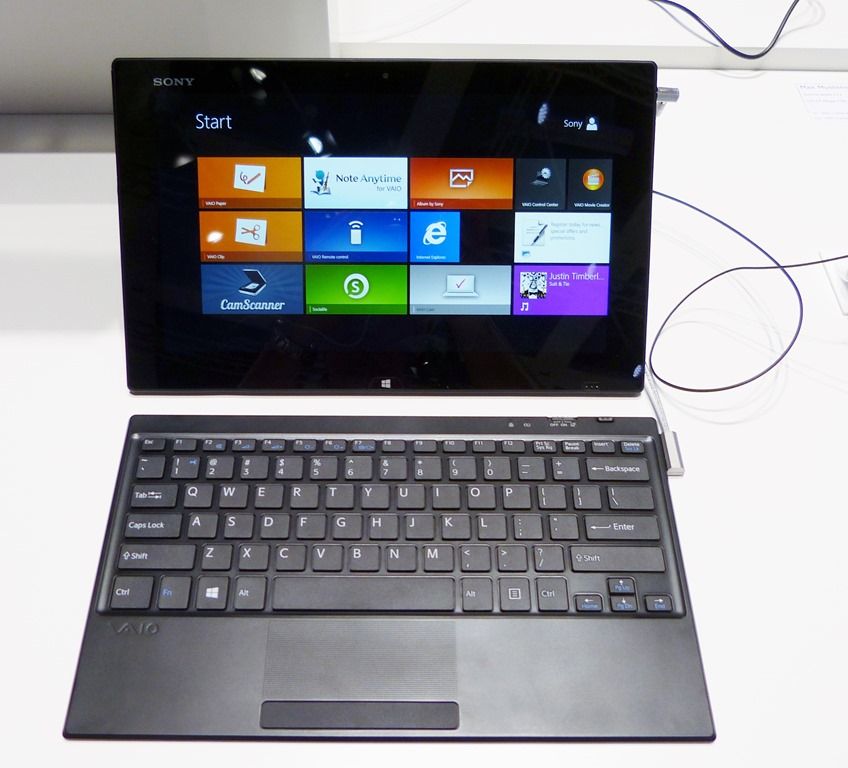
The Sony Vaio Tap 11 is, in my opinion, setting the engineering benchmark for Core-based Tablets for 2013 and most of 2014. It’s 9.9mm thick and weighs 780gm. If it was running Atom, it wouldn’t be anything new but a 1.5Ghz Core CPU is a different matter. It’s such a step forward that I wasn’t sure whether to report this on UMPCPortal or Ultrabooknews.
I took the chance to dig into the device manager at IFA today, took some pics and put together a video for you.
Update: New Gallery added.
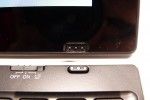
Firstly, lets talk abut the keyboard which is RF-driven (not BT) and has an internal battery that charges from the main unit when ‘closed. The keys have extremely short throw but would be OK for a mini report, long email or a long session of social updates. The mousepad is rather basic. It fits nicely as a cover but isn’t that stable. You’ll see me slipt the cover off by accident in the video.
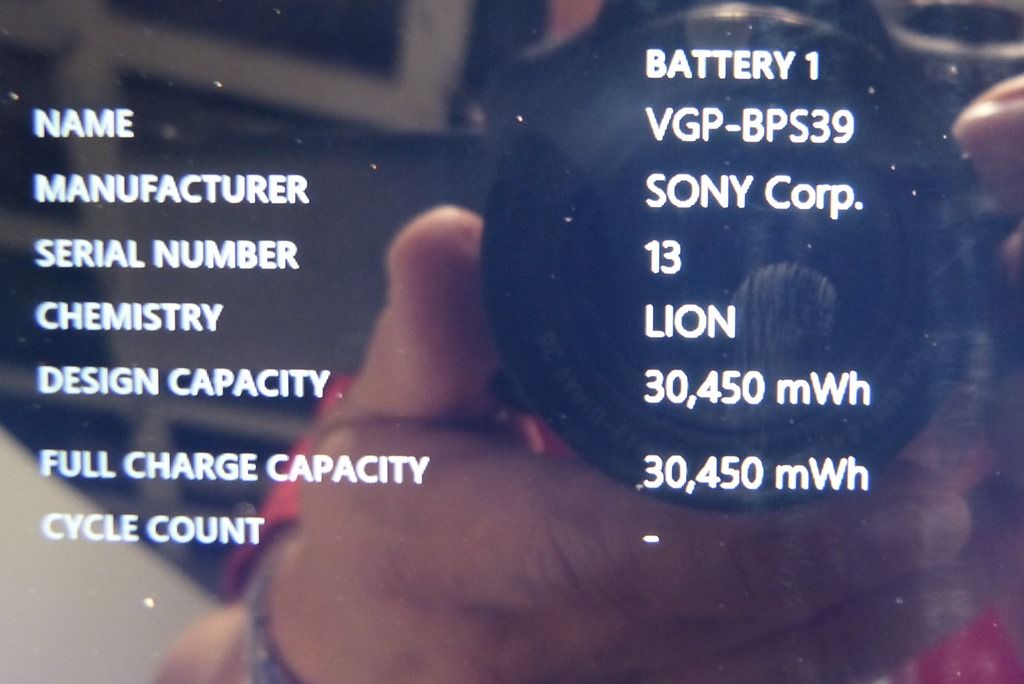
The main unit houses a 30Wh battery which, in my estimate, is going to be good for 4hrs of ‘work.’ I’m not sure what the marketing people are quoting but it’s not that important. 5-6hrs of offline video playback should be expected. There’s no indication that this is a Connected Standby-capable device at the moment and I see that there’s an Intel NGFF format N-7260 Wifi card inside. Usually, the CS capable ‘Ultrabooks’ have a Broadcom chip. Let’s hope Intel have got Centrino and CS working together though.
The SSD is a recent Toshiba 128GB model. THNSNH128GMCT, an mSATA with max 534MB/s read rate (theoretical.)
- CPU: Core i5-4210Y (1.5Ghz – 1.9Ghz) with 6W SDP (11.5W TDP) and Intel HD 4200 Graphics (to 850Mhz – relatively low-end.)
- RAM:4GB
- NFC
- WiDi / WiUSB
- Digitizer – N-Trig with Adobe Software support.
- Ports: MicroSD, blanked port (looks like MicroSIM), USB3.0, Micro HDMI, Headset.
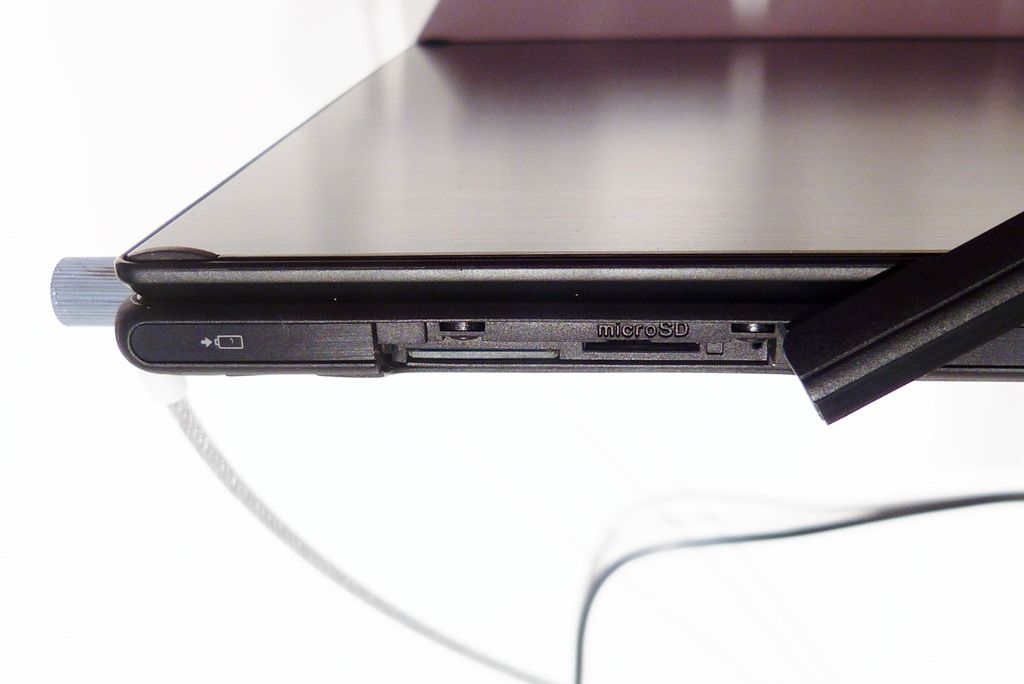
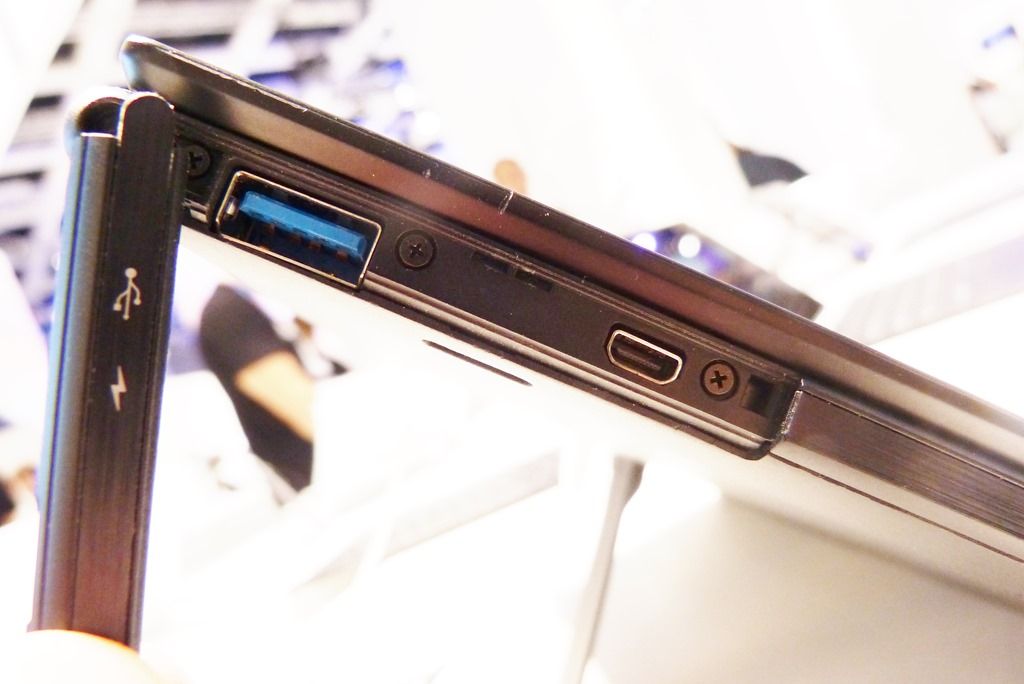
Battery capacity: 30Wh as reported by ‘powrcfg’
Sony Vaio Tap 11 Video Hands-On
























So, no SIM slot and no WWAN on board, right? Asking just because the previous post mentioned that Tap 11 has it…
No WWAN on the model I tested but look at where the blanked port is – it looks like MicroSIM sized. I expect a WWAN version but there’s not confirmation.
Thanks, Steve. Also, I would appreciate if you also make a hands-on video with Vaio Flip 13 (Fit 13A), it should right there.
Yes, I can confirm: some European national configurations will have LTE module. One grain of salt: the estimated battery life is just about 5 Hrs.
In Germany, two base configurations to start with in October: Pentium 3560Y – about 800 EUR, more advanced with Core™ i5-4210Y will cost about 1200 EUR.
Cheers.
According to Engadget it would ship end of September in Asia first. Not sure about US/Europe. Maybe October?
Battery would be about 6 hours which is average certainly for Haswell but better than Surface Pro (at least until Surface Pro 2).
I wonder about pricing. Maybe around $700 given Flip PC would be around that price?
Never mind in video you say from 799 (Euro’s I assume).
the tablet part looks great but the keyboard part looks lame. I don’t understand why the Helix format isn’t the way to go, so Im still waiting for someone to pair a decent keyboard with a decent lightweight tablet
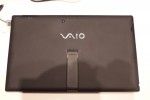
The stand is a very good idea
14.15 mm overall thickness with the keyboard, which is 4.2mm thin. Weight wise it slots just between the RT and the Surface Pro. 1.1kg total weight with the keyboard. Up to 512GB SSD. Very impressive. That Adobe Photoshop/Illustrator version for N-Trig will really make a lot of users consider this, even if it is not Wacom.
@Scoobie. I was mesmerized by the Helix too, both as a concept but also because of the Lenovo ThinkPad keyboard with the TrackPoint mouse, but users complain that the execution of the Helix is flawed. It’s too top heavy and tips over easily. Furthermore it’s very expensive, at least in Europe. And no Haswell yet, I gather.
I quite like the Sony Fit 13, as well, which can be run in tablet mode, only weighs 1.2kg with the keyboard built in.
Why doesn’t Sony not have thinner pens so the tablet can have a silo? I guess that may need to switch to Wacom with their batteryless pens.
The keyboard doesn’t seem good and as shown, it will come apart easily in your bag or while carrying it around (maybe causing it to fall onto the ground).
It just doesn’t take mobile very seriously where multiple loose pieces is a bad thing.
Wow, wow, wow!
I’ve been whining, bitching, and moaning on this site for YEARS that there weren’t any high mobility and appropriately priced devices AND I’ve been doing the same about the lack of really great core-based convertible/removable tablet options. THIS device ticked ALL of the boxes.
I’m beyond impressed by this device. I previously wouldn’t have even CONSIDERED an 11.6″ device BUT with WIDI support I think it’s totally doable.
This is the most interesting device I’ve seen; REALLY hope the price ends up in that 799 range.
Any idea when this is available? I need to get my hands on this ASAP. Amazing little machine so far.
The battery in the keyboard makes it just keep getting better and better.
-Is there a way to leave the keyboard plugged in while you use it so that it’s not constantly draining the battery?
Adam
Is there a way to prevent the keyboard from charging from the tablet? If I keep in in my bag for several hours with the keyboard attached to the tablet, it will reduce the charge of the tablet’s battery.
I’d rather not have an attached kickstand to keep the back simple and elegant. I could just use a simple picture frame stand instead. Plus there might some additional space inside the tablet for a better battery…
Palm rejection when using the stylus?