


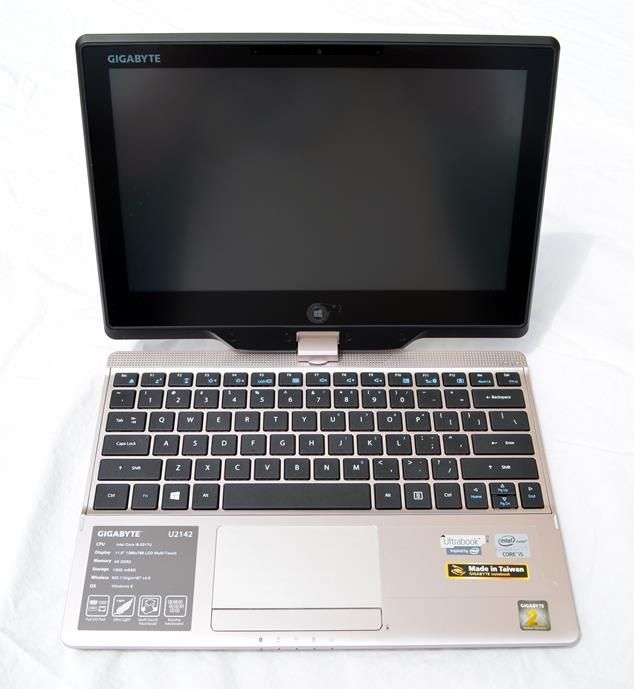
Thanks to our friends at Dynamism, we’ve got the Gigabyte U2142 Ultrabook Convertible to take a look at. A full review is in the works, but for now we’ve popped open the box for some photos and give our initial impressions after some hands-on time.
Gigabyte U2142 Unboxing Gallery
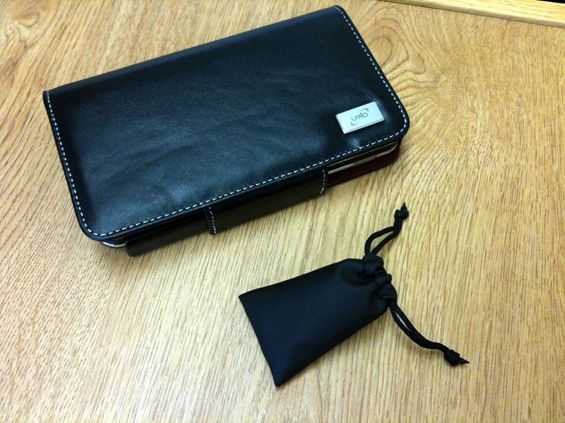
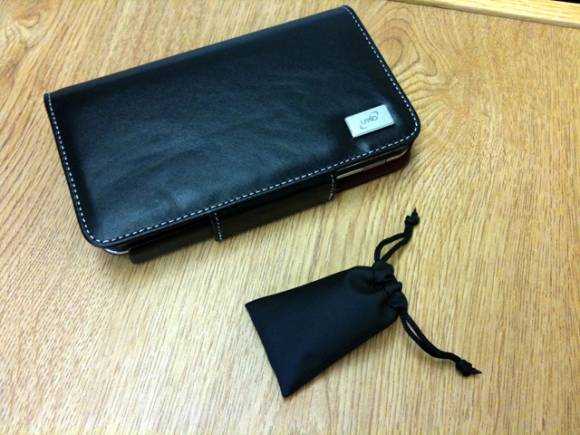
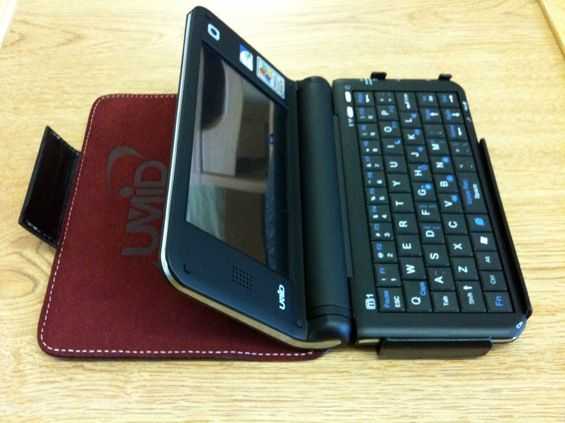
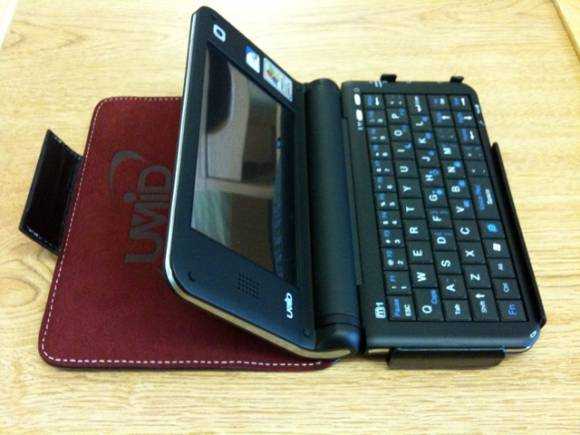
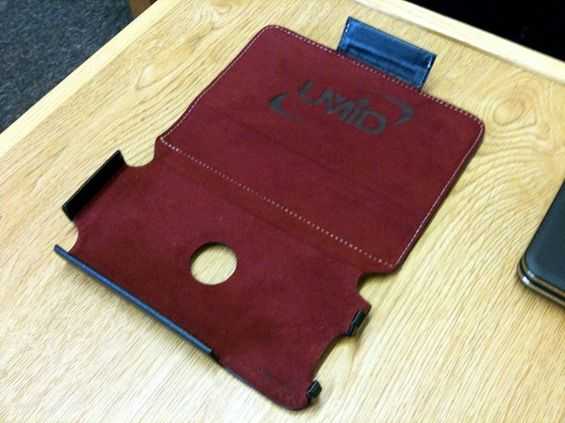
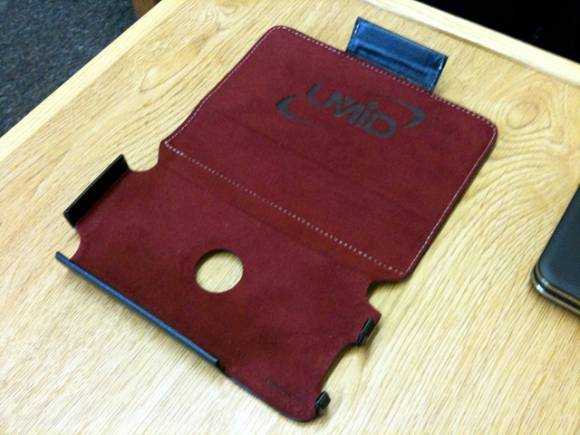
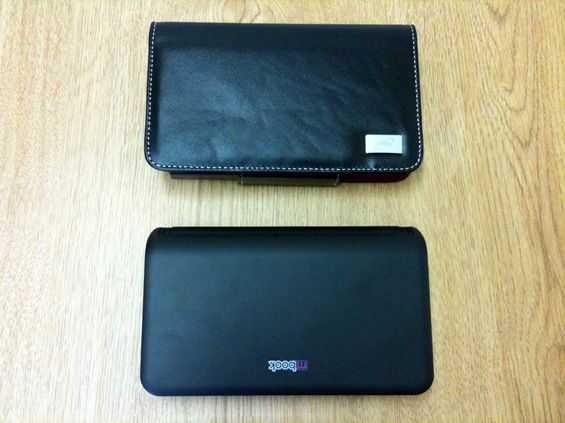
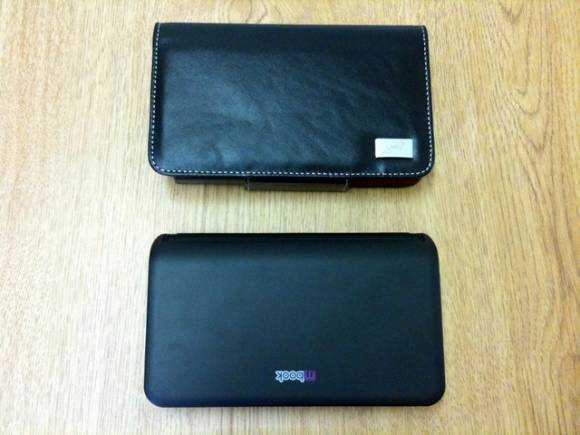
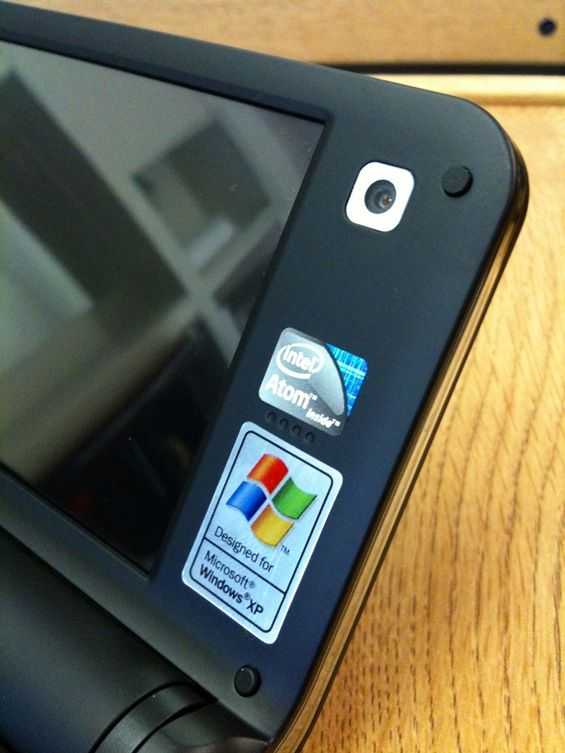
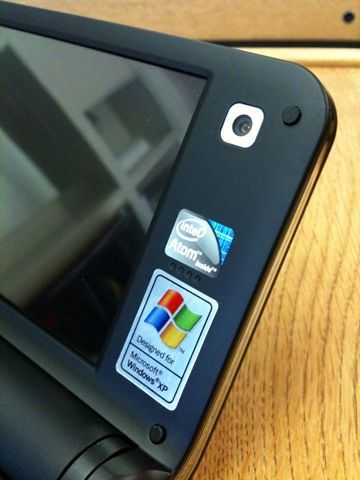
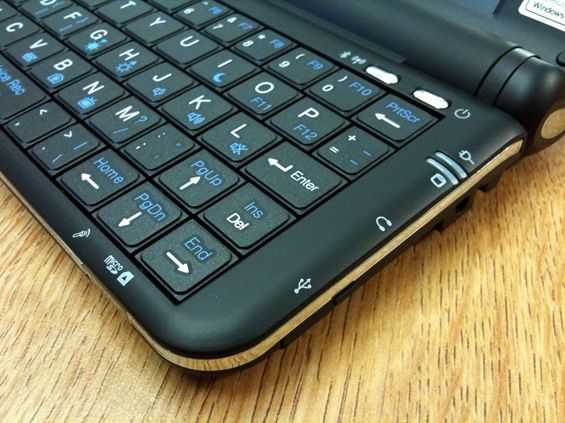
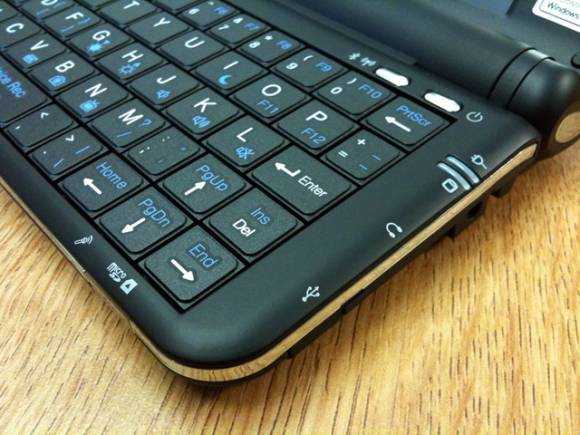
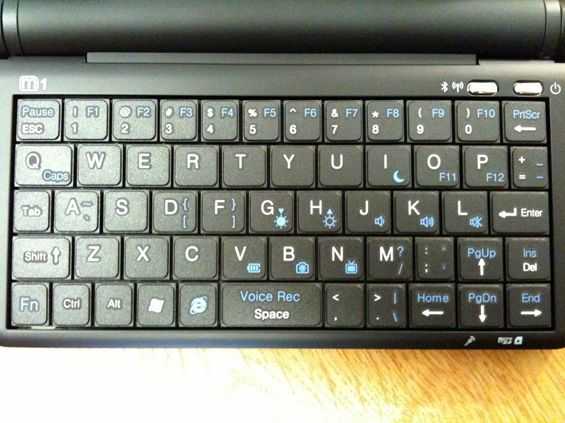
The unboxing was mostly standard fare. Gigabyte included a simple case with the U2142 which is a nice bonus, but I personally don’t tend to use a case in my day to day use. Upon opening the U2142, there was a nice screen polish cloth in place of what’s usually just a discardable piece of plastic (to protect the screen from the keyboard during shipping).
The most striking and impressive thing about the Gigabyte U2142 is likely its excellent port set. In and 11.6-inch Ultrabook convertible, Gigabyte has managed to cram more ports than we tend to see in 13.3-inch and even 14-inch Ultrabooks! It is a mystery why all companies aren’t able to or simply don’t care to do the same.
Here’s what ports are on the Gigabyte U2142:
- 2x USB 3.0, 2x USB 2.0
- Full HDMI
- Full VGA
- Full ethernet/LAN (RJ45)
- Full SD slot
- 3.5mm headphone output
- 3.5mm mic input
- SIM card slot
Compare that to the ports on the 13.3-inch Asus UX31:
- 1x USB 3.0, 1x USB 2.0
- Micro HDMI
- Mini VGA
- Full SD
- 3.5mm headphone output
The build quality on the U2142 is impressive — not unusual for Gigabtye. The whole unit feels very solid, and the clever combination of brushed metal and plastic makes the U2142 feel premium even though it starts under $1000.
The matte display is nice as it doesn’t pick up fingerprints nearly as visibly as glossy screens. Some will want higher than a 1366×768 resolution, but it feels like a good fit for the U2142 given its size. The keyboard feels excellent — highly responsive, but not backlit.
Gigabyte has left access to a RAM slot on the bottom of U2142 which is great for those of us who like to add more. The unit supports up to 16GB of RAM, and the model we’re testing is filled to the limit!
A few potential downsides:
- A large bezel (arguably necessary for grip, though you won’t do much with the U2142 as a tablet unless it’s on a table or in your lap). The screen seems to have poor vertical viewing angles which is important for tablet use.
- Auto-rotate gyro seems to be in the base of the unit which can cause inconsistent rotation behavior between tablet and laptop modes. This will likely confuse/frustrate some; fortunately there’s a switch to quickly disable auto-rotate.
- Gigabyte has some poorly designed add-on utilities which secretly supplant default settings
- No active-digitizer for highly accurate digital ink input : (
- Windows 8
We’ll see how these factors impact use — otherwise, I’m quite pleased with the U2142 after my initial experience and have high hopes for it in our forthcoming full review. Stay tuned!



















That looks pretty good. One more generation of improvement in weight reduction and screen quality might make this a high-quality production device. So far it looks a bit “clunky”.
simply put – a windows touch screen device without digitizer support nowadys is technical mismanagement, especially in a convertible.
For any mobility product, FIRST thing I’d look for in these Unboxing or review articles is weight information… And it’s missing at the moment.
Please get into the habit of including Weight information whenever you write about mobile products.
love gigabyte, but that looks clunky and plastiky…
The need a new case designer :(
Is ist possible to change the battery?