


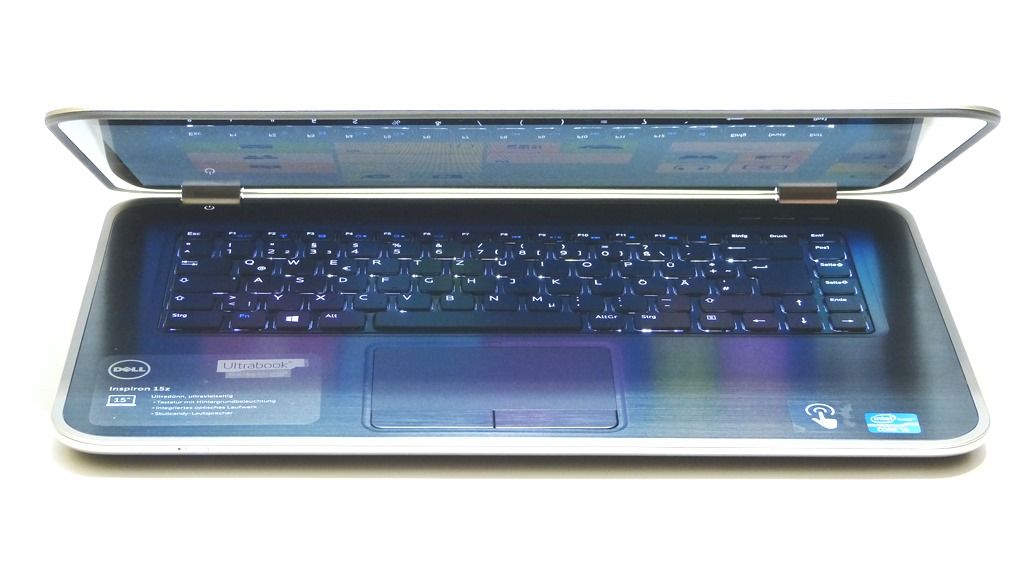
The Dell Inspiron 15Z is positioned quite nicely in terms of most of its specifications, its price and its quality but there are one or two specifications that could hit some customers hard. We’ve taken a long hard look at the Dell Inspiron 15Z, enjoyed a bit of Batman Arkham City, and put a full review together for you.
Dell Inspiron 15Z Review Model Full Specs
Dell Inspiron 15Z Specs, images, review links and videos are always available in our database.
- CPU type: Intel Core i5-3317U (Ivy Bridge, 1.7Ghz nominal)
- Graphics: Intel HD 4000 + Nvida GT630M
- OS: Windows 8
- Display Size:15.6? 1366×768
- Screen Type: LED-Backlit LCD
- Touch Technology: 10-point Multi-touch
- Dell Touchpad
- RAM: 8GB
- Disk: 500GB with 8GB Flash in Intel RAID configuration
- CD/DVD Writer – GU70N
- Backlit Keyboard
- Battery capacity: 36.8 (Wh) (35.2Wh capacity available)
- Weight: 2160gm / 4.76lb
- Ports: 4xUSB3.0 (1xsleep and charge,) 1 HDMI, 1x SD card slot, 1X Gig-E LAN, 1 x headset port.
- LAN – Qualcomm Atheros AR8161
- WiFi/BT4.0 – Centrino Wireless N 2230
- WebCam
- No TPM Module, No VPro, Sealed battery. Access cover for RAM (2 slots)
- Stereo speakers. Array Mic. SkullCandy Audio with WaveMaxx.
Supplied by Dell Germany. Price for this configuration unknown.
This configuration without the GT630M, Euro799.
With Core i7, GT630M and 8GB, 949 Euro.
First Impressions and unboxing
We have a few unboxing and intro videos here and in a live session in the following week we presented the Inspiron 15Z with some comments too. Here’s the playlist.
External Build, Ports, Ergonomics
The Dell Inspiron 14Z is a solid device. Well-built but also quite heavy for an Ultrabook but compared to a 15” laptop of 2011 or 2012, not so bad of course. The finish isn’t boring and the port selection is good. The screen hinge seems solid and there’s no creaking from the casing. Overall we can’t complain. The extra size gives room for the DVD writer and 4 USB 3.0 ports. Full-size HDMI, Gig-E and SD card slot are also included but there’s no VGA port and no DiplayPort output.
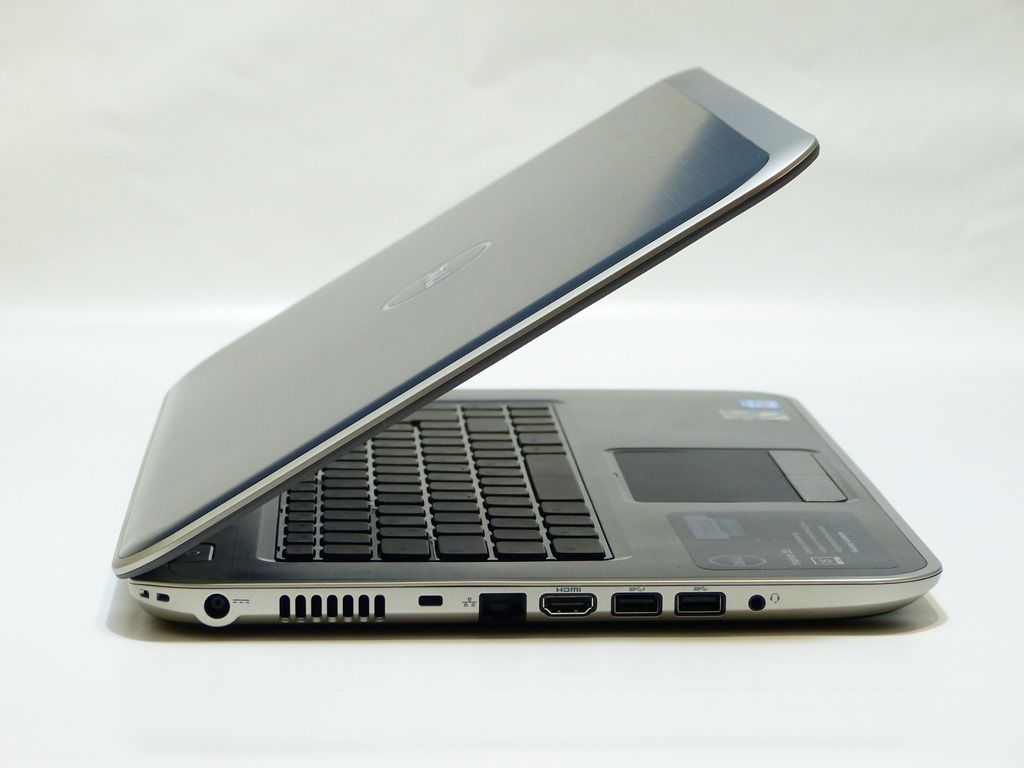
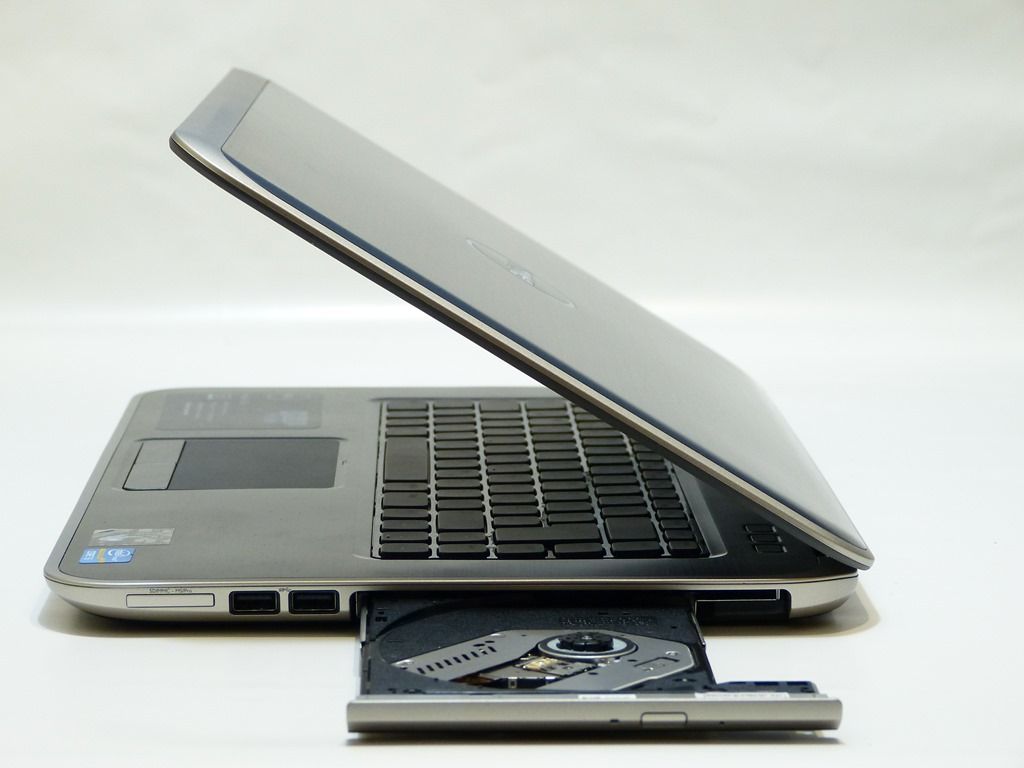
In terms of ergonomics this Ultrabook is just like any other, when it’s on a table. In fact, given the internals and ports, it makes quite a good portable desktop but it’s in no way hand-holdable, a scenario that comes into play with the lighter Ultrabooks. 5 pounds in the backpack (including the charger, which you’ll need all the time. See below.) is bearable for those that have been carrying heavier laptops for the last 3 years but it’s not exactly in the same weight class as the 15” Samsung Series 9 [Review] although that Ultrabook is in another price category. Taken as a laptop, the Dell Inspiron 15Z is a good step forward in ergonomics for a 15” laptop with these features, but we’re reluctant to really call it an Ultrabook. Betterthanyouhadbeforebook, perhaps?
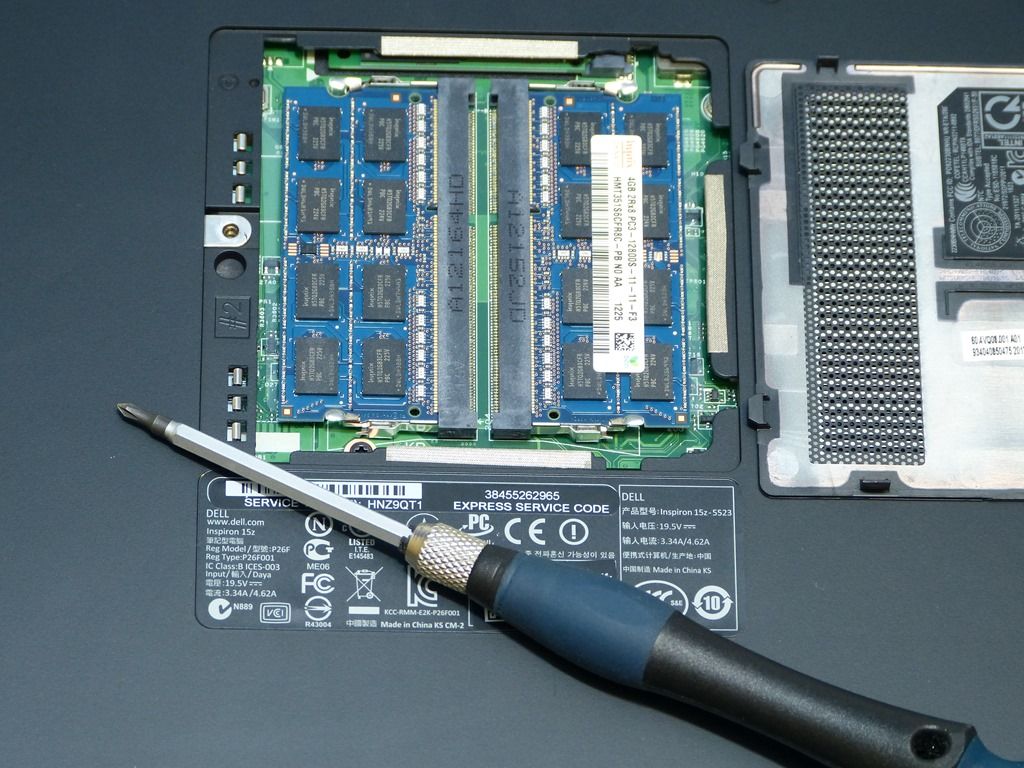
Ram slots are easily accessible.
Working Fascia (Keyboard, Screen, Mouse)
One thing immediately springs to mind here – unbalanced. We’ve got a good backlit keyboard and touchpad but a low-quality screen. It’s touch-enabled, yes, but that doesn’t improve the low resolution and non-IPS standard here.
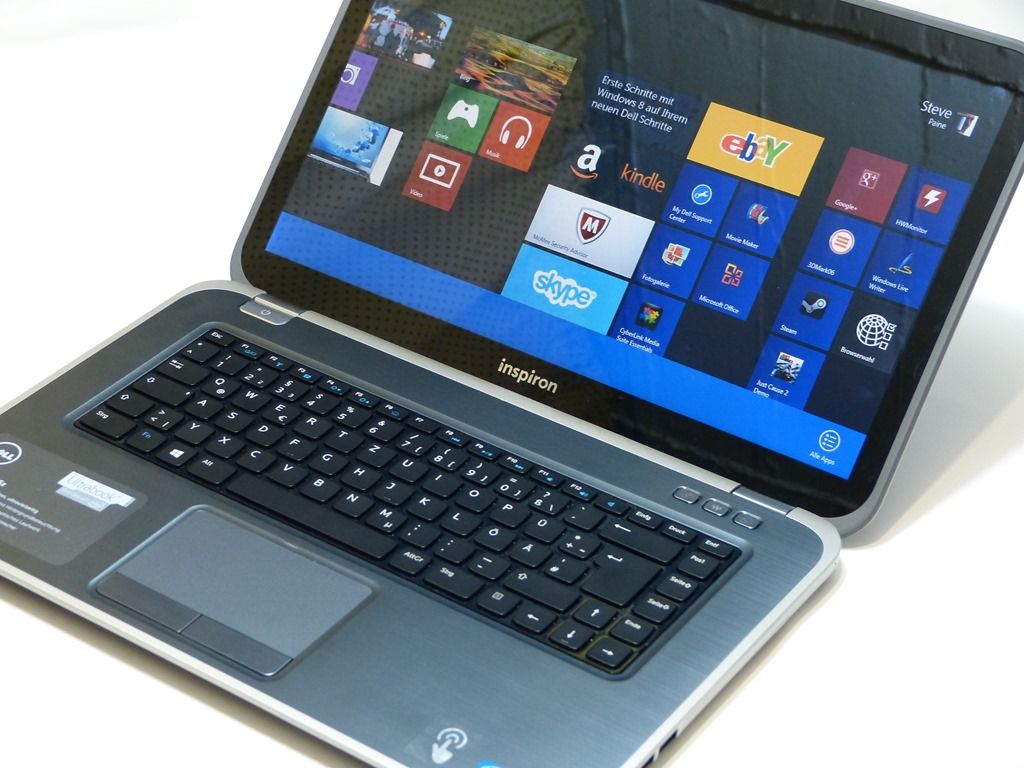
There are a few advantages to having a low resolution screen – faster graphics, easier to read fonts out-of-the box – but having to rock the screen back and forward to get the best colour and contrast is something we think customers should not be burdened with on a 2013 Ultrabook.
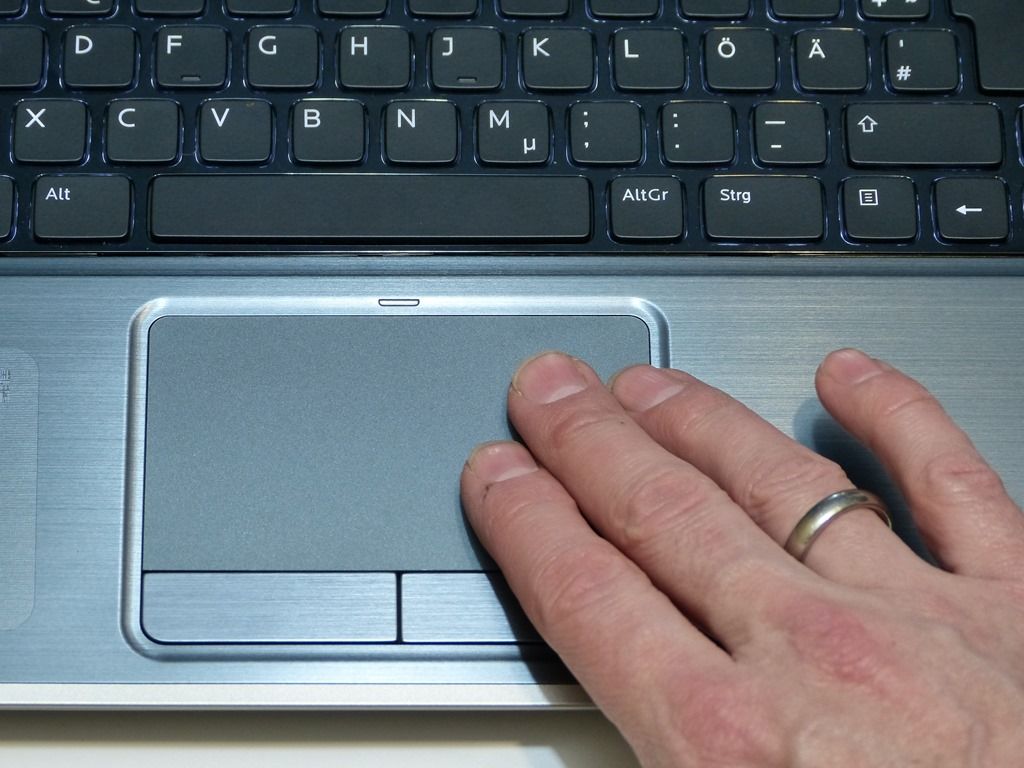
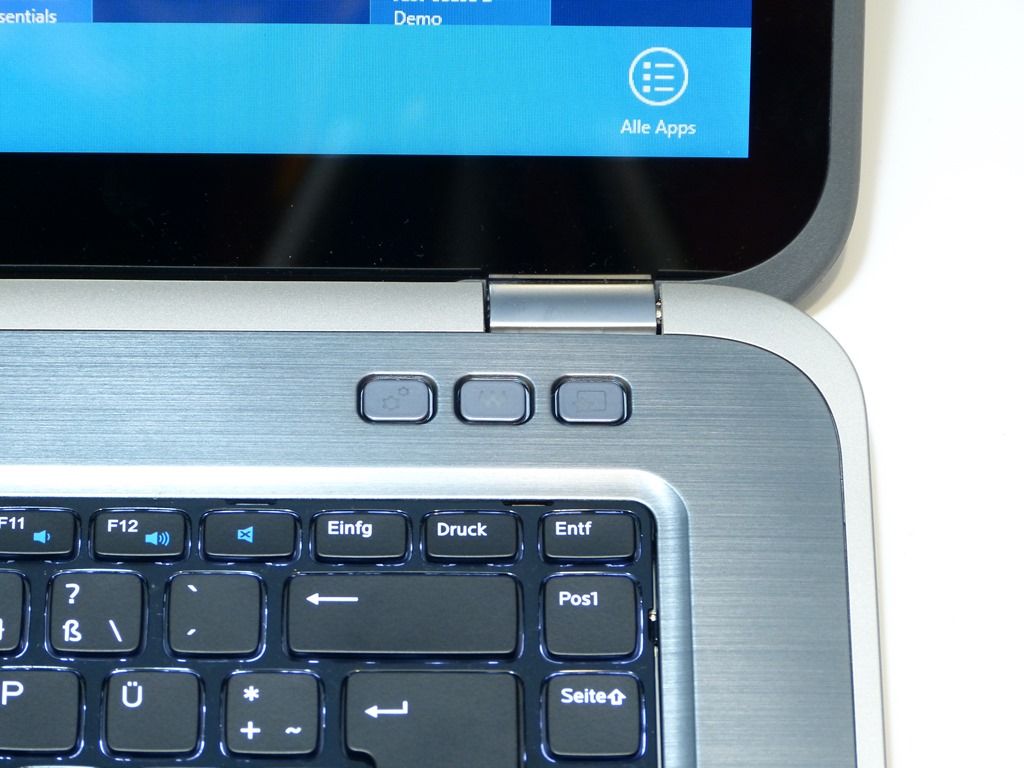
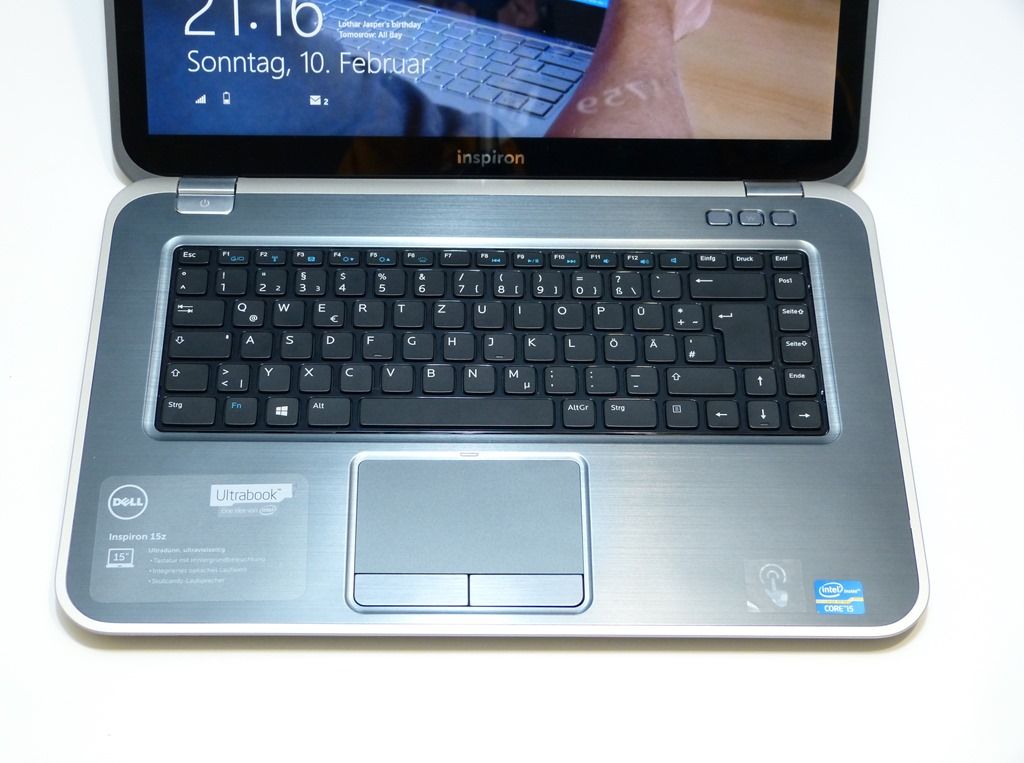
Note. The little touch sticker on the bottom right of the casing was from the screen.
One thing we mentioned before was the possibility that the Dell Inspiron 15Z could make a nice portable desktop. If you’ve got a good quality external screen the issue of the built-in one isn’t so huge although the touchscreen becomes less useful. More on the ‘portable desktop’ theme later.
Touchscreen
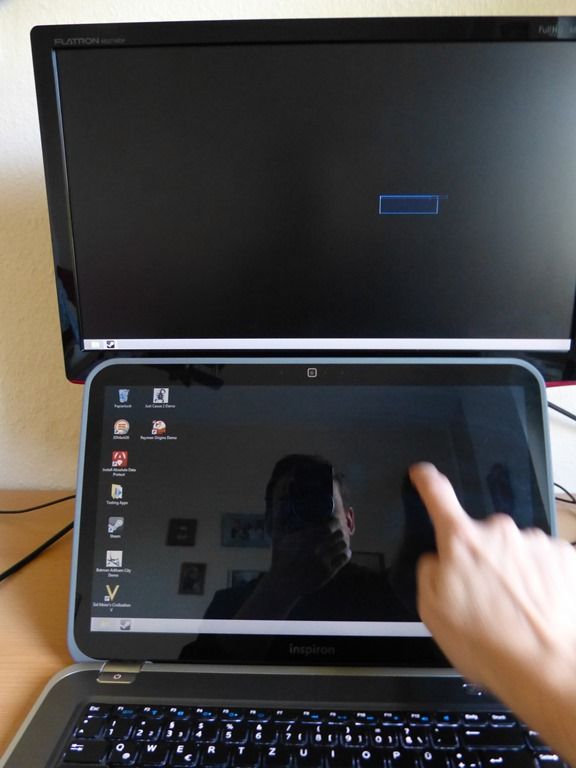 After many years of testing touchscreens on laptops we’re confident that there’s a real productivity advantage and fun aspect here. Interestingly the 1366×768 screen (PPI approx 100) allows some very quick and accurate touch usage under desktop. Moving windows, resizing and selecting is way easier than on higher resolution screens. It’s worth having if the the 15z stays directly in front of you. To that end we recommend a vertical extended screen alignment. Having said that, when we testing it, the Inspiron 15Z got confused as to which screen had touch as you can see in the image, right. This could be something that needs to be configured through the Nvidia GPU settings but we didn’t find an obvious solution. If this problem persists, touch is effectively useless in extended screen mode.
Continued on Page 2
Pages: 1 2



















Looks good on paper spec wise until you get to the screen. 1366×768 displays are pretty worthless outside of clovertrail tablets to start with but a 15″ at that resolution is pointless.
The extended screen issues make this even more worthless, as its the only way to get more screen space and you effectively lose touch in the process.
Looks like im still waiting for a 1080p, 8gb, ssd, dedicated graphics machine.