


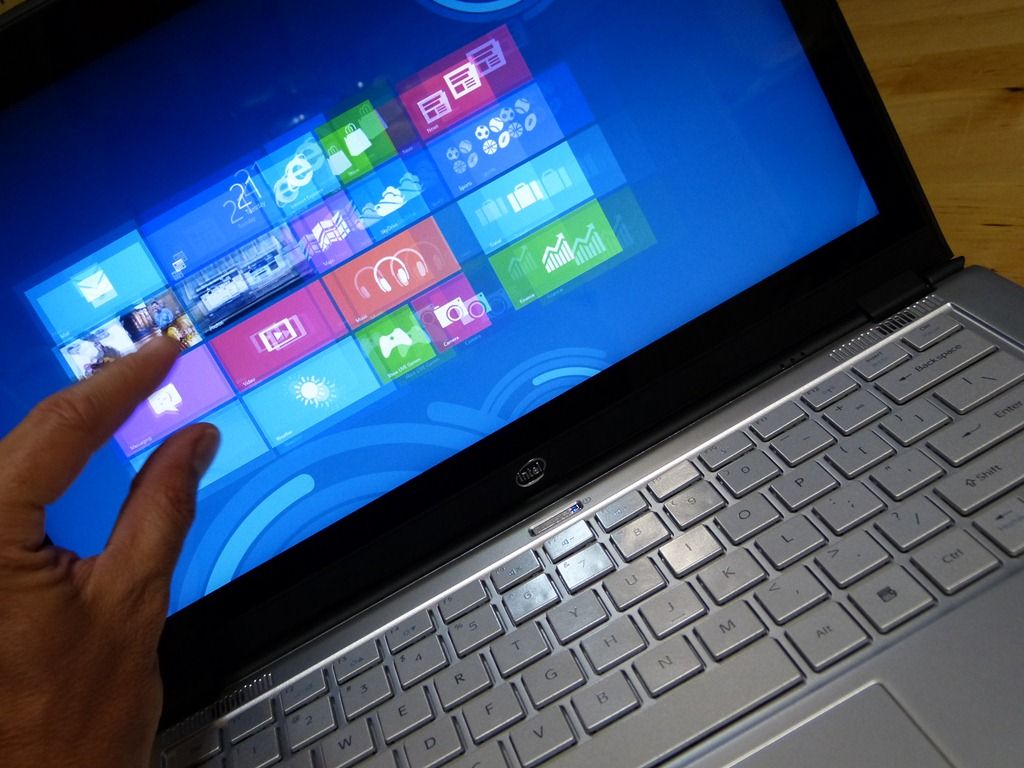
If you aren’t following the Intel Ultimate Coder Ultrabook Challenge, tune in now because not only have we got 6 experienced software development teams creating applications for a new generation of Ultrabooks, not only is your Chippy one of the judges but we’ve got amazing new hardware to use for the competition too. You can get the latest updates on the competition here but right now I want to show you the exciting touch and sensor-enabled Ultrabook we’re using.
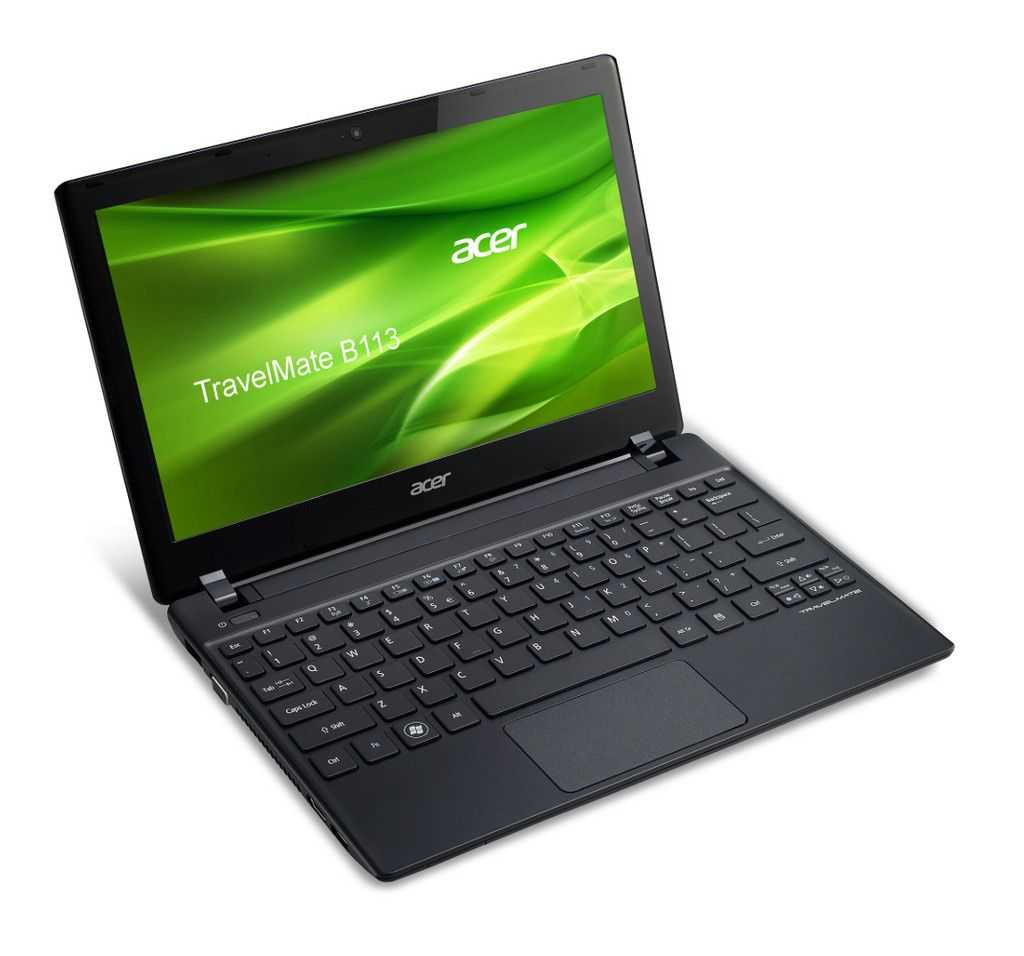
This is an Intel-commissioned developer preview of the next generation of Ultrabooks and it’s stacked with new technology that is going to excite developers. 5-finger capacitive touch, GPS, NFC, compass and other sensors, Windows 8 and the latest Core i7 Ivy Bridge platform. I can’t bring you too much detail on the components inside and am not permitted to do any performance testing or a full review because this device has been sent to us under a non-disclosure agreement. The Ultrabook you see is not going to be available for sale either but we’ve managed to get the ‘OK’ to show you around the device.
First a few pics, and below, a video. enjoy and stay tuned for an update from the teams competing in the competition tomorrow.
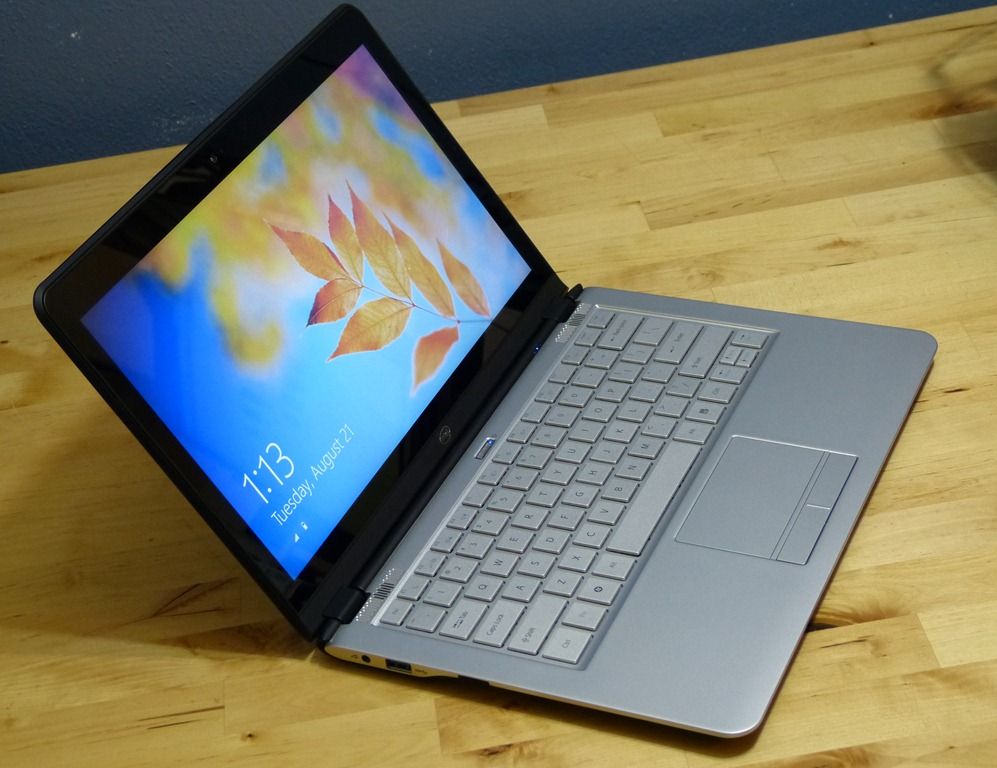
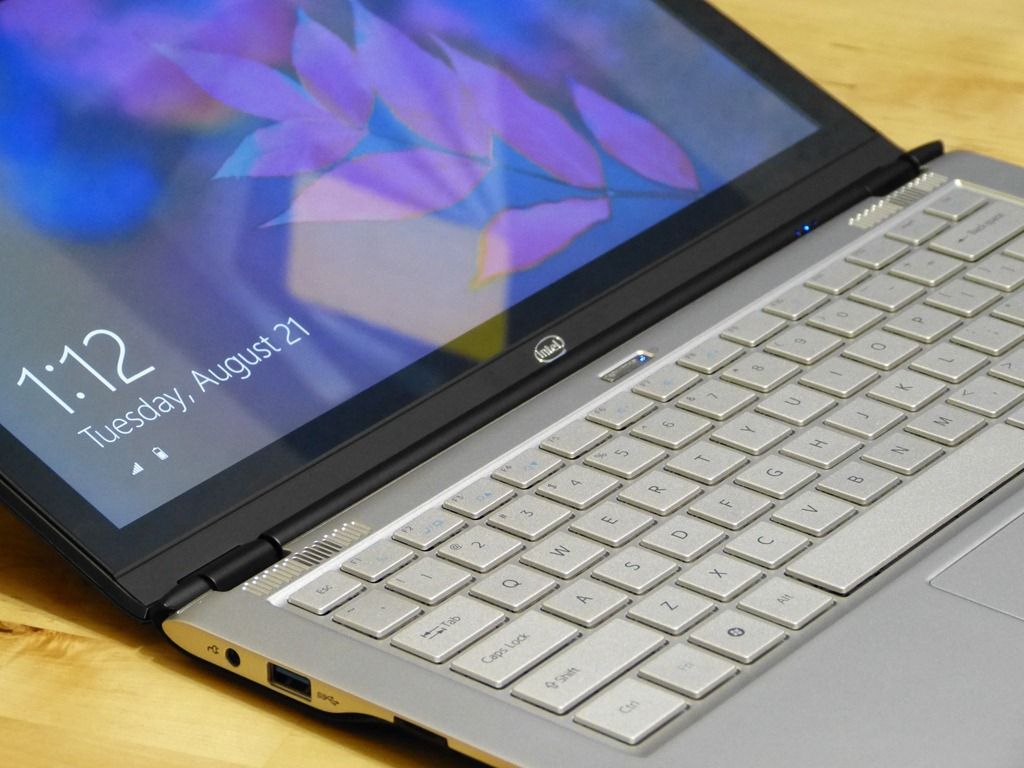
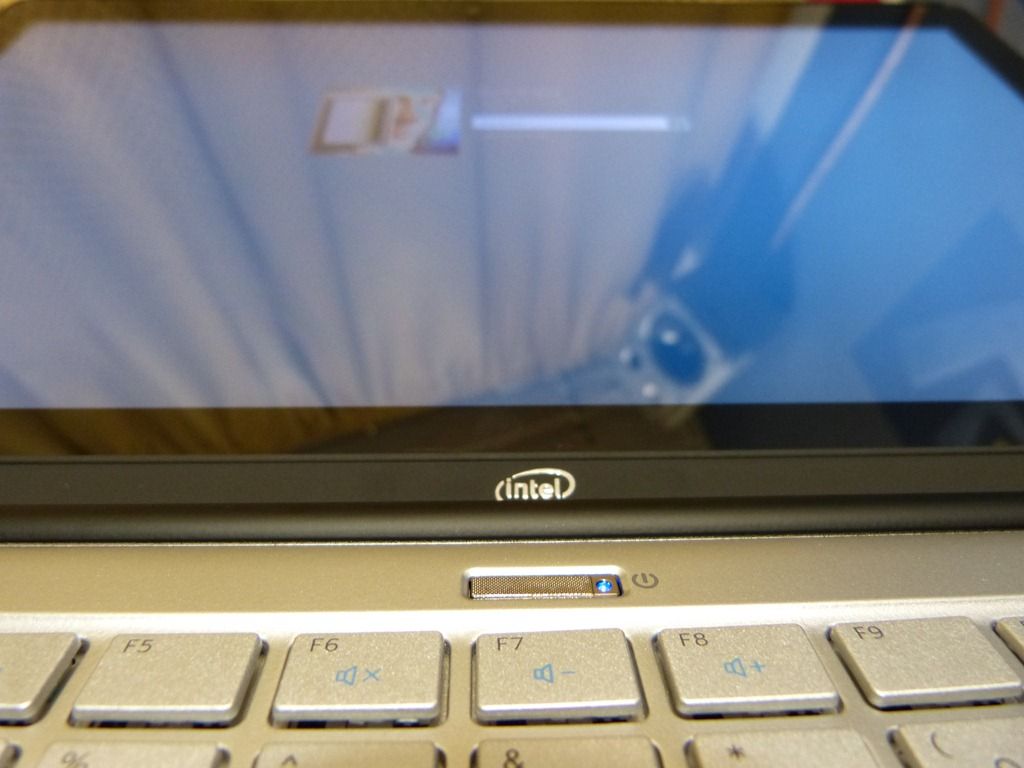
For the latest information and updates from teams and judges, track this page.
Full disclosure – We are being compensated for advertising related to the Ultimate Coder Ultrabook Challenge and to attend an Intel event. We have committed to posting at least once per week on this subject and judging the final applications. All posts are 100% written and edited by Ultrabooknews.



















Wow, forget the namebrands I’ll take that ultrabook.
Does your arm get tired when using the touchscreen for a while? I can see my weak arms getting tired after a couple minutes.
it’s good question. I’ve been using touchscreen laptops for years and I find there are things that are easy, things that are just plain wring and things that you can teach yourself to do to improve speed and productivity. I’ve never had a problem with touching the screen. In fact , there’s a train of thought that says it’s better for your wrists to pick them up and move them occasionaly.
Try it!
I’m putting together a video right now for you.
I still don’t get why the frak you would need a touchscreen on a non-convertible. It’s useless and your arms get tired, just like schmo said above. And that glossy piece of crap screen ? Pfff…..
With the same amount of money, or probably a little more, you can get an Asus UX31A and a Nexus 7, which will kick any crap like this in the but. Personally tried both versions, so I speak from experience. These abominations really need to get the frak off the market…
That’s the one for me…..Intel
http://www.gamefob.com/wp-content/uploads/2012/07/shut-up-and-take-my-money1.jpg
Whoa Chippy are you in the porn biz now, whats with the long hair & stache?
I really don’t see how x86 W8 & apps are going to work universally unless MS can make all manufactures adhere to a set of minimum standards with specs (including touchscreens & sensors now).
When can we expect similar (e.g. sensors, gps; 5 finger touch and so forth) ultrabooks on the market? At Windows 8 launch or later?