


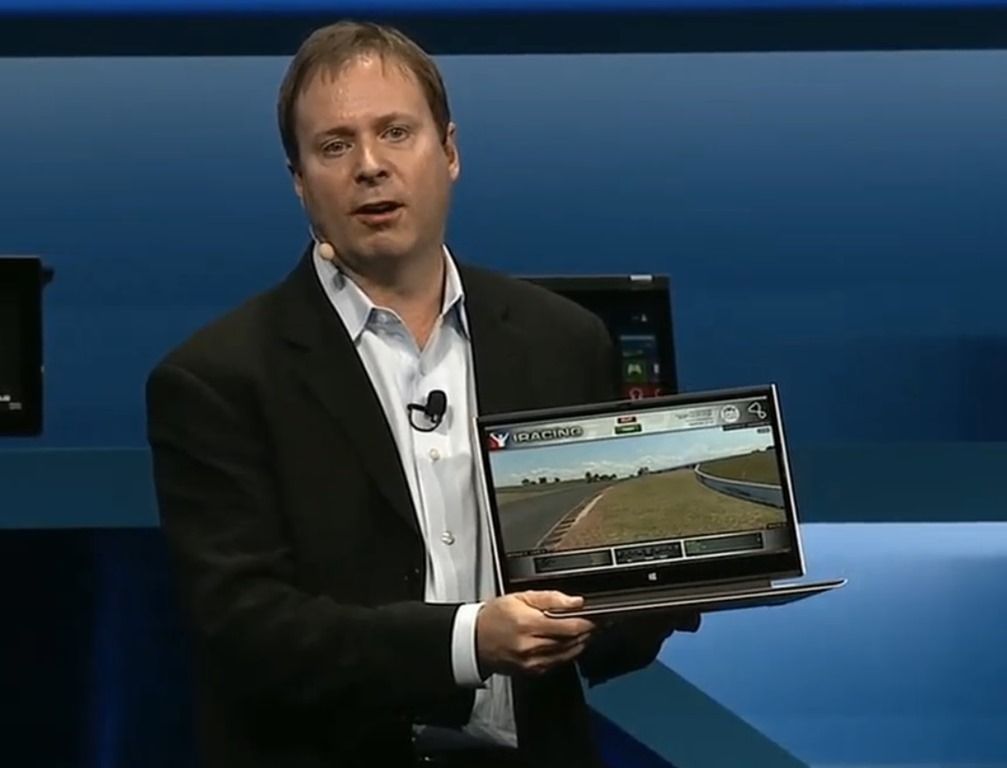
 The Intel CES press event didn’t hold any major news for us yesterday. Low power 3rd-Gen Core, Perceptual Computing, Convertibles, Haswell and even a touch of Bay Trail were expected as Ultrabook-related news but to announce that all 4th-gen Core Ultrabooks (Haswell platform, Q3/Q4) will have Touchscreens was a complete surprise and I can only describe it as a massive risk-taking move by Intel. What does it really mean though? Higher pricing, consumer focus? There won’t be any Windows 7 Ultrabooks, that’s for sure.
One thing that is for sure is that the Ultrabook is going to get more difficult to use in bright light. Capacitive touchscreens mean fingers-on-glass and in general, glossy finishes. It means that all Ultrabooks will now have additional costs associated with them and it means that some users and some commentators will rebel because they don’t want a touchscreen. But there’s another view…
The other view of this statement from Intel is that the Ultrabook market will refine and that won’t stop anyone making a non-touch device that’s not called an Ultrabook. Indeed, the definition of an Ultrabook is quite wide right now and as the industry comes ‘into line’ (so to speak) why should Intel continue to throw marketing and partnership dollars at the issue or let the definition ‘creep’? The Ultrabook project aim was to turn the laptop industry around and make it fit for the world of social, apps, sensors and long battery life competition from ARM-based devices so refining the Ultrabook definition when the term Ultrabook is getting well-known, could pull the rest of the laptop industry further forward, more quickly.
Maybe the Ultrabook definition is refining itself anyway. Intel don’t say this yet but some Haswell SKUs will be (although I’ve yet to hear this directly from Intel) Connected Standby capable and that requires an SSD for the operating system. All current hybrid hard drives would fail the test so maybe there’s going to be a split anyway. An Ultrabook will be a touch-enabled, always on, primarily SSD device available in tablet, laptop and convertible or detachable form factors. Everything else may end up being a laptop.
Take the business Ultrabook market where VPro, servicability and matt screens are important. They may be shifted into another category altogether if touch becomes compulsory. We heard something about Ultrabooks for Business last year but it does seem to have gone a bit quiet on that front. If the industry has responded by saying “no, we need hard drives, matt screens and Windows 7” then the Business Ultrabook won’t be possible.
The other requirement is Wi-Di. Read between the lines on that one because Wi-Di currently means compulsory Intel wireless modules. Those modules are also needed to support Connected Standby due to the very tight hardware requirements needed to get devices working to the strict power requirements. It seals more Intel inside but it also means they can get the radio control needed for always-on operation.
I thought that the Ultrabook market was going to become something that I would not be able to track later in 2013 due to the wide customer base, varying form factors, huge numbers of devices and amount of news. That sort of market, 40 million or more sales in 2013 perhaps, is more than Ultrabooksnews.com can handle but maybe there’s something exciting happening here that keeps the niche tight. I like that idea, not only because it will allow me to keep a good overview of the market running here at Ultrabooknews but because it’s focusing on something that I love and that’s class-leading technology. Be gone, rotating hard drive. Be gone, power button. Be gone, Windows 7



















I find it inteteresting indeed in deciding to put a touchscreen on every Ultrabook. I think the verdict is still largely out on how to even utilize and implement the touch screen in the first place. I think the range of convertibles signifies this, nobody quite knows which form factor works best.
But then I also understand Intel. Ultrabooks are meant to be the ‘computers of the future’, so deliberately pushing and even forcing the envelope like this makes sense.
On the contrary, Kirk has clarified the reasoning behind the movement.
He has clearly said that Ultrabooks will continue to be positioned towards the premium end of the category, even that means the starting price is pretty low. So that means regular Notebooks will continue to exist.
On the ‘Utilization’ aspect I believe there’s real value on a laptop form factor. I’m using it all the time even it’s the lazy use of 1-inch on the right hand side for scrolling. I also find it more useful than touchpads in many situations.
On your second point, yes, the risk that Intel is taking in pushing this forward makes sense. The manufacturers were getting lazy and there was no innovation. This move could help innovation in the segment. A wake-up call!
There’s no way they’ll be able to reach $599 pricing with an SSD and a touchscreen. They’ll have to use caching solutions.
Earlier leaks had $699 Haswell Ultrabooks having caching HDDs so $599 would definitely have one.
This is nice to see. I also hope they make a requierment for QHD or better screens. I’m tired of seeing things branded as an Ultrabook that’s barely better than a budget notebook. I would love to see an UltraBook that has has similar specs as the 13″ MBP with Retina. Would gladly drop $1500 – $2000 for it too. I beleive there are many out there that are of similar opinion.
I will never buy a notebook with glossy display because reflections distract from the contents, be it work (text) or pictures or movies or anything.
Hope we will be offered notebooks with matte high-res (>=1920×1080) IGZO OLED screen, excellent touchpad and (backlighted) keyboard, fast and reliable SSD (no Sandisk U100!), long lasting battery, >=Haswell, display port (for external high-res monitor) and a beautiful, flat and dark chassis.
Maybe Samsung (Seried 9?) and Lenovo (X1 Carbon?) will. I don’t care if it is called an Ultrabook or not.
Forgot to mention: Batteries should be user-replaceable because they wear off too quickly.
I don’t want to pay windows tax because I will install Linux anyway.
Keys should be black for maximum contrast with backlighted glyphs, the bezel should be black to not distract from the display contents, and the rest of the chassis should be black too for an elegant uniform look.
And why the heck are some USB ports still 2.0? Make them ALL 3.0. There are too few ports anyway on a small notebook. I need at least 2 USB 3 ports to copy quickly from one external volume to another. And if any port is USB 2 then it may be used accidentally with a fast external volume, slowing things down unintentionally.
More details on the user research behind the decision to make touch mandatory avaialable here: http://www.intelfreepress.com/news/do-people-want-touch-on-laptop-screens/
Intel are taking quite the risk on this IMO although I’m sure they have done their calculations well.
my next laptop will be for sure
a convertible thin device
its a win-win concept