

 While Ultrabooks generally perform to similar efficiencies under load there’s quite a difference when it comes to near-idle operations and that can seriously impact the length of time you can use an Ultrabook as an offline word processor. As a blogger that’s a very important scenario for me and I suspect that if you’re offline and answering a bunch of emails or writing a presentation or report, this scenario is important to you too. If you choose the right Ultrabook you can get 10 hours of typing on one battery charge.
When I test an Ultrabook for battery life I always check the background battery drain when idle. It’s a good indication of the efficiency of the mainboard when idle and if that’s good, you’ve got a good chance of getting long battery life in more scenarios.
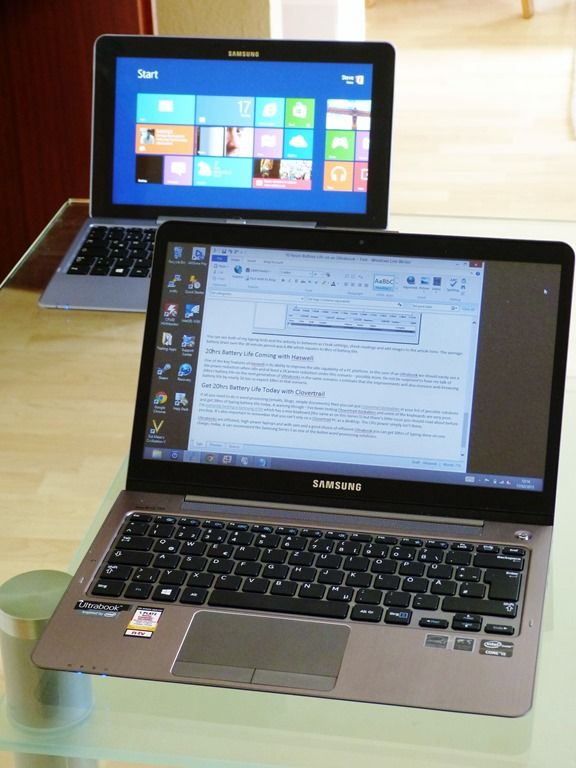
I’m typing this on a Samsung Series 5 which has one of the lowest idle figures of all Ultrabooks. This Ultra Touch version has a 51Wh battery too so after I had tweaked the settings I wasn’t surprised to see the battery meter indicating over 10hrs of battery life. Samsung would be well within their rights to advertise this.
Test Ultrabook: Samsung NP540U3C – Details. Currently $849 at Amazon
- CPU Locked to 800Mhz (power saver profile)
- Touchscreen off (This doesn’t make much difference, but everything counts!)
- Sound off (Again, not a huge issue unless it’s pumping out vibes at full volume.)
- Screen lowest setting (level zero – requires low ambient lighting)
- Aircraft Mode
- Windows Defender real time protection OFF
- Turn off Windows 8 notifications
- Close all Windows 8 apps
- Samsung Eco mode
- Samsung quiet mode (Fan off)
- Ambient temperature 21 degrees Celsius. (A warm environment can make a lot of difference. Keep your Ultrabook cool.)
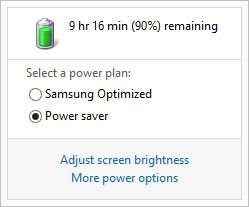
Over 10hrs battery life. (lowest level screen brightness)
Let me make it clear that I’m simply typing here and as soon as I edit an image or move to check the battery drain (I’m using the built-in Perfmon tool) the CPU usage jumps and the power usage goes up but if I just put my head down and type, the average power usage is in the low 5W range. See the graph below.
I admit that this is a rather extreme setup so for the next test I put the screen brightness up a little (to 20% – comfortable for my daylight-lit desk here) and turned Windows Defender and Windows 8 notifications back on – you don’t want to miss those Calendar reminders!
Average usage after typing for ten minutes (in a notepad window, 359 words of typing in 10 minutes) I saw the following battery status.
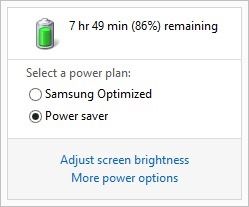
Over 9 hours battery life (20% screen brightness)
That’s 9hrs and 6 minutes of typing on one battery charge according to the battery meter.
The graph from Perfmon (ACPI readings of battery drain) shows the following.
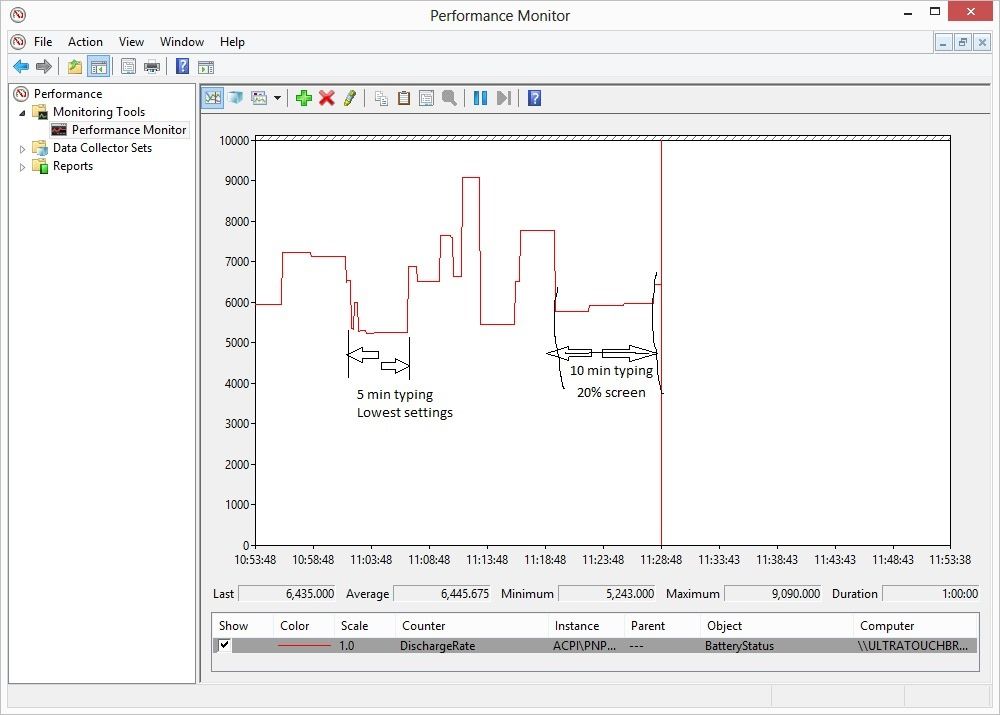
You can see both of my typing tests and the activity in-between as I teak settings, check readings and add images to the article here. The average battery drain over the 30 minute period was 6.4W which equates to 8hrs of battery life. Note that’s it’s important to keep screen backlight levels low for the longest battery life.
20hrs Battery Life Coming with Haswell
One of the key features of Haswell, the next generation Intel Core CPU, is its ability to vastly improve the idle capability of a PC platform. In the case of an Ultrabook we should easily see a 10x power reduction when idle and at least a 2X power reduction under this word processing scenario – possibly more. Do not be surprised to hear me talk of 20hrs+ battery life on the next generation of Ultrabooks. I estimate that the improvements will also increase web browsing battery life by nearly 2X too so expect 10hrs in that scenario and the same improvement in video playback. If you don’t need a new Ultrabook today, or in the next six to nine months, it could be worth the wait.
Get 20hrs Battery Life Today with Clovertrail
If all you need to do is word processing (emails, blogs, simple documents) then you can put Clovertrail Dockables in your list of possible solutions and get 20hrs of typing battery life today. A warning though – I’ve been testing Clovertrail dockables and some of the keyboards are very poor. I’m currently testing a Samsung ATIV which has a nice keyboard (the same as on this Series 5) but there’s little issue you should read about before you buy. It’s also important to remember that you can’t rely on a Clovertrail PC as a desktop. The CPU power simply isn’t there.
Ultrabooks are efficient, high-power laptops – HDR laptops – and with care and a good choice of efficient product you can get 10hrs of typing done on one charge, today. A can recommend the Samsung Series 5 as one of the better word processing solutions.